
Framer
Framer is a visual website builder: design, CMS, hosting, localisation and publishing in one product, so a marketing team can edit and ship pages without a developer. It is the platform we build most client sites on. Here is everything we have written about it, from setup and SEO to new features and comparisons.

Posts
45 posts
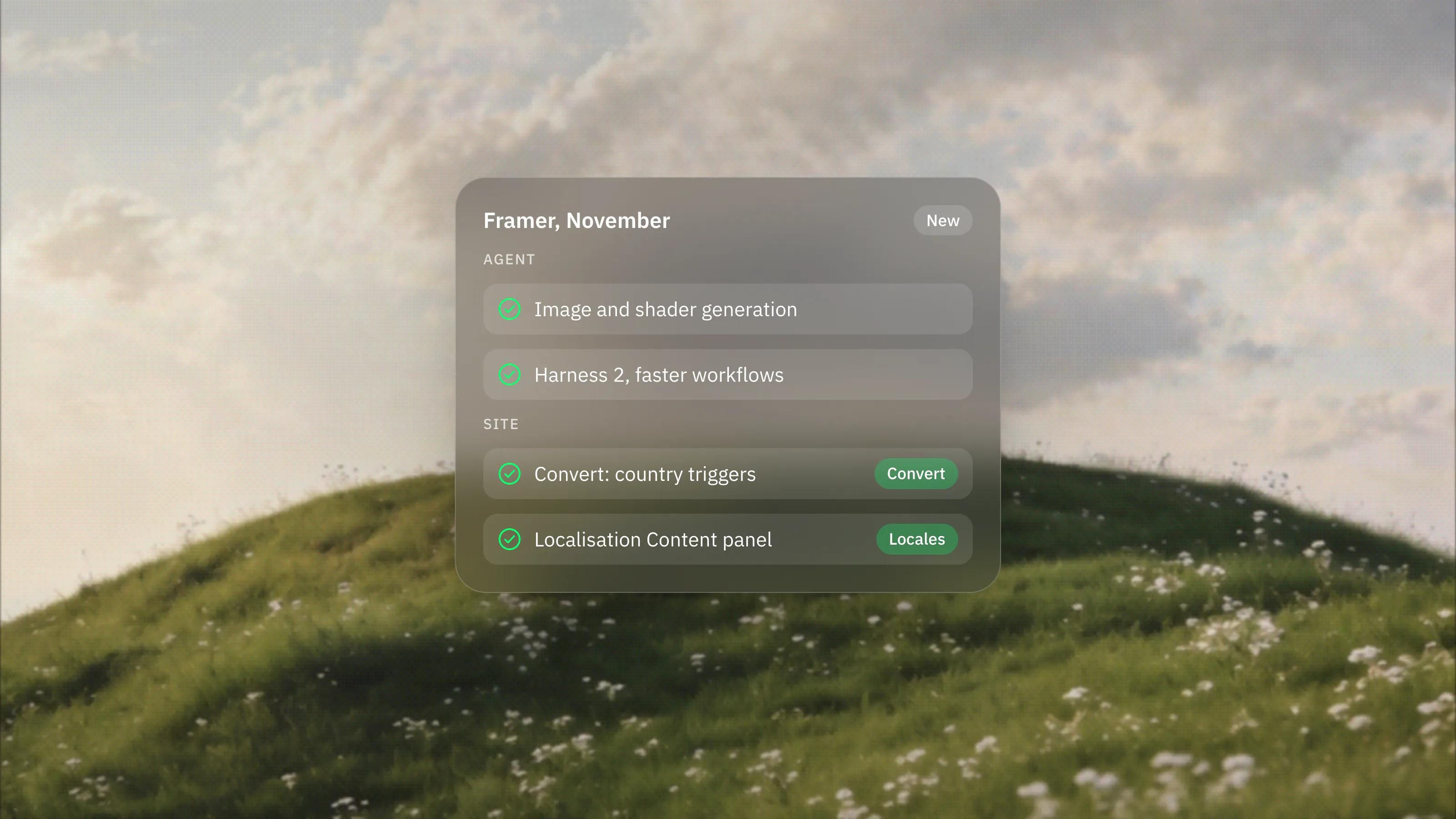
What's New in Framer: November 2026 Updates Explained
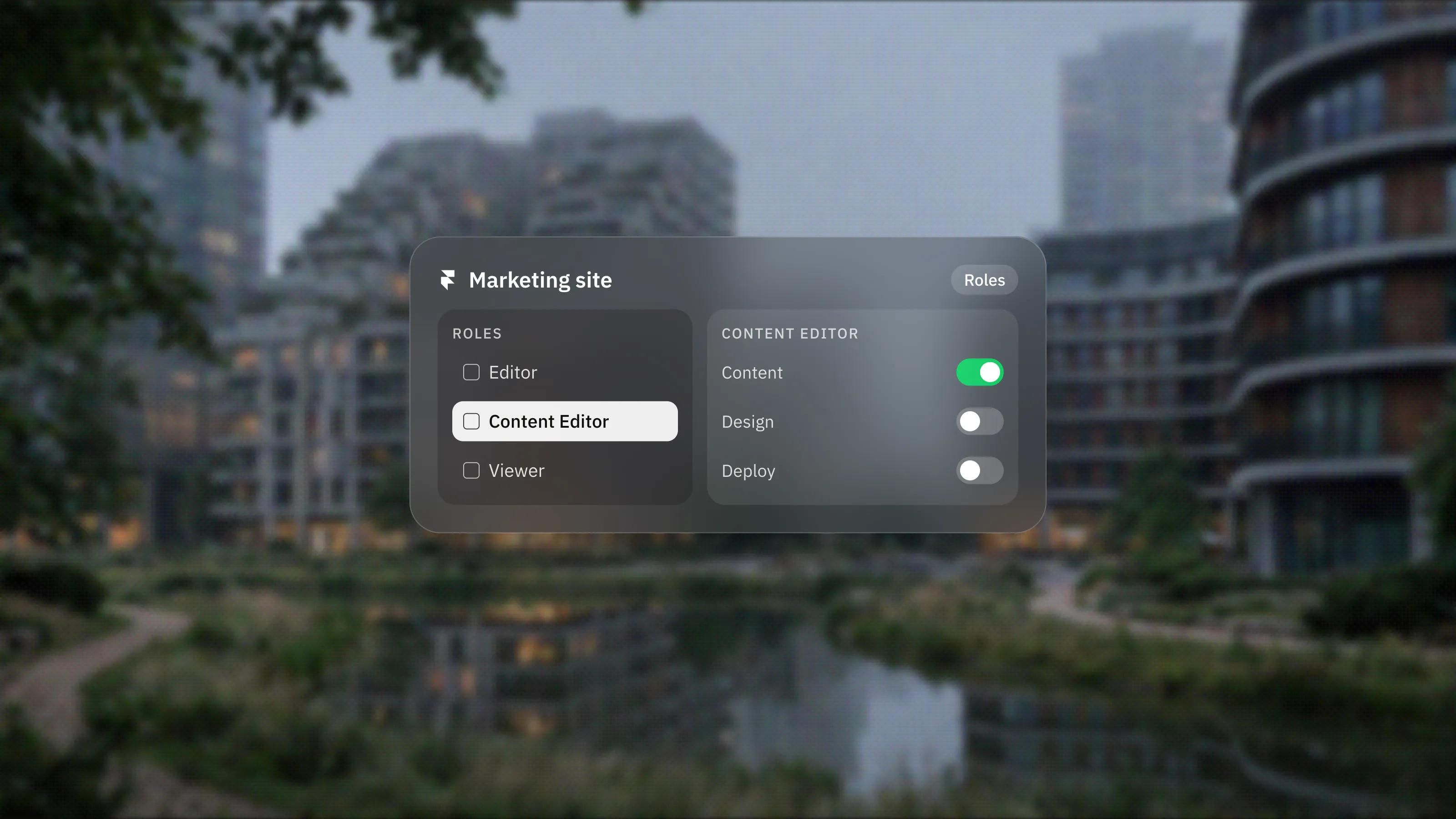
Can Your Marketing Team Edit a Framer Site Without a Developer?
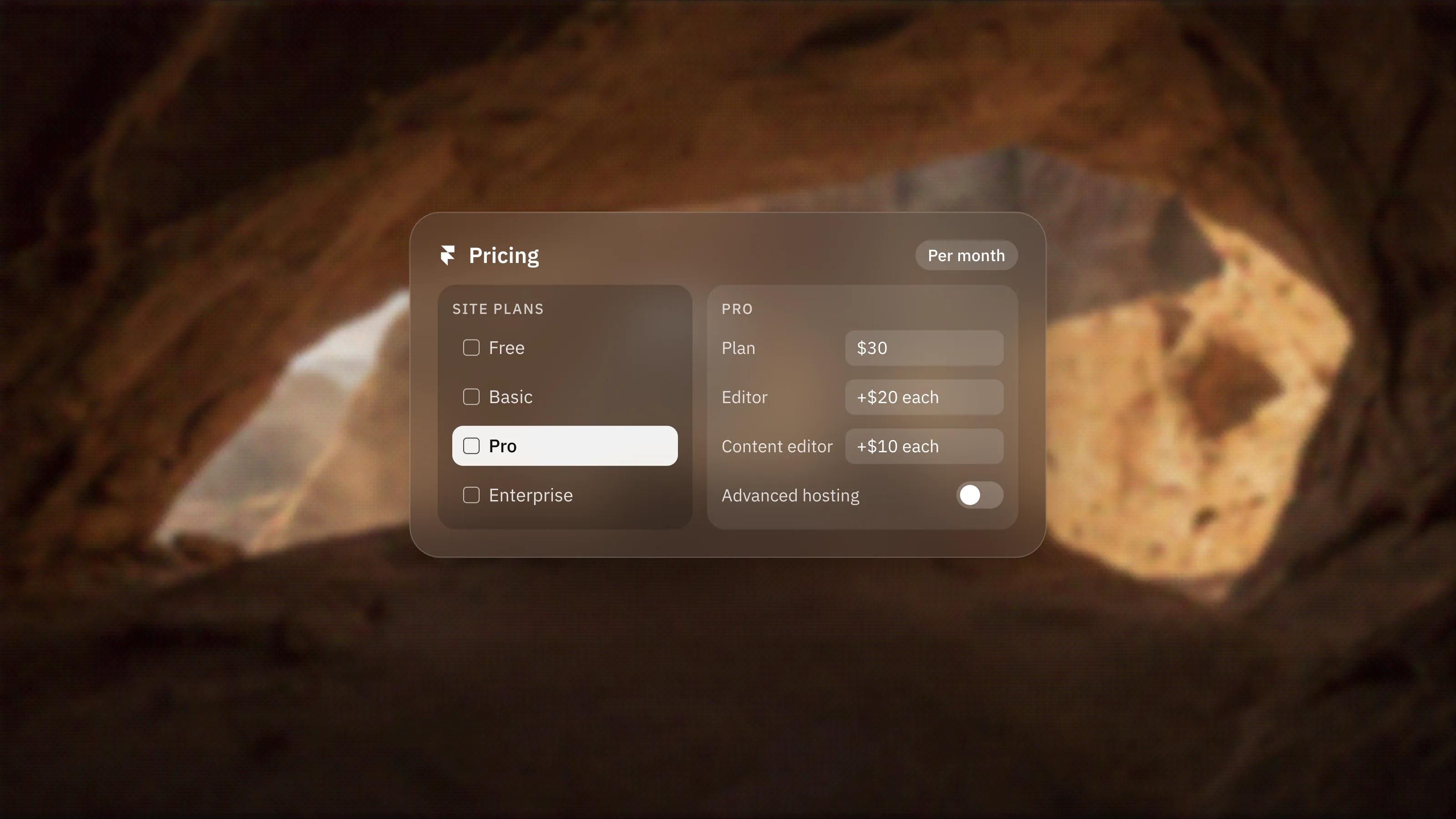
Framer Pricing Explained: Site Plans, Add-ons and What You Actually Pay
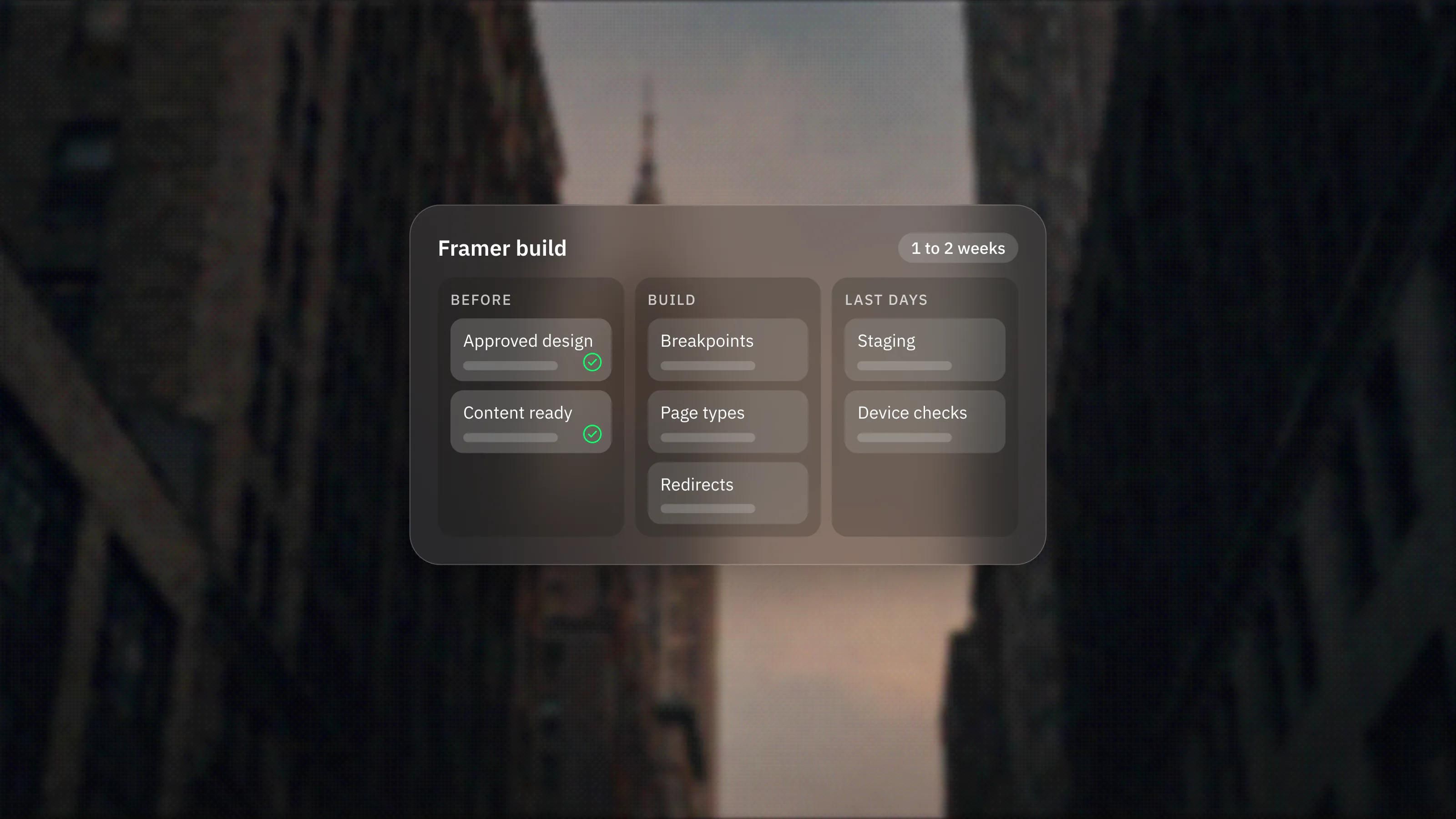
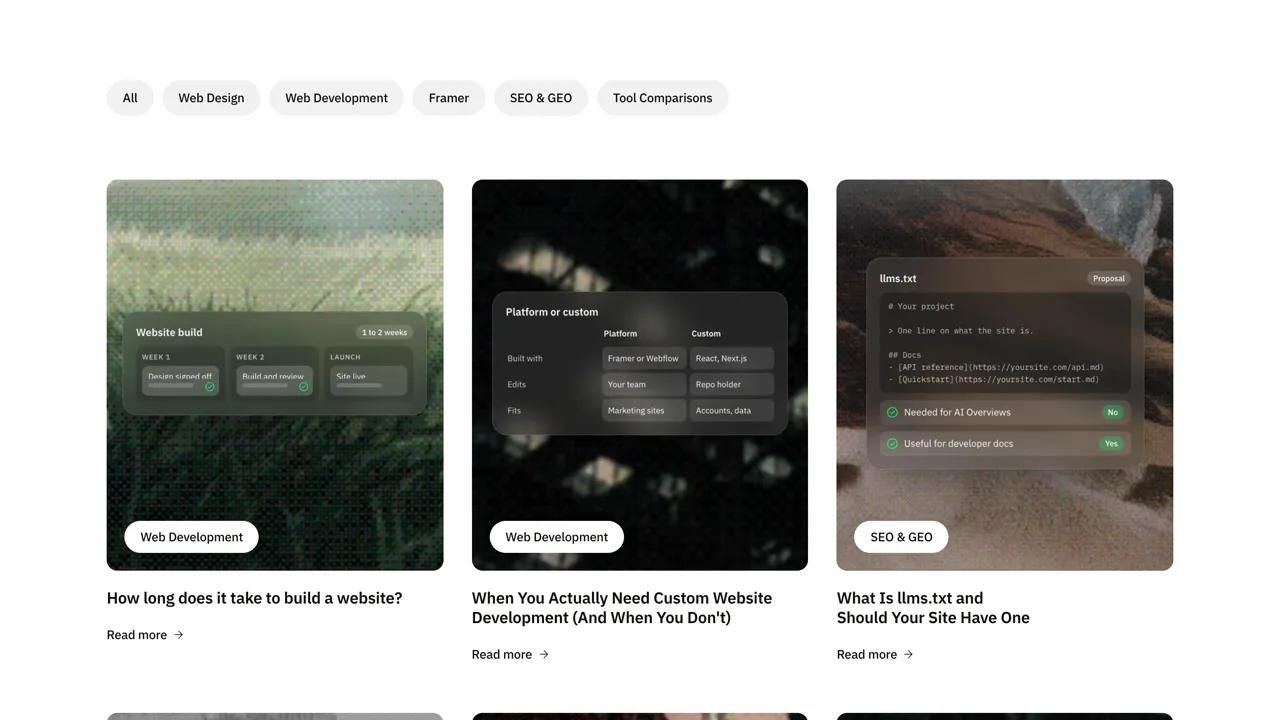
How Long Does It Take to Build a Framer Website?
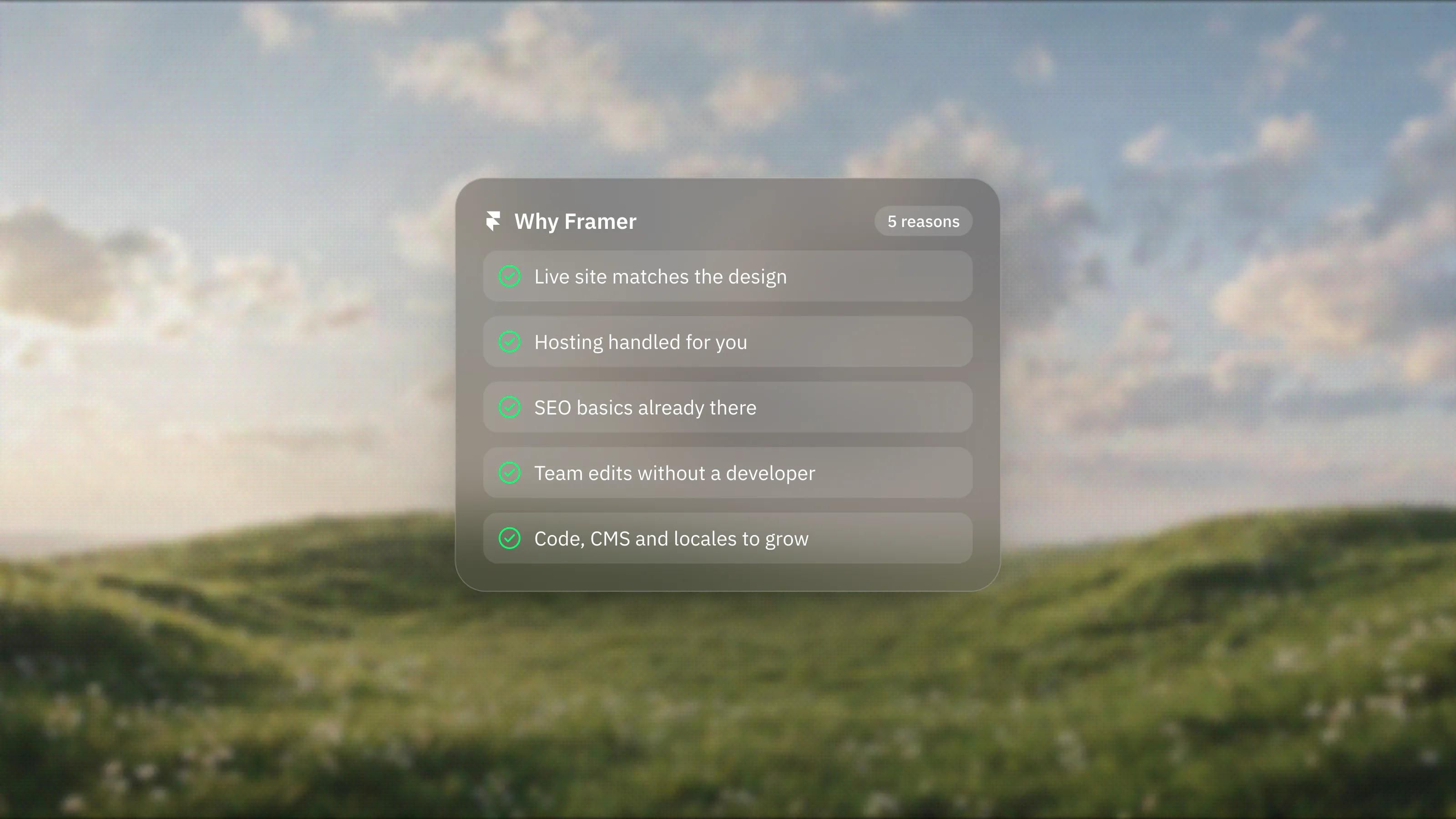
5 Reasons to Choose Framer for Your Website
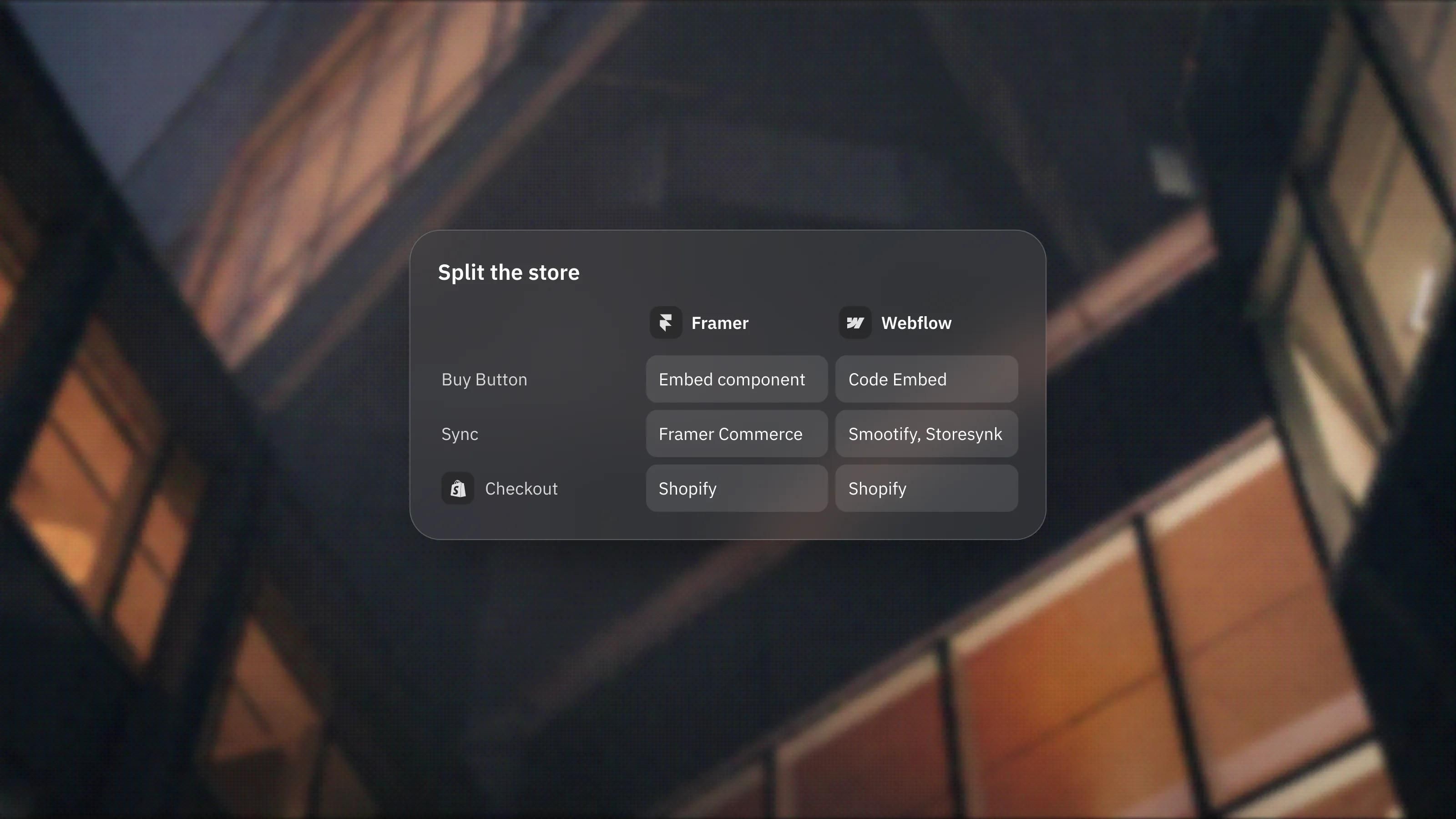
Shopify With a Framer or Webflow Brand Site: When to Split the Store From the Website
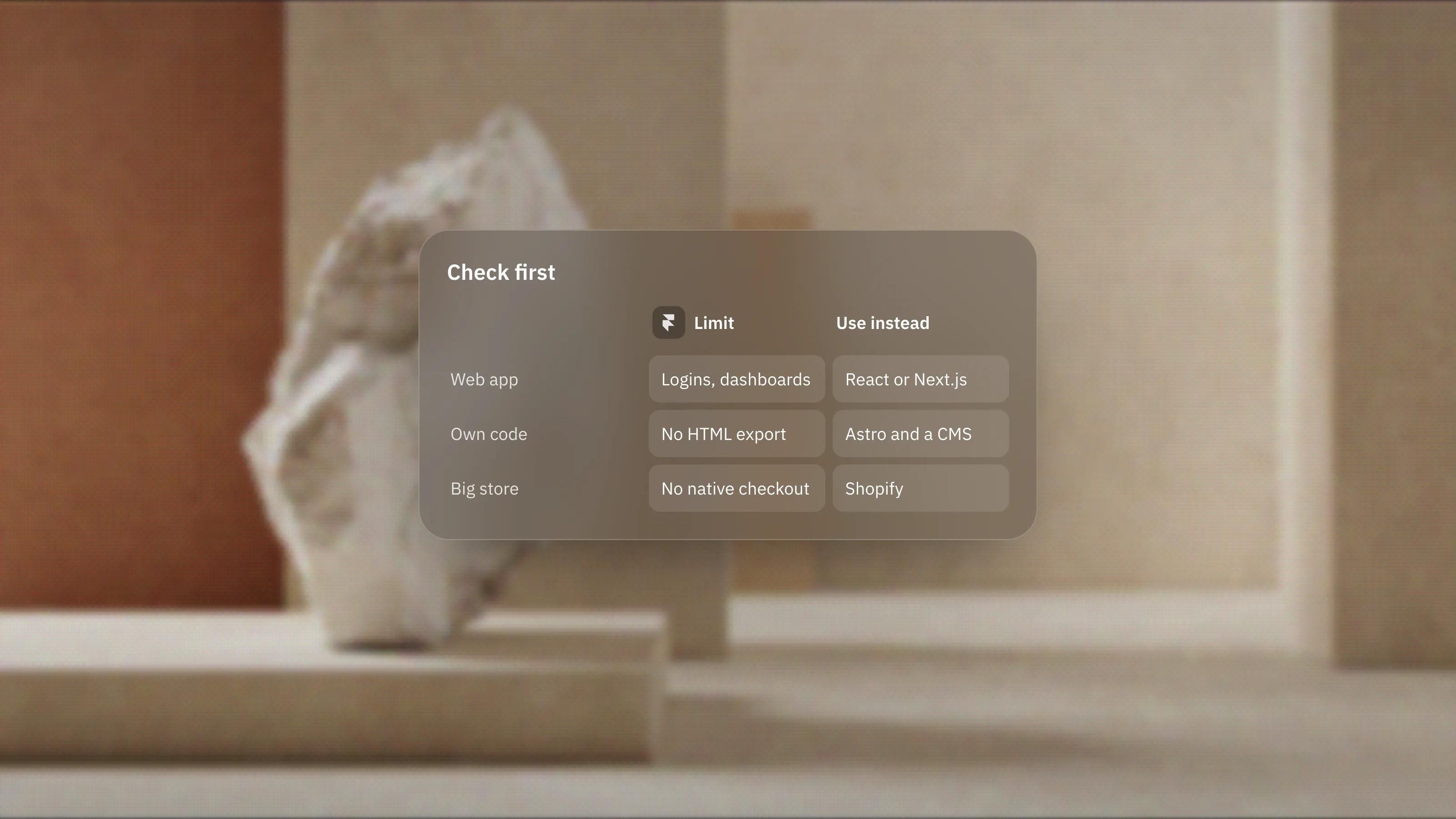
When Framer Is Not the Right Choice: The Limits to Check First
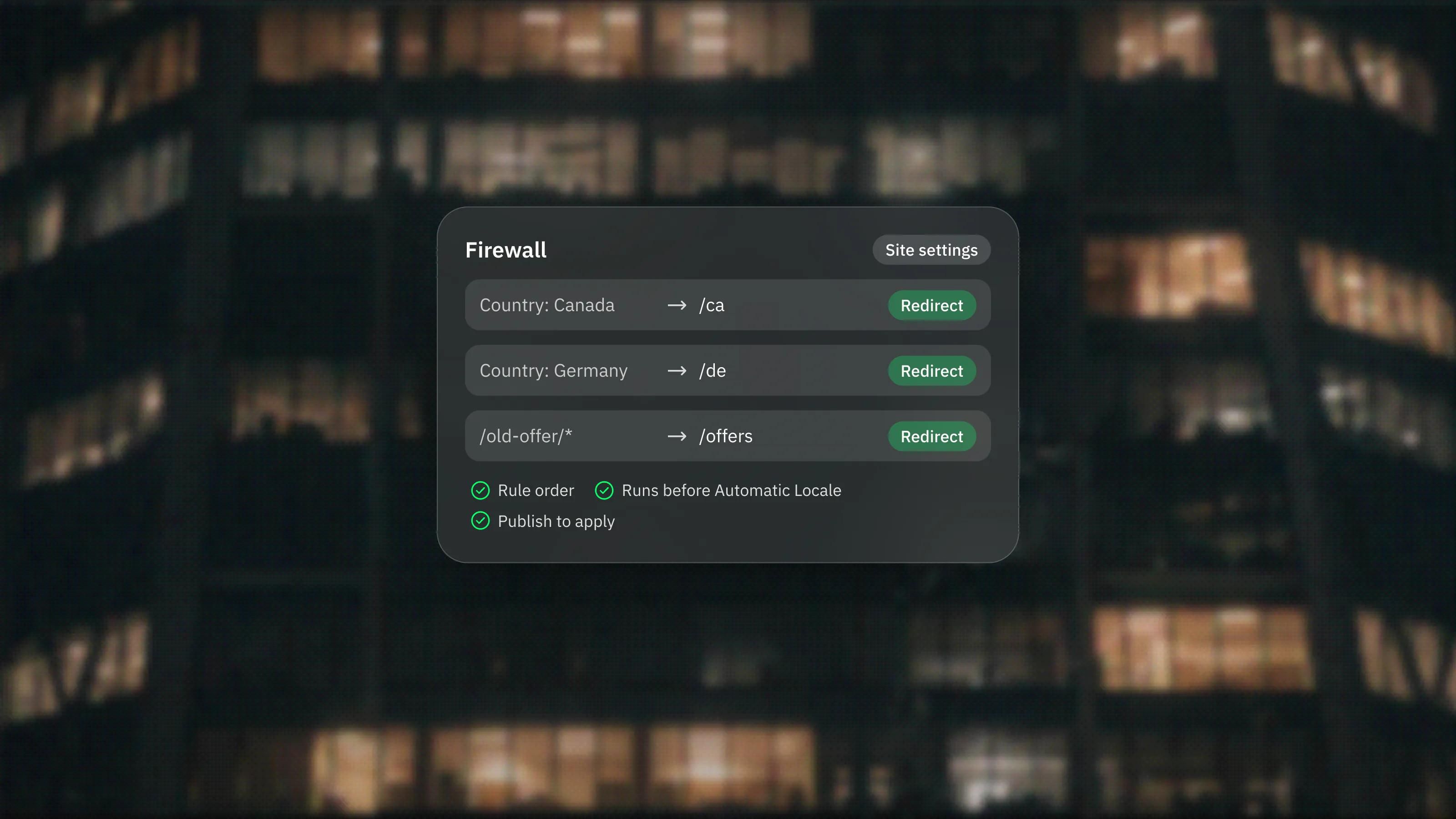
Framer Firewall: Redirect or Block Visitors by Country and Path
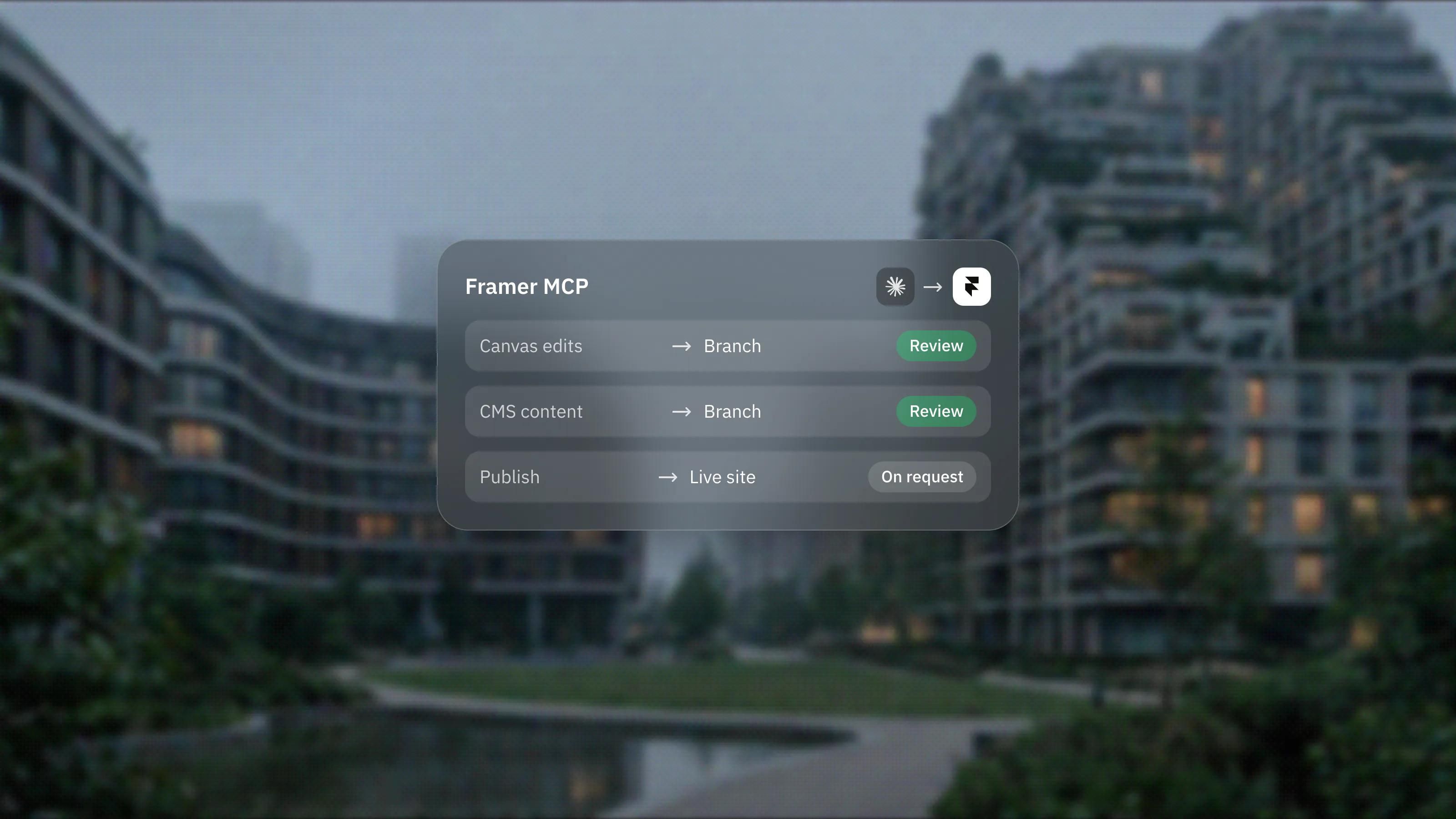
Framer MCP and Skills: Using Your Own AI Tools on a Framer Site
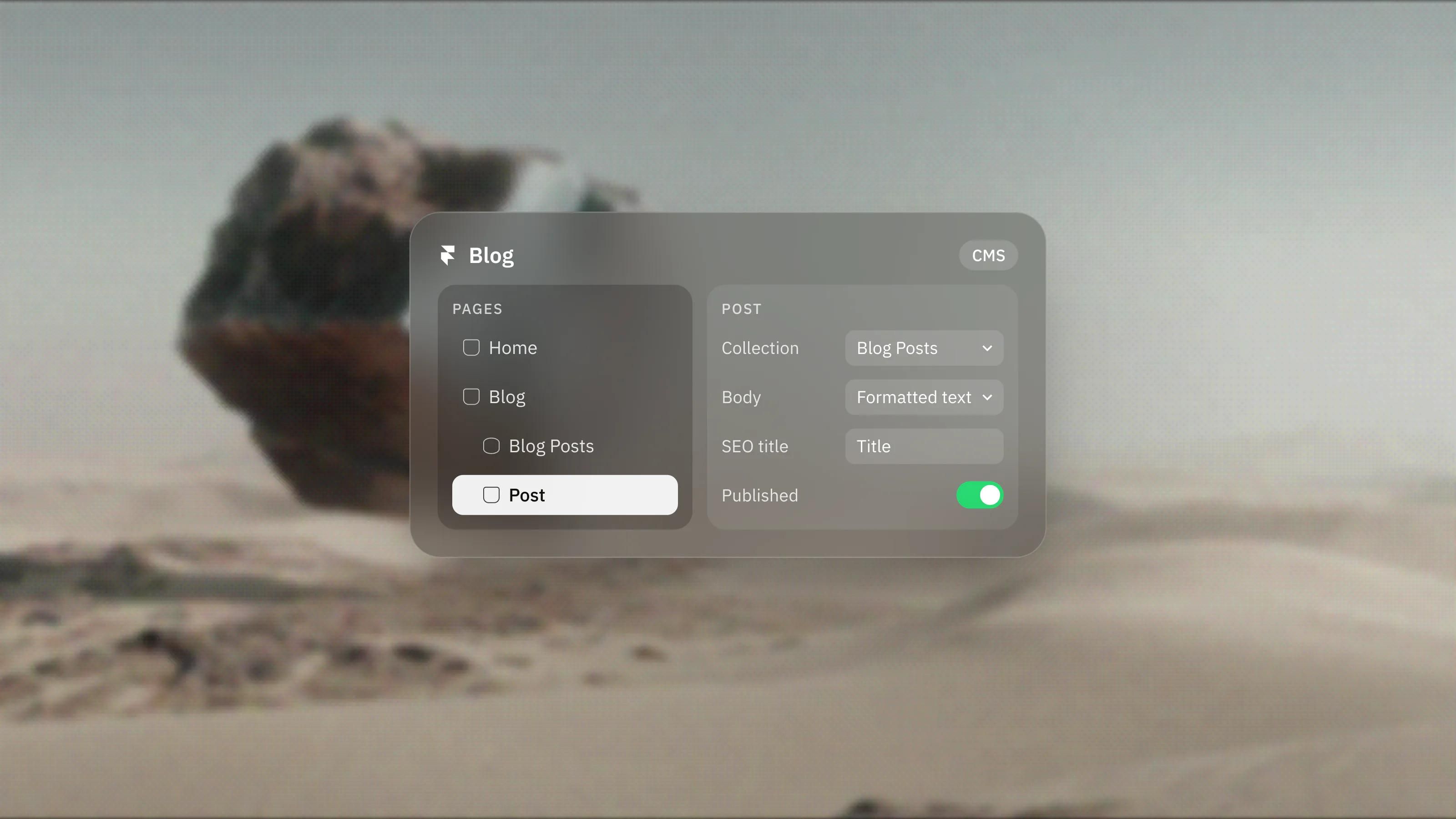
How to Add a Blog to Your Framer Site
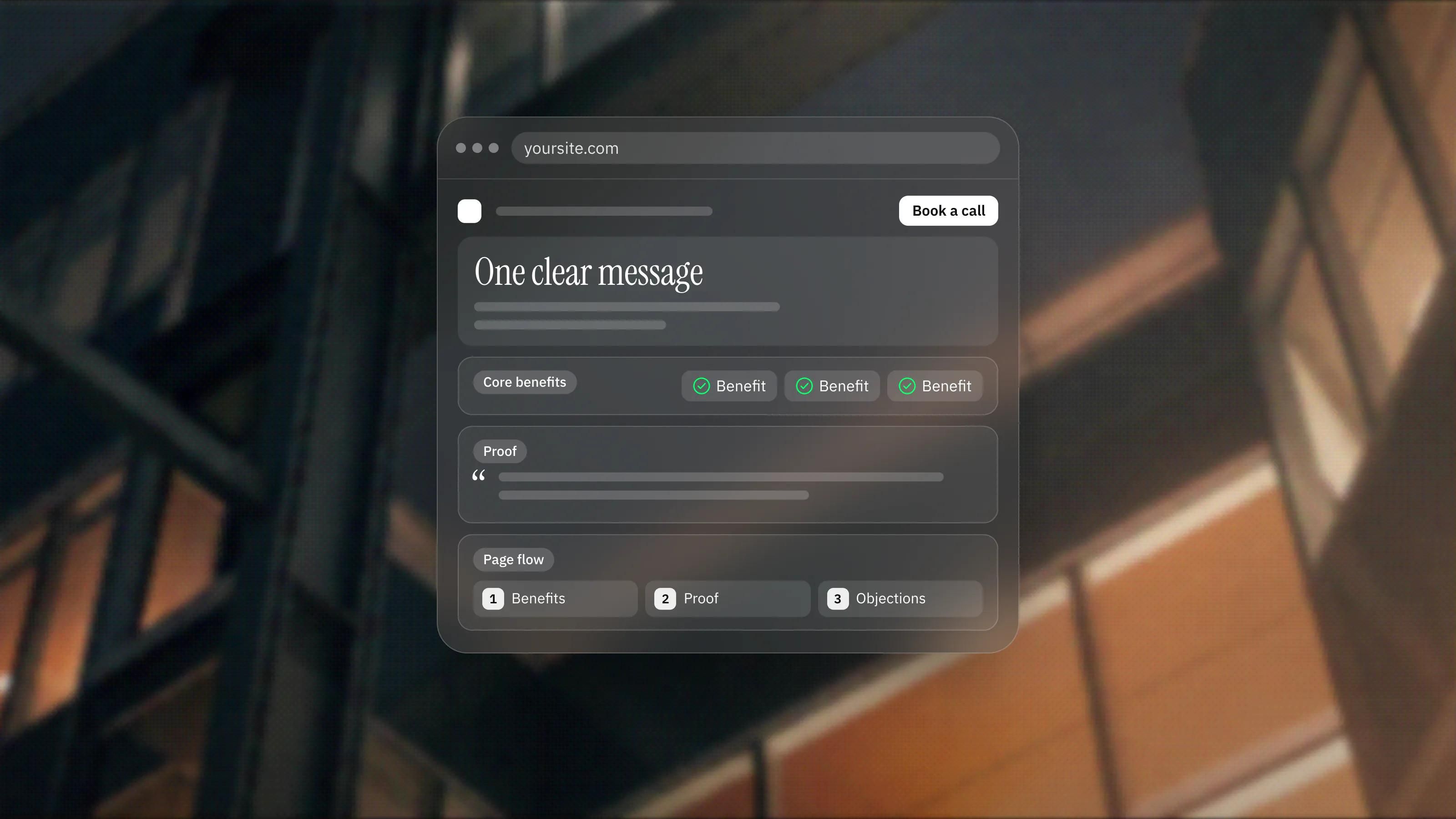
How to Build a High-Converting Framer Landing Page
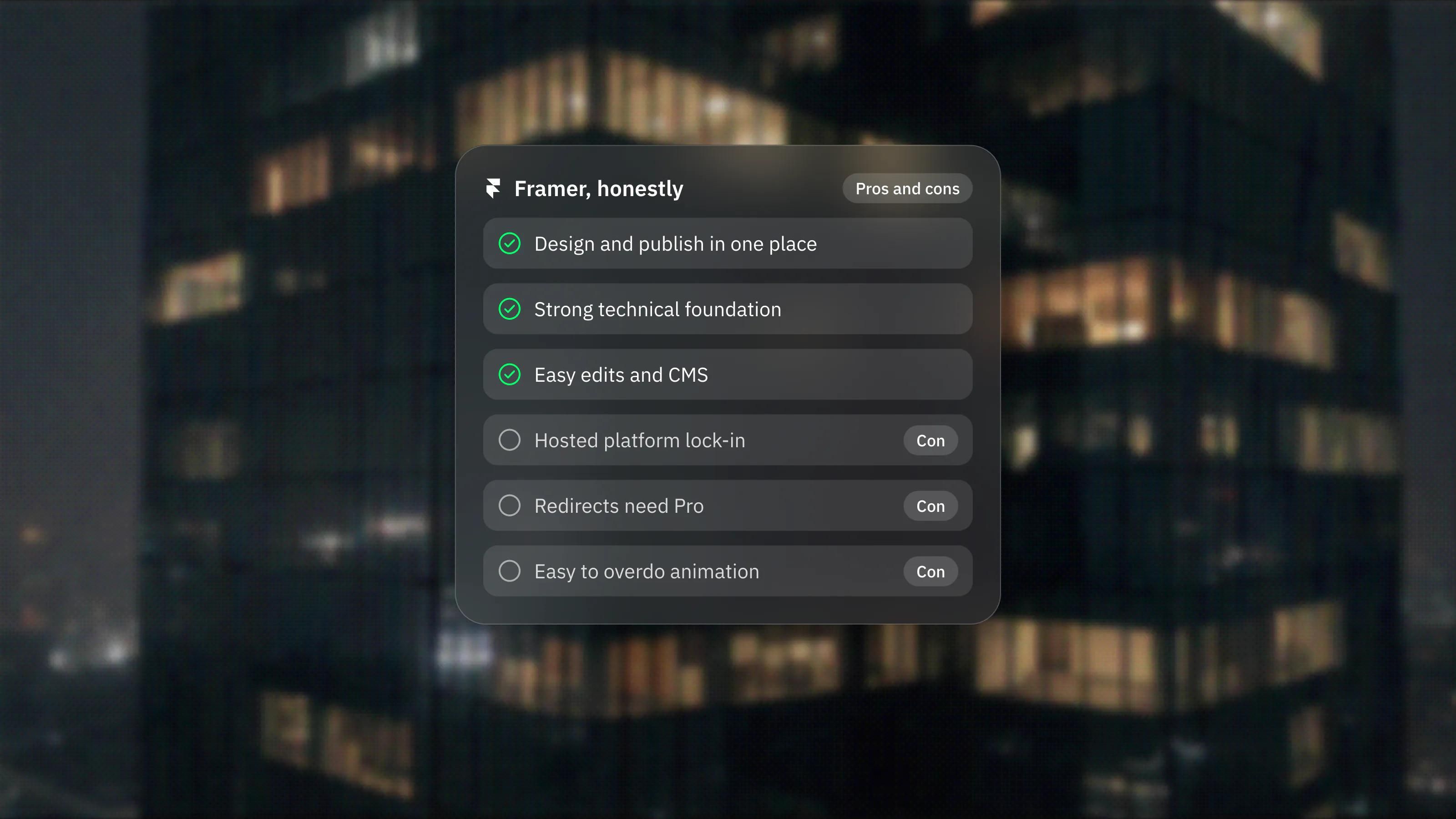
The Real Pros and Cons of Building on Framer
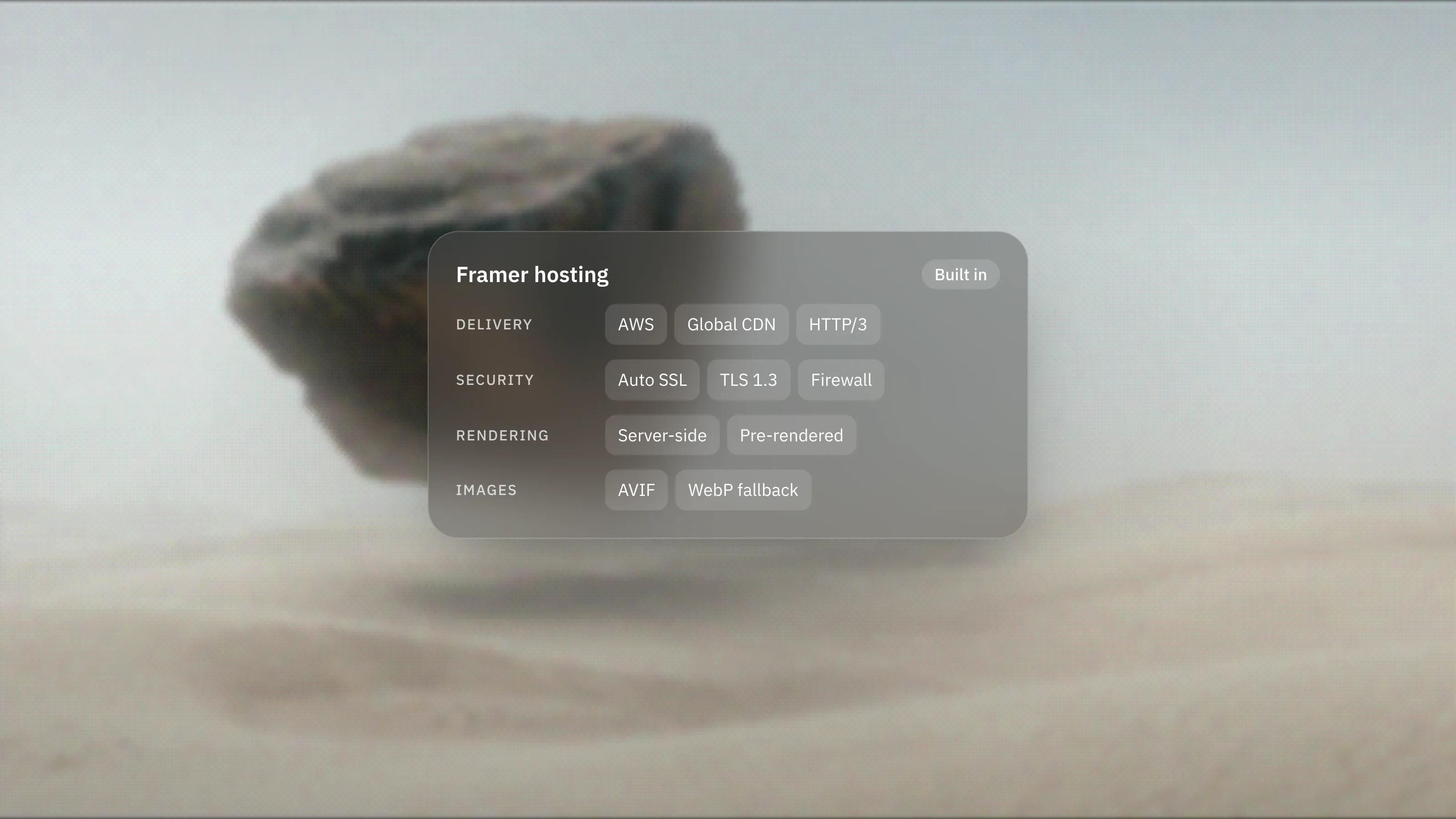
Framer Hosting and Performance: What Is Under the Hood
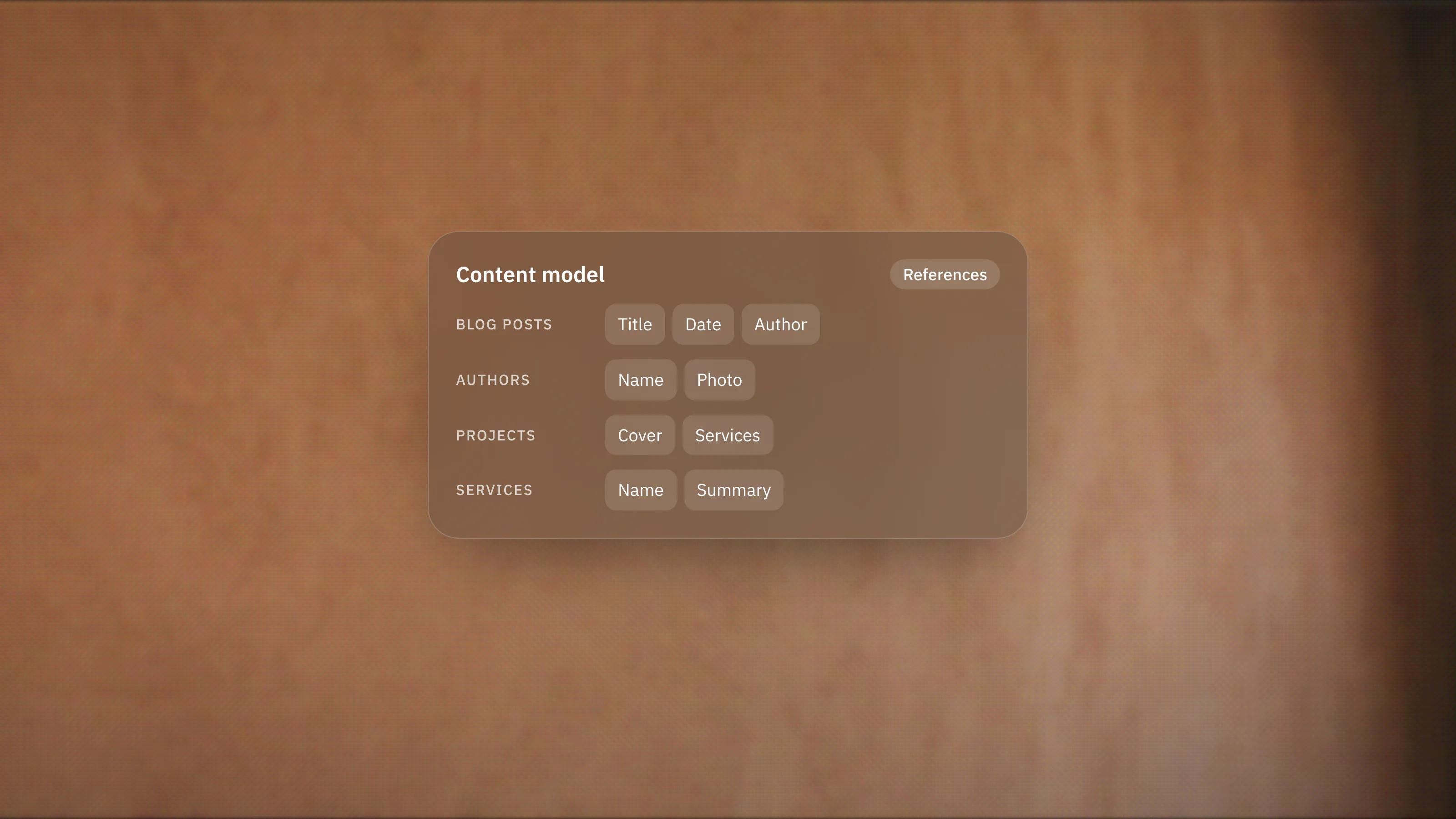
Framer CMS Explained: Structuring Content That Scales
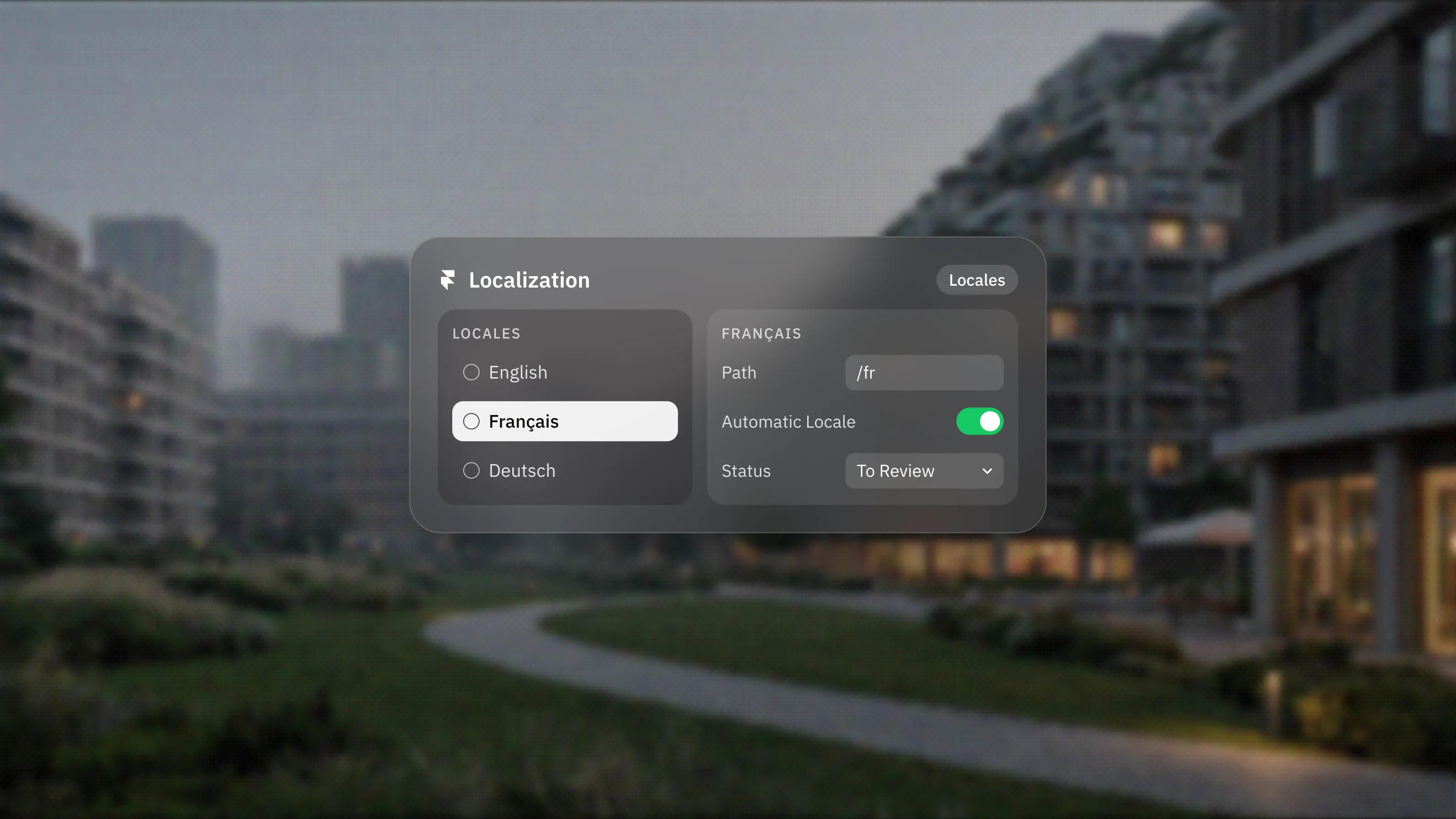
Building Multilingual Sites in Framer
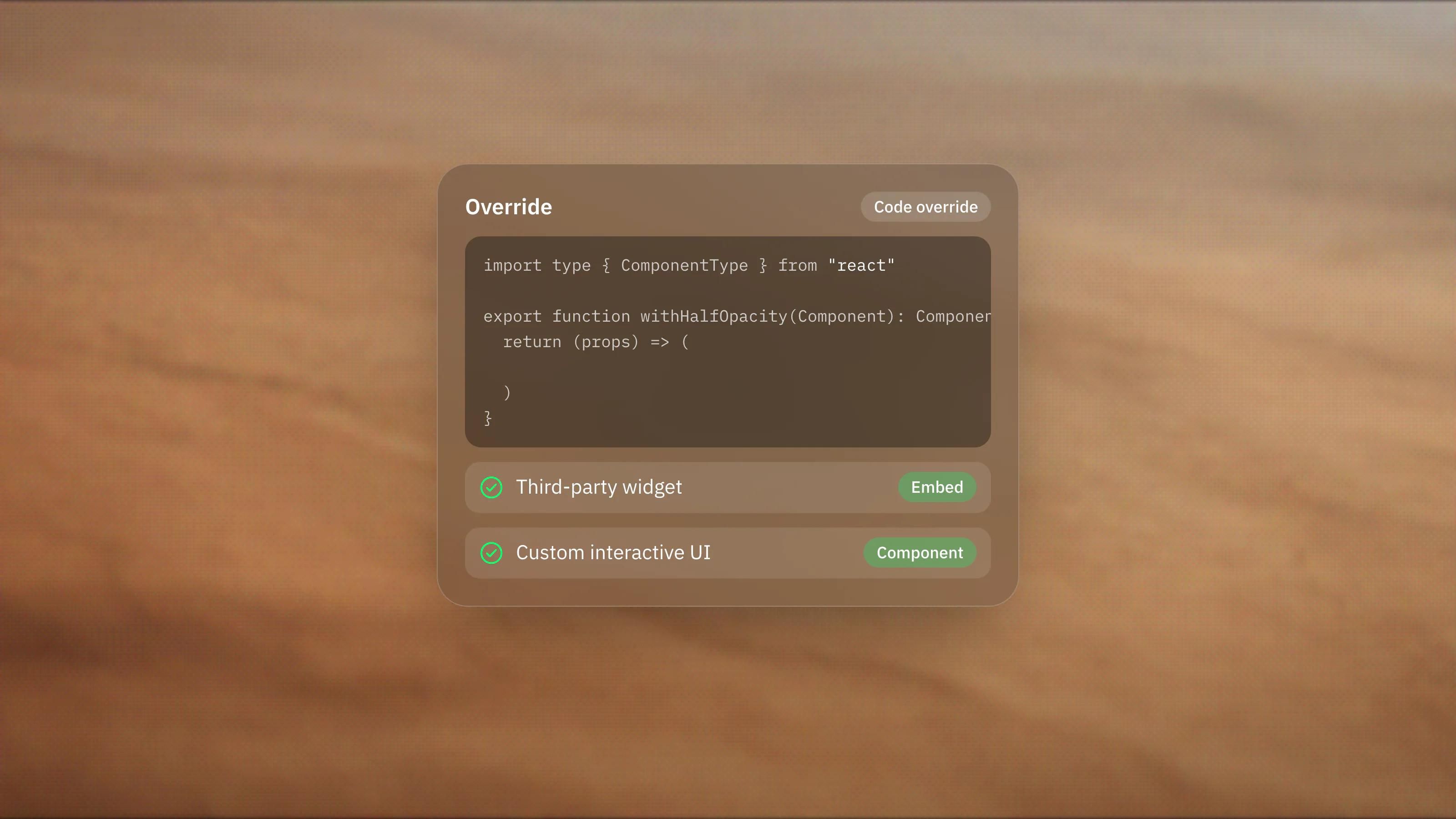
Adding Custom Code to Framer: When You Actually Need It
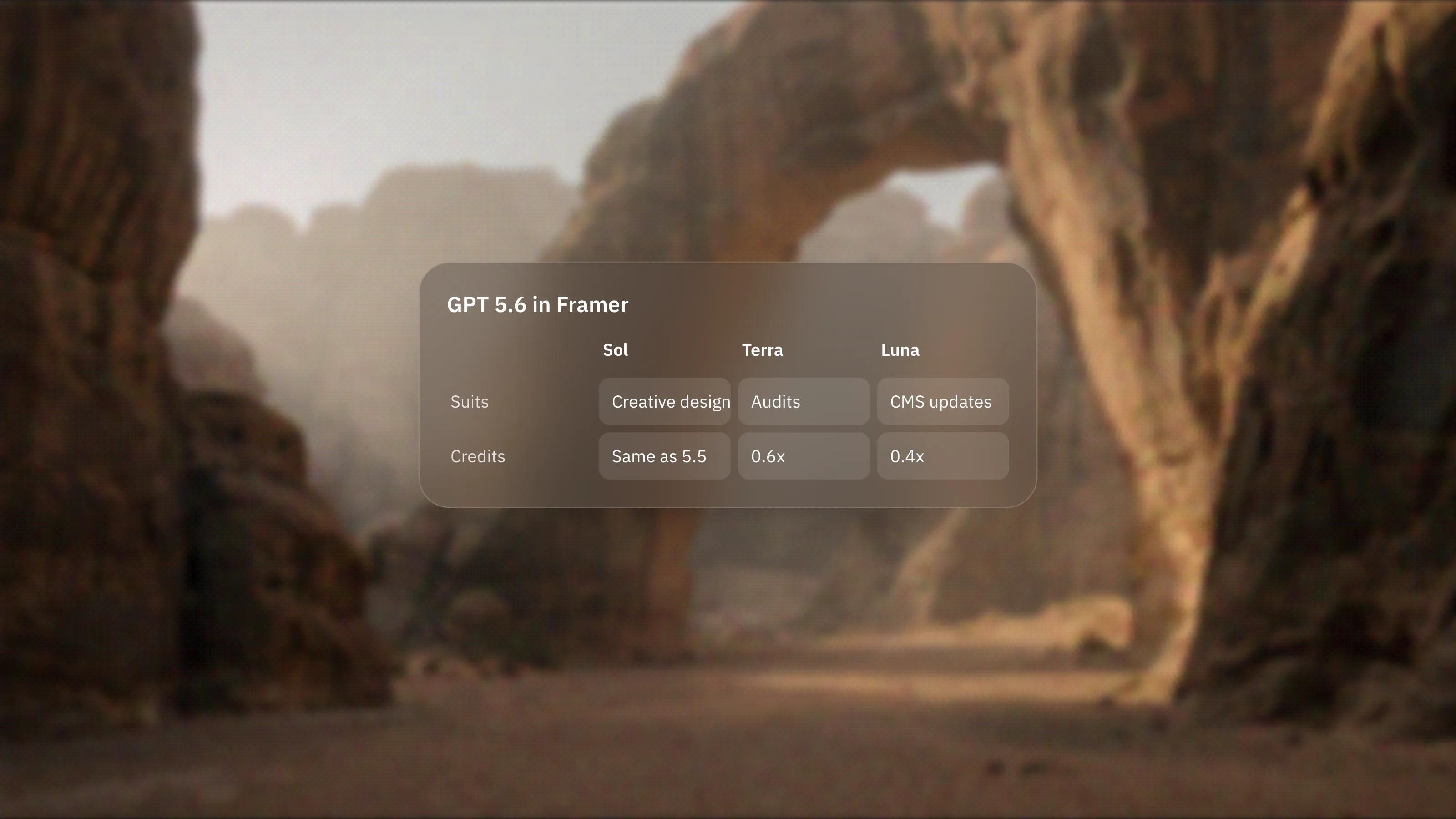
Framer's Faster, Cheaper AI Models, Explained
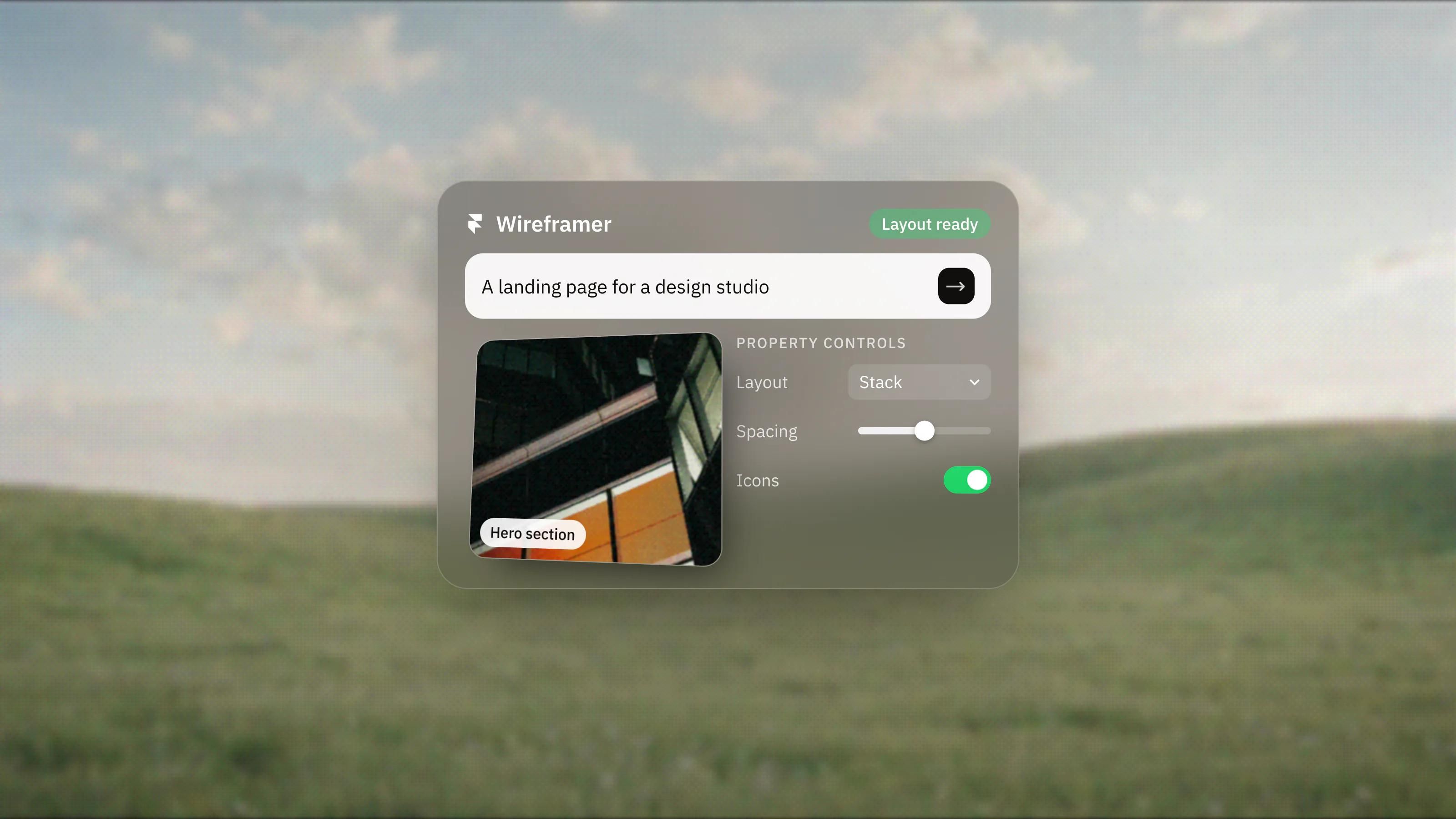
Framer Wireframer: Skip the Blank Canvas
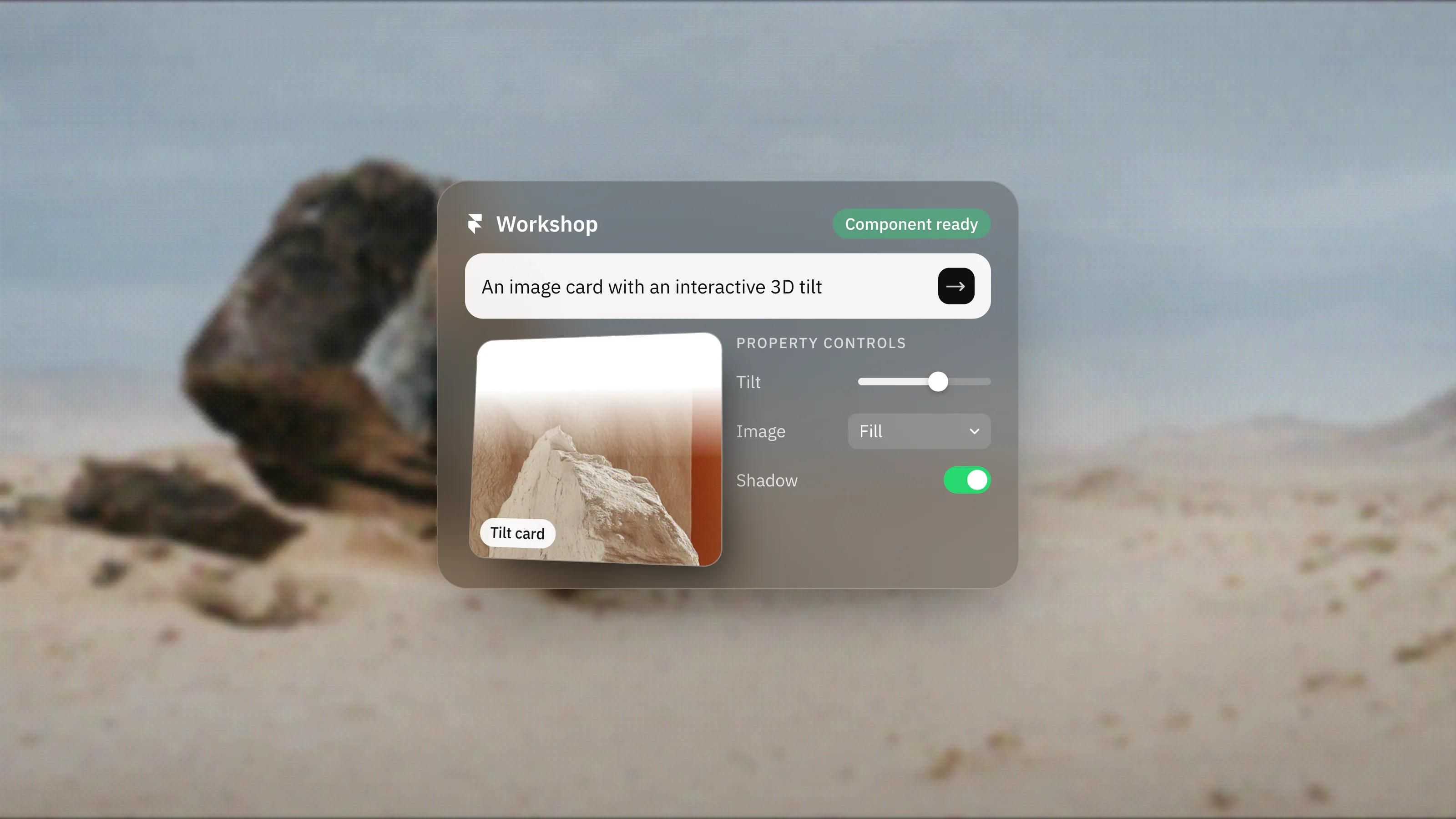
Framer Workshop: Build Components by Describing Them
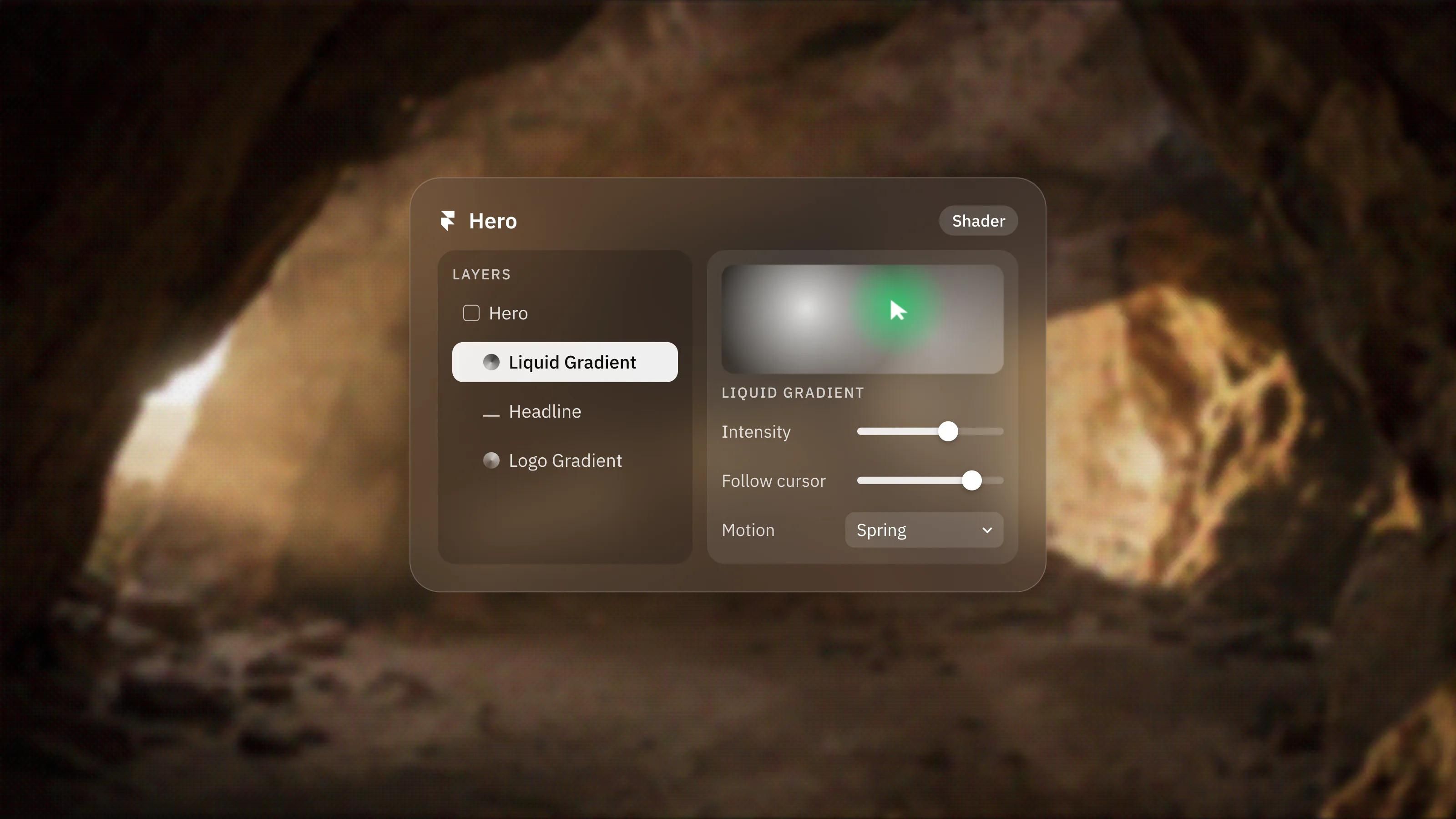
Framer's Interactive Shaders, Explained
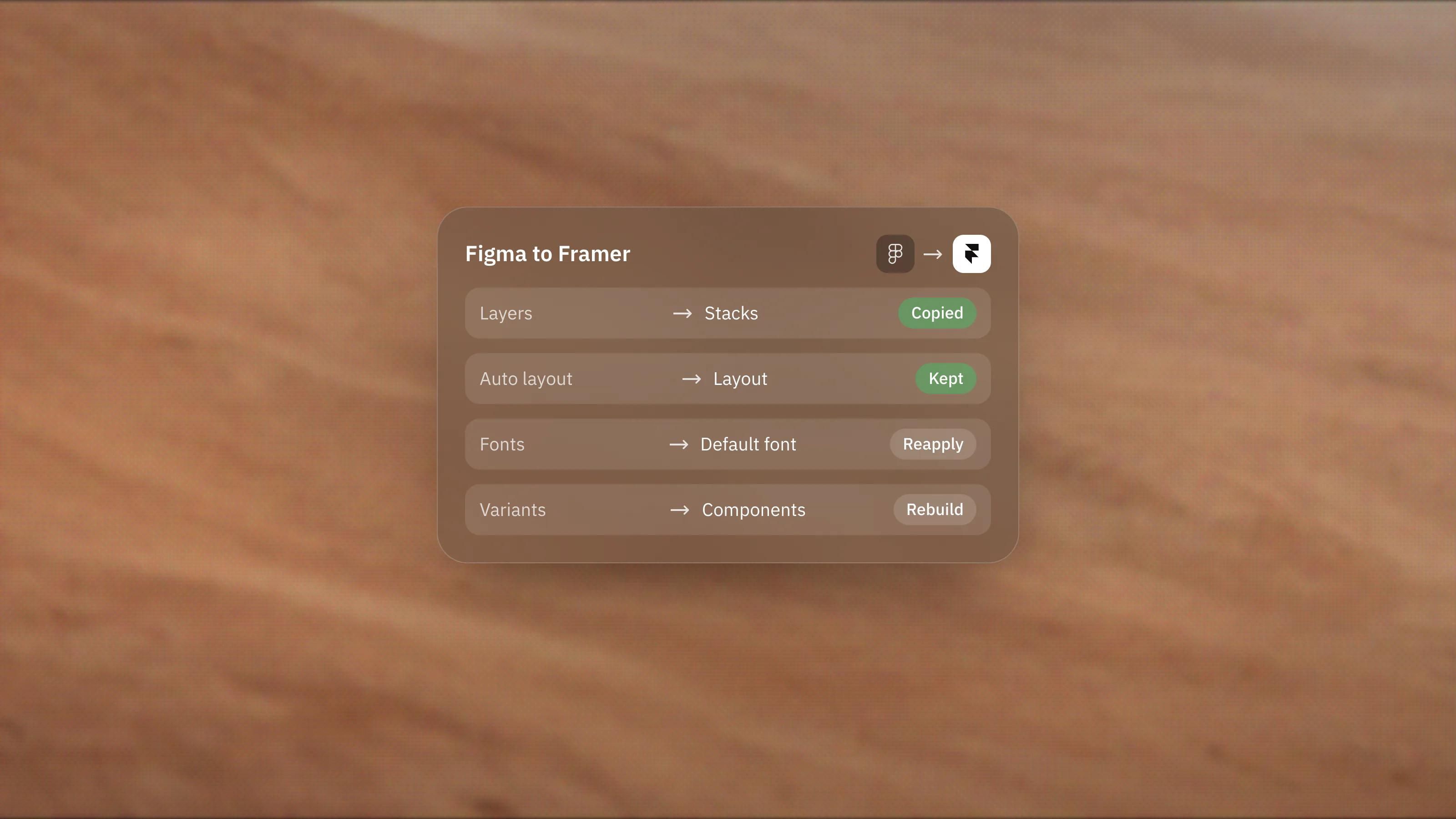
The Figma to Framer Plugin: What It Does and Its Limits
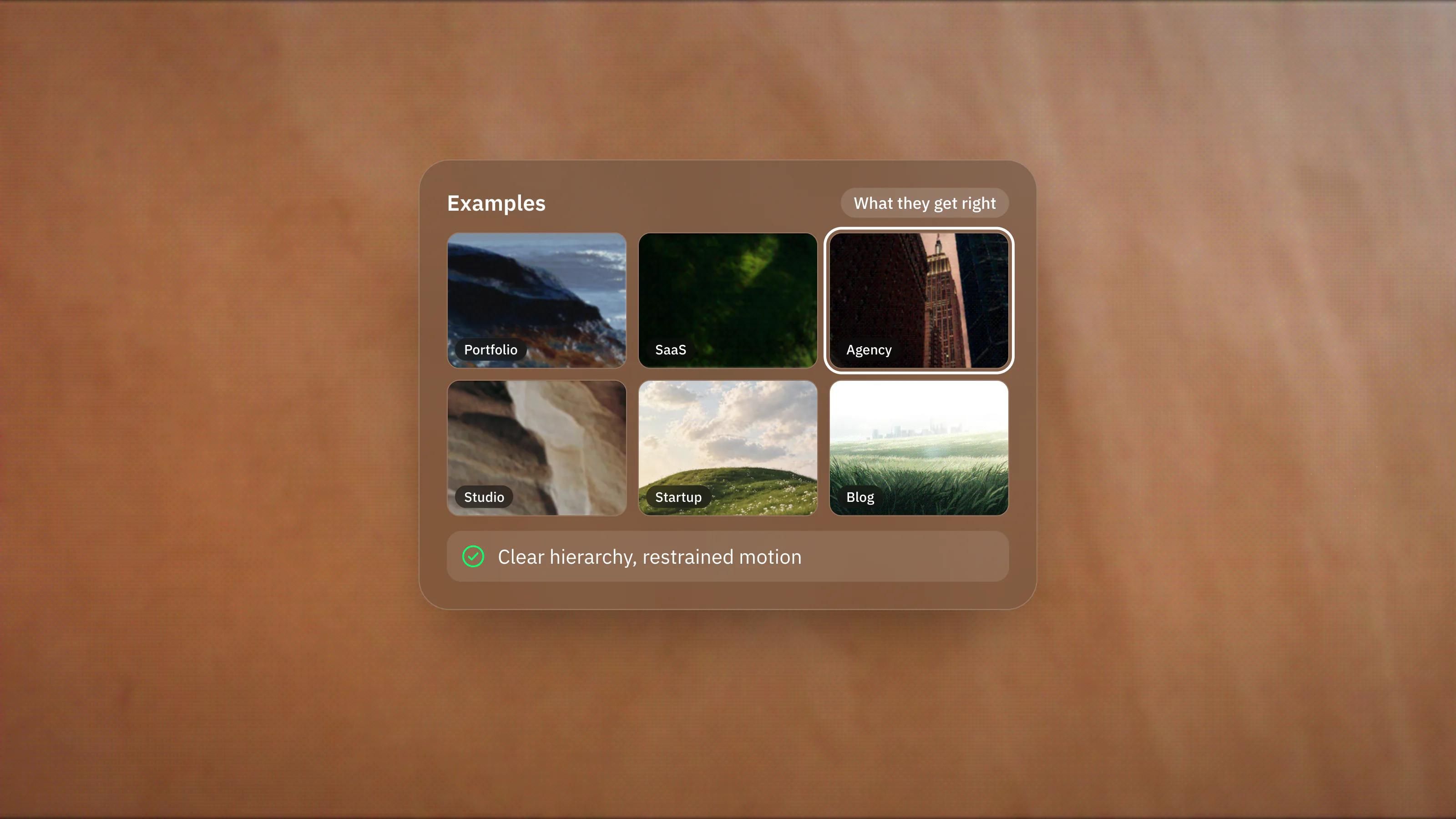
Real Framer Website Examples and What They Get Right
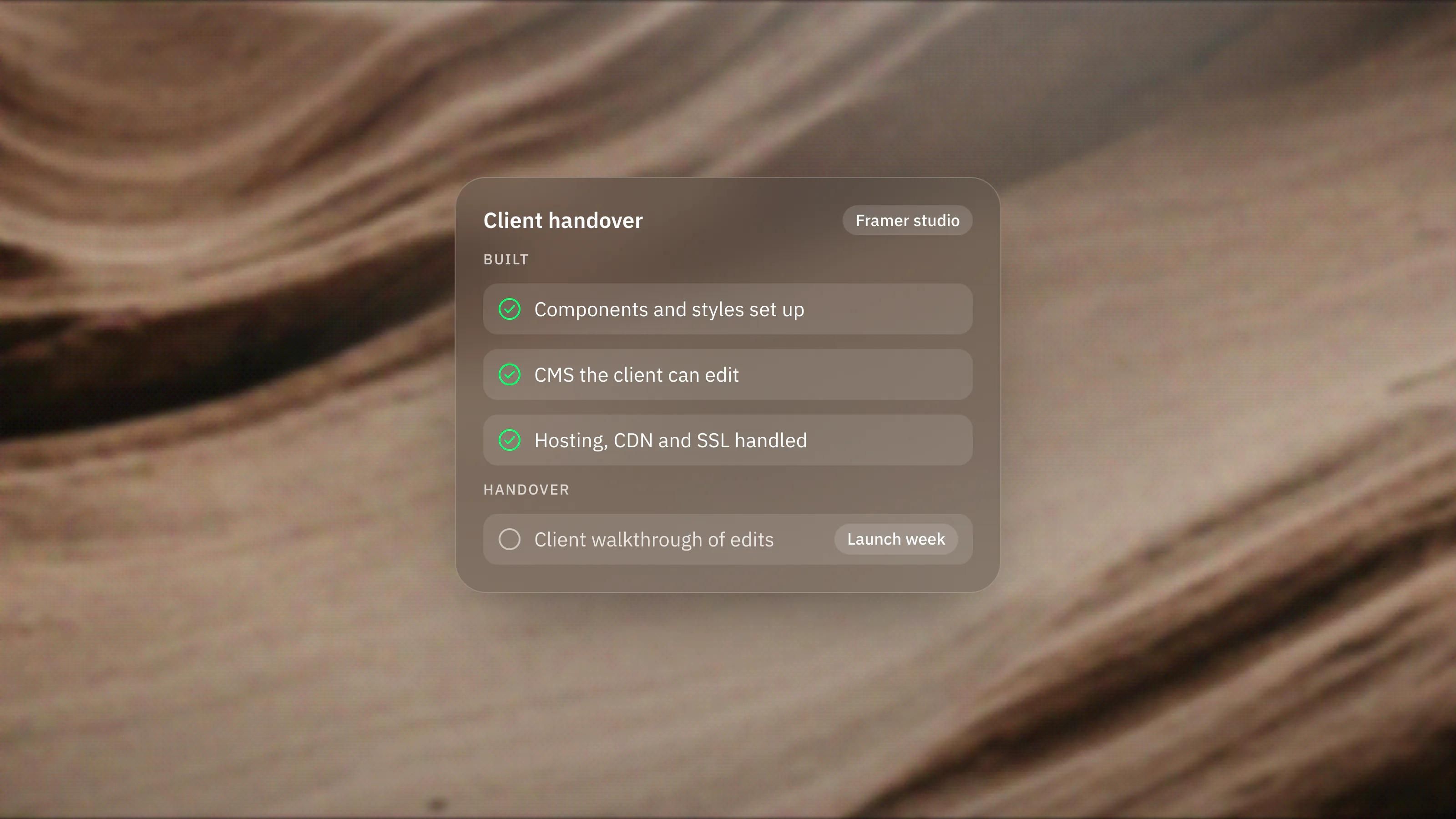
Framer for Agencies and Studios: The Case for It

Framer for Startups: Why Fast-Moving Teams Pick It
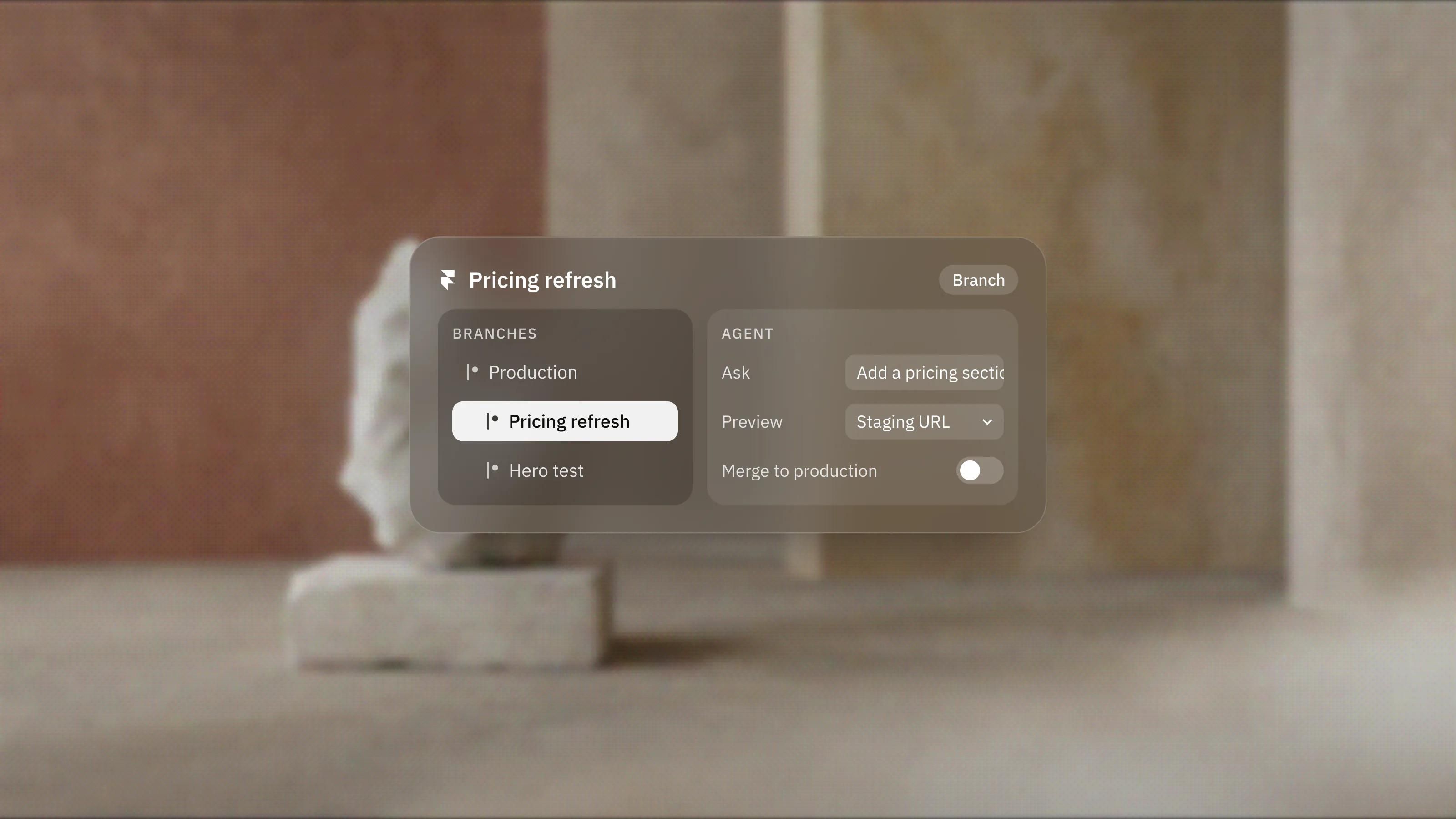
Framer's AI Agents and Branching, Explained
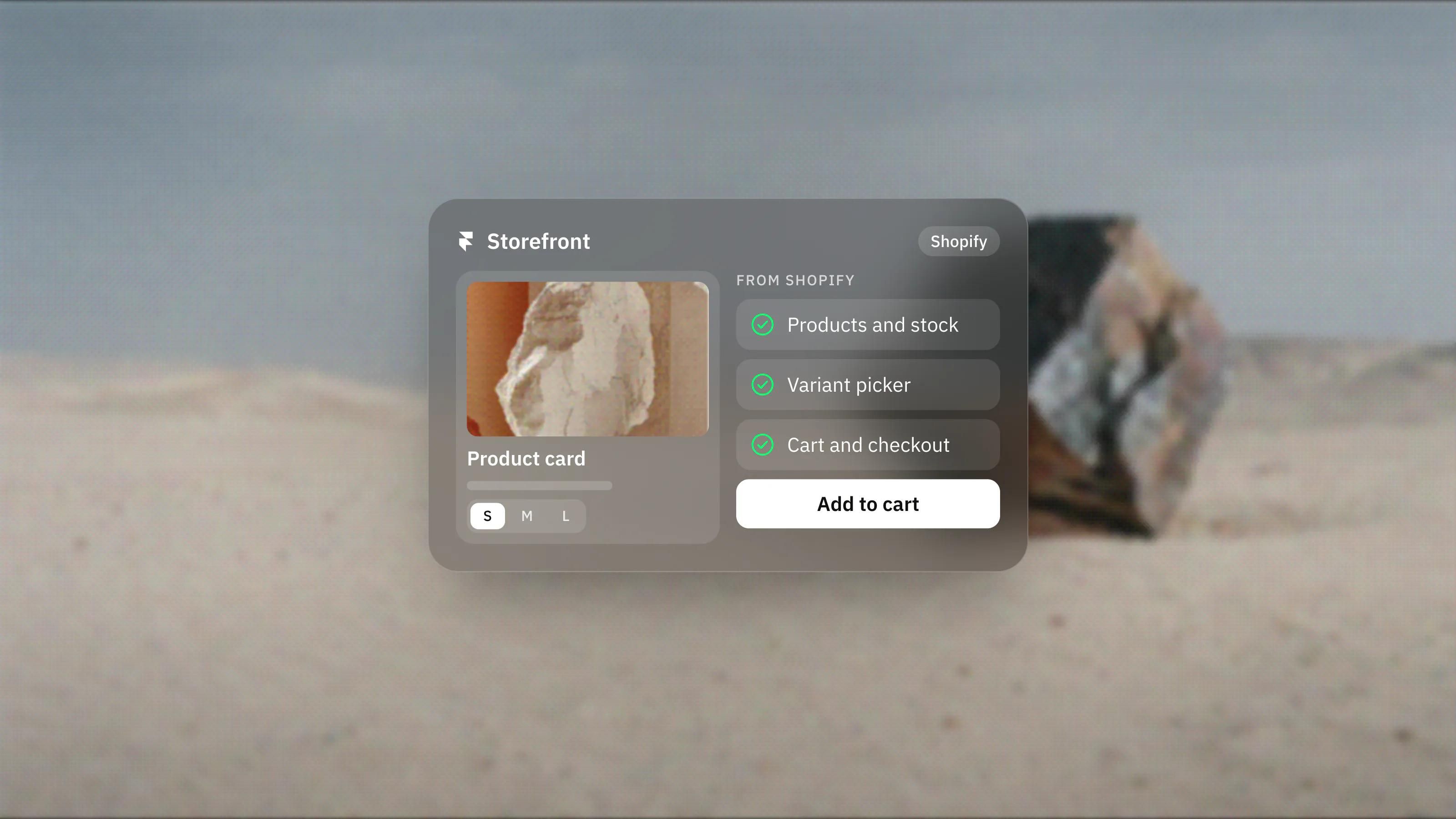
Selling on Framer: How Ecommerce Actually Works
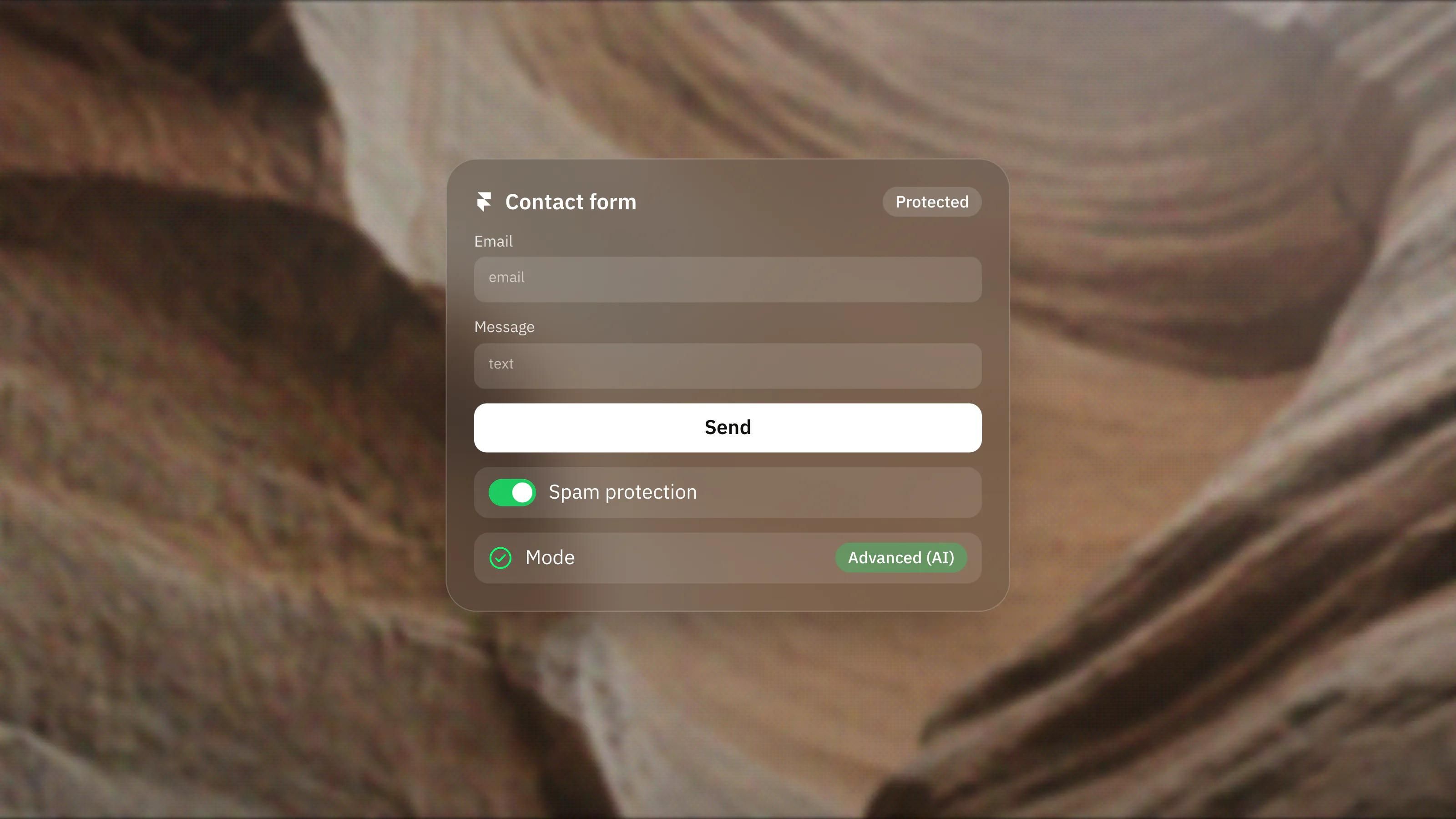
Framer Forms Antispam, Explained
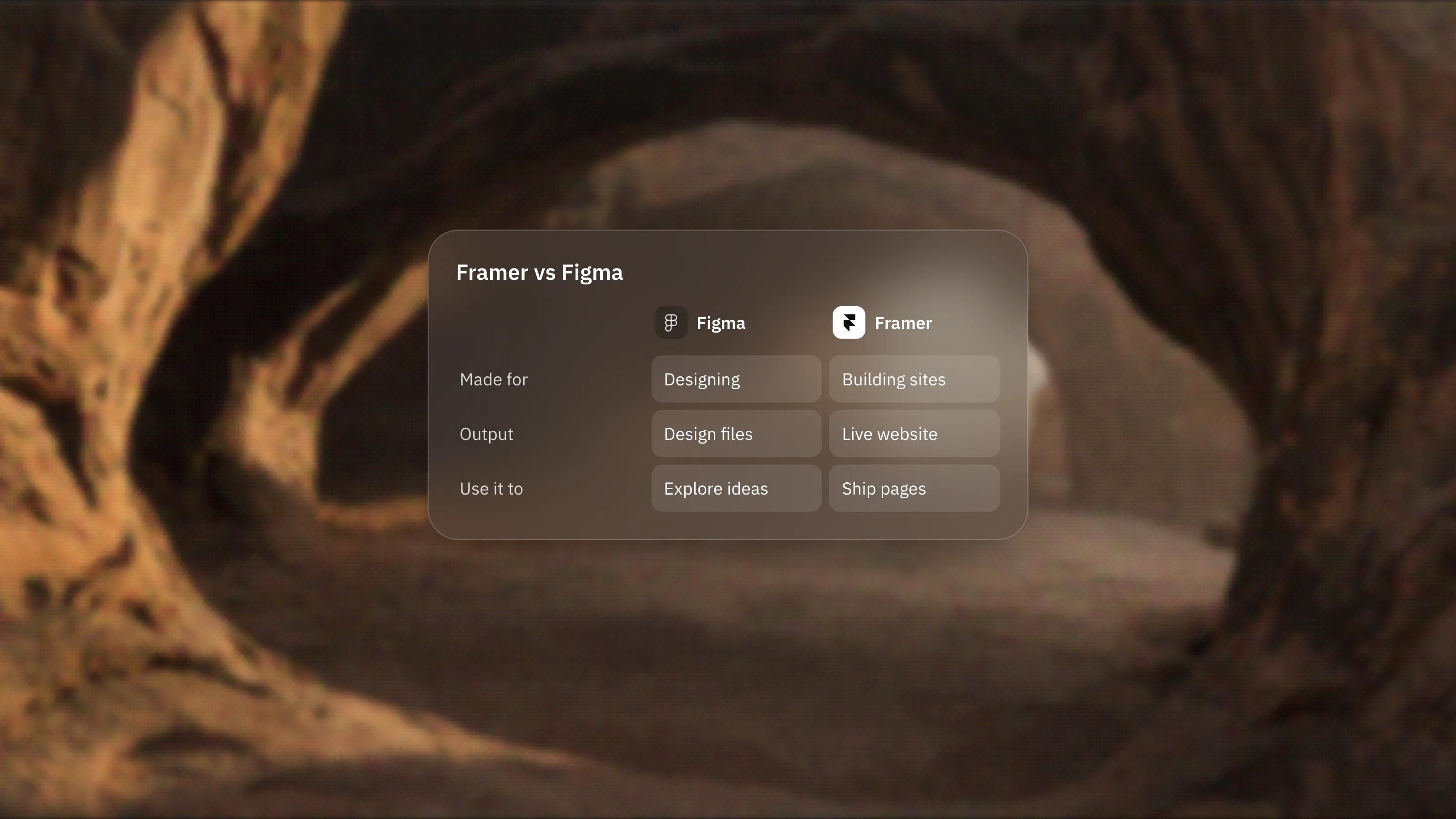
Framer vs Figma: What Each One Is Actually For
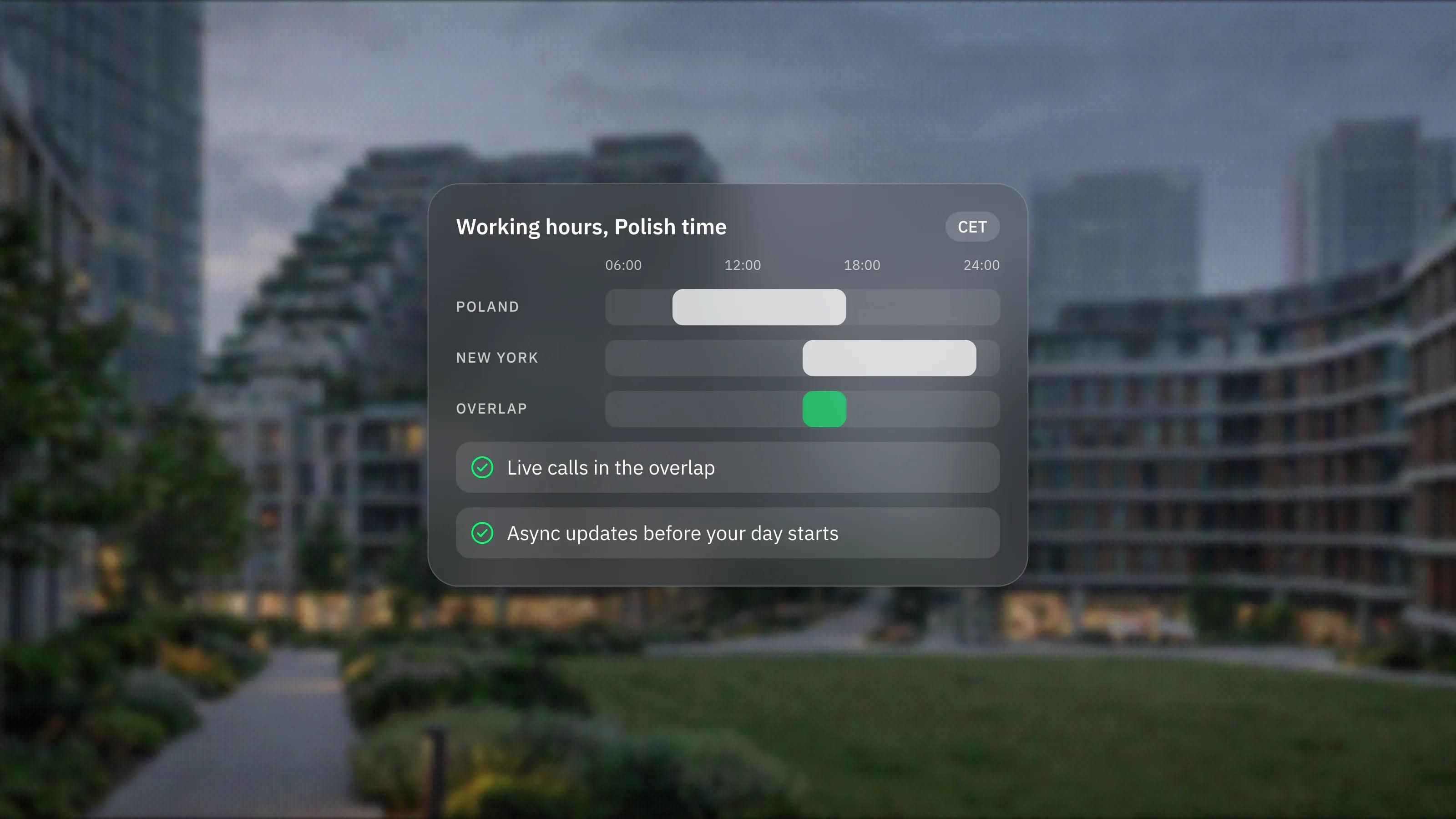
Working with a Poland-based Framer studio: what to expect
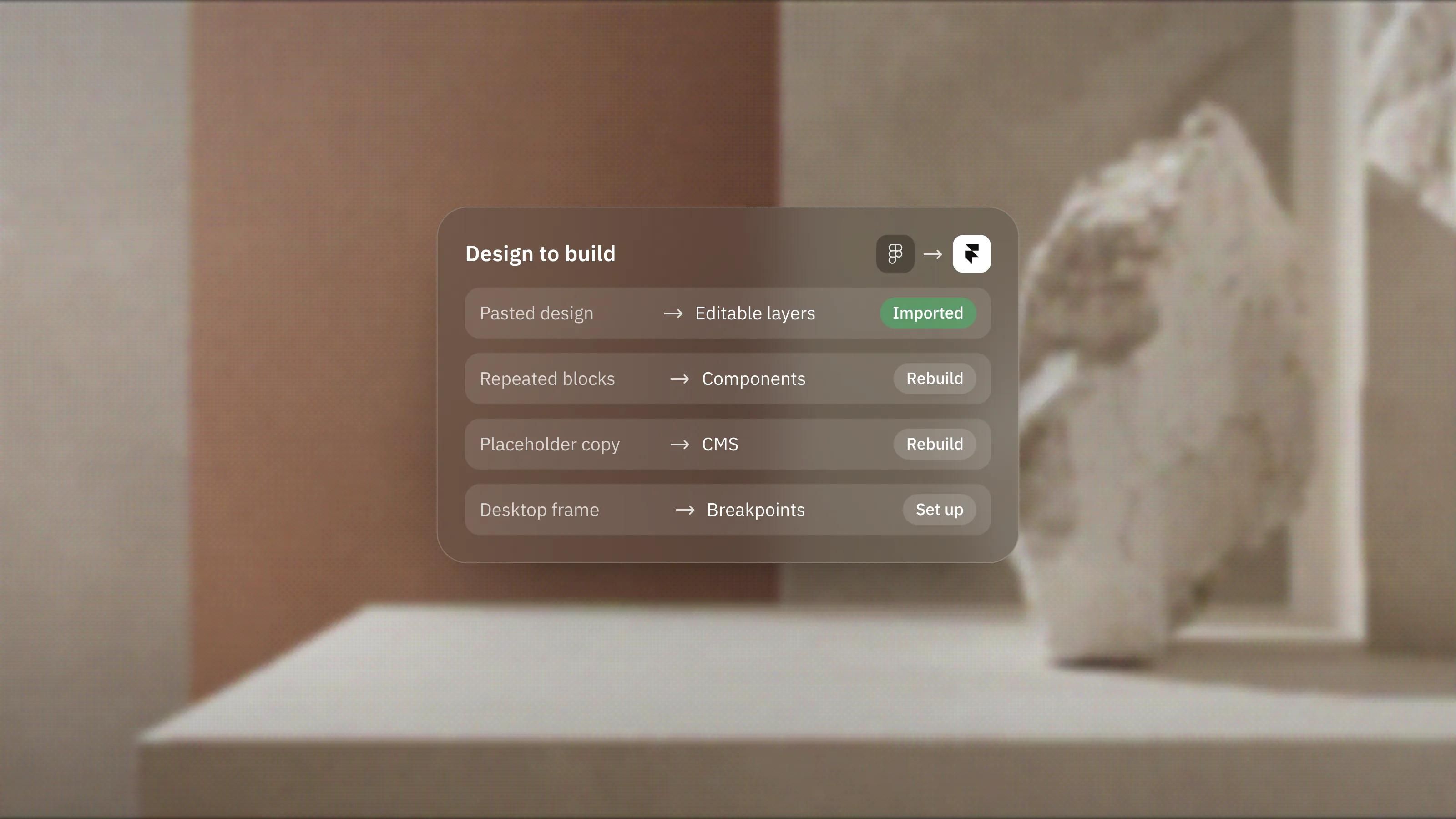
Figma to Framer: How the Design-to-Build Workflow Actually Works
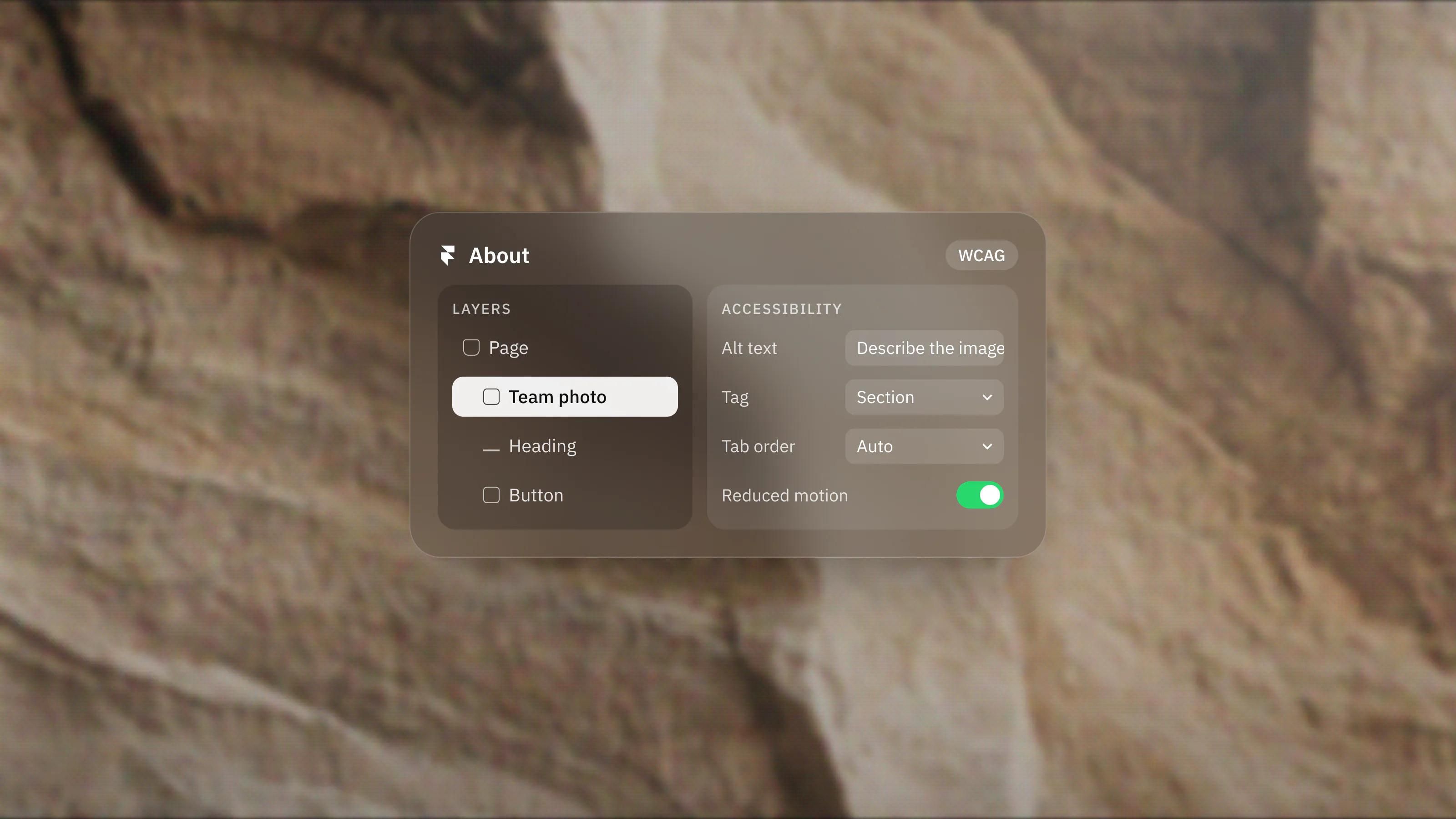
Accessibility on Framer: Building Sites Everyone Can Use
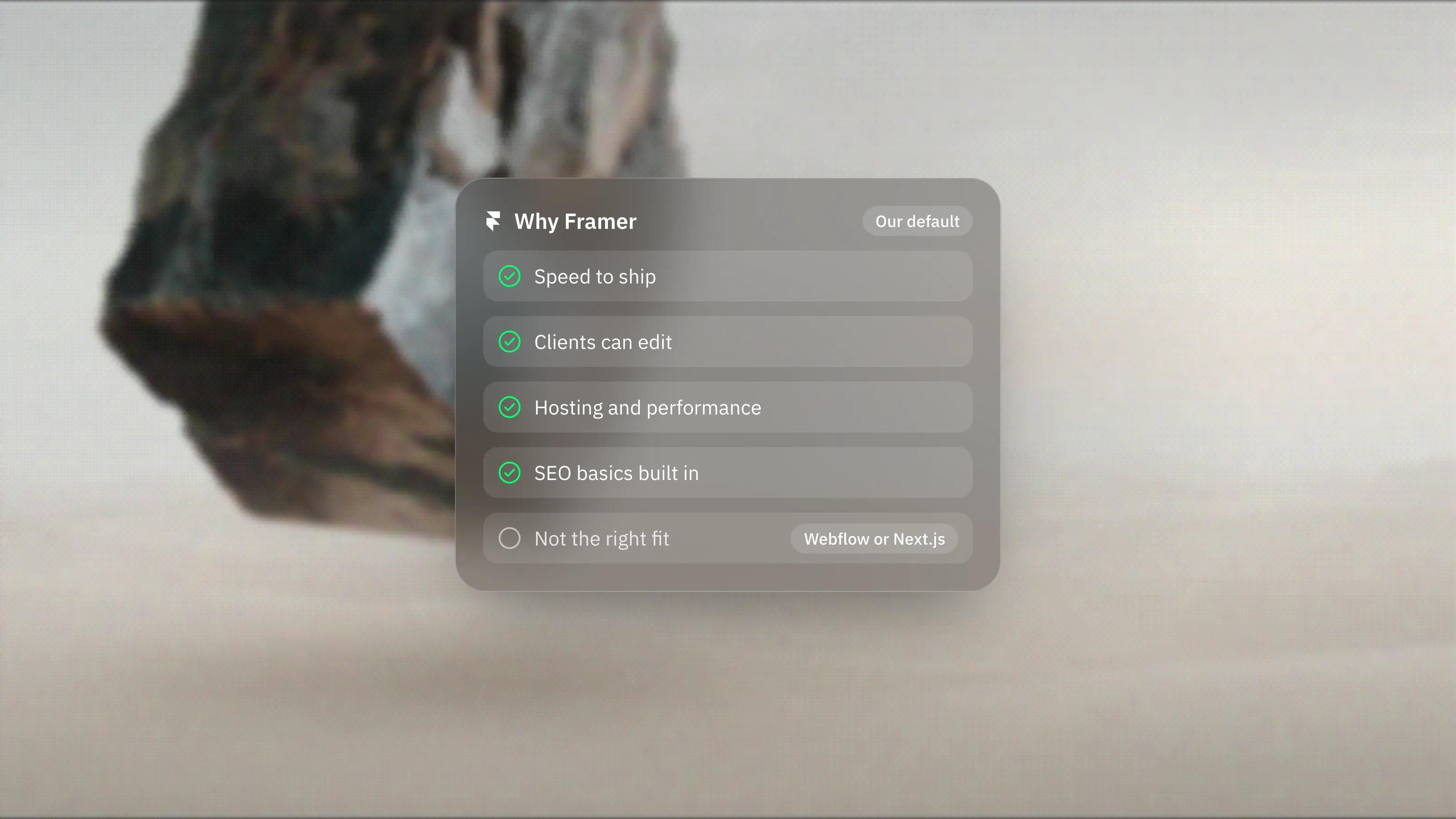
Why We Build Client Websites on Framer
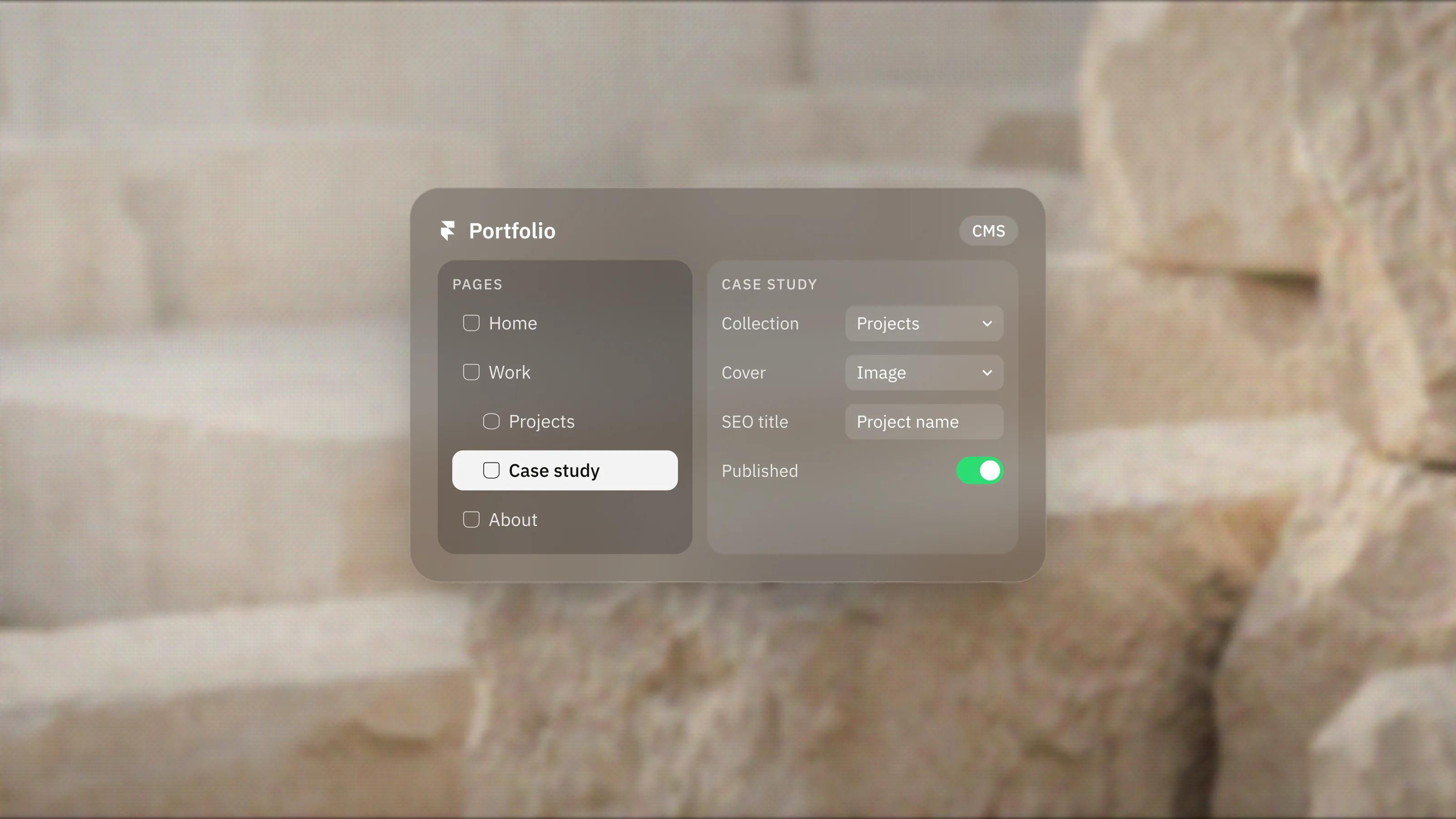
How to Build a Professional Portfolio Website in Framer, Step by Step
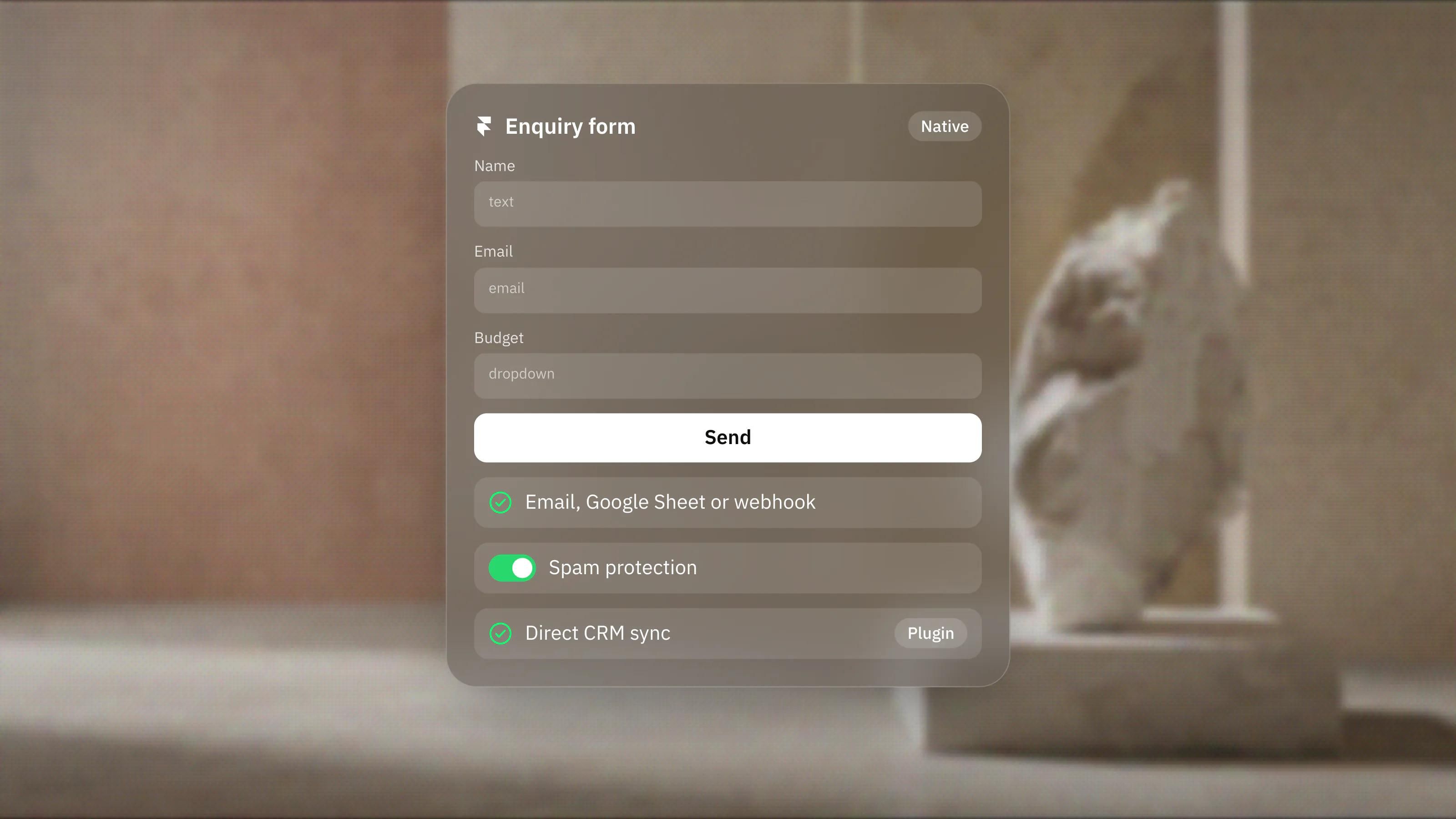
Framer Forms: What They Can and Cannot Do
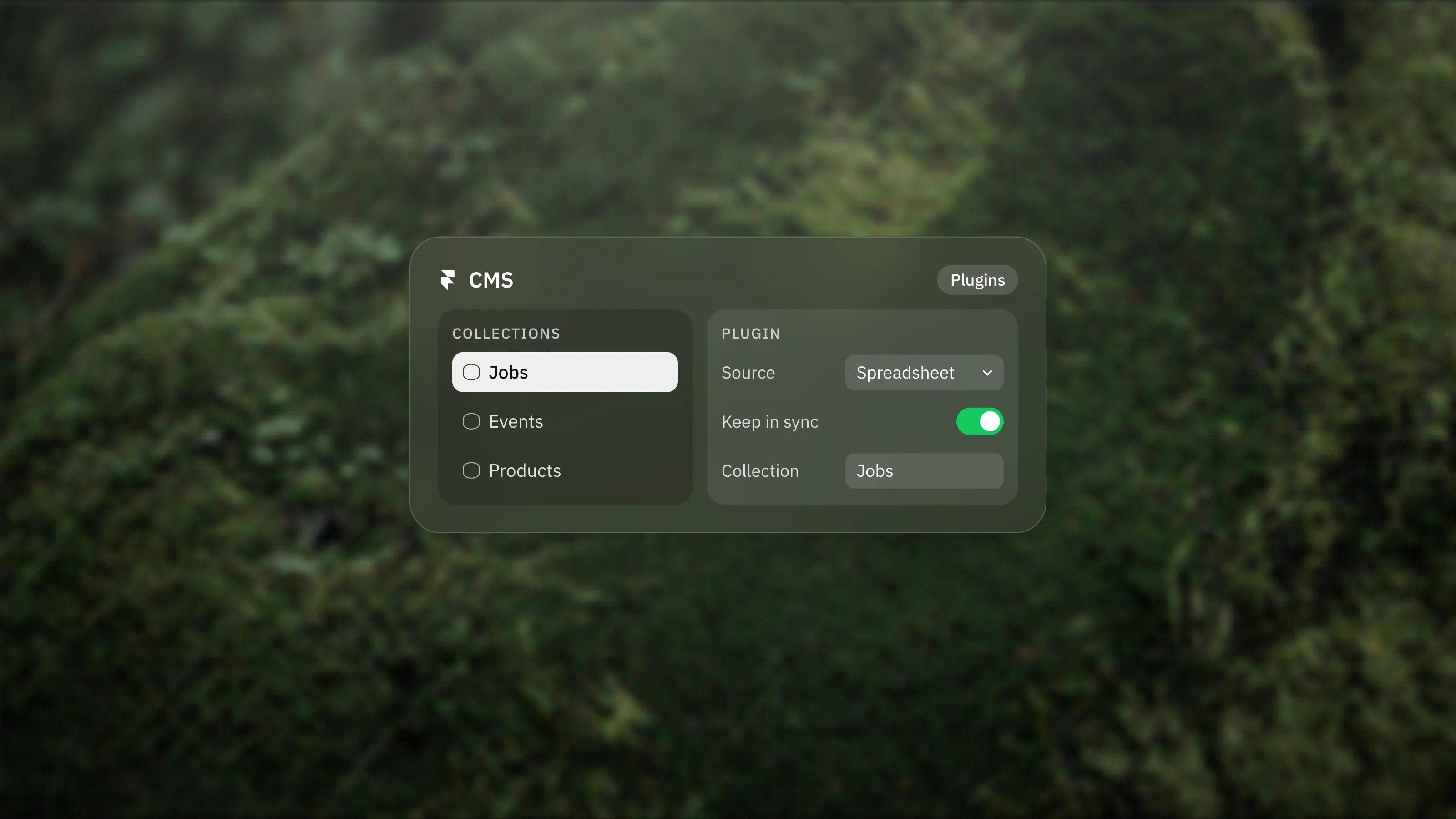
Framer CMS Plugins Are Back, Explained
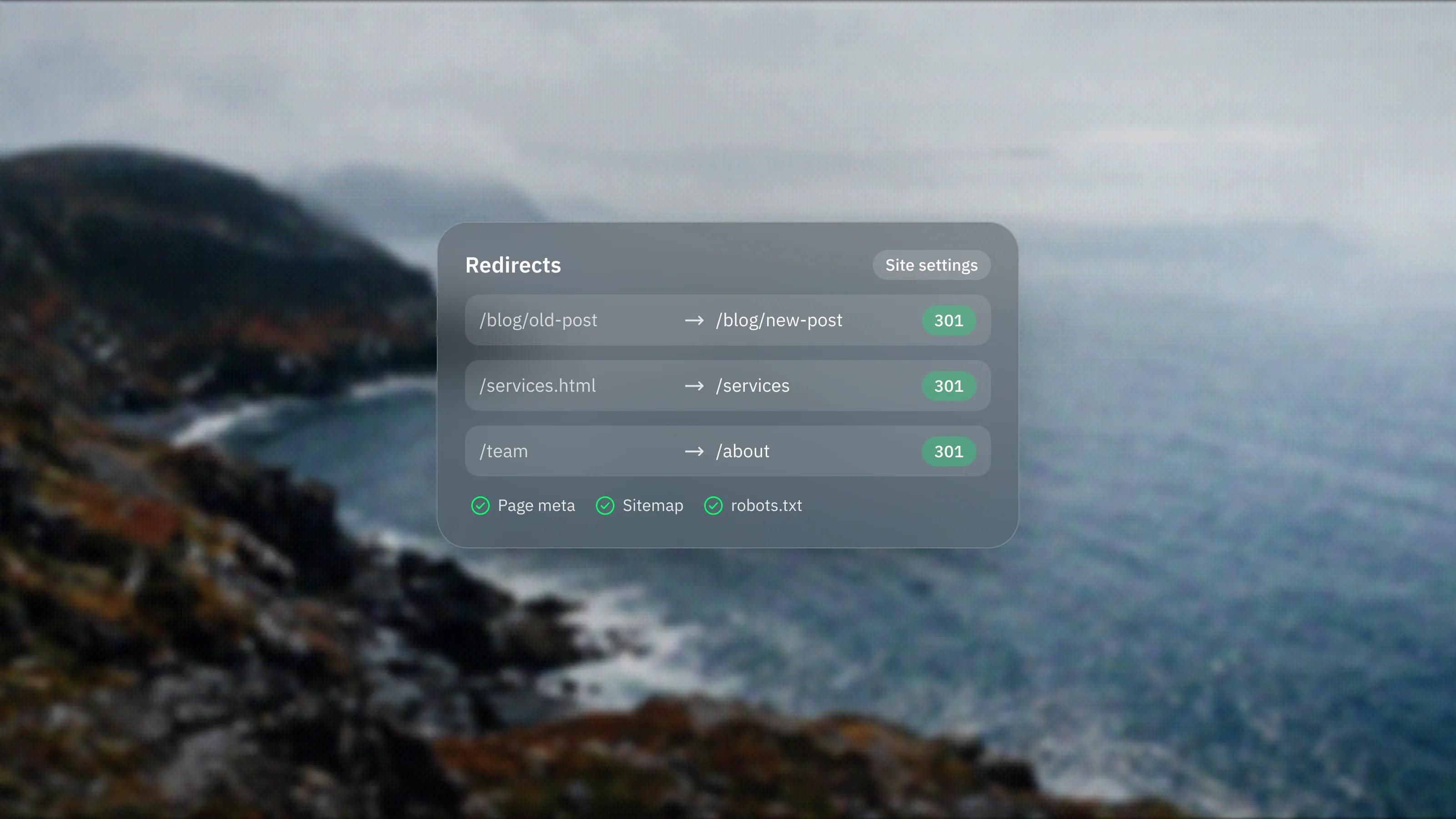
Setting Up SEO in Framer: Meta, Sitemap and Redirects

Free Framer Templates: Are They Worth It?
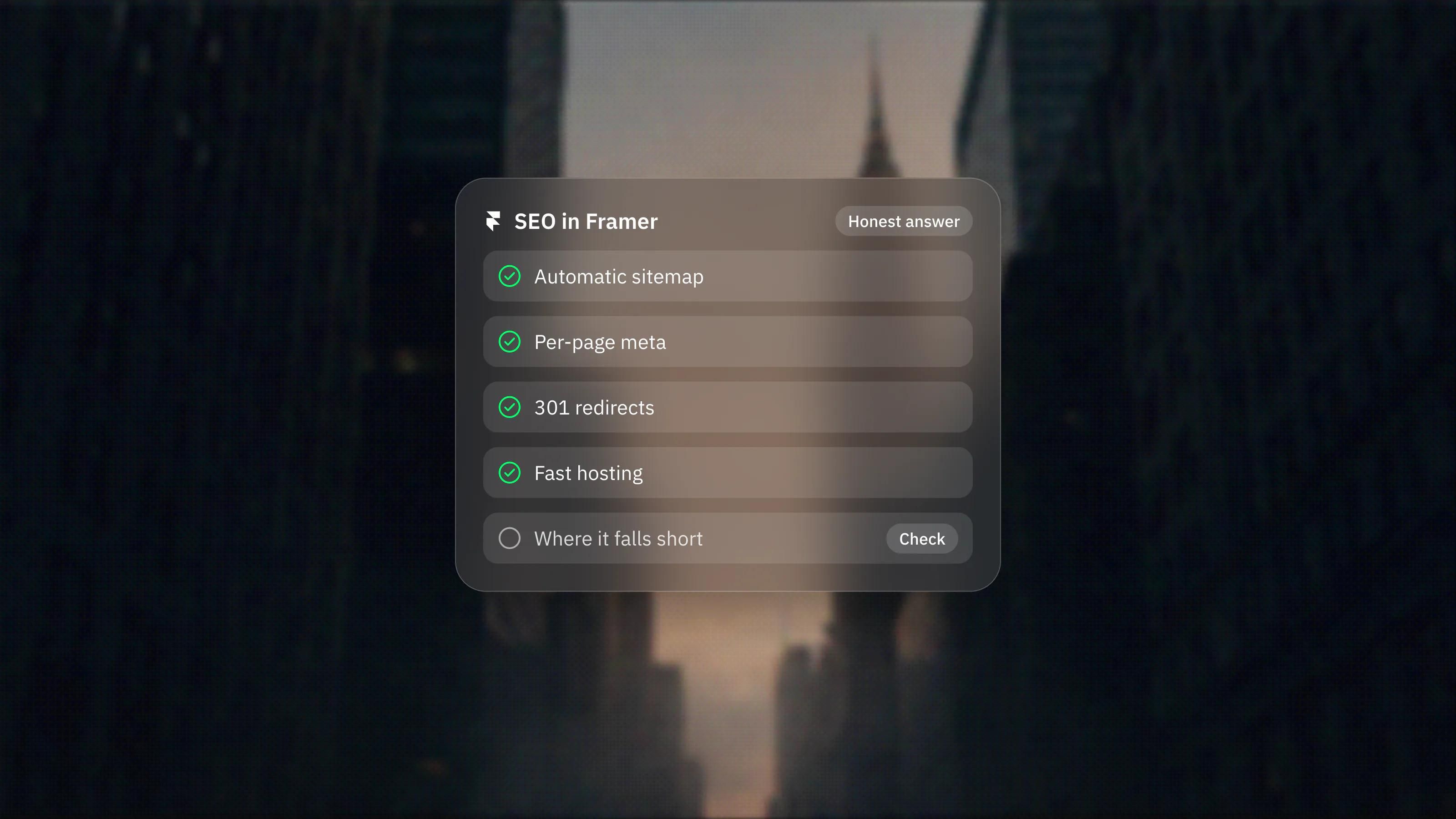
Is Framer Good for SEO? An Honest Answer
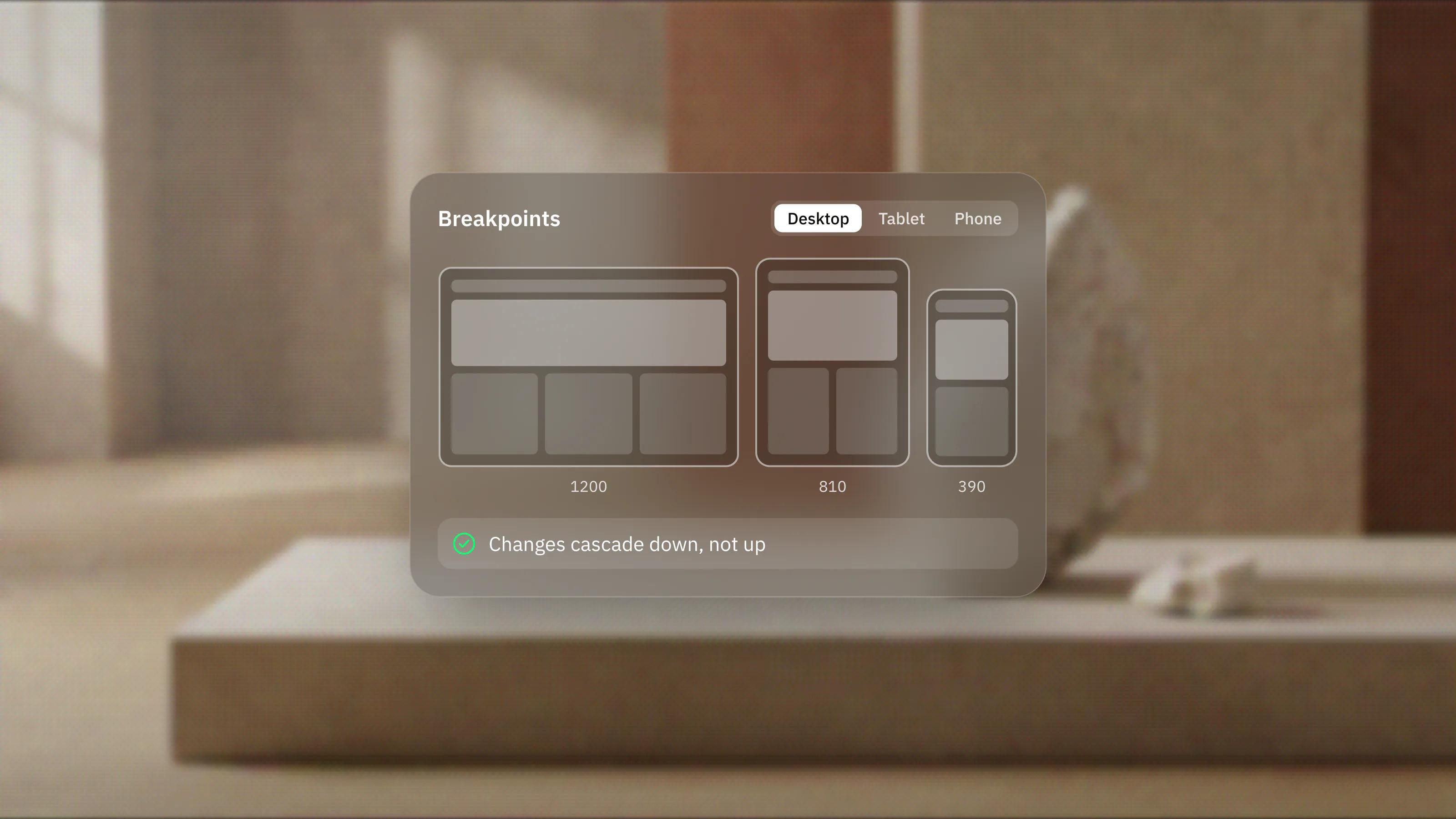
Responsive Design in Framer: Getting Breakpoints Right
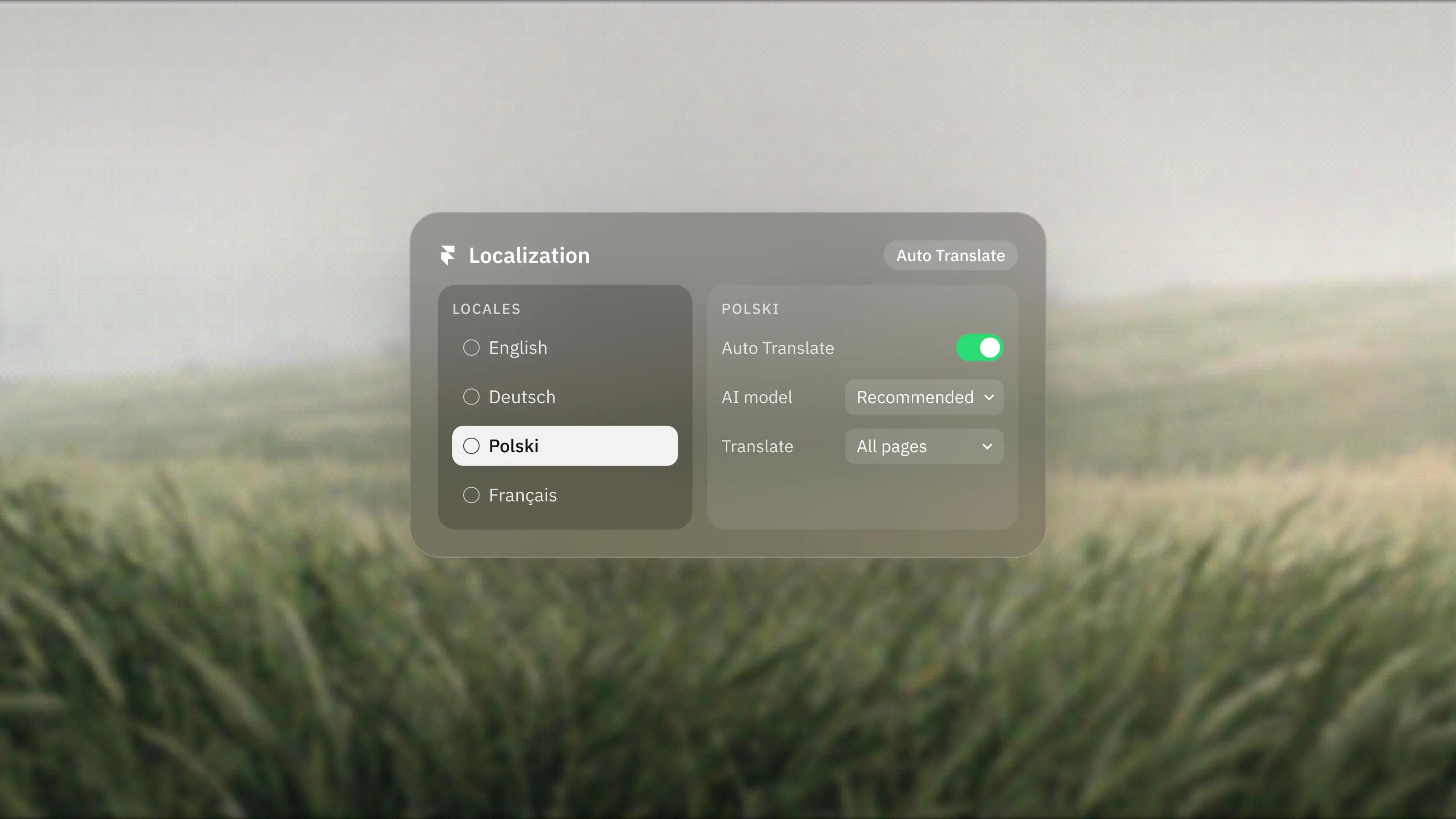
Framer Auto Translate: Localization on Autopilot
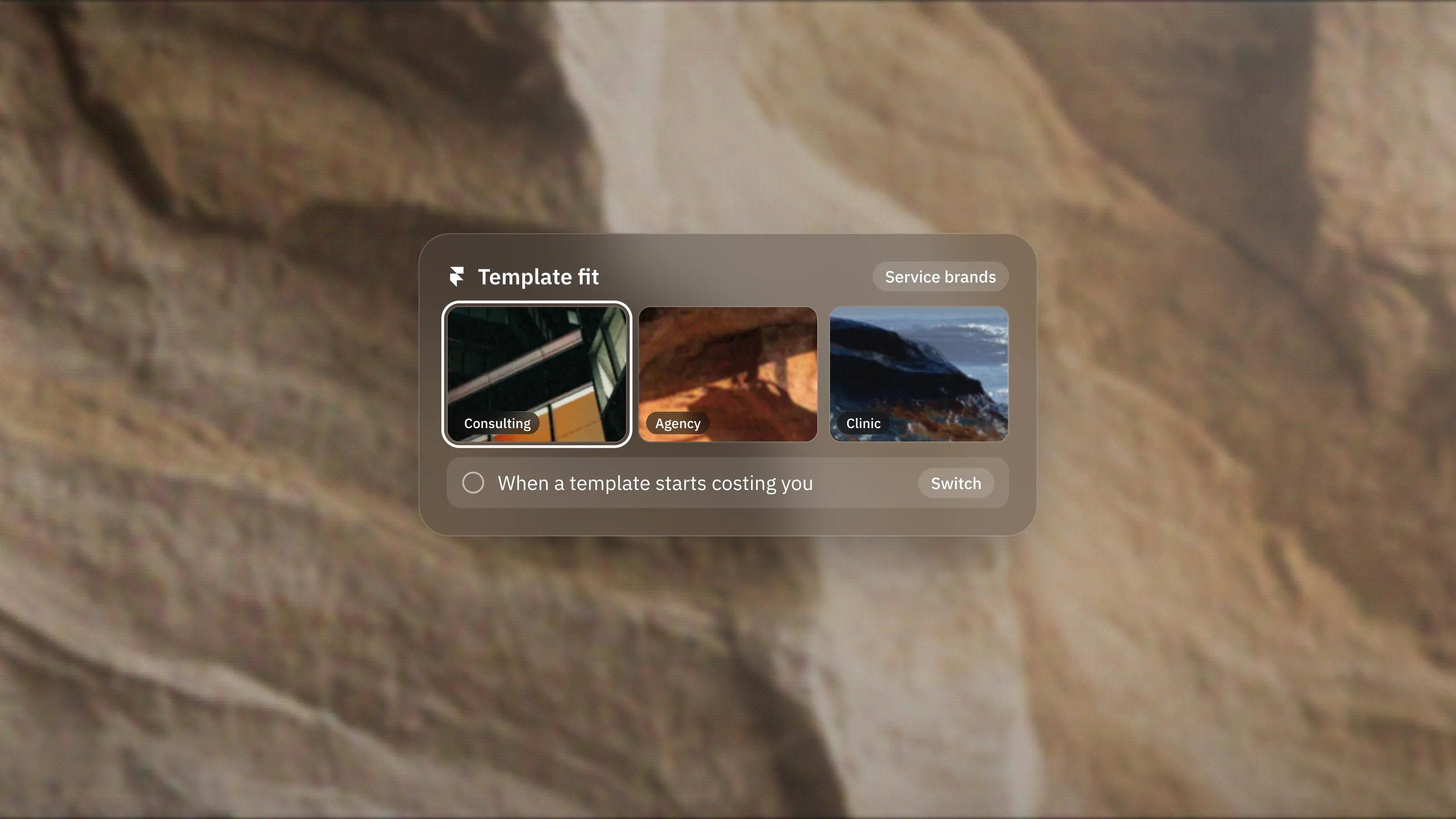
The Best Framer Templates for Service Brands, and When to Skip Them
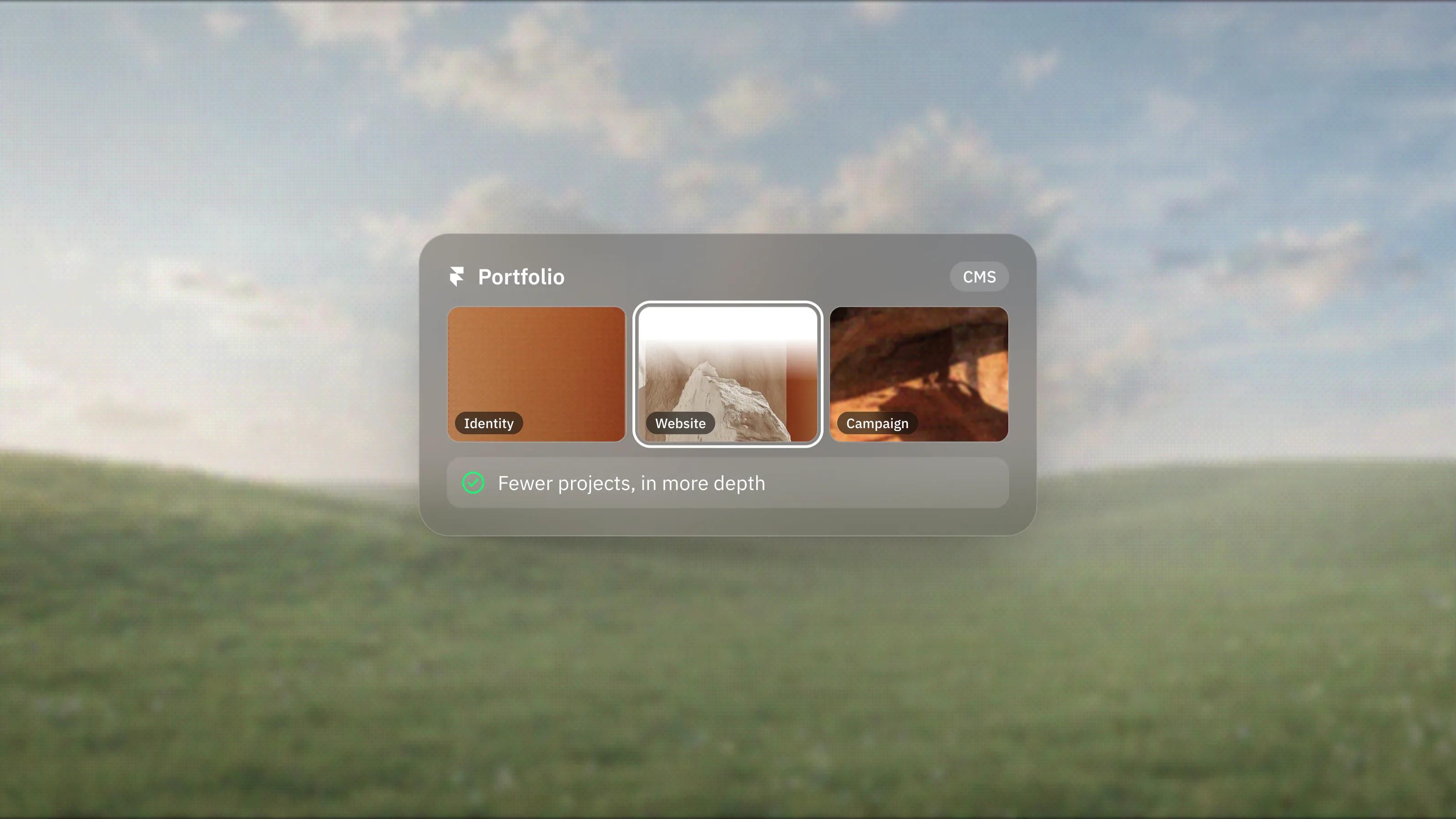
What Makes a Great Framer Portfolio Website
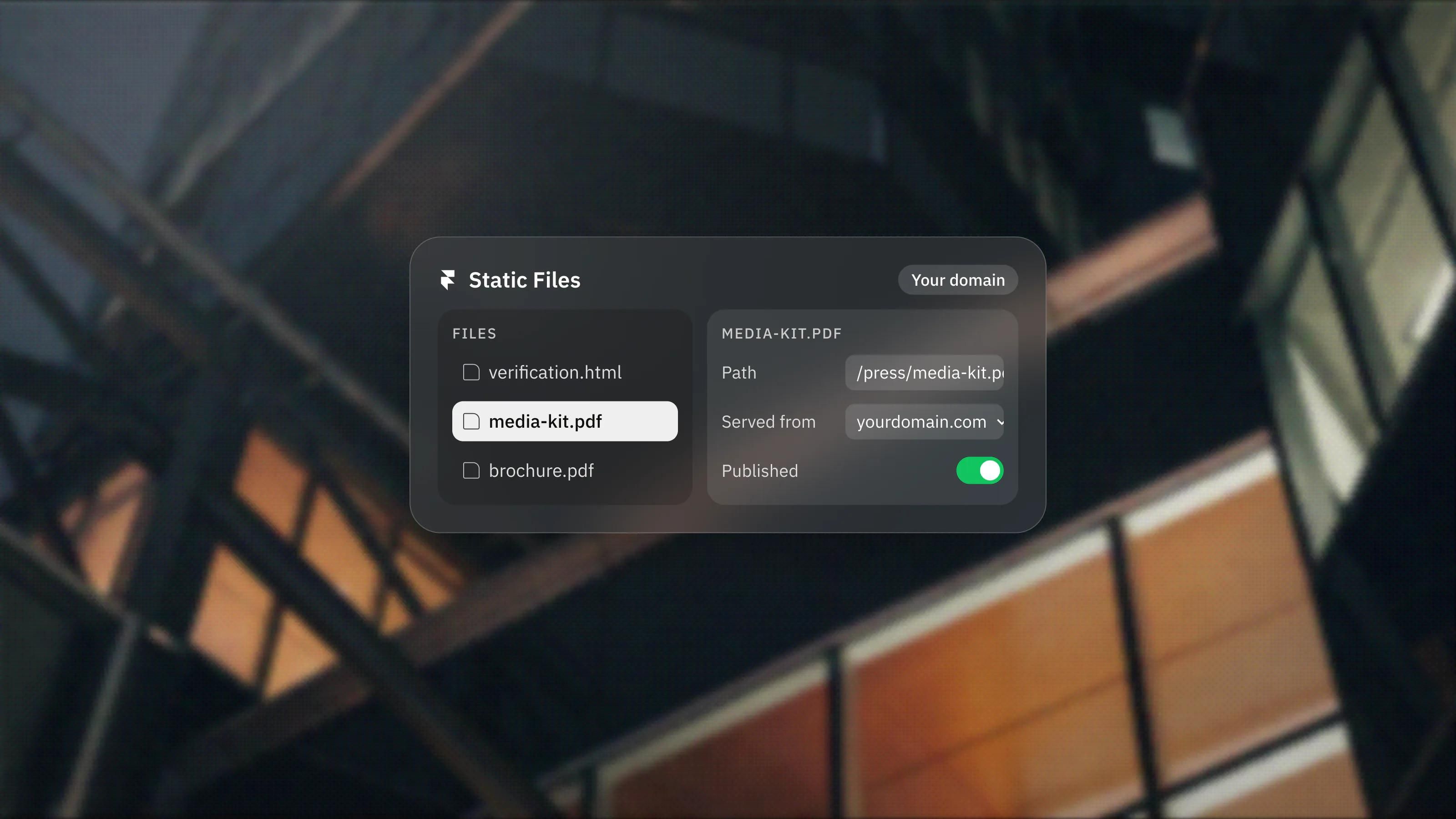
Framer Static Files, Explained
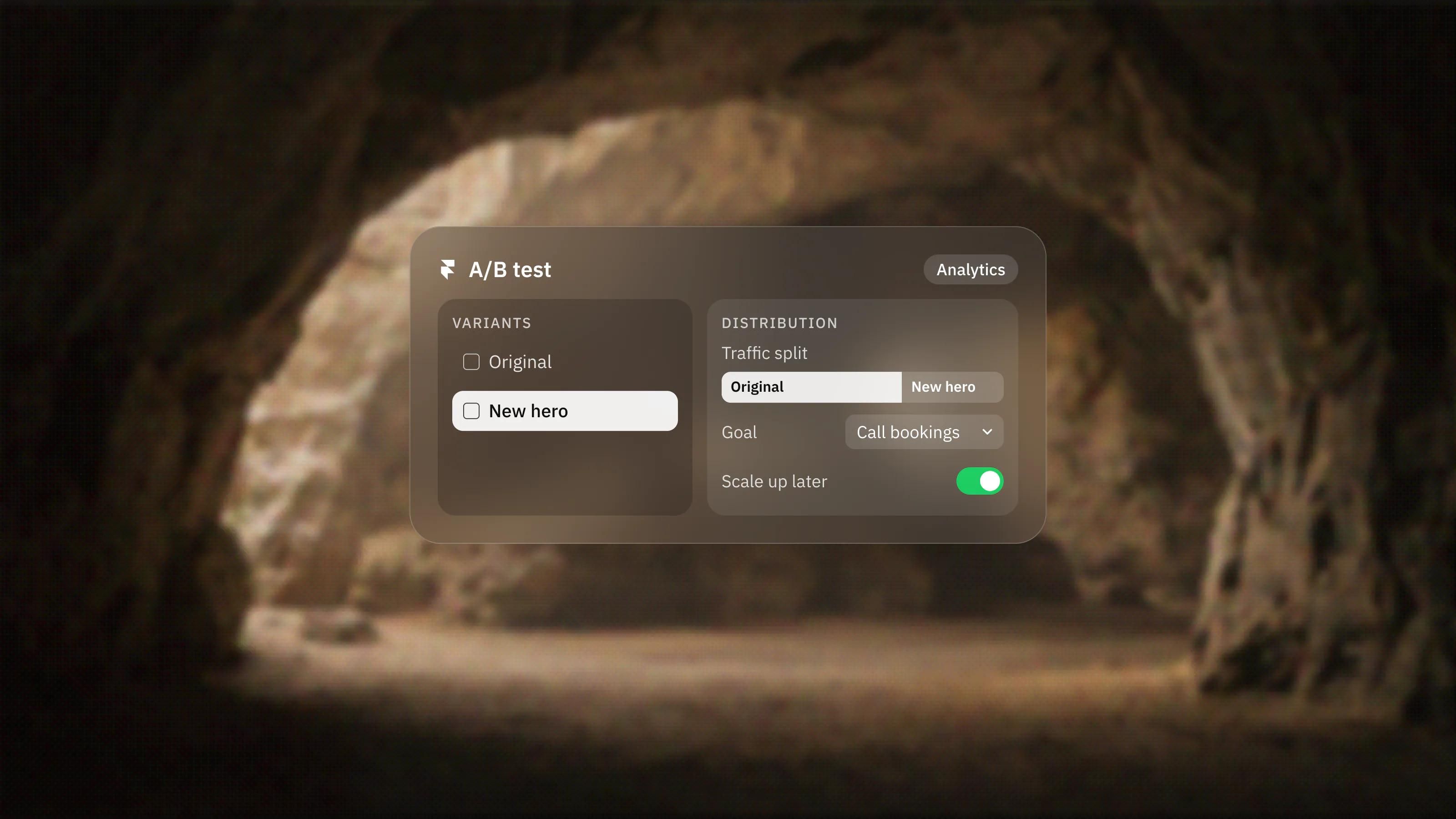
Framer Custom Distribution for A/B Tests, Explained
No posts match that search. Try a shorter word, another category, or ask Seru.
Comparisons and guides
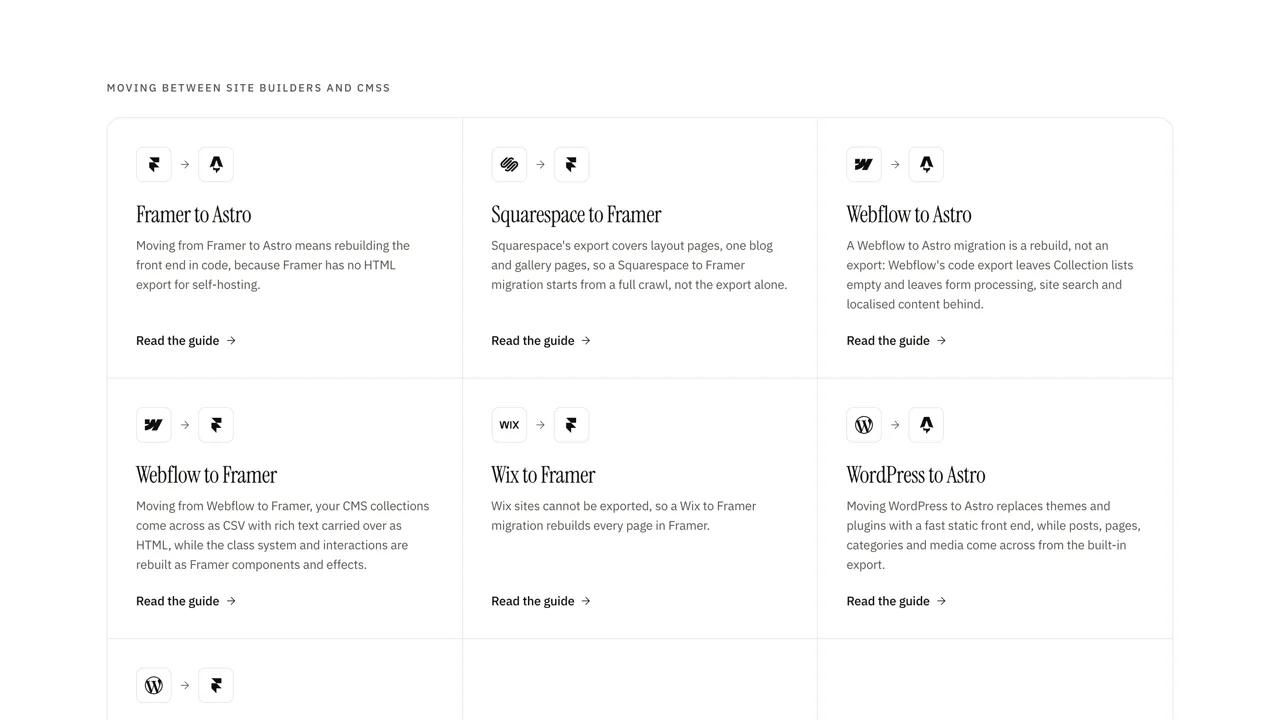
- Comparisons and guides:Framer to Astro migration guideMoving from Framer to Astro means rebuilding the front end in code, because Framer has no HTML export for self-hosting. Your content, URLs and metadata do carry across: we export the CMS, keep paths identical where we can, redirect the rest permanently and check every page before the domain moves.
- Comparisons and guides:Squarespace to Framer migration guideSquarespace's export covers layout pages, one blog and gallery pages, so a Squarespace to Framer migration starts from a full crawl, not the export alone. We rebuild the design in Framer, import the blog, move what the export skips and keep post URLs matching, in about one to two weeks for a typical site.
- Comparisons and guides:Webflow to Framer migration guideMoving from Webflow to Framer, your CMS collections come across as CSV with rich text carried over as HTML, while the class system and interactions are rebuilt as Framer components and effects. Item URLs can keep the same pattern, wildcard rules are translated, and a typical marketing site moves in about one to two weeks.
- Comparisons and guides:Wix to Framer migration guideWix sites cannot be exported, so a Wix to Framer migration rebuilds every page in Framer. CMS collections export to CSV, blog posts are moved by hand or script because Wix offers no blog export, and one wildcard redirect sends old /post/ URLs to your new blog. Typical sites move in one to two weeks.
- Comparisons and guides:WordPress to Framer migration guideA WordPress to Framer migration moves your posts into Framer's CMS through CSV import and rebuilds the theme as a Framer site your team can edit without plugins. We map permalinks to new CMS paths with wildcard redirects, carry over SEO metadata and launch in about one to two weeks for a typical marketing site.
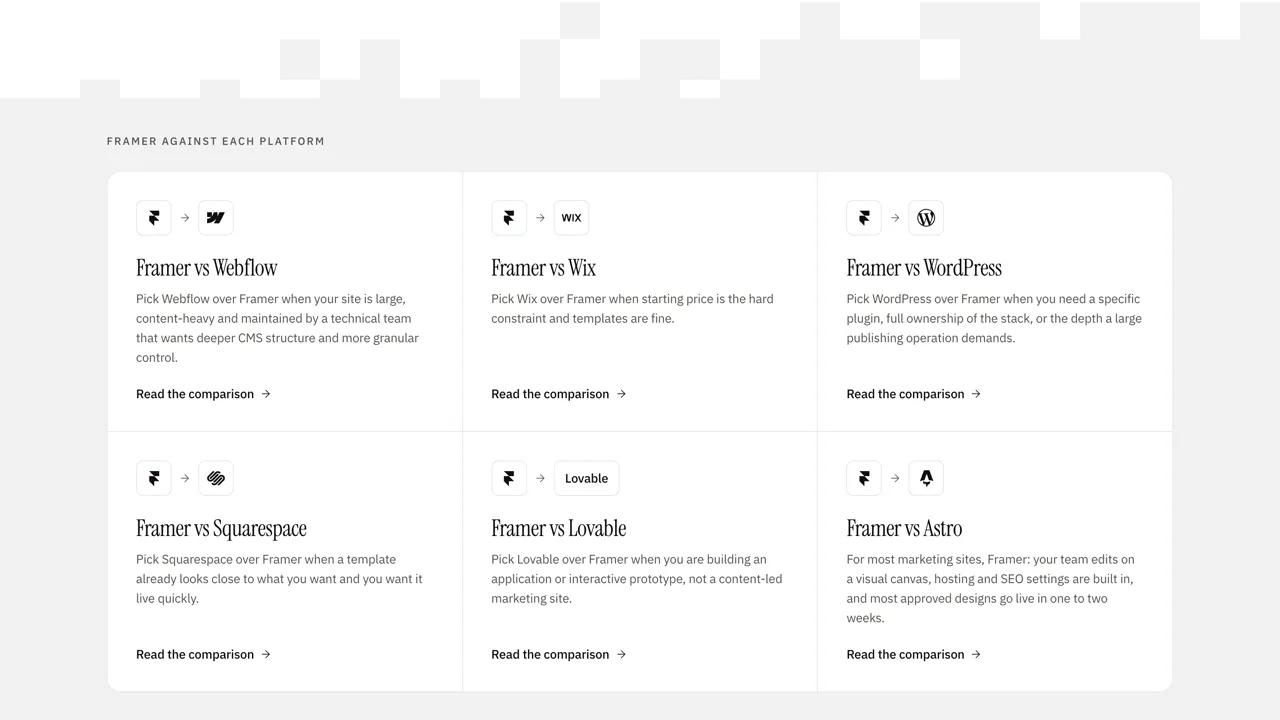
- Comparisons and guides:Framer vs WebflowFor most marketing websites, Framer is the faster, simpler choice, and it is the one we recommend for most sites. Webflow is the stronger pick when you need a deep, mature CMS, granular design control, clean code export, or you already live inside the Webflow ecosystem. Both are excellent tools. The right answer depends on what your site actually has to do, and we build in both, so this comparison costs us nothing either way.
- Comparisons and guides:Framer vs WixWix if you want the cheapest, easiest all-in-one site with hosting, email, bookings and a store bundled together. Framer if design quality, speed and standing out matter more than convenience. Most brands we work with are the second kind. Plenty of businesses are genuinely better off on Wix, and we will tell you when yours is one of them.
- Comparisons and guides:Framer vs WordPressFor most marketing and brand sites, Framer is the better choice: no plugins to maintain, a smaller security surface, fast pages without performance plugins, and a site your team can edit without touching code. WordPress still wins when you need a deep content operation, complex custom functionality, or the enormous plugin ecosystem. Pick based on what the site has to do, not on what is most popular.
- Comparisons and guides:Framer vs SquarespaceUse Squarespace if you want one tool that does everything, hosting, domain, templates, commerce and email, with almost no learning curve and a polished result fast. Use Framer if design quality, performance and modern interactions matter more than all-in-one convenience, and you want a site that does not look like a recognizable template. For most brands that treat their website as a serious sales asset, Framer wins. For a fast, tidy portfolio or a small shop run by a non-designer, Squarespace is a genuinely good answer.
- Comparisons and guides:Framer vs LovableThese are not really competitors, they are different categories of tool. Lovable is an AI app builder that turns a text prompt into a working codebase, which is a strong fit for web apps, product prototypes and MVPs. Framer is a design-first, AI website builder, which is a strong fit for marketing sites, brand sites and CMS-driven content. So the honest answer is usually not "one is better," it is "what are you actually building." If it is a marketing or brand website, Framer. If it is a software product, Lovable.
- Comparisons and guides:Framer vs AstroFor most marketing sites, Framer: your team edits on a visual canvas, hosting and SEO settings are built in, and most approved designs go live in one to two weeks. Astro is the better choice when the site has to live in your own repository, on your own hosting, or read content from a headless CMS shared with other channels.
Work built with Framer

STUDIO EDIITT
Website design, Framer development and motion
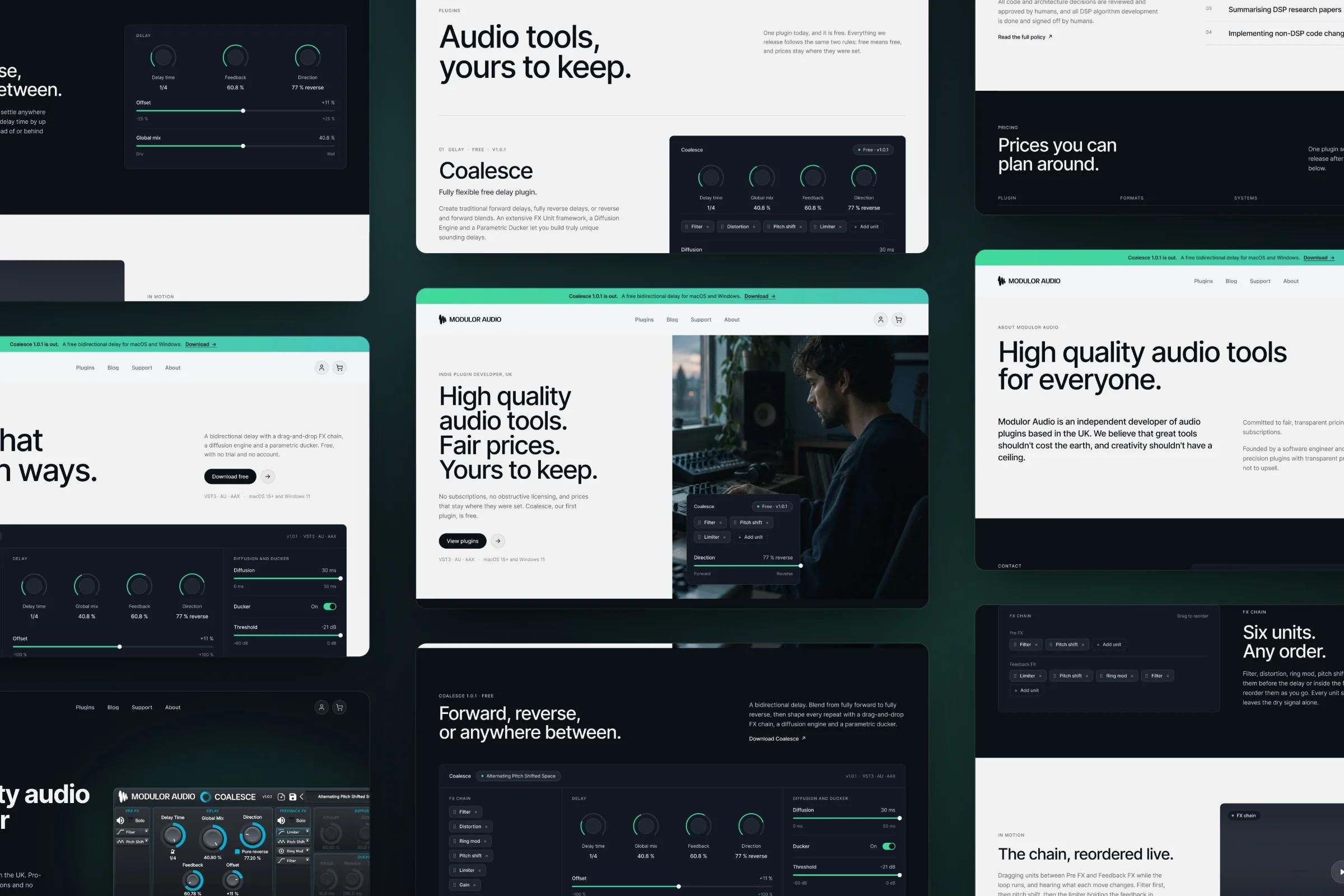
Modulor Audio
Website redesign and Framer development

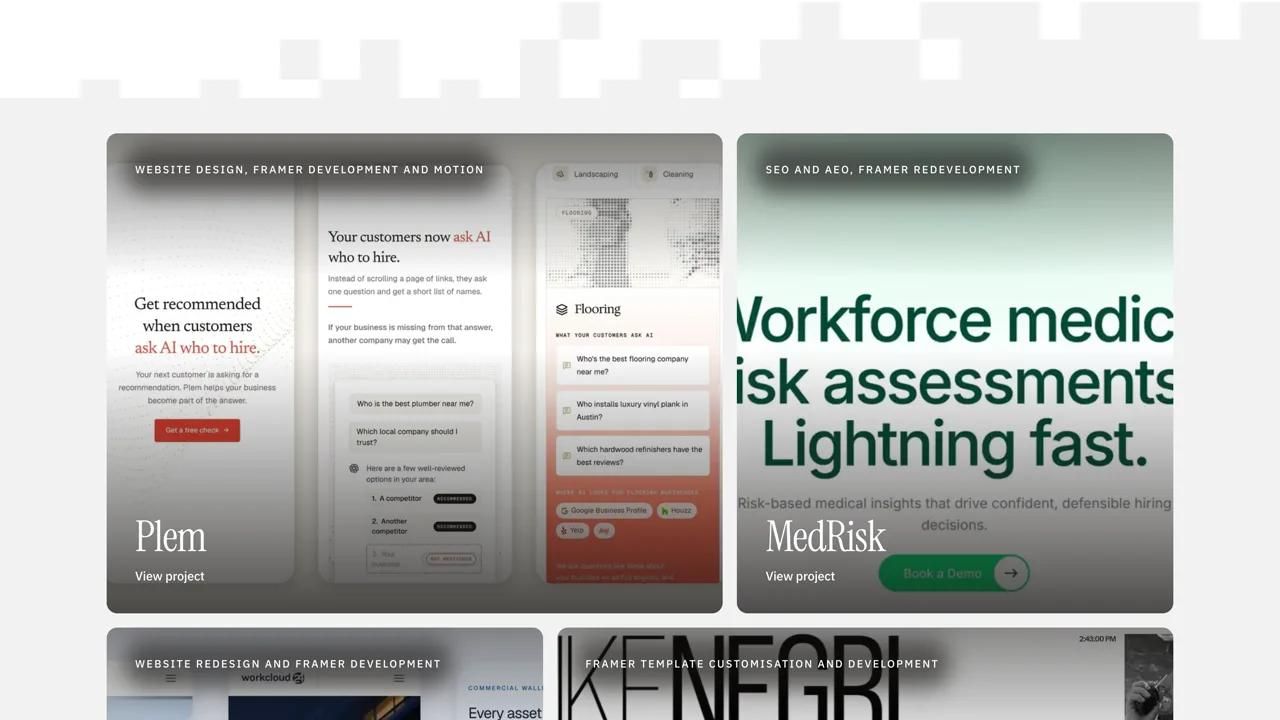
Plem
Website design, Framer development and motion
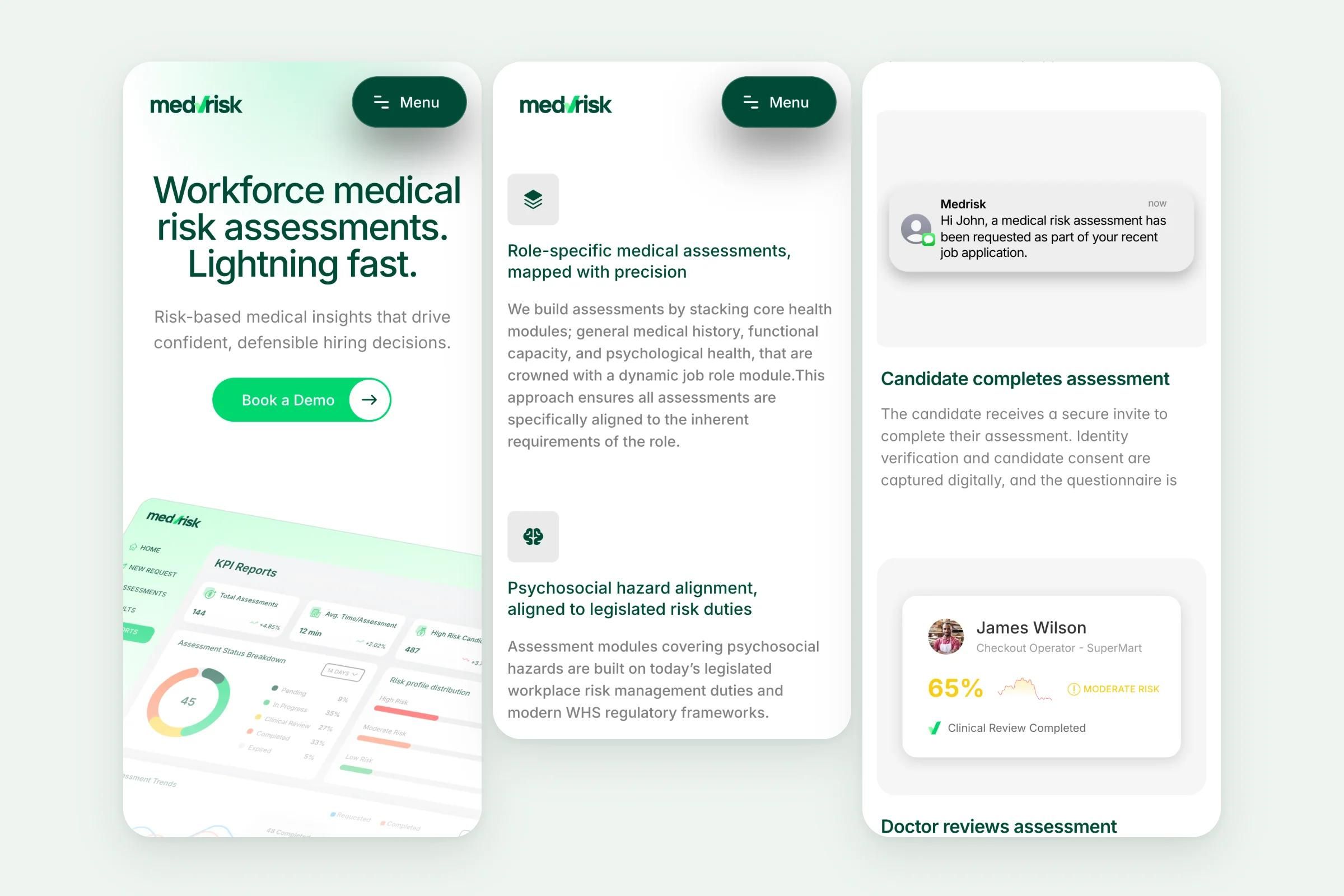
MedRisk
SEO and AEO, Framer redevelopment
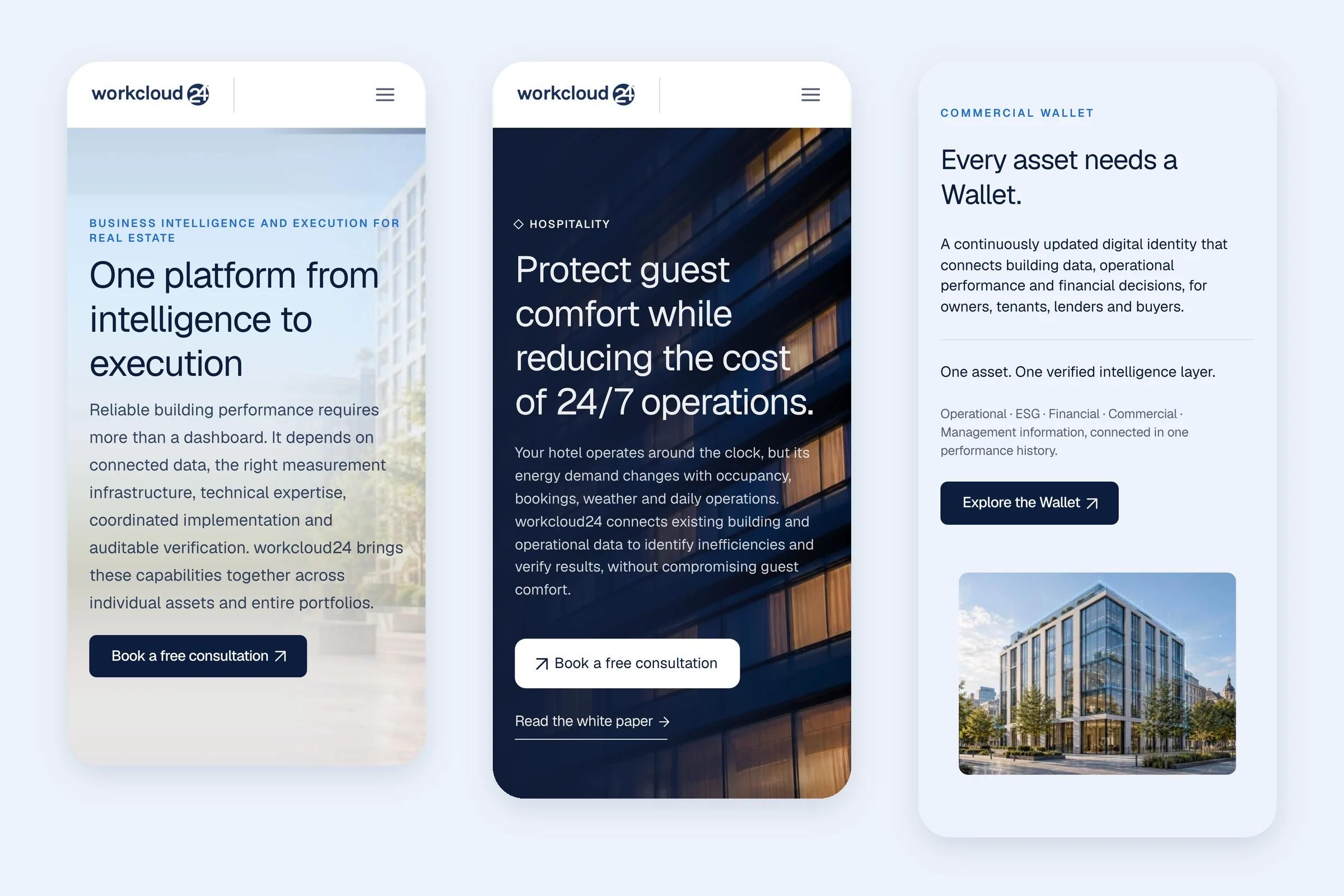
Workcloud24
Website redesign and Framer development

Mike Negri
Framer template customisation and development
Glossary
- Glossary:FramerFramer is a visual website builder for designing, building and publishing production websites in one tool.
- Glossary:CMS collectionA CMS collection is a set of content items that share the same fields, such as blog posts, case studies or team members.
- Glossary:Responsive breakpointsResponsive breakpoints are the screen widths at which a website's layout changes to fit the device, for example from a three-column grid on desktop to a single column on a phone.
- Glossary:Design systemA design system is the shared set of rules and parts a team uses to design and build a product or website consistently: design tokens such as colours, type and spacing, reusable components like buttons and cards, and guidelines for using them.

Get in touch
A 30-minute call. We will look at where you are, what is not working, and what we would do about it. No deck, no pitch.