Framer MCP and Skills: Using Your Own AI Tools on a Framer Site
Framer now has an official MCP server, so tools like Claude Code, Cursor and Codex can work on a Framer project. Skills teach Framer's agent your rules. Here is what changed and how we would use both.
 Written byMatt Gemi, Founder, Urest
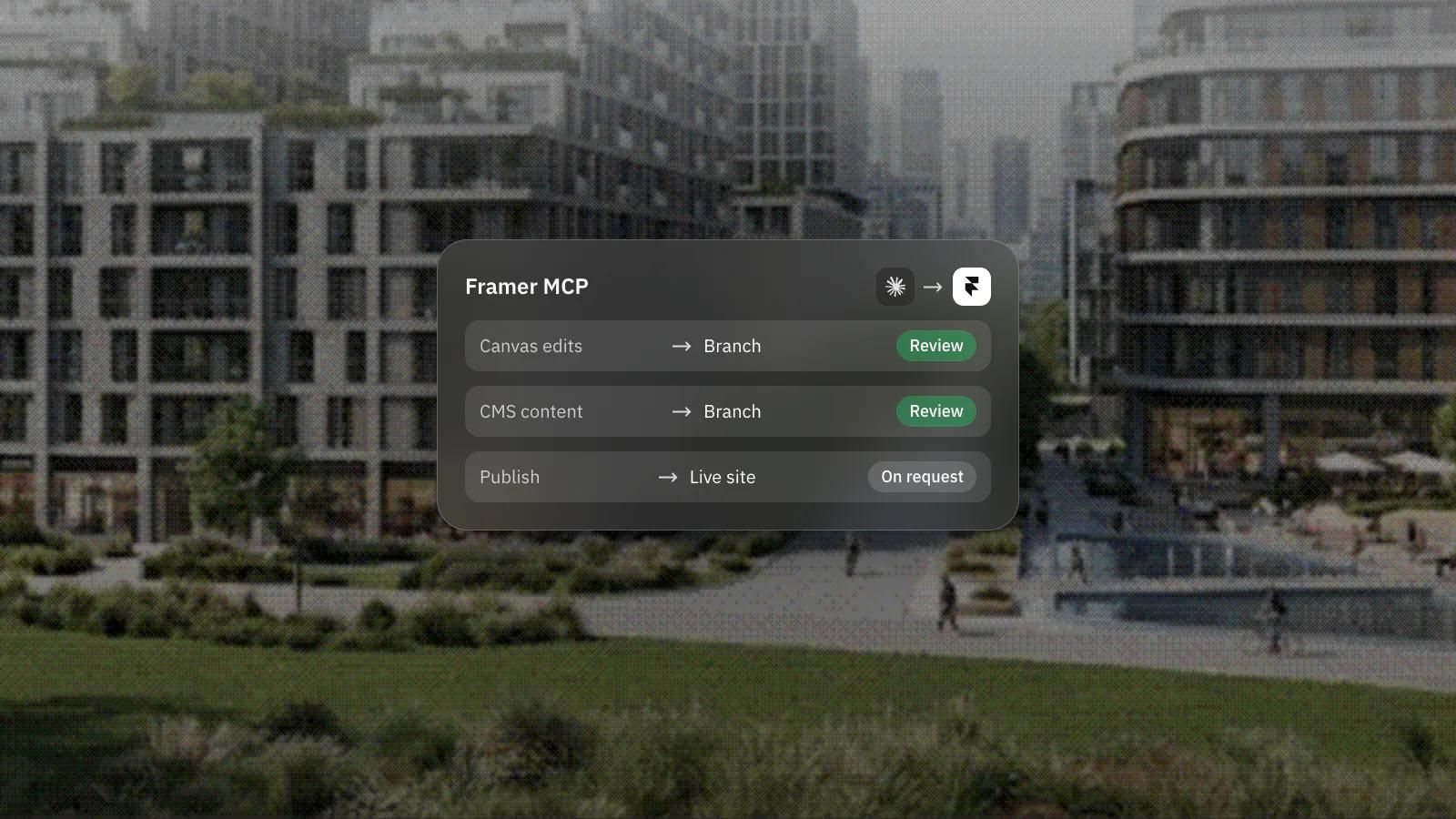
Framer now has an official MCP server, so AI tools such as Claude Code, Cursor or Codex can work on a Framer project directly. A month earlier, Framer added Skills: saved instructions that teach its built-in agent how your team works.
What is the Framer MCP?
It connects AI tools to Framer through the Model Context Protocol. Once connected, an agent can work on the canvas, manage CMS content and publish your site, according to Framer's MCP announcement from 22 October.
The Framer MCP page lists direct setup for ChatGPT, Codex, Claude, Claude Code, Cursor and Grok Bot, with install guides for tools such as VS Code, Windsurf and Notion. Any AI tool that supports remote MCP servers and OAuth can connect. The Framer project does not need to be open, and there is no local bridge to install.
What changes for teams that already use AI tools?
The work can start where your team already is. A developer in Cursor or a content lead in Claude can ask for a CMS update or a new section without moving into a separate Framer chat.
This sits next to the built-in agents we covered in Framer's AI agents and branching. Framer now calls the MCP the recommended way to connect AI agents. The older External Agents setup through the @framer/agent CLI still works for workflows such as localisation, and both stay supported while the MCP reaches feature parity.
Is it safe to let an outside agent edit a live site?
Framer has built in some guard rails, but review is still your job. The agent uses your account's permissions, you approve the connection first, and Framer says publishing is never automatic: the agent publishes only if you explicitly ask it to.
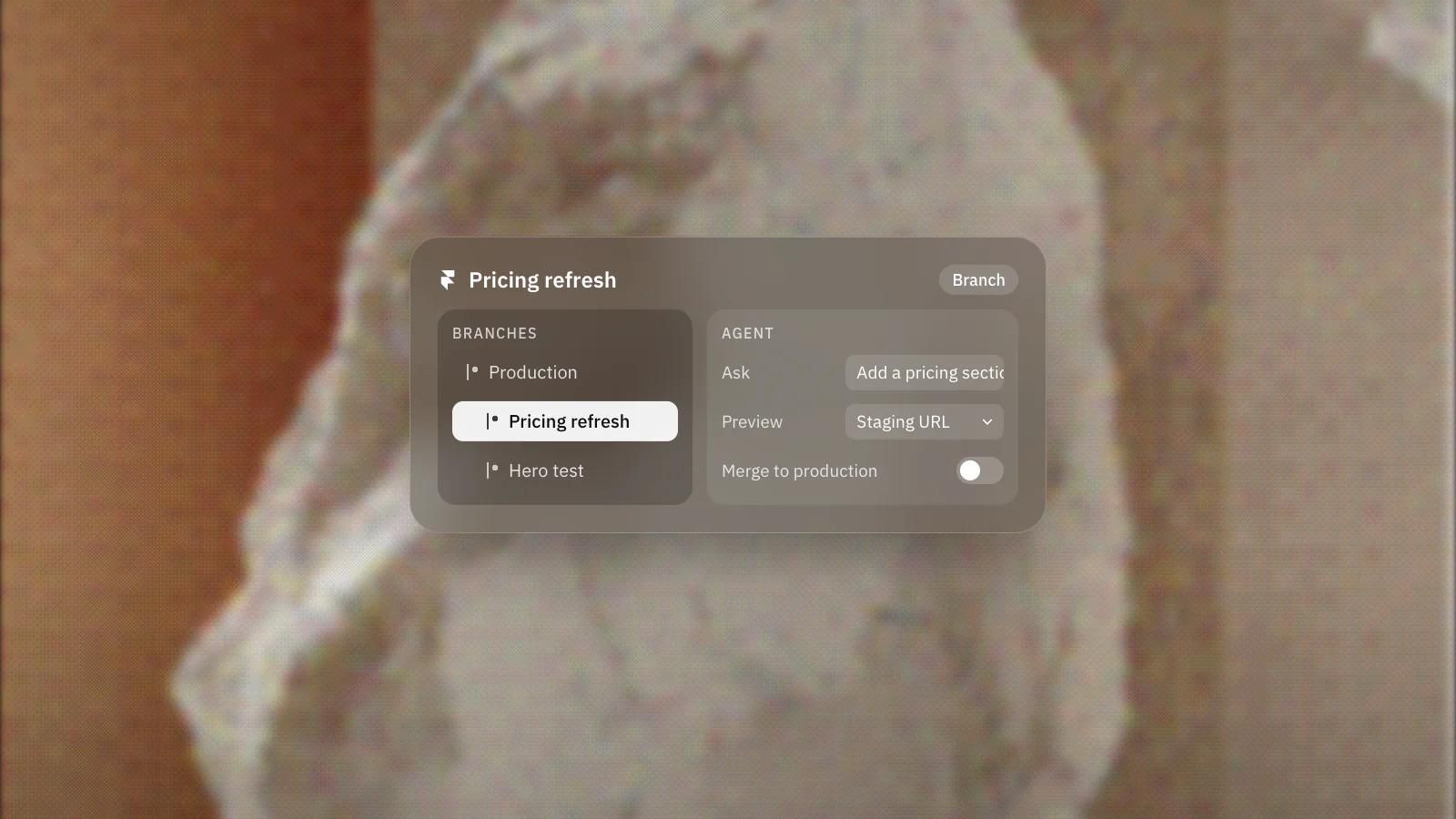
Changes stay in the project or branch until someone publishes, and Framer suggests letting the agent work on a branch so you can review first. That is the part we would insist on for any site that takes leads.
What does the Framer MCP cost?
Framer does not state a price, plan requirement or usage cap on the MCP page. It does say AI usage follows the plan or credits of the agent you connect, so that cost sits with your AI tool rather than Framer's built-in agent.
Check Framer's pricing page and your AI tool's plan before you rely on it. Our own notes on Framer pricing explain how the plans fit together for a marketing site.
What are Framer Skills?
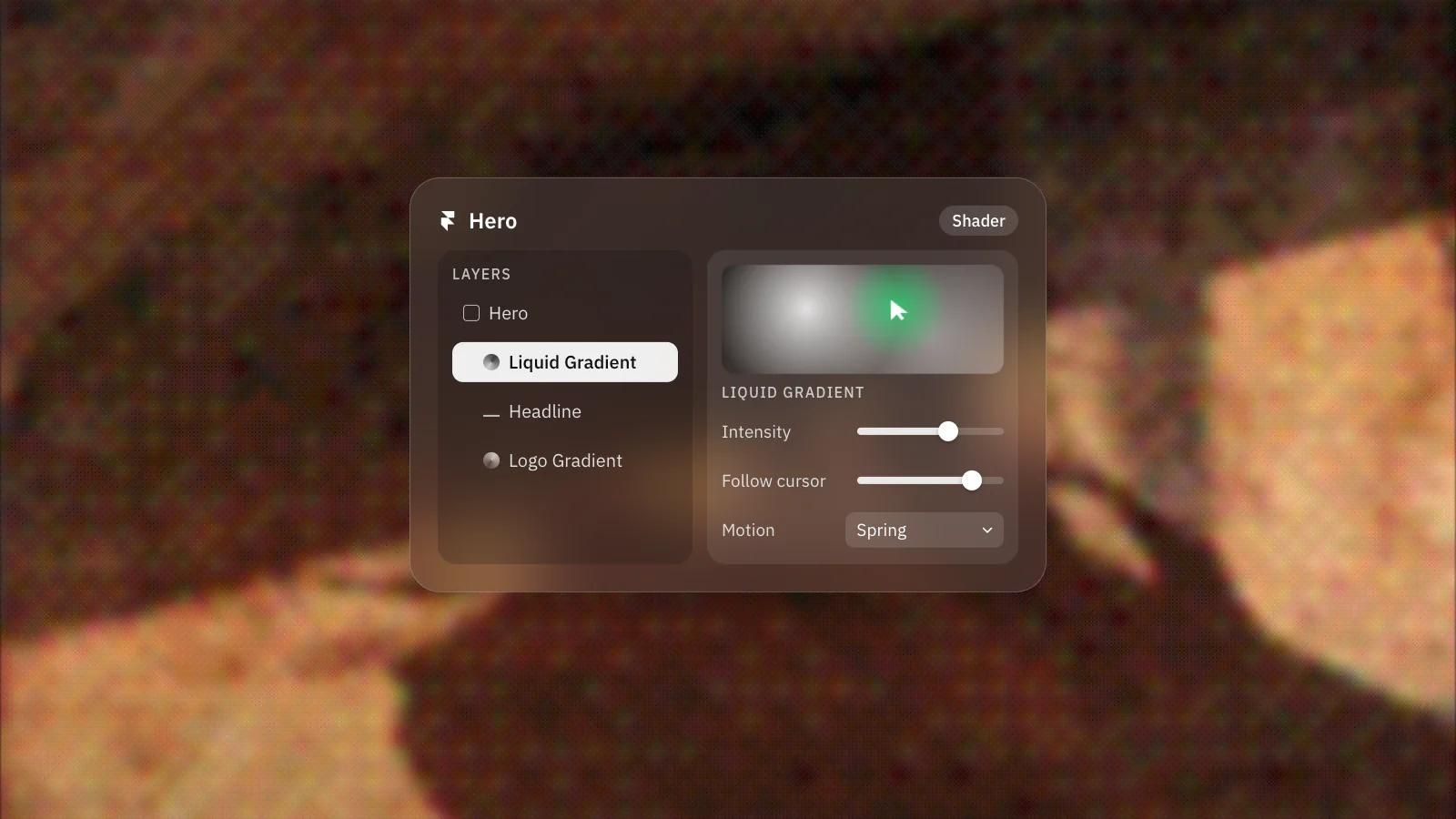
Skills are reusable instructions for Framer's agent, such as design system rules, writing guidelines or a CMS workflow. Framer introduced Skills on 22 September, and you create or update one by typing /skills in the agent chat.
The Skills page gives examples like a design system skill that reuses existing styles and components, a brand voice skill, an SEO check and a launch check. Skills can reference your @pages, @components and @styles, and they stay with a project when someone remixes it. Framer's advice is simple: use a prompt for a one-off change and a skill for anything you repeat.
Why do Skills matter for a marketing site?
They make AI output more consistent from one task to the next. Without them, every prompt has to restate the brand rules, and it is easier for the agent to drift from your styles.
For a team with a design system, a skill is the written version of the rules a designer would otherwise repeat in every review. The Skills page does not cover sharing, plan requirements or limits, so check those with Framer before you plan around them.
What would we do?
We would set up the rules first and connect the tools second.
- Write a design system skill first: which components to reuse, which styles are allowed, and what never to invent.
- Add a brand voice skill with the terms you use and the ones you avoid.
- Connect the MCP only to the AI tool your team already uses, and have it work on a branch.
- Keep a person on the publish step. The agent can publish when asked; on a client site we would not ask it to.
Agents follow a site's structure, so it helps when that structure is clean. Our Framer development work starts with the components and styles that make this kind of help safe.
Frequently asked questions
Which AI tools work with the Framer MCP?
Framer lists direct setup for ChatGPT, Codex, Claude, Claude Code, Cursor and Grok Bot, plus install guides for several others. Any tool that supports remote MCP servers and OAuth can connect.
Can an AI agent publish my Framer site without asking?
No. Framer says publishing is never automatic and the agent publishes only when you explicitly ask it to. Until then, changes stay in the project or on a branch.
Do Framer Skills carry over when a project is remixed?
Yes. Framer says skills stay with a project when someone remixes it, so template creators can include guidance for adding pages and content that match their design.
Does the Framer MCP cost extra?
Framer does not state a price or plan requirement for the MCP. AI usage follows the plan or credits of the tool you connect, so check both Framer's pricing page and your AI tool's plan.