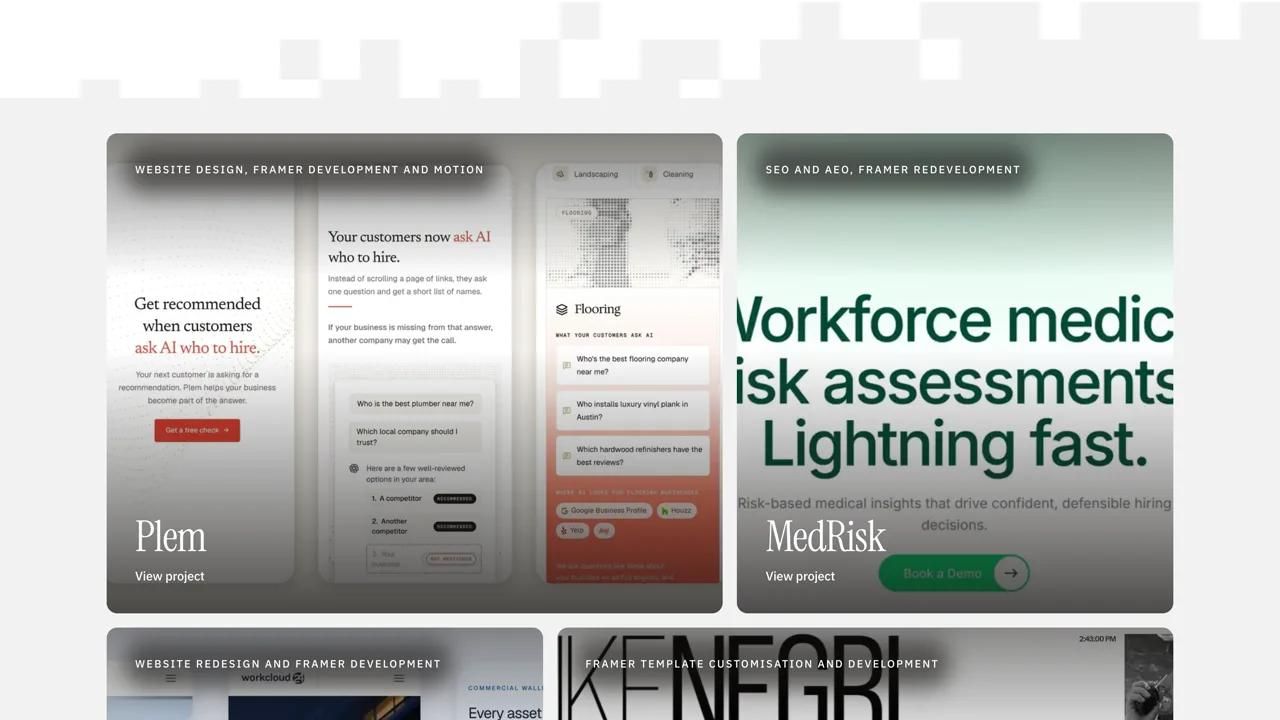

Trusted by B2B and premium service brands in 17+ countries.


About this
Webflow is the right call when your team is already on it, or when you need a CMS structure and content relationships Framer does not fit. We build clean, maintainable Webflow sites with structured content and SEO handled from the start.
Before you read further
When your team already runs on Webflow.
Webflow development is for teams already trained on Webflow, or for sites whose CMS needs reference fields and relationships across collections. For a brand-new marketing site with no Webflow history it is often not the quickest option, and we will tell you that up front.
Webflow Development
How it goes wrong
Webflow projects rarely fail at launch. They fail a year later, when class names have drifted, nobody remembers which collection feeds which page, and every small change risks breaking something else.
The other mistake is choosing the platform for the wrong reason: a template looked good, not because the content structure needed it. Then the team pays for complexity it never uses.
The honest frame
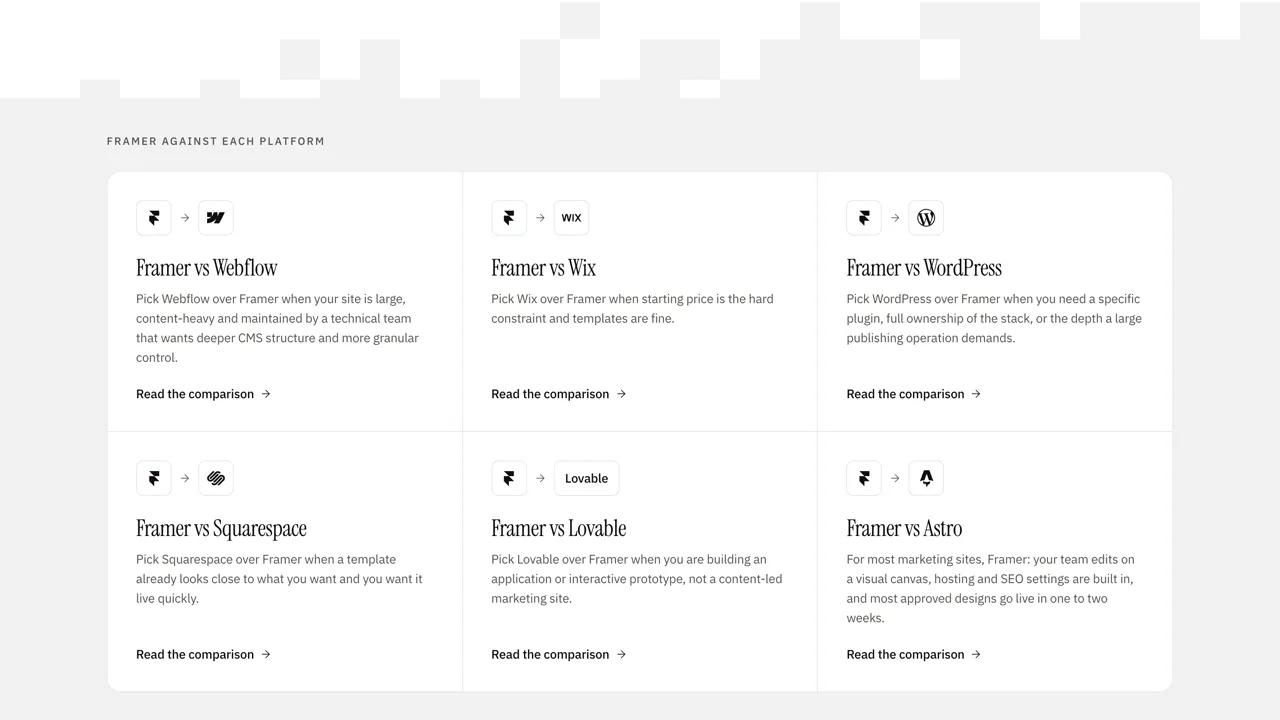
We build the class system and the CMS first, so the site stays maintainable after we hand it over. If you are still choosing, our Framer vs Webflow comparison sets out the trade-offs, and we also look after existing Webflow sites.

Why Urest
Facts we can stand behind.
Only the things we can verify.
Certified Framer Studio
We are a Certified Framer studio, so the platform calls are made by the people who build on it every week.
7+ years in design and growth
The same senior team has been designing, building and growing sites together for more than seven years.
Clients in 17+ countries
We work remotely with B2B and premium service brands across Europe and the US.
One senior team, no handoffs
Senior people only, no juniors and no account layer, so no brief gets rewritten on the way through.
All in under one roof
Design, development and growth run as one track instead of three vendors you have to coordinate.
Named outputs at every stage
You always know what you are getting and when, because every stage ships a named deliverable.
When we use it
When Webflow is the right choice, and when it is not
We choose Webflow when
Your team already works in WebflowIf editors are trained on Webflow and the site works, rebuilding elsewhere costs more than it gives.
We build and extend in Webflow instead.
- Collections with reference fieldsWebflow's CMS handles reference and multi-reference fields across collections, which suits sites with related content such as authors, categories and case studies.
- Native ecommerce for a modest storeWebflow has built-in ecommerce that suits small to mid-sized catalogues alongside content, without bolting on a separate platform.
We choose something else when
- A new marketing site with no Webflow historyFor a fresh build with no reason to be on Webflow, Framer is usually faster to build and simpler for marketers to edit, and we will say so.
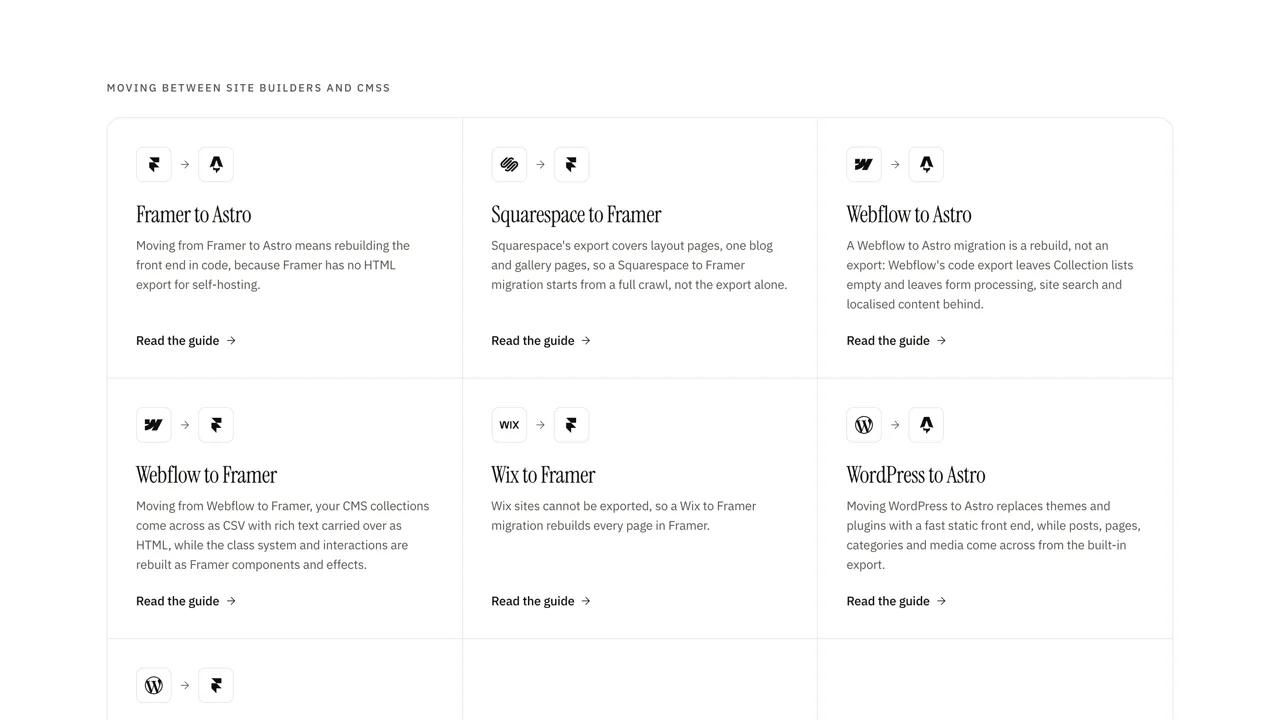
- Leaving the platform laterWebflow's code export leaves Collection lists empty and leaves out form processing, site search and localised content, so if you expect to self-host, Astro is the better start.
- ApplicationsLogged-in products, custom data and server logic need a framework such as Next.js rather than a site builder.
Ownership
What your team owns afterwards
The Webflow site and hosting are in your workspace. Your team updates copy and CMS items with Webflow's Content editor or Marketer roles, without touching layout, and we document how your specific class system and collections are structured, so edits stay clean as the site grows.
Performance and SEO
We keep the class system consistent and avoid unused interactions, which keeps pages lean. Metadata is set per page and bound to CMS fields on collection templates, 301 redirects are managed in site settings with capture groups, and Webflow Localize can serve locale folders with hreflang when a site needs more than one language.
Pairs well with
What we pair Webflow with
Webflow Localize
For multi-language sites, locales are served from subdirectories with hreflang, managed inside the same project.The Webflow Data API
For syncing collections with other systems, the Data API reads and writes CMS items, so content can come from where it already lives.
Our Webflow process
Four stages, usually one to two weeks.
Every stage has named outputs, so you always know what you are getting and when. We build the class system and CMS first, then style and launch on top of a structure that stays easy to maintain.
Step 01Stage 1 of 4
Build Setup
We set up the project, a clean class system and reusable components off the approved design.
Outputs
- Webflow project
- class structure
- component library

Step 02Stage 2 of 4
CMS Architecture
We model the collections and reference fields that Webflow handles well, then wire dynamic pages and real content.
Outputs
- CMS collections
- reference relationships
- dynamic templates

Step 03Stage 3 of 4
SEO & Interactions
We set metadata, structured data and redirects, then build the interactions and animations in Webflow.
Outputs
- on-page SEO
- schema
- Webflow interactions

Step 04Stage 4 of 4
QA & Launch
We test across devices and browsers, check performance and accessibility, then publish and hand over the editor.
Outputs
- cross-device QA
- performance pass
- live site

Tools and workflow
The stack behind the work
The tools this work runs on, grouped by the job they do. Only tools we use, never a partnership.
Build
- Webflow
- Webflow CMS
Design
- Figma
- FigJam
Analytics
- Google Analytics 4
- Google Search Console
Workflow
- Linear
- Notion
AI
- Claude
- Google Gemini
Common questions
Questions about Webflow development.
Everything teams usually ask before the first call.
Should I choose Webflow or Framer?
Choose Webflow when your team is already trained on it, or when you need deeper CMS structure such as reference fields and multi-collection relationships. For a brand-new marketing site with no Webflow history, Framer is often faster to build and edit. We will tell you honestly which one suits your project on the first call rather than steer you to the one we prefer.
Can you take over an existing Webflow site?
Yes. We audit the current build, keep the structure and content that earn their place, and tidy the class system and CMS where it has drifted. Inherited Webflow projects are often workable once the naming and collections are cleaned up, and we scope that before we start.
Does Webflow handle ecommerce?
Webflow has native ecommerce that works for small to mid-sized catalogues and standard checkout. It is a reasonable option when you want commerce and content in one platform. For a large catalogue, complex tax or fulfilment, or heavy integration, we are honest that a dedicated platform like Shopify is usually the stronger choice.
Can my team edit the site after launch?
Yes. Content lives in Webflow collections and the Editor, so your team updates copy and CMS items without touching layout. We hand over a short guide covering how your specific site is structured so whoever manages content can work straight away.
More development services
See all development services- Development 01:Framer DevelopmentFast, CMS-driven Framer sites with SEO set from page one. Most go live in one to two weeks from an approved design.
- Development 03:Website MigrationMoving a site to Framer or a new stack without losing rankings, redirects or content along the way.
- Development 04:Custom DevelopmentReact and Next.js applications for teams that outgrew no-code. Architecture scoped before anyone writes a line of code.
- Development 05:AI to Custom DevelopmentTurning an AI-prototyped app into a production build: real architecture, real data, real auth.
Free tools
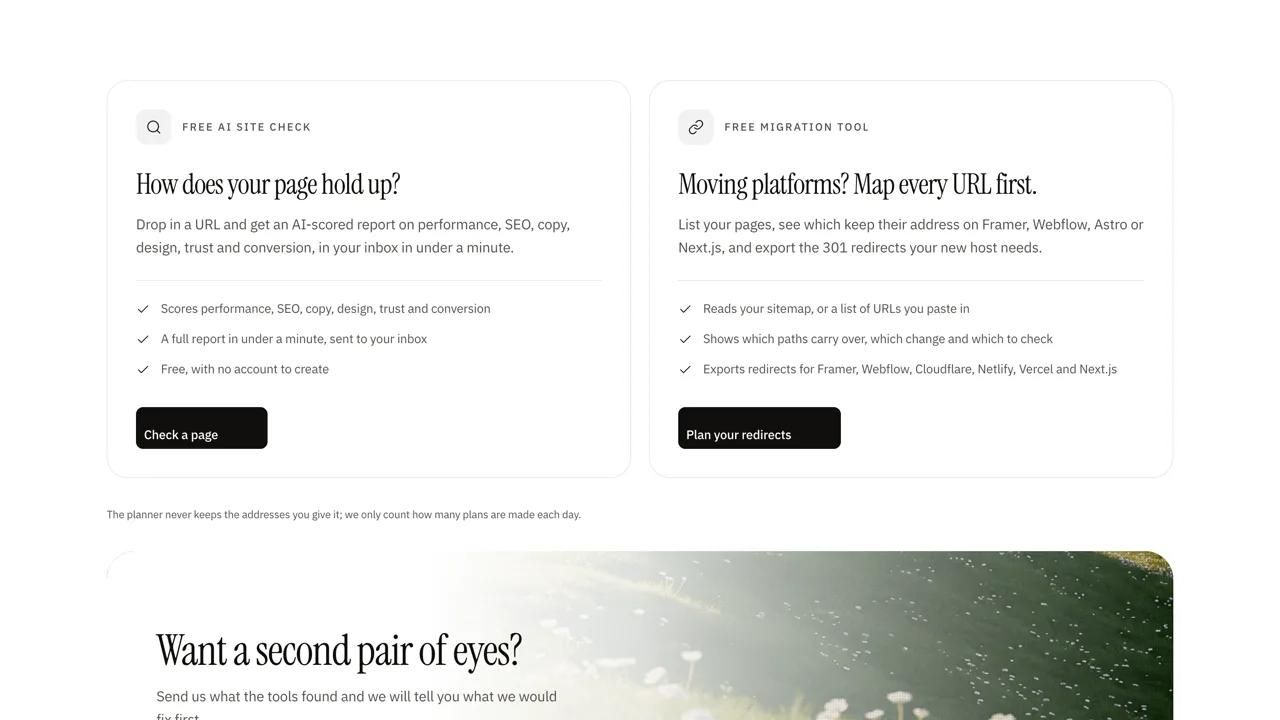
- Free migration tool:Moving platforms? Map every URL first.List your pages, see which keep their address on Framer, Webflow, Astro or Next.js, and export the 301 redirects your new host needs.
- Free AI site check:How does your page hold up?Drop in a URL and get an AI-scored report on performance, SEO, copy, design, trust and conversion, in your inbox in under a minute.
- Free platform picker:Not sure which platform fits?Answer a few questions about the project and see Framer, Webflow, Shopify, Astro and custom development ranked, with the reasons.
Next step
Committed to Webflow? We build it to stay easy to maintain.
We set up a clean class system and components, model the CMS collections and references, build the interactions and SEO, then test across devices and hand over the editor.
- A clean class systemClass structure and reusable components from the approved design.
- A CMS built around your contentCollections, reference fields and dynamic templates.
- QA and handoverCross-device testing, a performance pass and the editor handed over.