levvy
Brand identity, mascot and motion (concept)
Industries
Resources

Trusted by B2B and premium service brands in 17+ countries.


About this
We treat motion as a reading aid, not decoration dropped in to fill a gap. Every animation has a job: to show state, guide the eye or explain something static copy cannot. That means interface animation, product motion and launch video that make the work clearer, not busier.
Before you read further
Motion design is for teams with something static copy struggles to show: how a product works, what changed on screen, or a launch that needs a short film. If the aim is simply to make a page feel busier, more animation will not help, and we will tell you so.
Motion Design
Motion usually goes wrong with a request for more animation. Effects get added wherever there is space, every section fades and slides, and nothing tells the visitor where to look.
The other common failure is the handover. A preview looks great on a call, then the developer receives files in the wrong format with no notes on timing or easing, and what ships is a rough copy.
We decide where motion belongs before animating anything, and every handover includes production files and implementation notes. For a campaign it pairs naturally with ad design, and for interface motion the same team can work it into website design.
Why Urest
Only the things we can verify.
We are a Certified Framer studio, so the platform calls are made by the people who build on it every week.
The same senior team has been designing, building and growing sites together for more than seven years.
We work remotely with B2B and premium service brands across Europe and the US.
Senior people only, no juniors and no account layer, so no brief gets rewritten on the way through.
Design, development and growth run as one track instead of three vendors you have to coordinate.
You always know what you are getting and when, because every stage ships a named deliverable.
Our motion design process
Every stage has named outputs, so you always know what you are getting and when. We agree where motion belongs before animating anything, and you leave with production-ready files, not just a pretty preview.
Step 01Stage 1 of 4
We review where motion should help, your brand and how the piece will be used.
Outputs
Step 02Stage 2 of 4
We set the pace, easing and style, and agree what each moment of motion is for.
Outputs
Step 03Stage 3 of 4
We build the animation against real content and test it at the sizes it will run at.
Outputs
Step 04Stage 4 of 4
We finish and export in the formats your site and tools need, ready to ship.
Outputs
You rest, we work
Your part is a kickoff call, your files and a few sign-offs. The rest is ours: we work fast, share progress as we go and act on your notes straight away.
Timeline confirmed at kickoff
01 Story
02 Look
03 Motion
04 Polish
You
Urest
Point at any part of the grid, or tap it, to see what happens there.
Monthly, scope agreed at kickoff
01 Brief
02 Make
03 Review
04 Ship
You
Urest
Point at any part of the grid, or tap it, to see what happens there.
Studio explorations
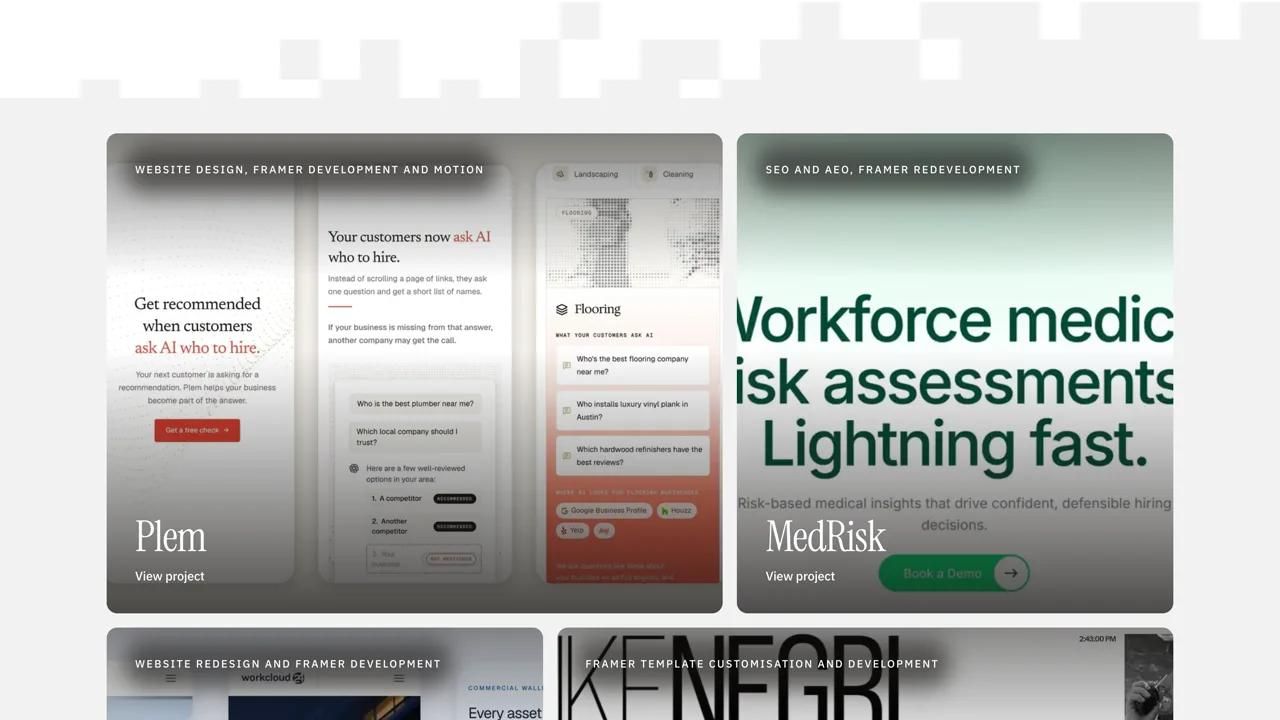
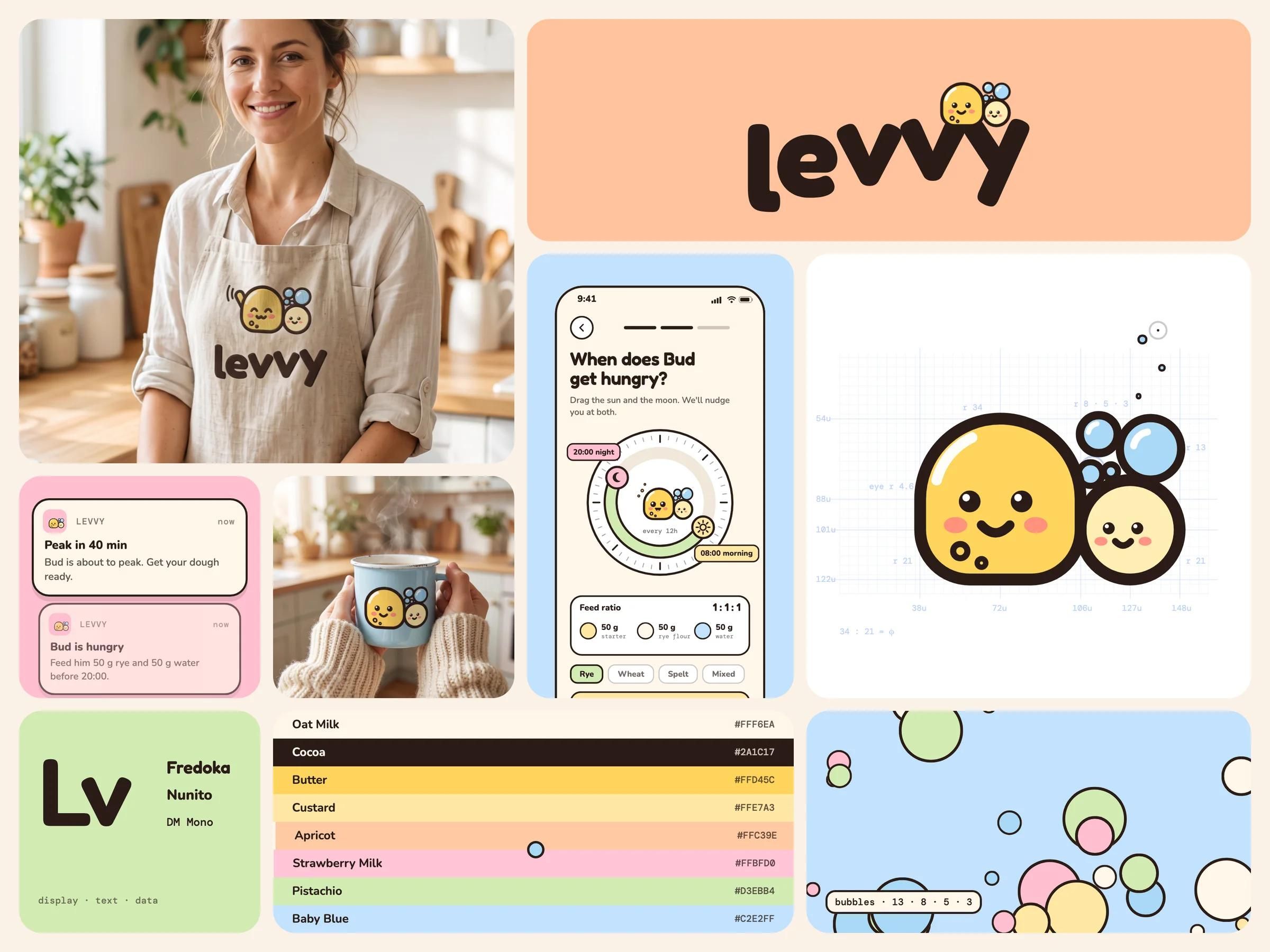
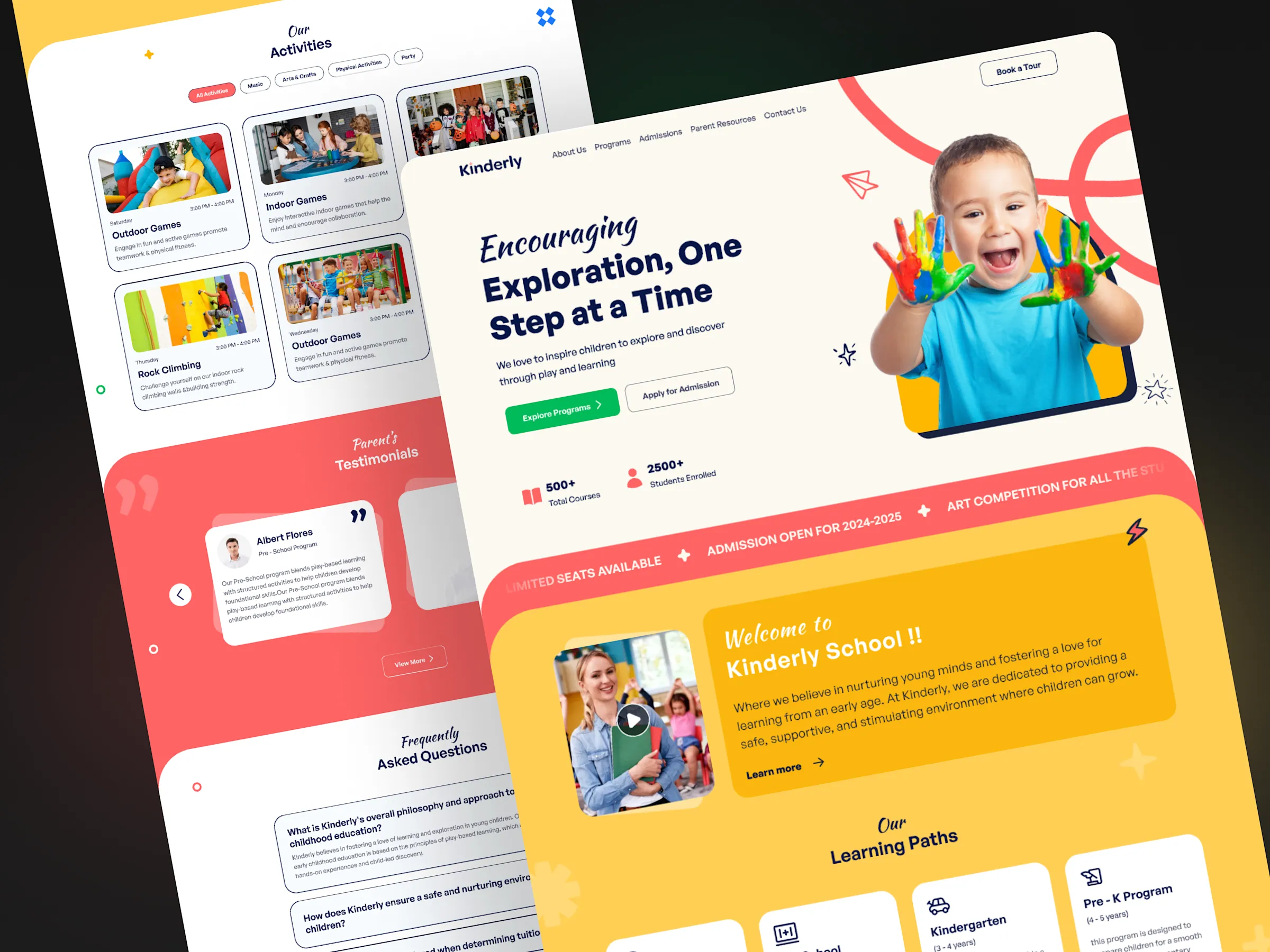
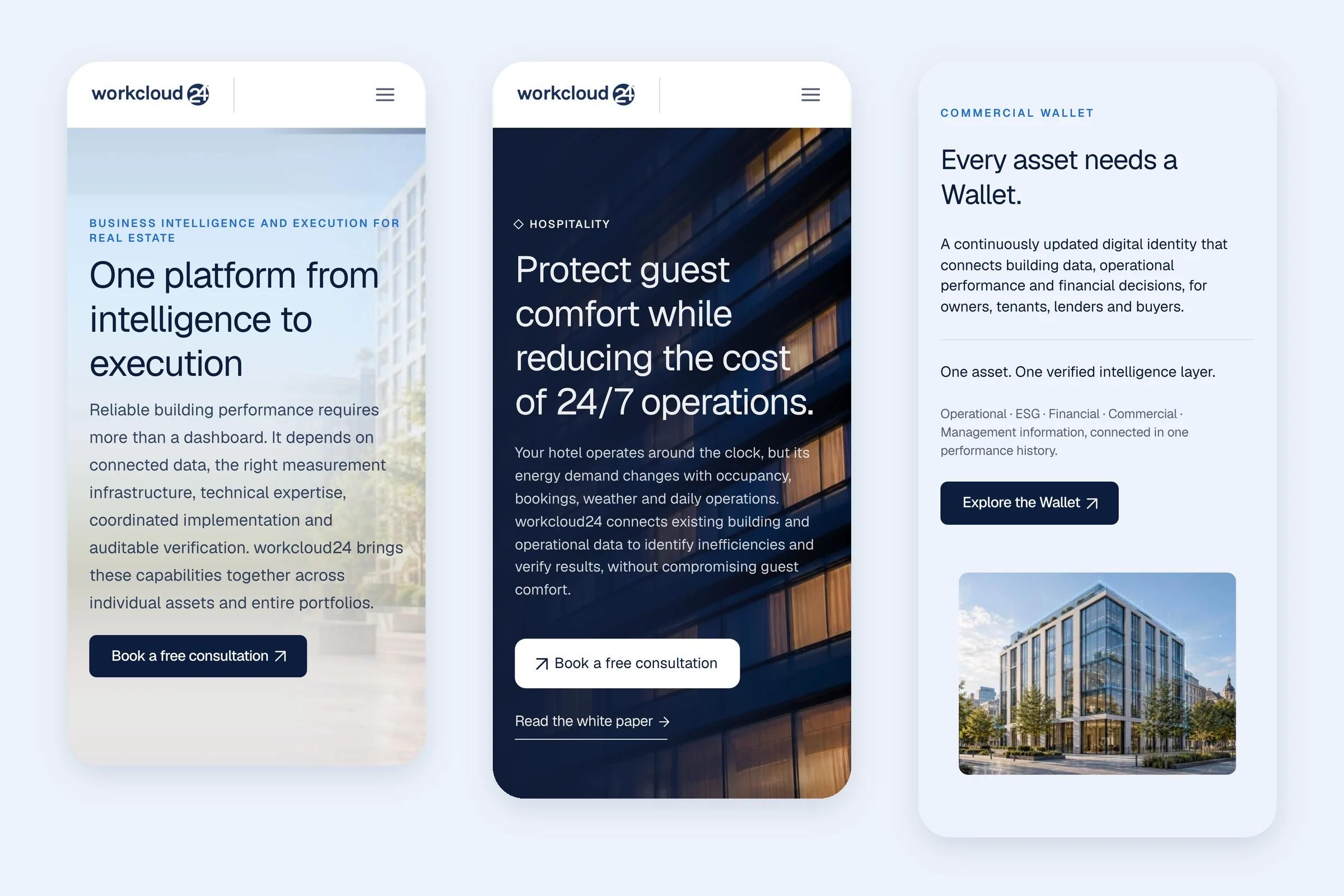
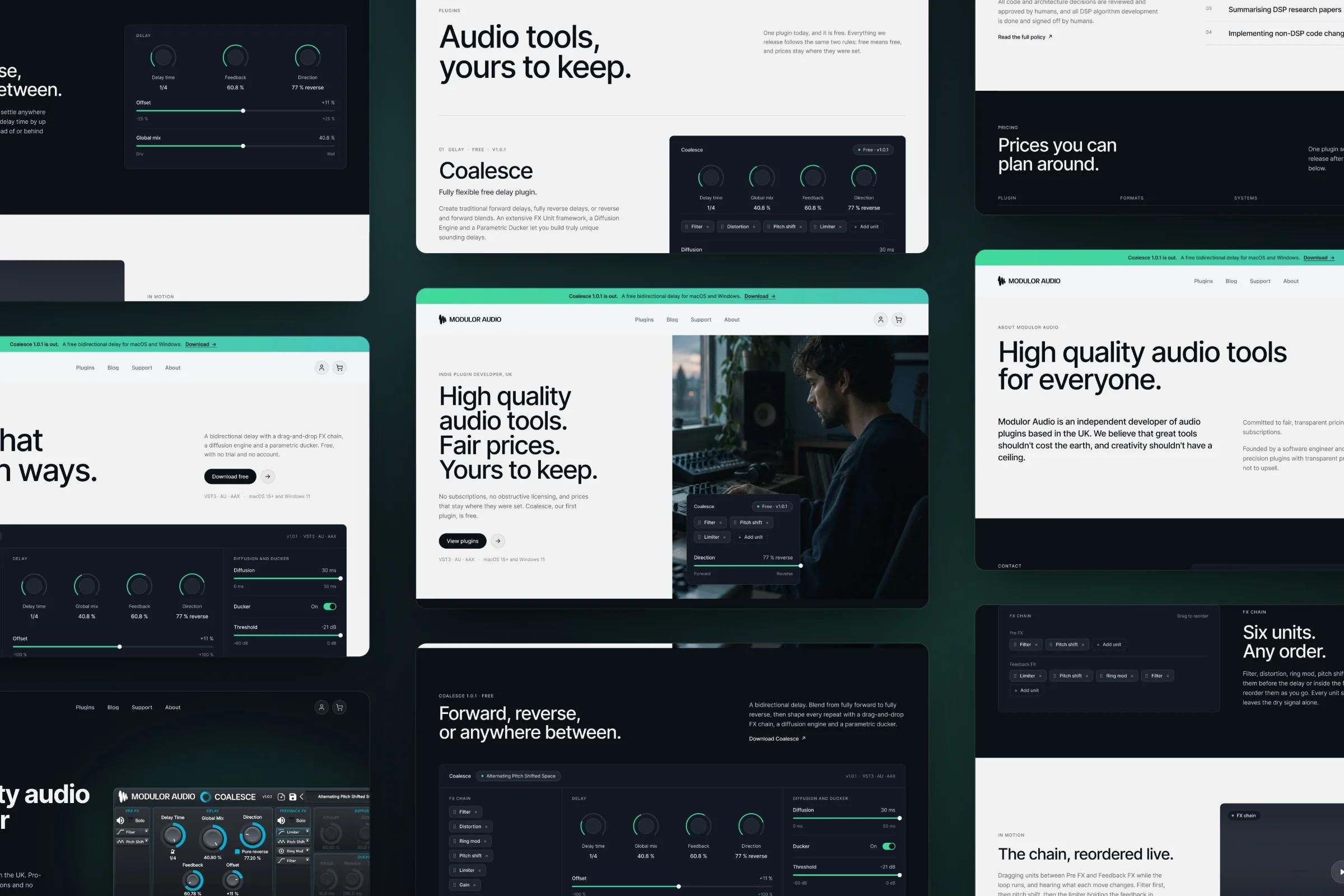
Self-initiated pieces we made in the studio to stretch across motion styles, from brand films to interface detail. They are explorations, not client work: every brand, product and number you see is fictional.
Tools and workflow
The tools this work runs on, grouped by the job they do. Only tools we use, never a partnership.
Common questions
Everything teams usually ask before the first call.
Interface animation, product motion and launch video. That ranges from micro-interactions and page transitions on a website, through animated explanations of how a product works, to short launch films for a campaign. We match the type of motion to the job rather than animating for its own sake.
Yes. We work from your current brand and build motion that fits how the site is already made, whether that is Framer, Webflow or a custom React and Next.js build. If the site is ours we can implement the motion directly, and if it is not we hand over specs and exports your developer can drop in.
In the format that suits the build. For web interface motion that usually means Lottie files or coded animation specs, and for video we deliver standard exports at the sizes you need. Every handover comes with implementation notes so nothing is guesswork.
One to two weeks for most pieces, from direction to production-ready files, and a focused piece can ship in a week. Longer or more complex work, like a full product explainer or a set of launch assets, takes about a month, and we scope it with you before anything starts.
More design services
See all design servicesNext step
We review where motion should help, set the pace, easing and style, animate against real content at the sizes it will run at, then export production files your site and tools can use.
Cookies
We use analytics cookies to see which pages and links bring people to a call. Nothing is stored until you agree. Privacy policy
Hi, I'm Seru, Urest's assistant. Ask me about our services, process or work.
Try asking