






Framer CMS Explained: Structuring Content That Scales
The Framer CMS runs on collections, items, fields and references. Here is how to structure content so it scales cleanly instead of getting messy.
 Written byMatt Gemi, Founder, Urest
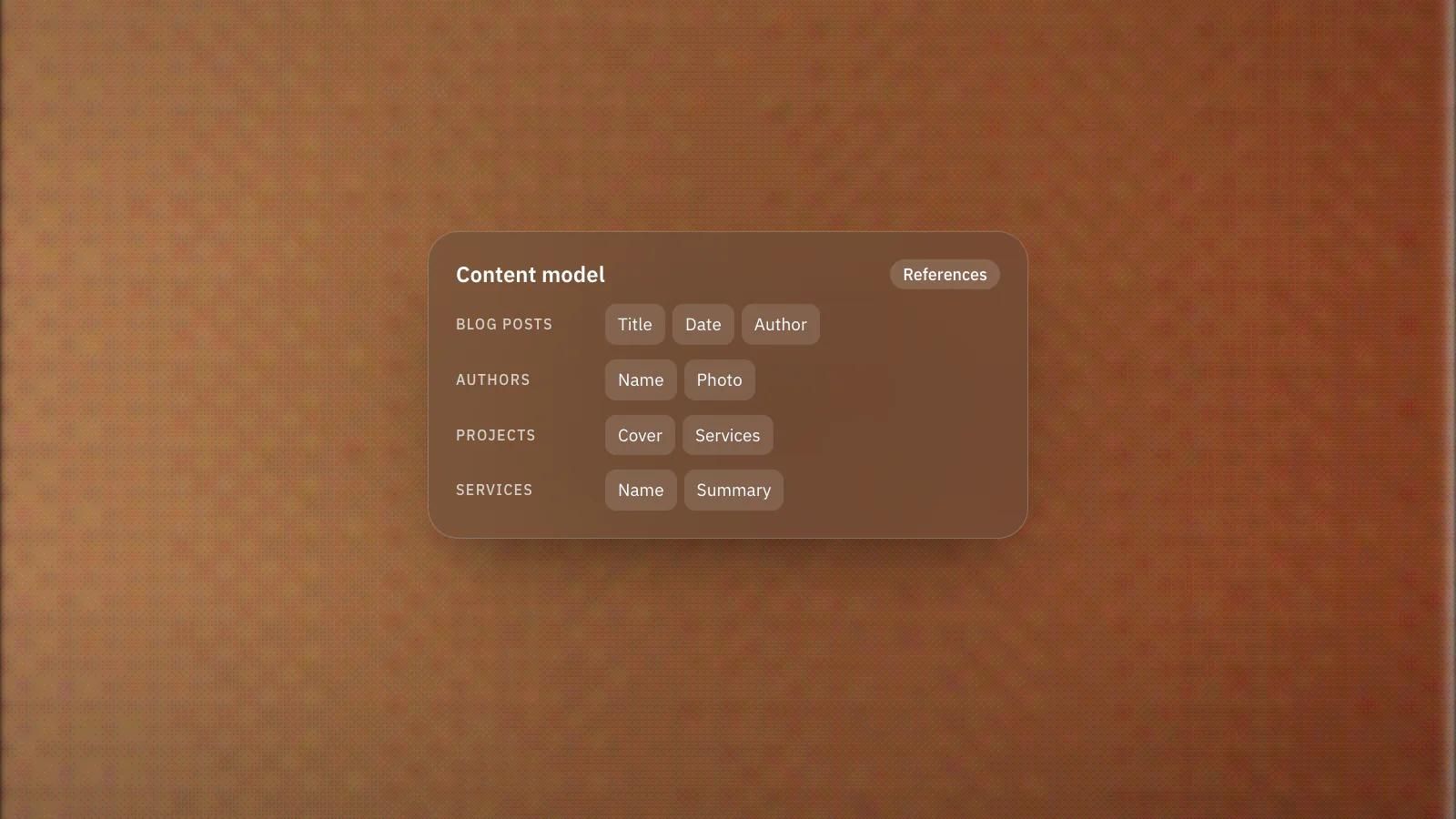
The Framer CMS turns repeating content, such as blog posts, projects or team members, into structured data you manage in one place instead of rebuilding pages by hand. The concepts are straightforward: collections, items, fields and references. Getting the structure right early is what separates a site that scales cleanly from one that becomes a maintenance headache. Here is how it fits together and how to plan it well.
What are collections, items and fields in Framer?
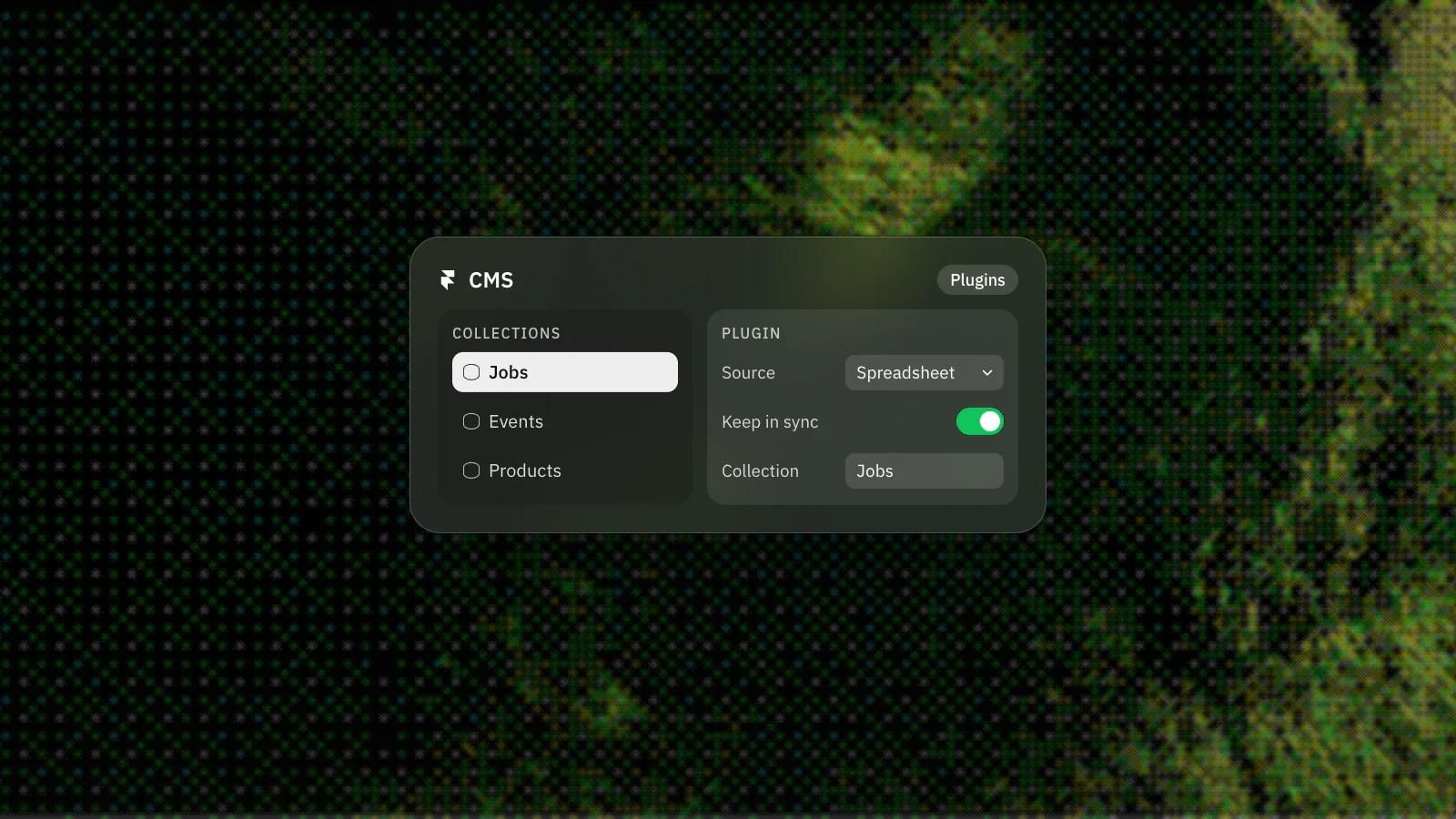
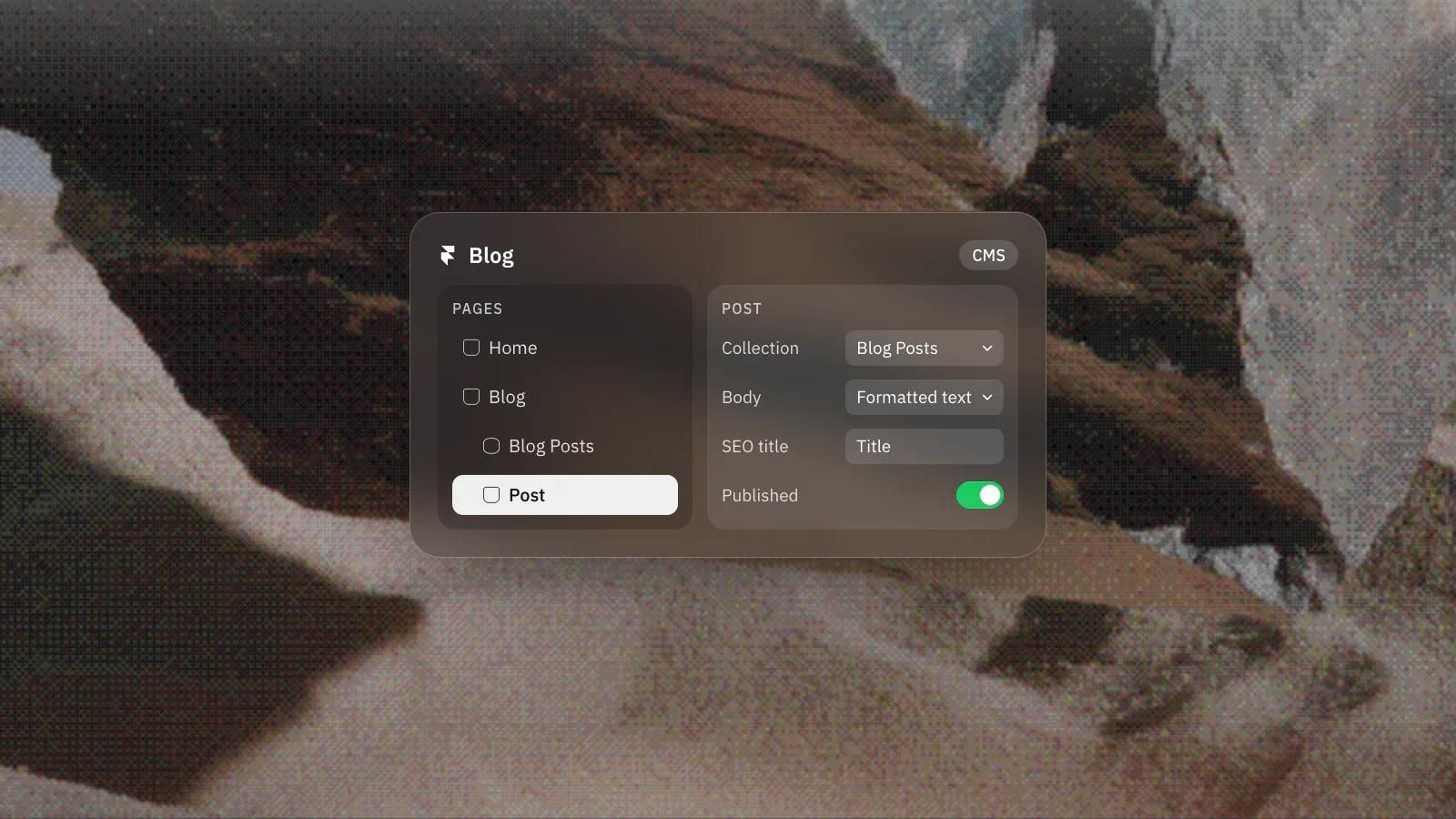
A collection is a database for one type of content, like Blog Posts or Case Studies. Inside it, each item is a single entry that follows the same structure, and that structure is defined by fields. Fields decide what data each item stores and how it appears once published. You design one layout, connect it to the collection, and every item renders through it. Add a new item and the page builds itself from your template.
Which field types does the Framer CMS support?
The Framer CMS supports text, rich text, image, number, boolean, date, colour, link, file and option fields, plus references to other collections. Choosing the right one per piece of content matters. Text handles titles and short strings. Rich text holds formatted body content with headings, lists and links. Image is for uploads or linked images, number for prices or ratings, boolean for true or false toggles like a featured flag, and date for publish or event dates. There is also colour for theming, link for URLs, file for downloadable assets like PDFs, and option for a fixed set of choices. Using the correct type keeps your data clean and your layouts flexible, rather than stuffing everything into text fields you later regret.
What are reference fields, and why do they matter?
Reference fields are what make the CMS relational instead of a set of isolated lists. A reference field links an item to items in another collection. A single reference points to one item, and a multi-reference points to several. This is how you connect a blog post to an author, or a project to the services it used, without duplicating that information. Update the author once and every linked post reflects it. References are the single most important tool for content that grows, because they let collections share data instead of repeating it.
How should you structure a Framer CMS from the start?
Map what repeats and how it relates before you build, give each content type its own collection, and link collections with references instead of copying shared data.
The biggest mistakes happen at setup, not later. Before you build, map out what content repeats and how the pieces relate. Give each distinct type its own collection rather than forcing unrelated things together. Use references to link related collections instead of copying shared data into every item, because duplicated data is duplicated maintenance. Pick precise field types so a date behaves like a date and a toggle behaves like a toggle. Name fields clearly so whoever edits the site next understands the structure without a guide.
Why does good CMS structure pay off?
A well-structured CMS means non-technical team members can publish confidently, layouts stay consistent because they are template-driven, and adding content is filling in fields rather than redesigning pages. A poorly structured one means every new post is a small fight and every change ripples through places you forgot existed. The difference is almost entirely down to how the collections and references were planned at the beginning.
We build Framer sites with the CMS structure planned around how each client actually publishes, so the site stays easy to run long after launch. Have content that needs to scale and want it structured properly from day one? Book a discovery call and we will design the content model with you.
Frequently asked questions
What is the difference between a collection and an item?
A collection is a database for one type of content, such as Blog Posts. An item is a single entry in it, and every item follows the same structure defined by the collection's fields.
When should I use a reference field instead of a text field?
Use a reference whenever the information lives in another collection, such as a post's author. Update the author once and every linked post reflects it.
Can non-technical editors run a Framer CMS?
Yes, if the structure is planned well. Editors fill in clearly named fields and the template handles the layout, so adding content never means redesigning pages.
What is the most common CMS mistake?
Getting the structure wrong at setup: forcing unrelated content into one collection, duplicating shared data instead of using references, or stuffing everything into text fields.