






How to Add a Blog to Your Framer Site
Step by step: create a CMS collection, design a template detail page, bind fields, build the blog index, and link posts by slug in Framer.
 Written byMatt Gemi, Founder, Urest
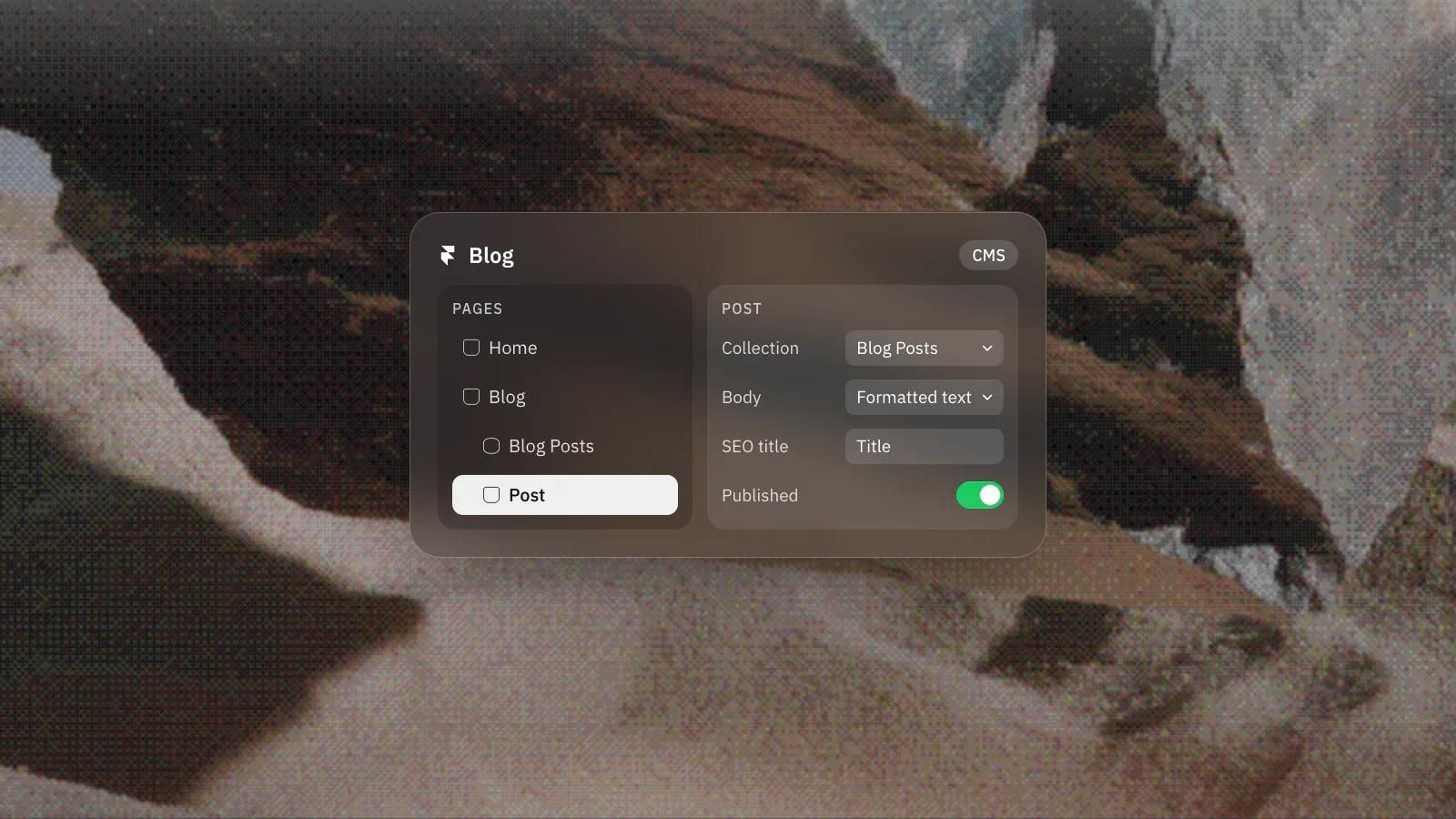
Adding a blog in Framer means using the CMS. You build one collection to hold your posts, design a single template page, and Framer generates a live page for every post automatically. Here is the workflow from empty project to published blog.
Create a blog collection in the CMS
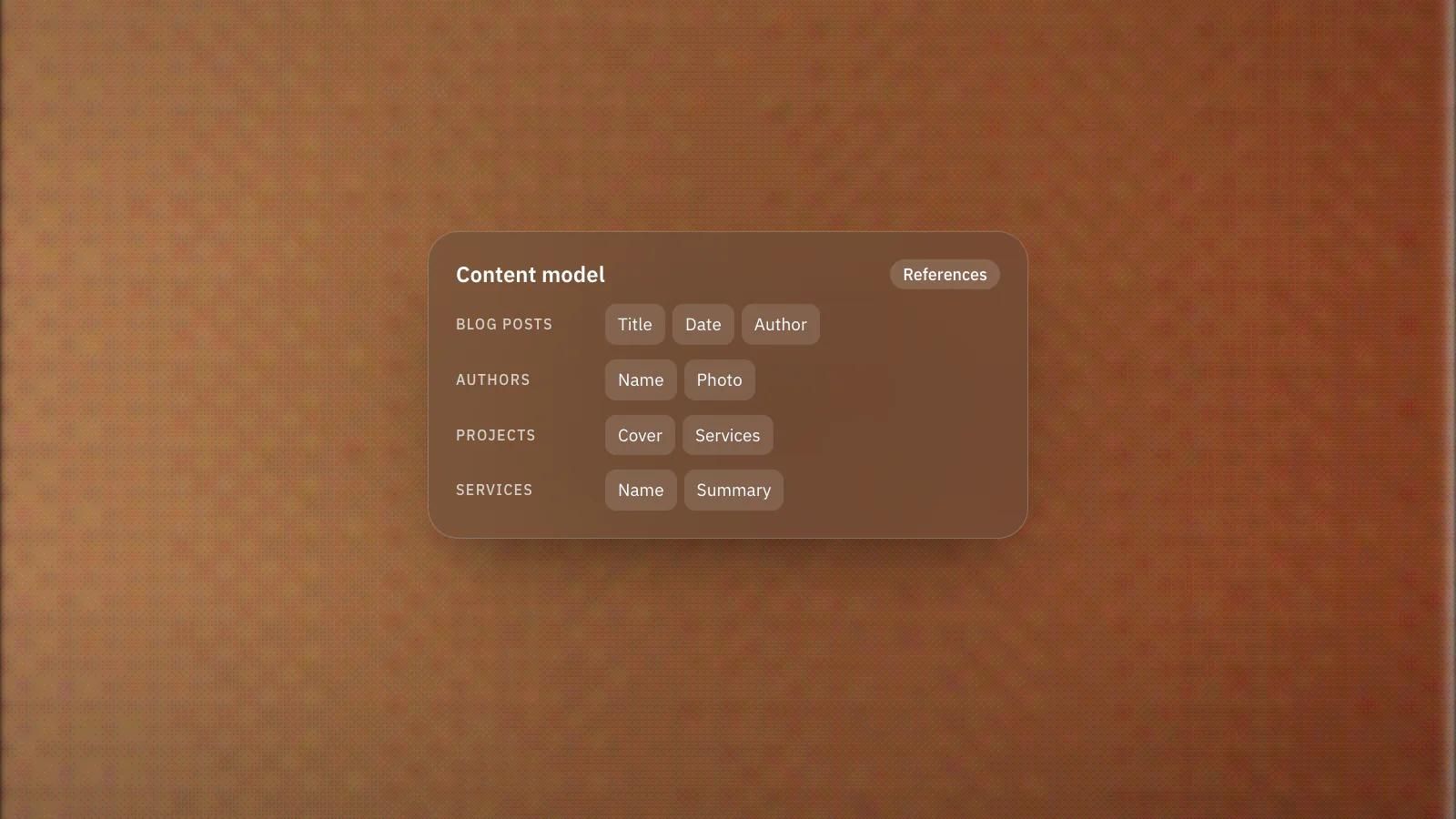
Open the CMS and create a new collection, for example Blog Posts. Think of a collection as a spreadsheet where each row is a post. Add the fields you need: a title, a slug, an author, a date, a cover image, and a body field. For the body, use a formatted text field so writers can add headings, lists and links. You can start from sample blog data or build the fields yourself. Each item also has a status, which decides whether it stays a draft or can appear on the live site.
Design the detail (template) page
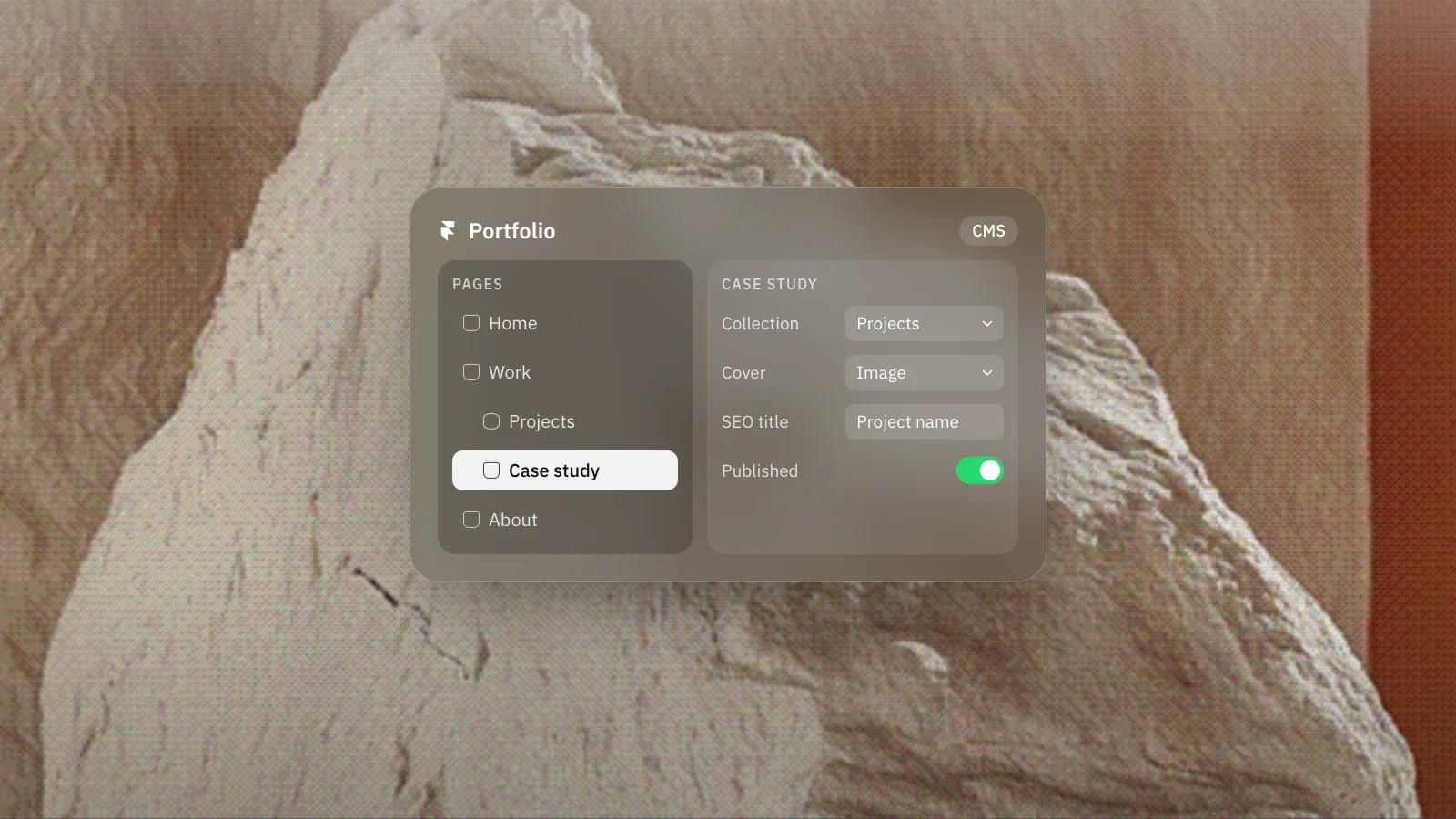
Next, create a CMS page connected to your collection and choose to build a detail page. This is a single template that Framer stamps out once per post. Design it like any normal page, then bind elements to CMS fields: connect a heading to the Title field, an image to the Cover Image field, and a Formatted Text component to your body field. Because it is one template, every post inherits the same layout and stays visually consistent.
How do you build the blog index page?
Add a collection list to a page, point it at your Blog Posts collection, and design the card that repeats for each item with the title, date and cover image. Each item in a collection list links to its detail page through the slug by default. If you replace that with your own link layers, for example on the title or the image, point each one at the item's slug so it resolves to that specific post's URL, and check every clickable element that should lead to a post.
What should you check before you publish?
Check that each post gets its own meta title and description from CMS fields, that slugs are short, that cover images have alt text and that the body uses proper headings.
When you publish, Framer adds your posts to the sitemap automatically, so new articles can be discovered without extra work. Set a meta title and description on the detail template mapped to your CMS fields, so each post gets its own metadata rather than a shared one. Keep slugs short and hyphenated, add alt text to cover images, and use the formatted text body for proper headings so each post has a clean structure.
That is a complete, self-updating blog: write a new item and the page builds itself. If you want a blog that is also set up to rank and convert from day one, that is the kind of build our team handles end to end. Book a discovery call and we will help you launch it properly.
Frequently asked questions
Do I need code to add a blog to Framer?
No. You create a CMS collection for posts, design one detail page and bind its elements to CMS fields, and Framer generates a page for every post.
Will my blog posts appear in the sitemap?
Yes. When you publish, Framer adds your posts to the sitemap automatically, so new articles can be discovered without extra work.
Can each post have its own meta title and description?
Yes. Map the meta title and description on the detail page to CMS fields, so every post gets its own metadata rather than a shared one.
Which field should the post body use?
A formatted text field, so writers can add headings, lists and links and each post keeps a clean structure.