





Building Multilingual Sites in Framer
How Framer localisation works: add locales, translate pages and CMS content, translate URL paths and send visitors to the right language.
 Written byMatt Gemi, Founder, Urest
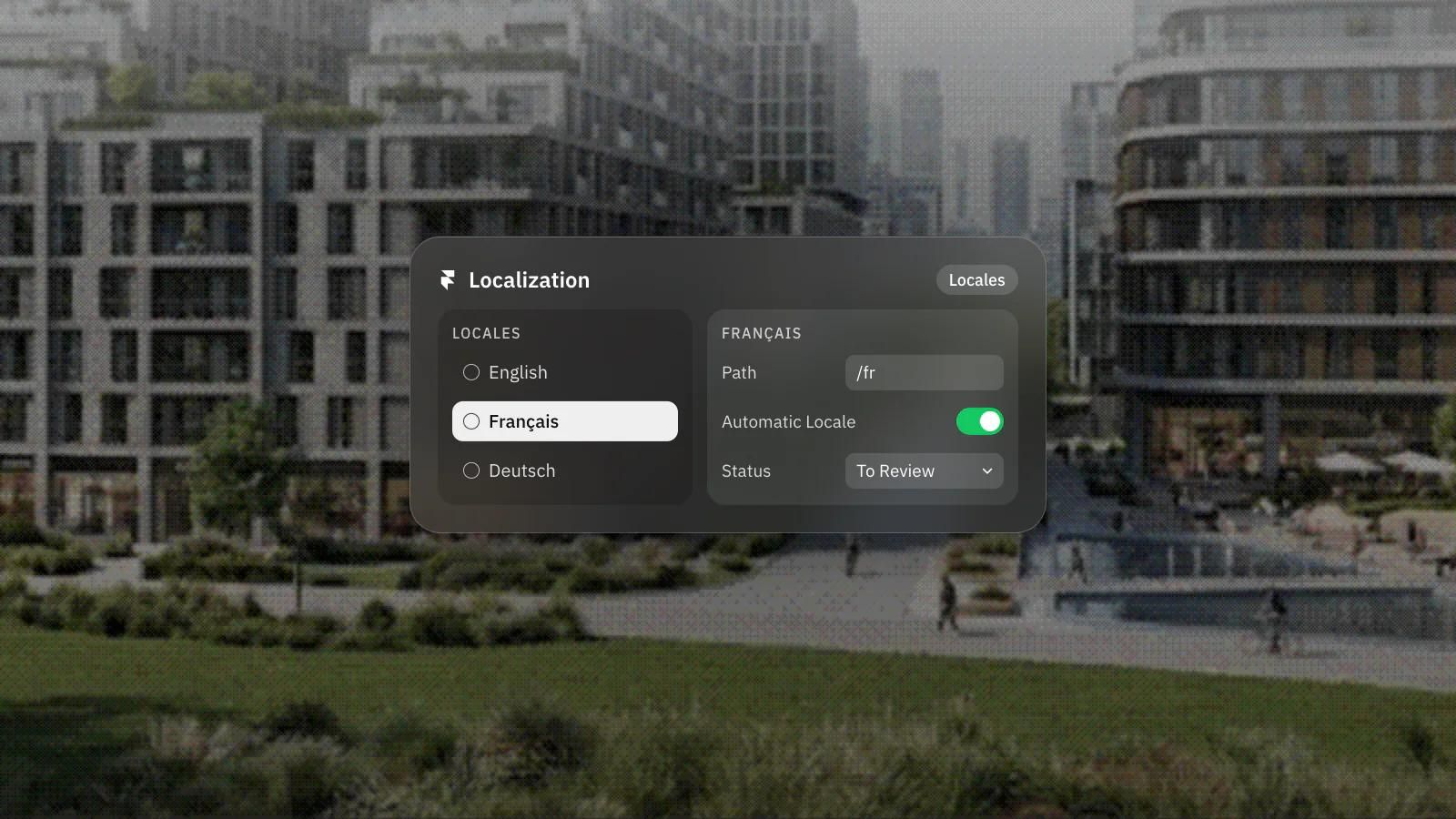
If you want your Framer site to speak more than one language, the work happens through Framer's Localization feature. It lets you set up multiple locales, translate page content and CMS items, localise your URL paths, and send each visitor to the right language version. Here is how it fits together and what to plan for.
How does localisation work in Framer?
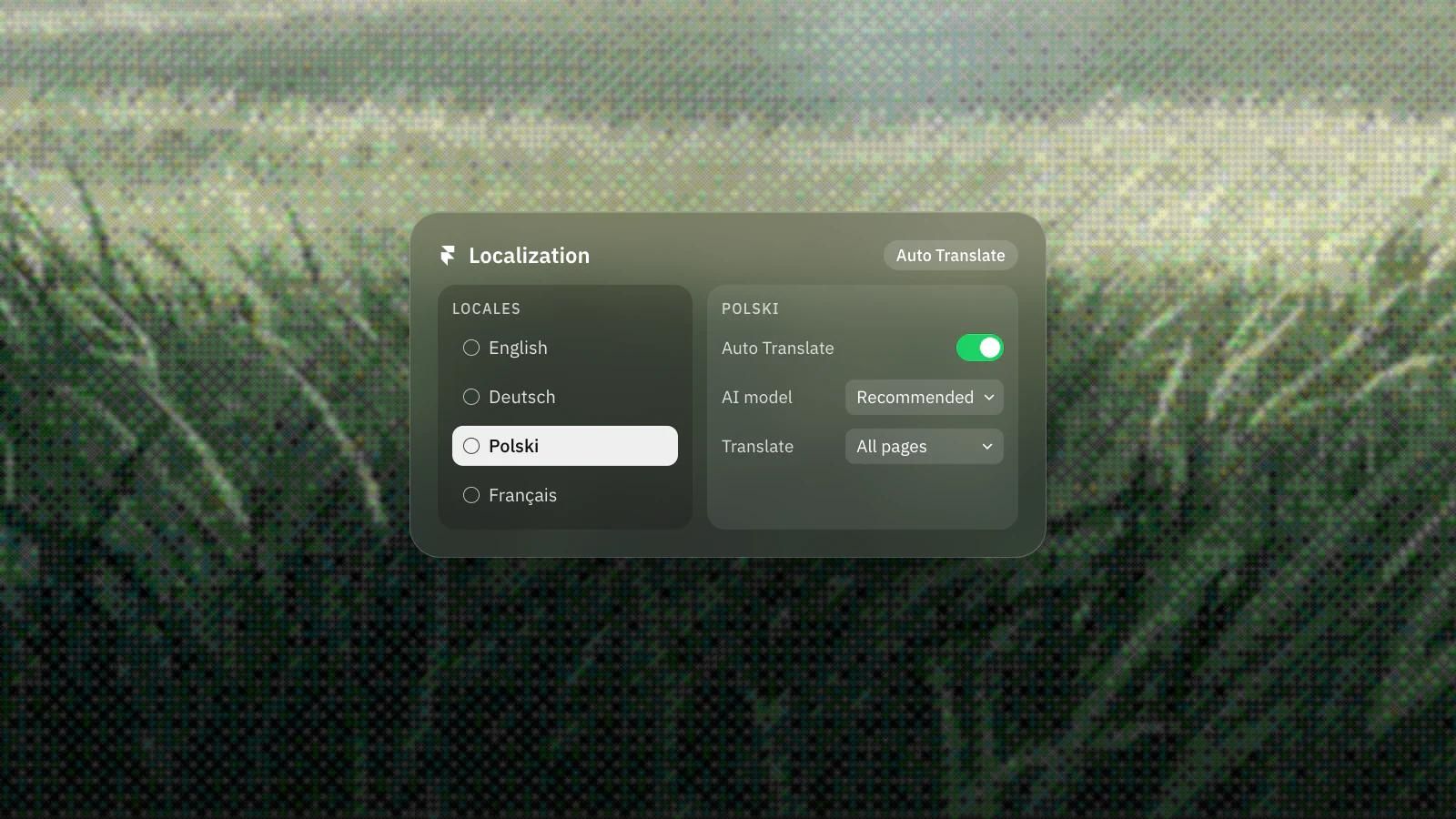
Localisation in Framer works through locales: every locale you add gives you a parallel version of the same pages to translate. It is an add-on rather than something switched on by default. Once enabled, you open the Localization view from the menu in the top left and add a locale, which is a language paired with an optional region (for example English, or English with a Canada region). You can also set a fallback language that shows when a translation is missing.
Can you translate CMS content as well as pages?
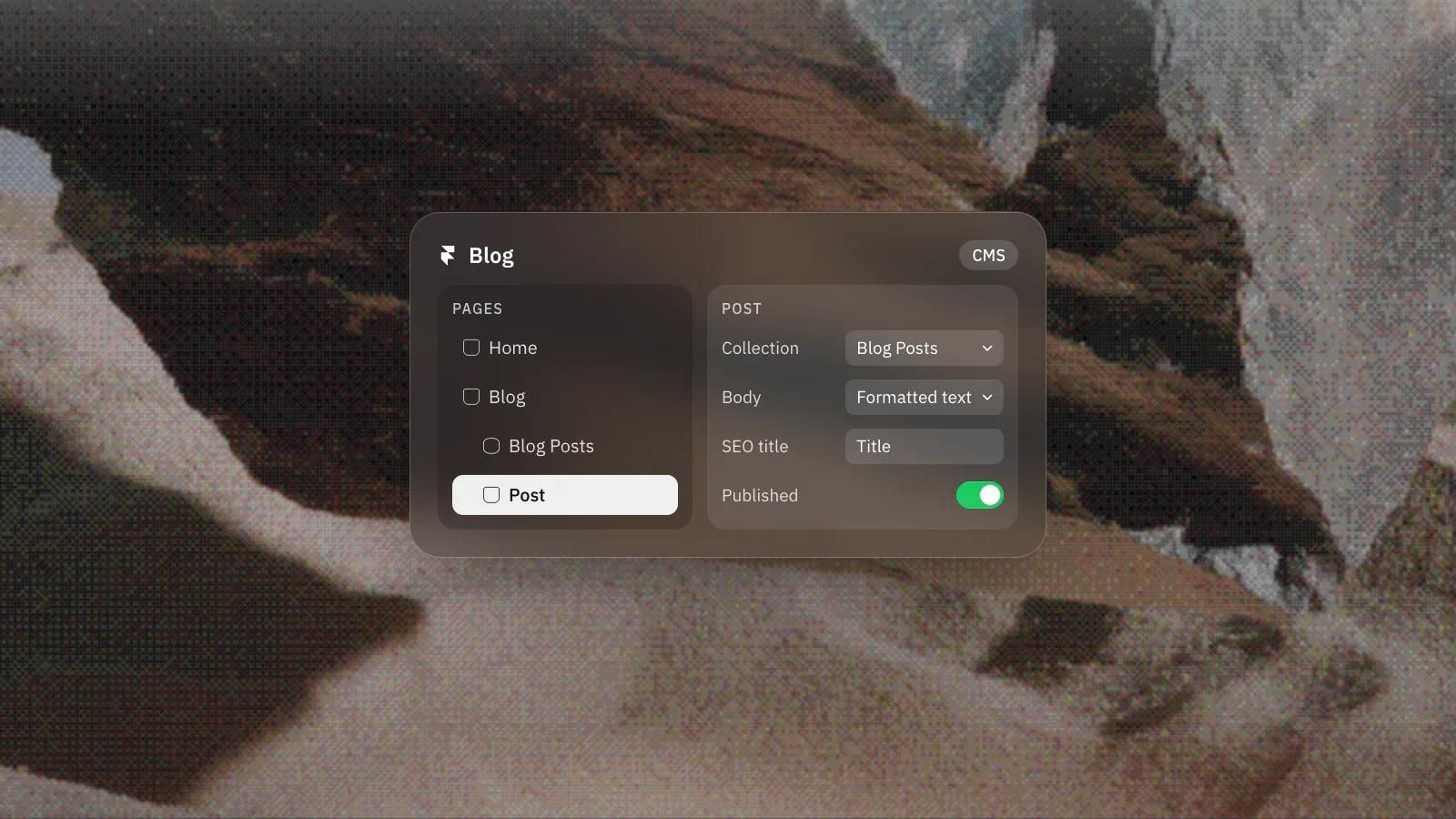
Yes. Translatable text lives in two places, on the canvas and in the CMS, and both can be translated per locale. Any text layer on a page can be translated, and so can translatable fields on CMS items (like a blog post title or body). You can work through translations manually in the Localization view, which uses status filters such as New, To Review and Done so a team can track what still needs attention.
Does Auto Translate keep every language in sync?
Largely, yes. Auto Translate translates new and updated content into every enabled locale as you edit, on the canvas and in the CMS, and any manual edit you make takes priority.
Framer offers Auto Translate, which uses large language models to translate content as you edit, across both the canvas and the CMS. When you create or update a CMS item, its translatable fields are translated into all enabled locales in the background, which keeps a multilingual blog or catalogue from drifting out of sync. Two things are worth knowing: Auto Translate needs the Localization add-on plus AI credits from your plan, and any manual edit you make takes priority over the auto-generated version. If credits run out, you keep the Localization feature and simply translate by hand. Treat machine translation as a strong first pass, then review anything customer facing.
Can you translate page URLs in Framer?
Framer lets you translate the URL paths of your pages per locale, so a French visitor can land on a French path rather than an English one. Localizing slugs helps both readability and search visibility in each market. Framer also supports right to left languages such as Arabic and Hebrew, which matters if you are expanding beyond left to right scripts.
How does Framer send visitors to the right language?
Framer's Automatic Locale feature redirects visitors who land on your default locale to a matching locale, based on the language preferences in their browser. It does not use geolocation, it only runs on your site's canonical URL, and anyone who arrives directly at a locale path such as /fr stays there. You stay in control of which pages exist in which locales, and you can exclude specific pages from a locale when a translation does not apply.
Multilingual builds reward careful planning: decide your locales, your URL structure and your review process before you scale content. If you would like a second set of eyes on the setup, our senior team has worked with clients in more than 17 countries. Book a discovery call and we can map out the right approach for your markets.
Frequently asked questions
Do I need a paid add-on to make a Framer site multilingual?
Yes. Locales come with Framer's Localization add-on rather than being switched on by default. AI translation also uses credits from your plan, while adding locales and translating by hand does not.
What happens to my manual translations when Auto Translate runs?
Manual edits take priority over the auto-generated version. Treat machine translation as a strong first pass and review anything customer facing.
Does Automatic Locale use a visitor's location?
No. It reads the language preferences in the visitor's browser, and only redirects people who land on your default locale.
Can I leave some pages out of a locale?
Yes. You decide which pages exist in which locales and can exclude specific pages when a translation does not apply.