


Framer PageSpeed Scores and Lighthouse 13.6, Explained
Lighthouse 13.6 fixes how PageSpeed Insights simulates Framer sites. Why scores rose with no site changes, what is still unfixed, and two CMS updates.
 Written byMatt Gemi, Founder, Urest
On this page
Framer sites now score higher in PageSpeed Insights without any change on the site itself. Framer worked with Google's Lighthouse team for a year to fix two flaws in how Lighthouse simulates a slow phone, and Lighthouse 13.6, released on 27 October 2026, brings the lab score closer to what visitors actually experience. Some of the biggest brands on Framer gained 12 to 25 points. Here is what changed, what is still not fixed, and two smaller Framer updates from late October that are worth knowing about.
Why did fast Framer sites look slow in PageSpeed Insights?
PageSpeed Insights runs Lighthouse, and Lighthouse does not really load your page on a slow phone. It loads the page on a fast connection, records every request, and then simulates how those requests would play out on a slow device. That simulation is called Lantern.
Lantern had to guess which requests held the page back, and it took a shortcut: anything that loaded before the page became visible was treated as blocking. That hurt Framer in particular. To make sites fast, Framer tells the browser about every JavaScript module a page needs right in the HTML (module preloads) and inlines the page's CSS, including its font references. The browser fetches all of that early and in parallel, without blocking anything. Lantern saw those early requests and assumed the page had waited for them.
The result, in Framer's words, was a page that could paint its main content in 300 ms for a real visitor and still get a yellow score. Removing the preloads made Lighthouse happier but made the site slower for real people, so that was never a real option. Framer reported the problem to the Lighthouse project in June 2025.
What does Lighthouse 13.6 fix?
Lighthouse 13.6 ships two fixes.
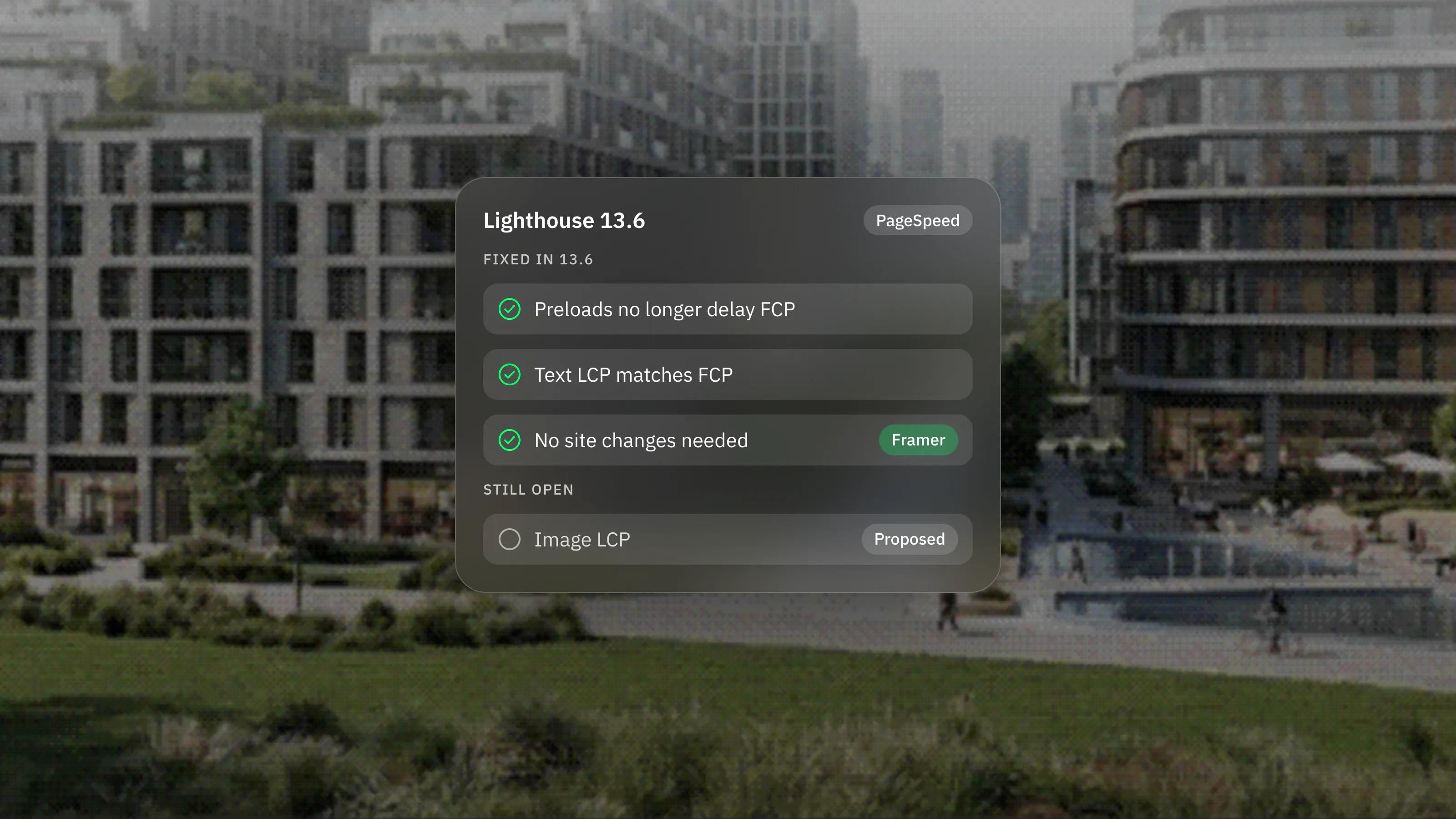
- Non-blocking requests no longer delay First Contentful Paint. Chrome already labels every request as render-blocking or not. Lantern used to ignore that label and guess from priority instead. It now asks Chrome, so web fonts, module preloads, the page's main module script and some third-party requests no longer push back the simulated first paint.
- When the first paint is also the largest paint, LCP equals FCP. If a block of text is in the HTML, it appears in the very first frame, so First Contentful Paint and Largest Contentful Paint happen at the same moment. Lantern used to estimate them separately and could report the same headline at 1.2 seconds for FCP and 6 seconds for LCP. Now, when both happened in the same paint and the largest element is text, the two match.
How much did Framer sites improve?
Framer published before and after numbers for a handful of large Framer sites. Simulated LCP on legora.com went from 11.6 to 2.3 seconds, twingate.com from 16.0 to 1.9 seconds and mutinyhq.com from 13.3 to 3.2 seconds. Those are lab figures from the old and new versions of Lighthouse, not changes the sites made. Framer is clear that you do not need to change anything on your site to get the new score.
If a client or a stakeholder has been worried by a yellow or red PageSpeed result on a Framer site, run the test again now. Our guide to improving Core Web Vitals explains how to read the result, and Framer hosting and performance covers what Framer already does for speed.
What is still not fixed?
Pages whose largest element is an image. When the LCP element is an image, Lantern still counts almost every request that finished before it as something the image waited for, including module preloads, fonts and scripts. The first fix only applies to FCP. Framer has proposed a change to the Lighthouse team: when the image is in the HTML and not inserted by JavaScript, leave requests that Chrome marks as non-blocking out of the optimistic LCP estimate. Until that lands, a hero built around a large image may still score lower in the lab than it feels to visitors.
What else did Framer ship in late October?
Two updates from the end of October were not part of our November roundup, and both matter for teams that edit their own site.
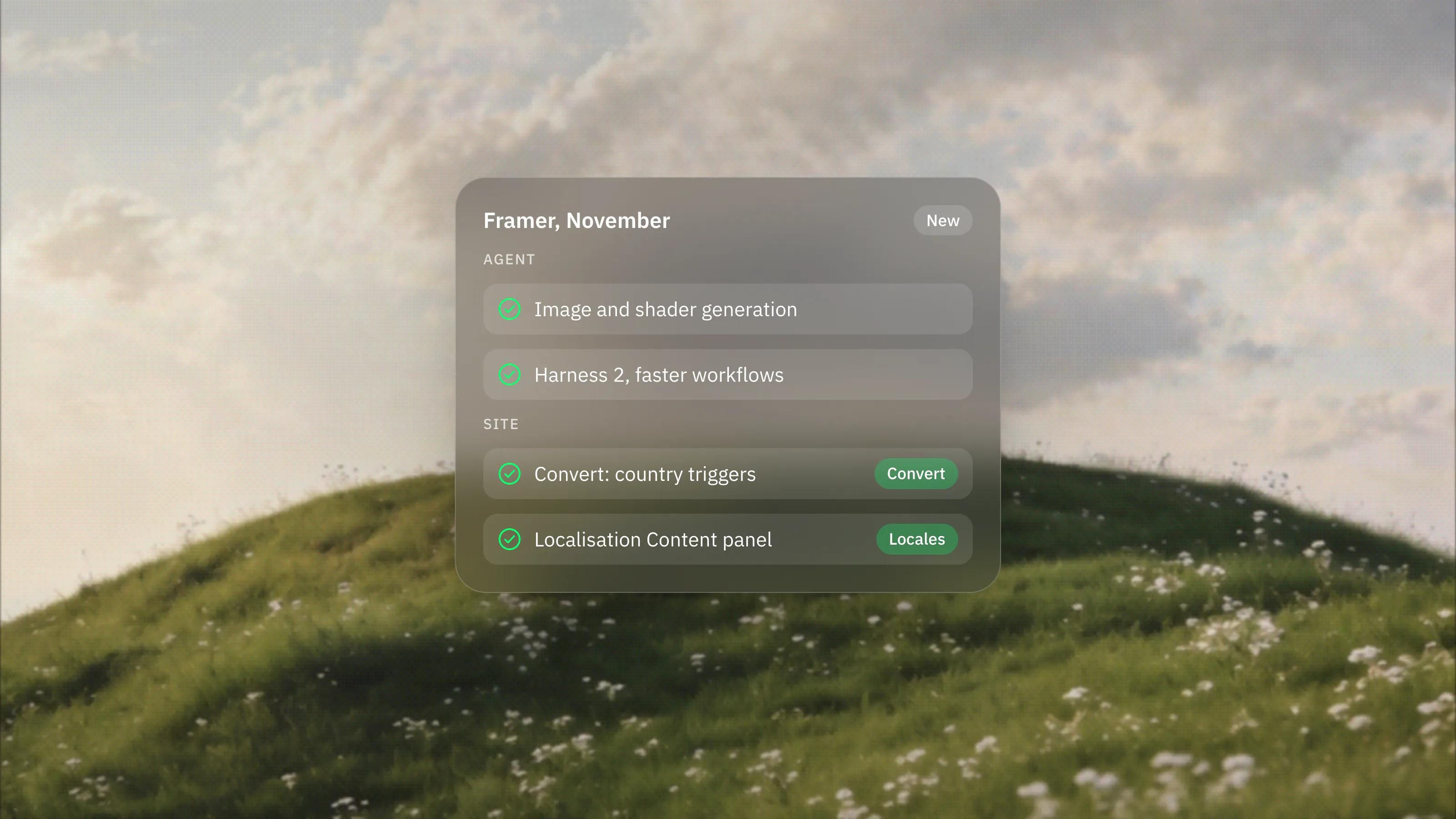
- CMS multiplayer cursors. Formatted text fields in the CMS and on the canvas now support collaborative editing with live cursors, so you can see who is editing and where. Formatted text also accepts website embeds and Vimeo videos, and the CMS view can filter collections by references and multi-references. Our guide to structuring Framer CMS content covers how to set collections up well.
- Assets panel refresh. Components, colours, text styles, code overrides and vectors can now be mixed in your own folders instead of fixed sections, and the Framer Agent can organise and manage assets for you.
What does this mean for your website?
For most Framer sites the lab score now tells a fairer story, with nothing to change. Treat PageSpeed Insights as a guide rather than a verdict, and check how the page feels on a real phone as well. If your largest element is an image, keep it optimised and expect the lab number to trail reality until the image fix arrives.
As a Certified Framer studio we follow every Framer release and test what it means for client sites. If you want a second opinion on your site's speed, book a call.
Frequently asked questions
Do I need to change my Framer site to get the better PageSpeed score?
No. Framer states that you do not need to change anything. The improvement comes from Lighthouse 13.6, which PageSpeed Insights uses to test your page.
When was Lighthouse 13.6 released?
Lighthouse 13.6.0 shipped on 27 October 2026. Framer announced its part in the fix on 3 November 2026.
Why does my Framer page with a large hero image still score lower?
Lighthouse 13.6 does not yet fix image LCP. When the largest element is an image, the simulation still counts most earlier requests against it. Framer has proposed a fix to the Lighthouse team.
What are multiplayer cursors in the Framer CMS?
Since late October 2026, several people can edit the same formatted text field in the Framer CMS or on the canvas at once, with live cursors showing who is editing and where.
Sources
Everything in this guide comes from Framer's own pages, checked on 19 November 2026.