
What's New in Framer: November 2026 Updates Explained
Framer's November 2026 updates explained: AI image and shader generation, Agent support in Convert, a faster Agent and a new localisation Content panel.
 Written byMatt Gemi, Founder, Urest
On this page
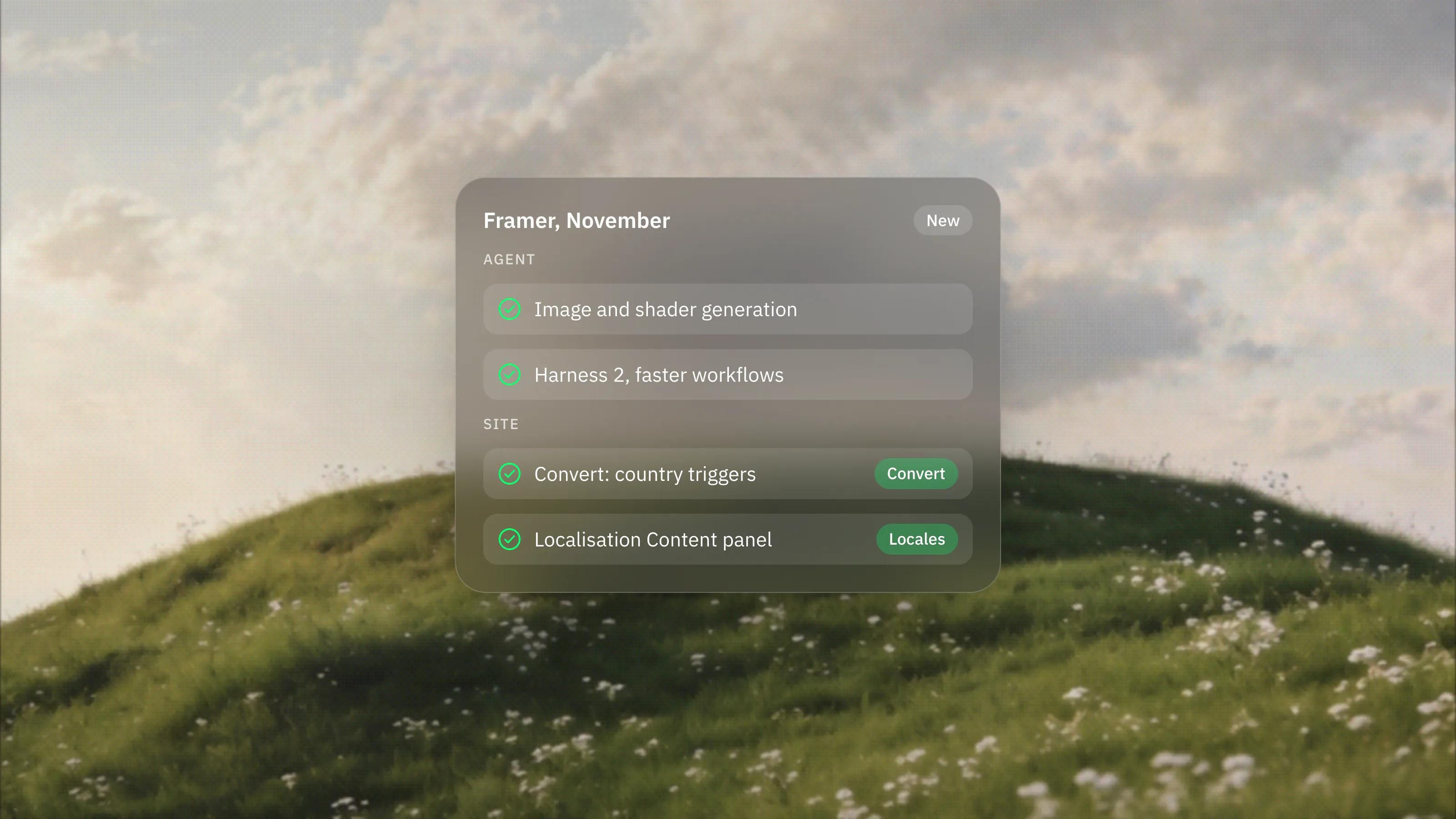
Framer shipped four notable updates in the first half of November 2026: image and shader generation in the Framer Agent, Agent support and country-based triggers in Convert, a rebuilt Agent harness that works faster, and a new Content panel for localisation. Here is what each one does, and what it changes for a business website.
What can the Framer Agent generate now?
The Framer Agent can now create images and shaders on request. Ask it for an image, texture or illustration that fits your site, or drop in an existing image and ask it to swap the subject, remove the background or restyle it. Shaders work the same way: describe an effect such as a halftone, a bokeh blur or a pencil look, or ask it to adjust a Framer shader already on the canvas. The two work together, so the Agent can generate an image and feed it into a shader.
For a marketing site this is most useful for supporting visuals: textures, backgrounds and quick variations while a page is being designed. Product photos, team portraits and case study images should still be real, because visitors trust what they can recognise.
What changed in Framer Convert?
Convert, Framer's tool for funnels, A/B tests and on-page overlays, now works with the Agent. You can ask the Agent to create, edit and analyse funnels and A/B tests, or to add and edit triggers. A new country-based trigger shows an overlay by a visitor's country or region. Framer's own example is a banner for an event in Barcelona that only visitors in Spain see.
Country triggers are a simple win for companies that sell in several markets: one site, with the offer, event or office details that matter to each visitor. If you already test pages in Framer, our guide to Framer A/B testing covers how to set up a fair test.
Is the Framer Agent faster now?
Yes. Framer rebuilt the Agent's harness, which it calls Harness 2, so the Agent can carry out a whole workflow in a single program. It reads the document, makes decisions and applies changes while the model is still writing the next steps, so you see progress sooner. Framer reports 2x fewer tool steps and 39% fewer cached input tokens per message, and the same capabilities are available to external AI tools through Framer MCP.
What is new in Framer localisation?
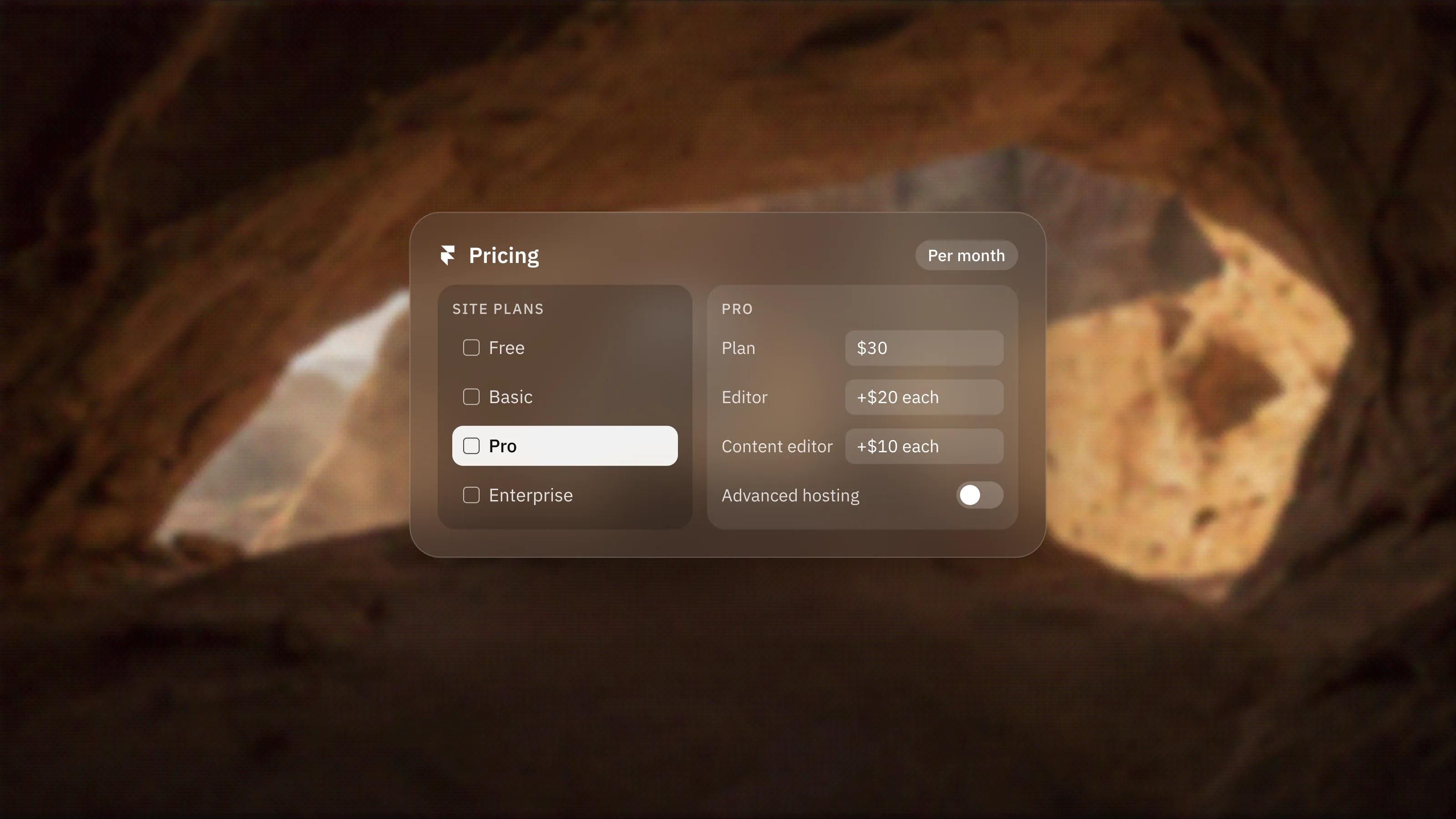
A new Content panel gives one overview of every page, collection and component across your locales. For each one you decide whether to include it, keep it untranslated or hide it, for a single locale or all of them at once. When you add a new locale, you can also choose to include all content by default or start with it untranslated.
That makes gradual localisation practical: launch a new market with the homepage and the key landing pages, then add the rest once the market proves itself. Our guides to Framer Auto Translate and building multilingual sites in Framer cover the rest of the setup.
What do these updates mean for your website?
Most of this month's work makes the Framer Agent more capable inside the tools teams already use: design, conversion and localisation. For site owners the practical gains are faster iteration on visuals, simpler testing across markets and an easier path into new languages. The fundamentals have not changed. A clear offer, real proof and a fast, well-structured site still decide whether visitors become enquiries.
As a Certified Framer studio we follow every Framer release and bring the useful ones into client sites. If you want to know what this month's updates could do for yours, book a call.
Frequently asked questions
Can the Framer Agent generate images?
Yes. Since November 2026 the Framer Agent can generate images, textures and illustrations, edit an existing image (swap the subject, remove the background, restyle it) and generate or adjust shaders.
What is Framer Convert?
Convert is Framer's tool for funnels, A/B tests and on-page overlays. In November 2026 it gained Agent support and country-based triggers that show overlays by a visitor's country or region.
Can I localise a Framer site one page at a time?
Yes. The new Content panel lets you include, keep untranslated or hide each page, collection and component per locale, so you can start with the homepage and add more pages over time.
What is Harness 2 in Framer?
Harness 2 is the rebuilt engine behind the Framer Agent. It runs whole workflows in a single program, which Framer says takes 2x fewer tool steps and 39% fewer cached input tokens per message.
Sources
Everything in this guide comes from Framer's own announcements, checked on 19 November 2026.
- Framer Updates: Image and Shader Generation, Convert Update, Harness 2, and Localization Update: Content Panel and Opt-In.
- Framer Updates: Convert Update.