Shopify With a Framer or Webflow Brand Site: When to Split the Store From the Website
Running your brand site on Framer or Webflow with Shopify behind it gives you design freedom and a proven checkout, at the cost of two platforms and more moving parts. How the setups work, the trade-offs, and when to split.
 Written byMatt Gemi, Founder, Urest
On this page
Splitting the store from the website means your brand site runs on Framer or Webflow, while Shopify runs products, cart and checkout behind it. It is a good fit when the website has to carry the brand and the content, and the catalogue is small enough that the store is one part of the site rather than the whole of it. This guide covers the ways to connect the two, what you gain, what you take on, and how we decide, based on Shopify, Framer and Webflow documentation as of 3 November 2026. For the Framer plugin side specifically, see our earlier post on how ecommerce works on Framer.
What does splitting the store from the website actually mean?
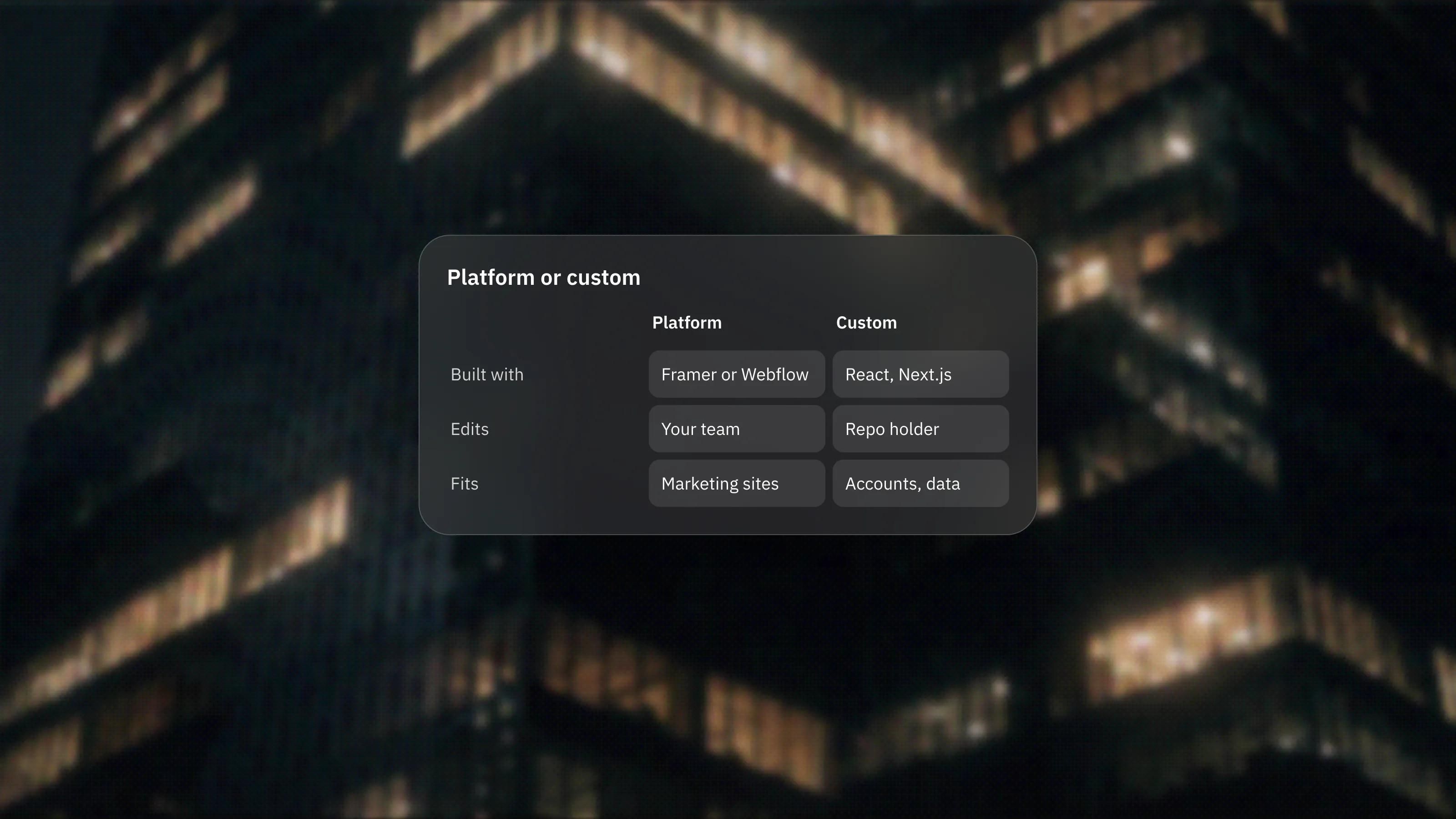
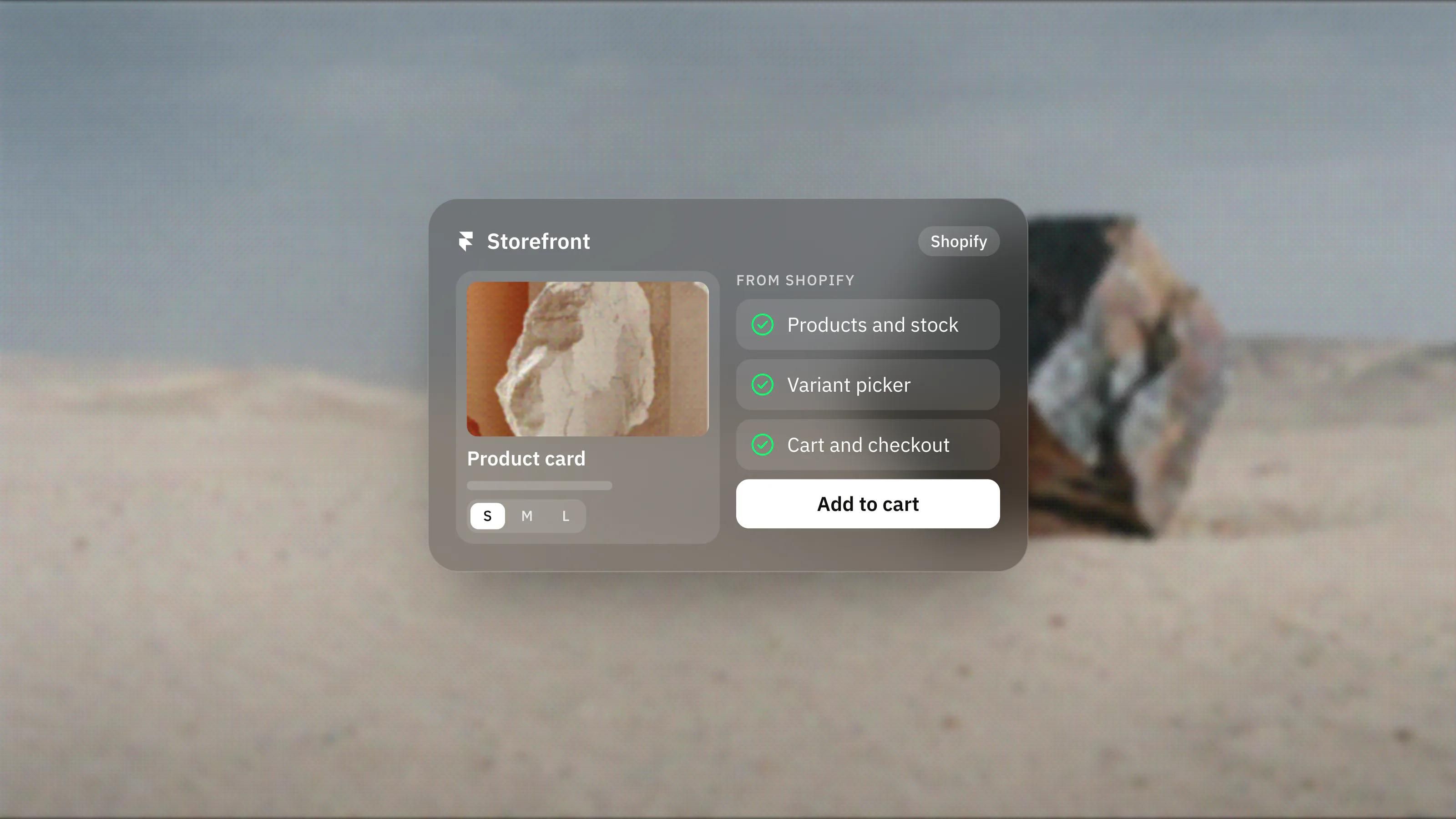
It means two systems with two jobs. The brand site handles pages, stories, campaigns and SEO content. Shopify handles the product data, stock, cart, checkout, payments and orders.
Shopify calls the general pattern headless commerce. Its headless documentation describes separating the storefront front end from the commerce back end, with Shopify still supplying products, customers, the cart, international pricing and checkout. The shopper browses on your site, then is handed to Shopify's checkout to pay. Shopify's cart guide describes this handover: your site asks the cart for a checkout URL, which sends the customer through Shopify's web checkout.
What are the ways to connect Shopify to a Framer or Webflow site?
There are three levels, from a single embedded button to a fully synced storefront. Which one you need depends on the size of the catalogue and how much of the shopping experience must look like your brand.
Level 1: Shopify Buy Buttons
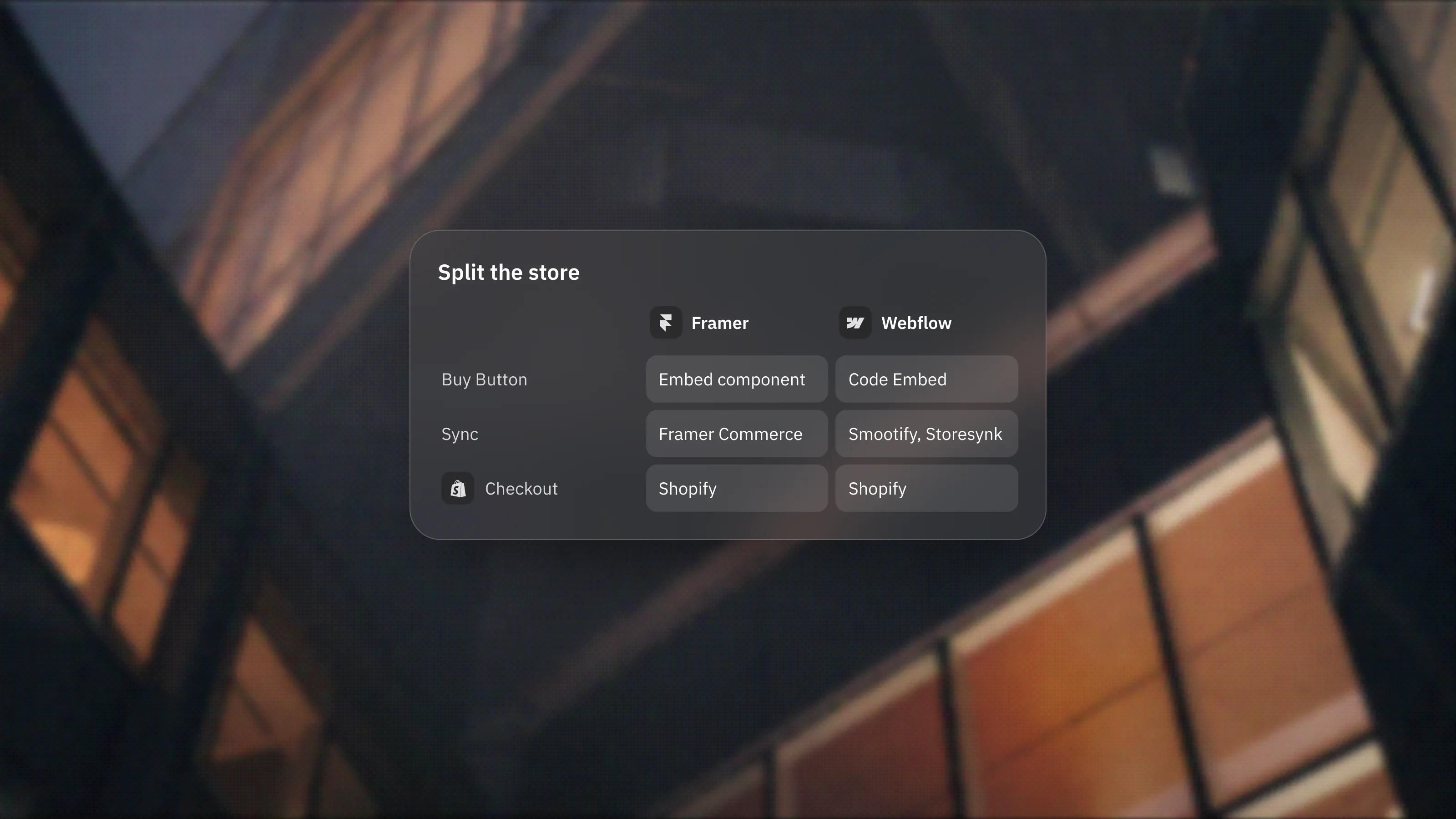
The Buy Button sales channel creates embeddable buttons, collections and carts for a non-Shopify site, and Shopify's pricing page says customers then check out with Shopify Checkout. In Framer you paste the code into an Embed component, as described in Framer's embed guide. In Webflow you use a Code Embed element.
Webflow's own Shopify integration guide lists the limits plainly: the Buy Button renders inside an iframe, so it cannot use your site's styles, and changing its look means creating a new button in Shopify and replacing the code. It also notes the embed needs a Webflow site plan that supports custom code. This route suits a launch, a single product or a few items on an existing site.
Level 2: a sync plugin or app
Third-party tools sync Shopify products into the site builder so you can design product pages with your own components. On Framer, plugins such as Framer Commerce sync Shopify product data into Framer, and its marketplace listing describes cart, search and filtering features. On Webflow, the integration guide names apps such as Storesynk, Looop and Smootify, which sync Shopify data into Webflow CMS collections and add cart behaviour. Webflow notes that no official Shopify-built app exists on its marketplace, so these are all third-party tools with their own pricing.
Level 3: a custom build on the APIs
For large catalogues or unusual buying flows, developers connect directly to Shopify's Storefront API, and in Webflow's case its Data API too. Webflow's guide says this path needs server-side development and a middleware layer. Shopify also offers its Headless channel for managing API access to storefronts hosted elsewhere.
What do you gain by splitting them?
You gain design freedom on the brand side without giving up a mature commerce back end. In practice that means:
- Brand and content pages that are not shaped by a theme. Campaign pages, lookbooks, journals and landing pages can be built in Framer or Webflow with the same freedom as the rest of the site.
- Marketing teams that can move fast. The people who edit the site work in a visual editor they already know, while operations stay in Shopify.
- Shopify's checkout and order handling. Payments, taxes, stock and fulfilment stay in Shopify, which is the part of commerce you least want to rebuild.
What are the trade-offs?
You take on two platforms, two bills and more moving parts. Shopify's headless documentation says a headless storefront costs more to build and run than a theme, and that the merchant needs developers to maintain it. That warning is aimed at fully custom builds, but the same logic applies in a smaller way to plugin setups.
- Running costs stack. You pay for a Shopify plan, a Framer or Webflow site plan, and usually a sync plugin or app.
- Some apps are built for Shopify themes. Many storefront apps are designed to add widgets to a Shopify theme. Before you split, ask each app you rely on whether it supports storefronts built outside Shopify.
- Another dependency. A third-party plugin sits between the two platforms. When Shopify changes an API, that tool has to keep up. Webflow's guide, for example, notes that Shopify's older Checkout APIs were shut down on 1 April 2025 and new builds must use the Cart API.
- Content lives in two places. Product descriptions often sit in Shopify, while editorial content sits in the site builder. Agree who owns which field before launch.
When should you split, and when should you stay on Shopify alone?
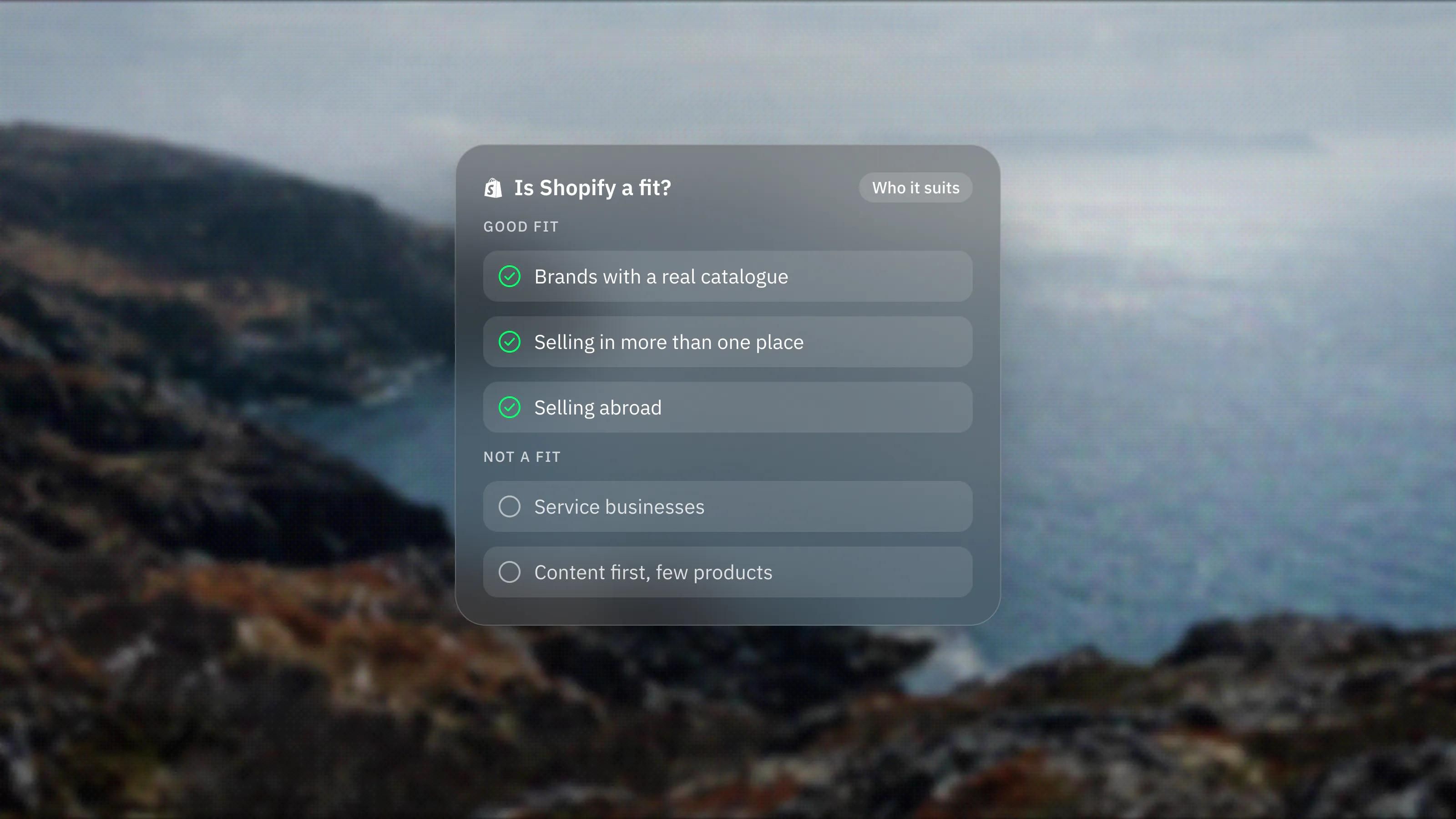
Split when the brand and content are the main job of the site and the catalogue is small. Stay on a Shopify theme when the store is the main job and the catalogue is large or complex.
- Split: a design-led brand with a focused range, a studio or maker selling a few products, a launch or drop page that sits on an existing marketing site, or a company whose main site is about services with a small shop attached.
- Stay on Shopify: large catalogues with many variants, heavy use of Shopify theme apps, frequent merchandising changes made by the ecommerce team, or several markets and sales channels run from one admin.
- Consider a full custom build: when you need a buying experience no plugin supports, and you have the budget and developers to run it over time.
If you are unsure which side of the line you are on, our Framer vs Webflow comparison helps with the site builder choice, and our Shopify design and development service covers both a full Shopify build and a split setup.
Frequently asked questions
Does the checkout move to my Framer or Webflow site?
No. In all three setups the shopper browses on your site and then pays through Shopify's checkout. Shopify keeps handling payments, taxes and orders.
Is a Shopify Buy Button enough for a small shop?
For one product or a handful of items, often yes. The button sits in an iframe, so its styling is limited and changes mean regenerating the code in Shopify. For a designed product page and a branded cart, a sync plugin or app is the better fit.
Do I still need a paid Shopify plan if my site is on Framer or Webflow?
Yes. Shopify runs the products, cart and checkout, so you need a Shopify subscription alongside your Framer or Webflow site plan, plus any plugin or app you use to connect them.
Will my Shopify apps work on the Framer or Webflow site?
Do not assume they will. Storefront apps are often designed for Shopify themes. Ask each app provider whether it supports storefronts built outside Shopify before you split.