Why Choose Shopify for Your Online Store, and Who It Does Not Suit
Shopify suits brands that sell products and want store, checkout and orders in one place. It suits service businesses, content-first sites and sellers outside Shopify Payments countries less well. Here is how we decide.
 Written byMatt Gemi, Founder, Urest
On this page
Shopify is a strong choice when your business sells physical or digital products and you want the store, payments, checkout and order management in one place. It is a weaker fit when your website is mostly content, when you sell services, or when you trade from a country where Shopify Payments is not available. This guide sets out who Shopify suits, who it does not, and how we decide, based on what Shopify publishes on its own site as of 3 November 2026.
What is Shopify, in plain terms?
Shopify is a hosted commerce platform: you rent the software, and Shopify runs the store, the checkout and the hosting for you. On its pricing page Shopify describes itself as an all-in-one platform for creating an online store, accepting payments and selling on social channels and in person from one dashboard.
That last part matters. Shopify is not just a website builder with a cart added on. Products, inventory, orders, customers, discounts, tax settings and payouts all live in the same admin. Hosting, unlimited bandwidth and an SSL certificate are included in every plan, according to the same page, so there is no separate server to manage.
Who is Shopify a good fit for?
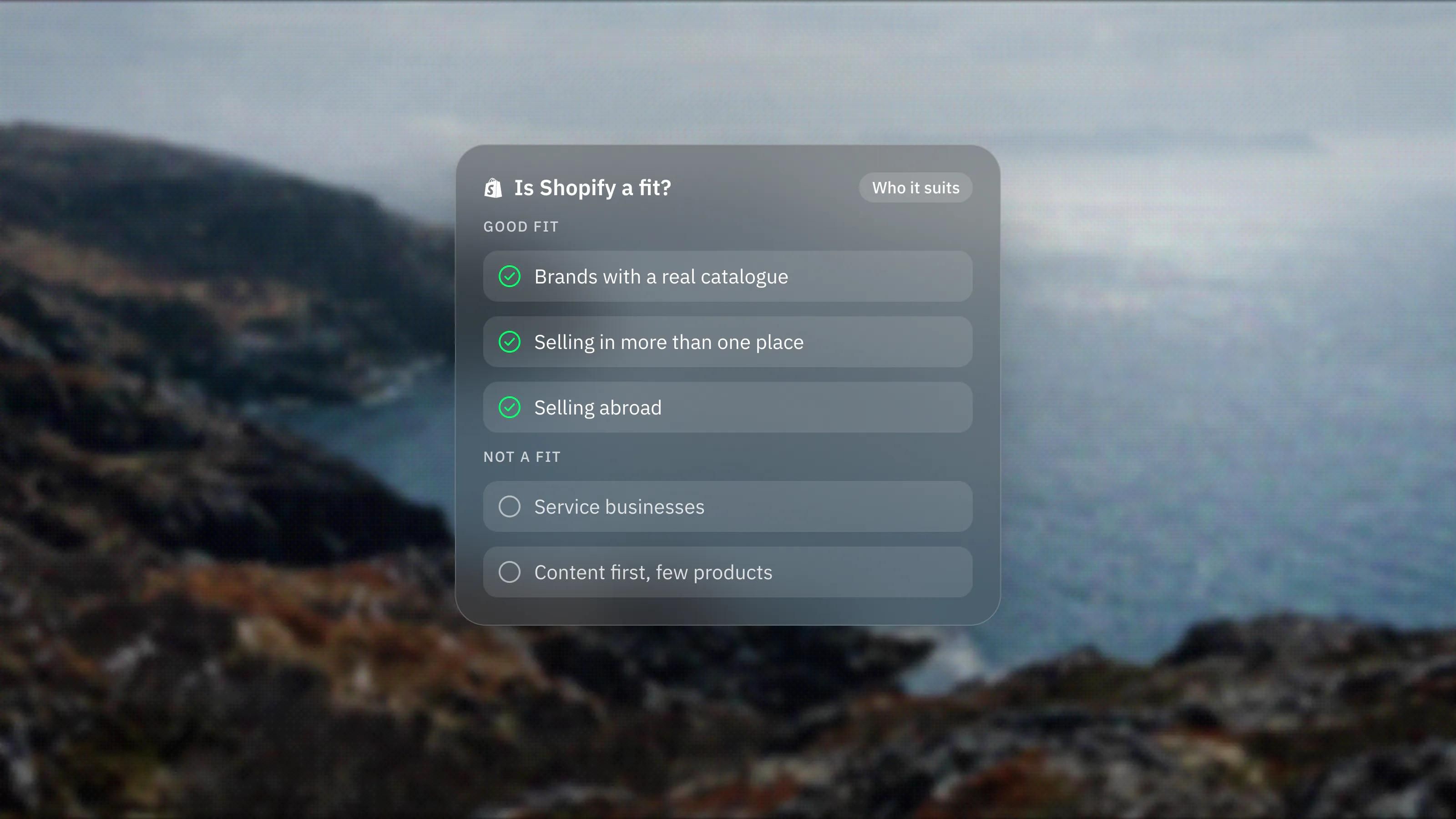
Shopify fits brands whose revenue comes from selling products and who want to spend their time on the products and the marketing, not on keeping commerce software running. In our experience the strongest cases look like this:
- Direct to consumer brands with a real catalogue. Shopify lists unlimited products on every plan, plus inventory across multiple locations. If you have variants, stock to track and orders to ship every day, that is the job it was built for.
- Brands that sell in more than one place. The pricing page lists selling online, in person with a phone or card reader, on social channels and marketplaces, and in AI chats, all from one admin. One stock count across every channel is hard to build yourself.
- Teams that want a proven checkout. Shopify runs the checkout for you, including express options such as Shop Pay, PayPal and Apple Pay, which its checkout page lists. You do not build or secure a payment flow yourself. Shopify states it is certified Level 1 PCI DSS compliant.
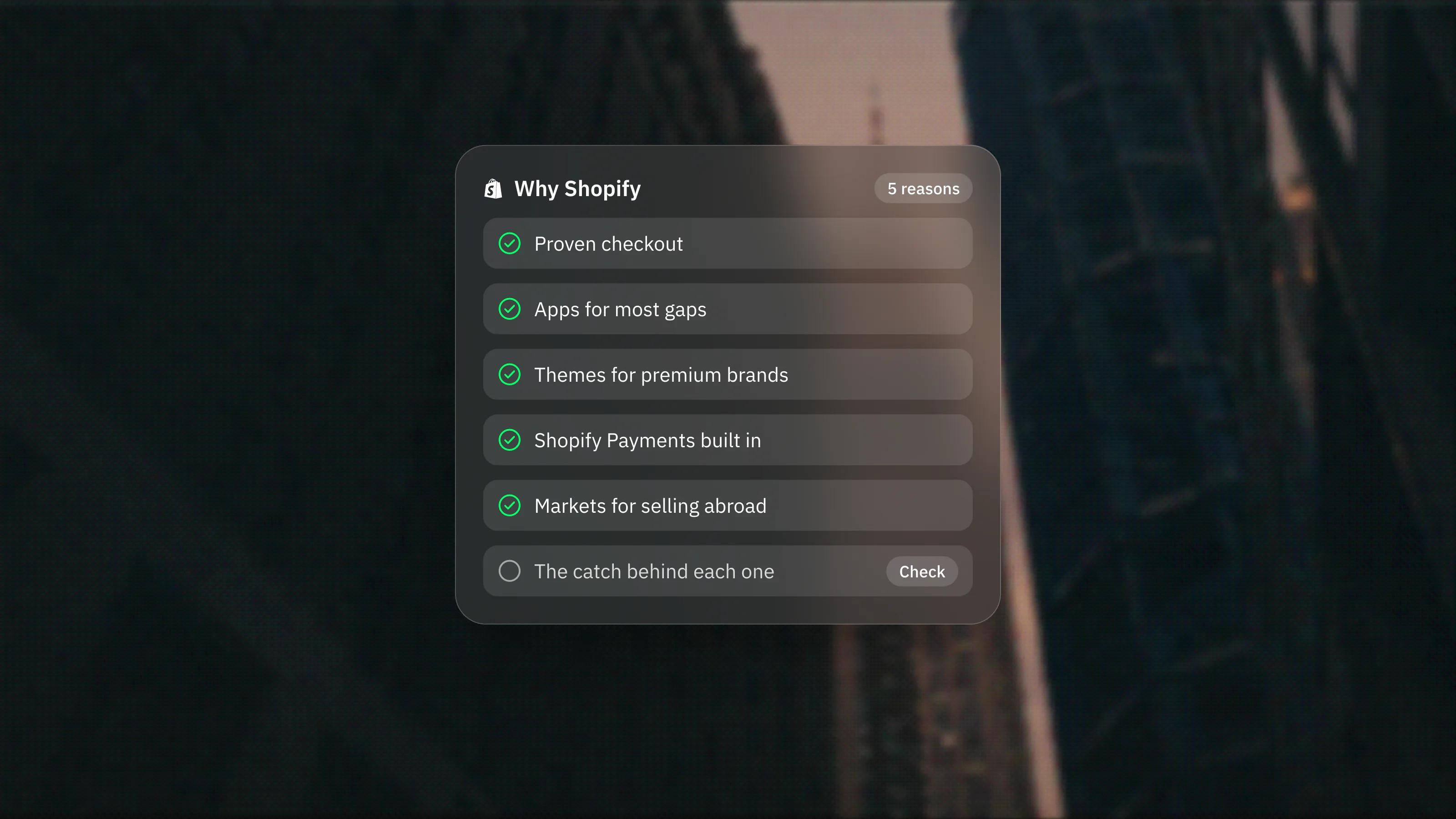
- Businesses planning to sell abroad. Shopify Markets lets one store serve several countries with local currencies, languages and domains. We cover this in more detail in our post on the reasons people pick Shopify.
- Wholesale alongside retail. Shopify B2B is listed on every plan, with up to 3 catalogues below Plus and unlimited catalogues on Plus.
Who is Shopify not a good fit for?
Shopify is the wrong tool when commerce is not the centre of the business, or when its fee model works against you. Be honest with yourself on these points before you commit.
- Service businesses. If you sell consulting, design, legal or clinical services and take bookings or enquiries, you do not need a product catalogue or a checkout. A marketing site on Framer or Webflow with a form or booking tool will usually be simpler and cheaper.
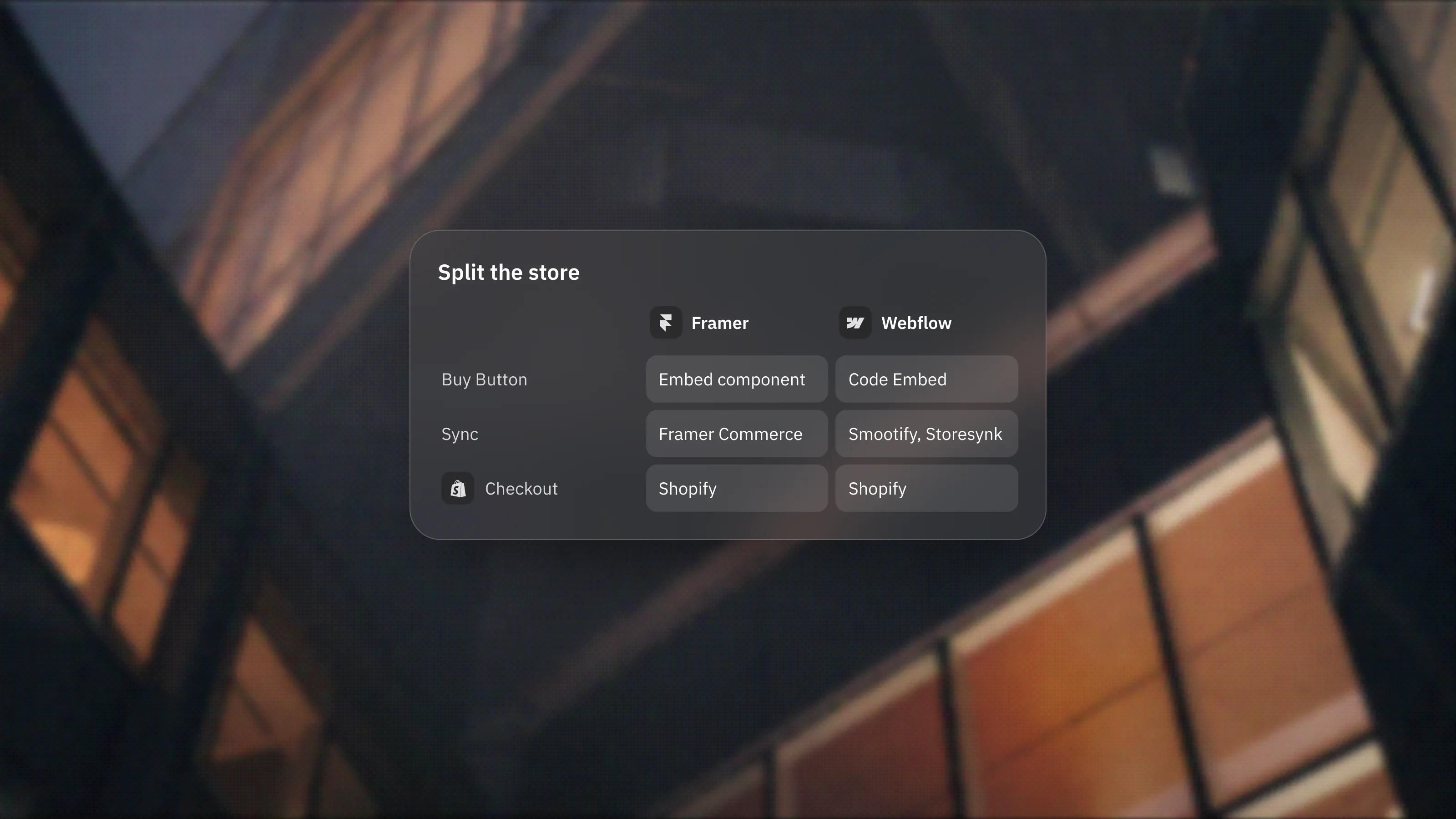
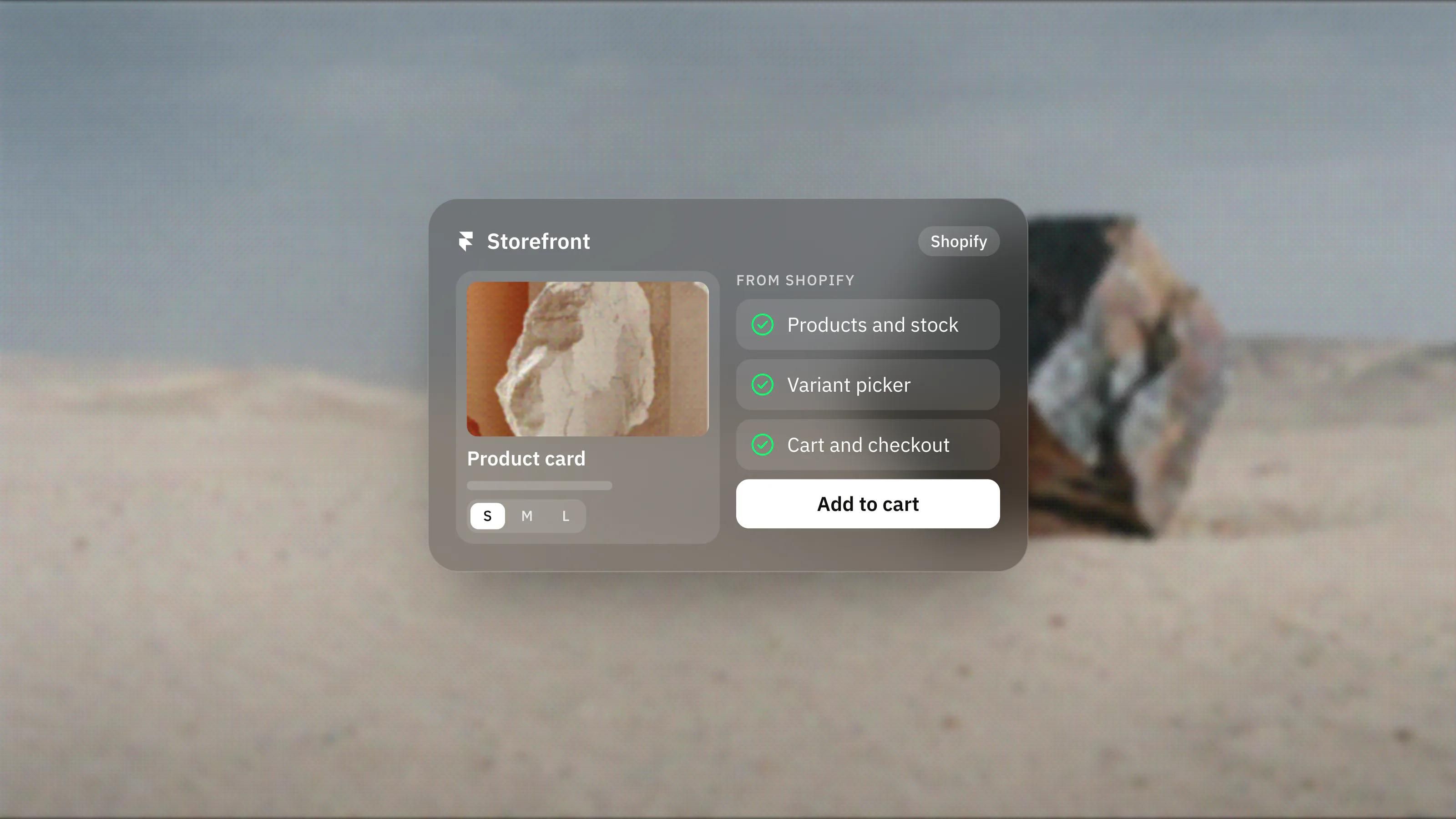
- Content-first brands with a handful of products. If the site is mostly editorial pages, case studies and storytelling, and the shop is three or four items, a Shopify theme can feel restrictive for the content side. Pairing a design-led site with Shopify behind it is often the better answer. We explain that setup in how ecommerce works on Framer.
- Sellers outside Shopify Payments countries. Shopify Payments is only available in certain countries. Elsewhere you must use a third-party provider, and Shopify then charges a third-party transaction fee on top of your provider's fees. Some features, such as showing prices in local currencies and local payment methods, also require Shopify Payments.
- Teams that need deep checkout changes without the top plan. Shopify's plan comparison lists checkout customisation as limited on Basic, Grow and Advanced, and full on Plus. If your sale depends on a heavily customised checkout, check this early.
- Anyone expecting the plan price to be the whole cost. Apps are billed separately on your Shopify bill, and many stores run several. A store that needs ten paid apps to work has a very different monthly cost from one that runs on the core plan.
How much control do you get over design?
You get a lot of control within a theme, and full control if you are willing to go headless. Most stores start from a theme in the Shopify Theme Store, which offers free and paid themes, then customise it in the theme editor.
Themes are built on Shopify's own templating language, Liquid. If that is not enough, Shopify supports headless storefronts, where you build the front end in another stack and Shopify supplies products, cart and checkout through its APIs. Shopify's own headless documentation is candid that a headless storefront costs more to build and run than a theme, and that you need developers to maintain it. We agree. Headless is a good answer to a specific problem, not a default.
What are the trade-offs to plan for?
The main trade-offs are recurring cost, app sprawl and platform lock-in, and all three are manageable if you plan for them on day one.
- Recurring fees. You pay a monthly plan, card processing on each order, and possibly third-party transaction fees and app charges. Our post on Shopify pricing breaks down what the pricing page shows today.
- App sprawl. The App Store makes it easy to add features. It also makes it easy to add scripts, overlapping tools and monthly charges. Every app should earn its place.
- Platform lock-in. Your store runs on Shopify's infrastructure and rules. That is the point of a hosted platform, but moving later is a real project, so choose with a few years in mind.
How do we decide whether a client should use Shopify?
We start from the catalogue and the sales channels, not the platform. A few questions usually settle it:
- Do you sell products, and will you ship orders most days? If yes, Shopify is a strong default.
- Is your country supported by Shopify Payments? If not, price in the third-party transaction fee before deciding.
- Is the website mainly a store, or mainly a brand and content site with a store attached? The second often means a Framer or Webflow site with Shopify behind it.
- Do you need in-person selling, wholesale or several countries? Each of these pushes further towards Shopify.
If you want a second opinion, our platform picker walks through these questions, and our Shopify design and development team builds and customises stores when Shopify is the answer.
Frequently asked questions
Is Shopify good for small businesses?
Yes, if the small business sells products. Shopify includes hosting, checkout and order management in every plan, so a small team can run a store without managing servers. If the business sells services rather than products, a simpler marketing site is usually a better fit.
Do I need a developer to use Shopify?
Not to get started. You can launch with a theme and the theme editor. You need a developer for custom theme work, custom apps, or a headless storefront, which Shopify itself says costs more to build and run than a theme.
Can I use Shopify if Shopify Payments is not available in my country?
Yes, but you must use a third-party payment provider, and Shopify charges a third-party transaction fee that depends on your plan. Some features, such as local currency prices and local payment methods, also require Shopify Payments.
Is Shopify a good choice for a content-heavy brand site?
It can work, but if the site is mostly editorial with a small catalogue, many brands are better served by a design-led site on Framer or Webflow with Shopify running the store and checkout behind it.