
How Long Does It Take to Build a Framer Website?
A Framer site can go from approved design to live in days or a couple of weeks. Here is what decides where yours lands: design readiness, page types, CMS content, migration, languages and integrations.
 Written byMatt Gemi, Founder, Urest
On this page
A Framer website can go from approved design to live site in days or a couple of weeks. What moves it is not Framer itself but a handful of scope decisions: whether the design is finished, how much content needs moving, how many languages, and whether you are replacing an existing site. This guide covers the Framer-specific parts, checked against Framer's own pages on 3 November 2026.
For the platform-neutral version, including how content and feedback speed affect any build, see how long it takes to build a website.
How long does a Framer build take with us?
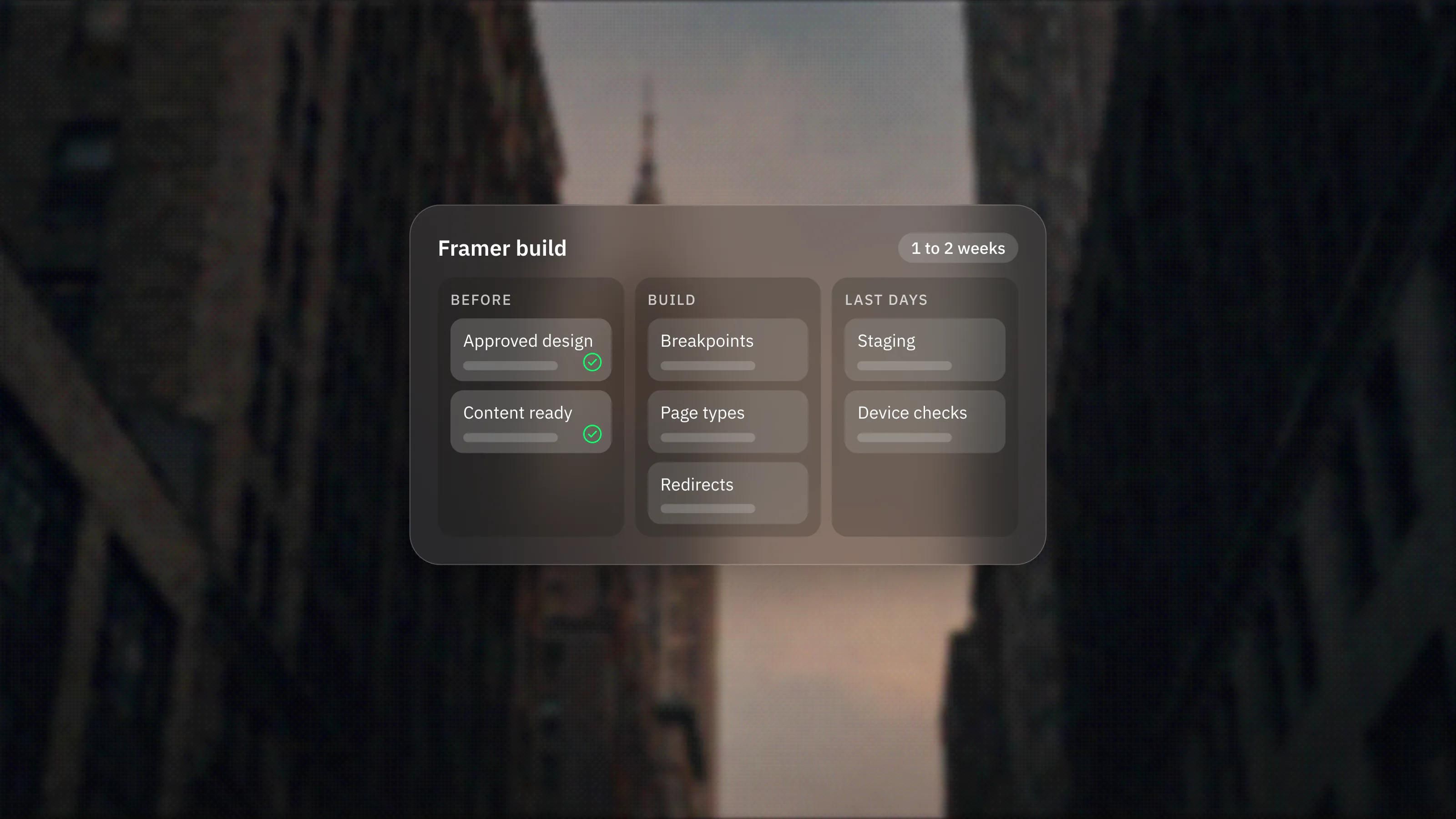
Our Framer development page states one to two weeks from an approved design to a live site for most marketing sites, and that a focused sprint can ship in 7 days.
For designs that are already finished, our Framer Sprint page states one page in 1 day and up to 6 pages in 3 days of development, with the scope agreed before the first day. Those are the figures on our live pages. Everything below explains what pushes a project towards the short or the long end.
Is the design finished before the build starts?
This is the biggest single factor. Building a finished design is fast in Framer. Designing and building at the same time takes longer, because decisions keep moving.
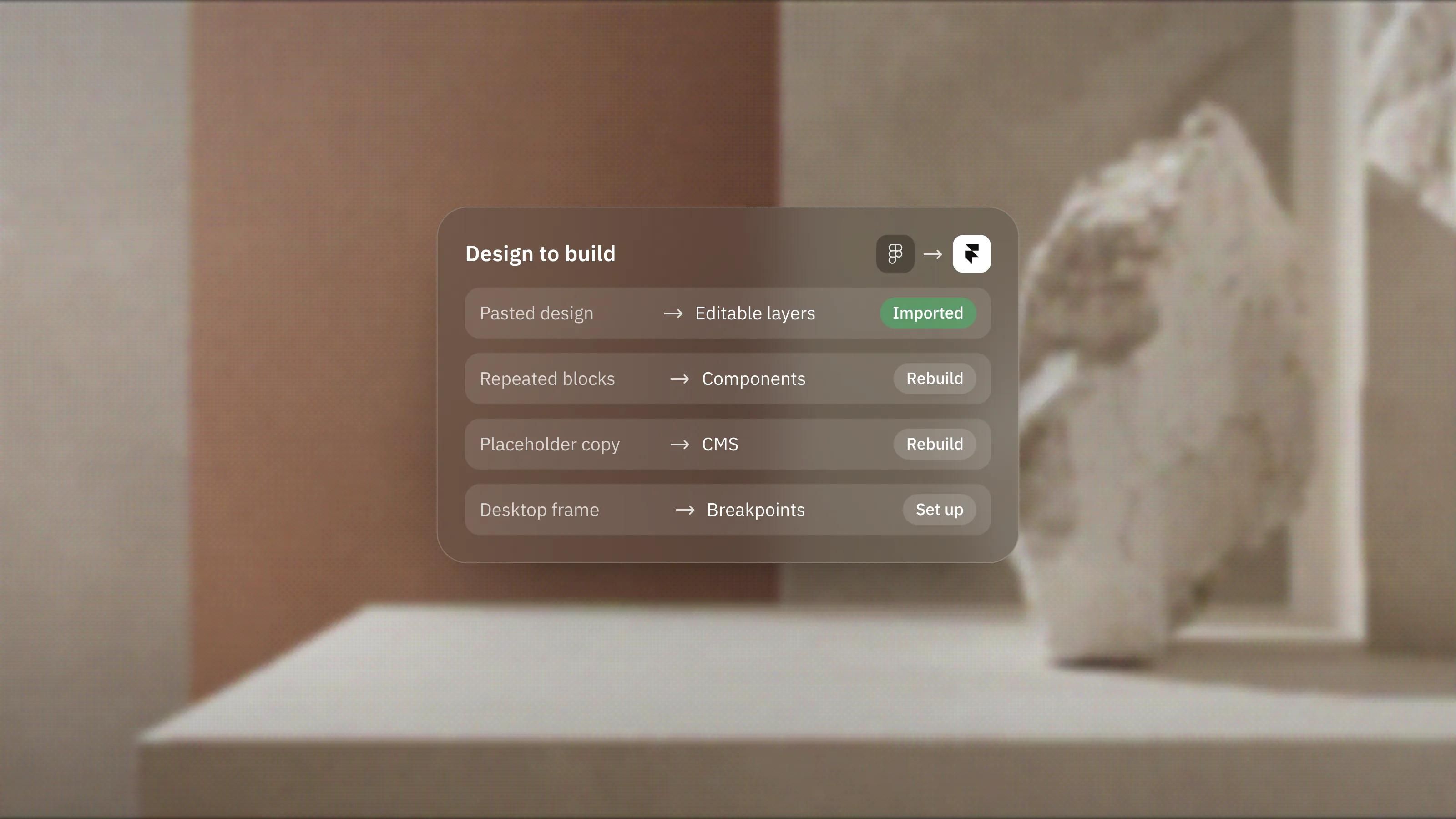
If the design lives in Figma, Framer's Figma to HTML plugin copies frames, layers and visual structure into Framer. Framer is clear that some complex Figma structures need cleanup for the web and that responsive behaviour still has to be checked. So the import saves rebuilding from scratch, but it does not remove the work of making each breakpoint behave.
If there is no design yet, Framer's AI Agents can produce a first draft. Framer's Agents guide says the output is ordinary, editable Framer content, and it recommends reviewing content, images, layout, links and responsive behaviour before publishing. A draft in an afternoon is real. A reviewed, on-brand site is still a design project.
How many breakpoints and page types are there?
Unique page types take time, repeated pages do not. Ten pages built from three templates are quicker than five pages that are each bespoke.
Every page also needs its tablet and mobile layouts checked, and motion adds review time on each one. Agree early which pages get bespoke layouts and which reuse a template. In Framer, building repeated sections as components first saves time on every page after.
How much content needs to go into the CMS?
Setting up a collection is quick. Filling it is what takes time, especially when content comes from an old site.
Framer's CMS page lists CSV import, plus Google Sheets and Airtable sync, so structured content does not have to be typed in by hand. It still needs mapping to fields, checking for broken formatting and pairing with images. Also check the plan: the pricing page lists 2 collections and 1,000 items on Basic and 10 collections and 2,500 items on Pro, so a large archive can change which plan you need before launch.
Are you replacing an existing site?
A migration adds work that a fresh site does not need. The main extra job is redirects, so old URLs keep their traffic and links.
- Site redirects are listed on the Pro plan on the pricing page, so a migration usually means Pro.
- Framer's redirects guide supports wildcards and capture groups, which cuts the number of rules for patterns such as old blog URLs.
- Framer can only redirect sub-paths within the current domain. If the domain itself changes, that redirect is set up with the old domain's host.
Mapping every old URL to a new one is the slow part, not entering the rules. Start the URL map early, ideally while design is under way. If you are coming from WordPress, our WordPress to Framer migration page covers the move.
Does the site need more than one language?
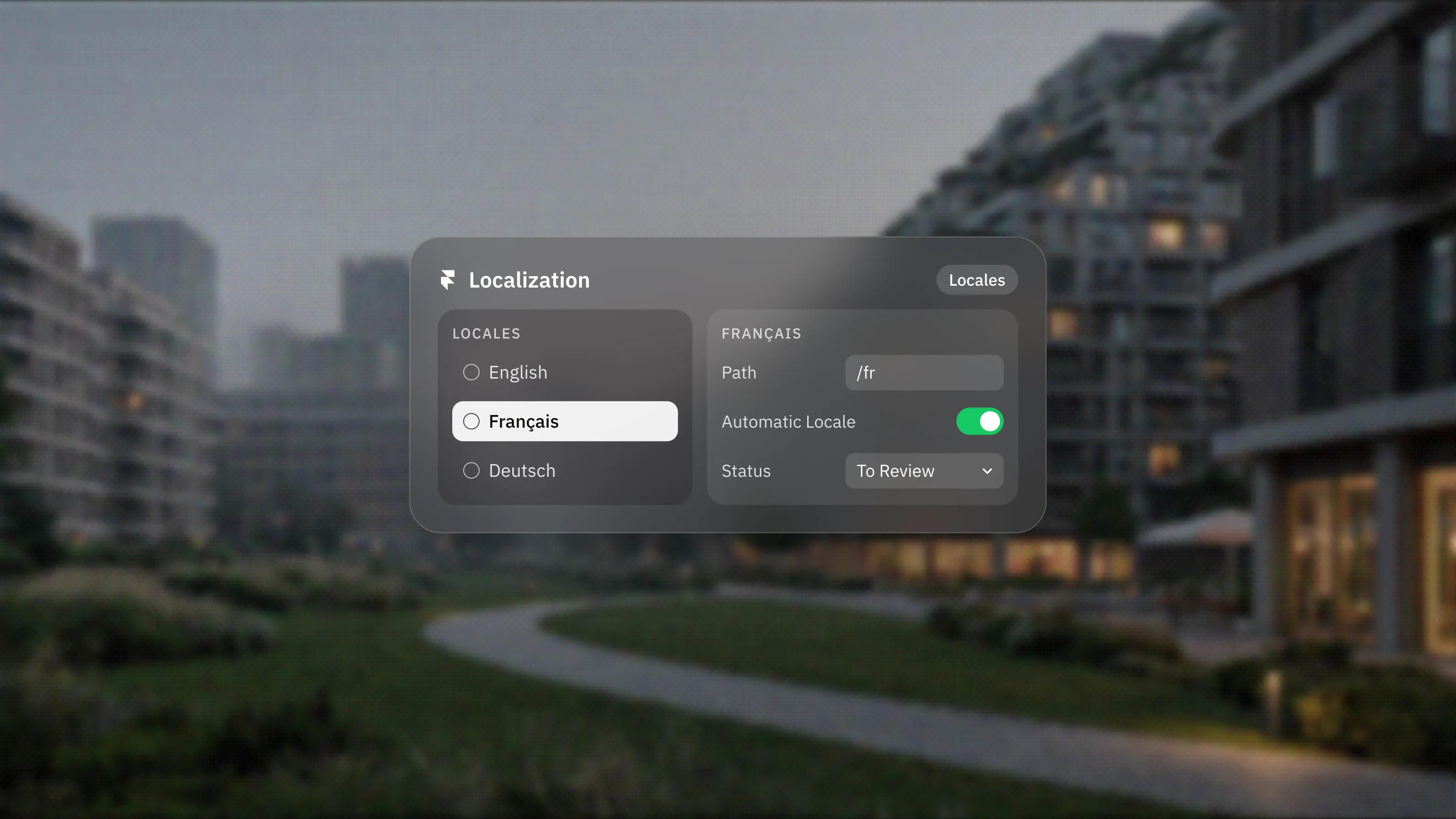
Yes, each language adds time, mostly for translation review rather than build. Framer lists translation locales as an add-on on Basic and Pro, up to 20.
Layout work grows too, because some languages run longer and push text onto extra lines. Budget a review pass per language on the key pages, with someone who reads that language checking the result.
Do you need custom features or integrations?
Anything beyond standard Framer features adds development and testing time. Framer's code components are React components that run on the canvas and the live site, so a calculator or custom widget can stay inside Framer, but it is still code that has to be written and tested.
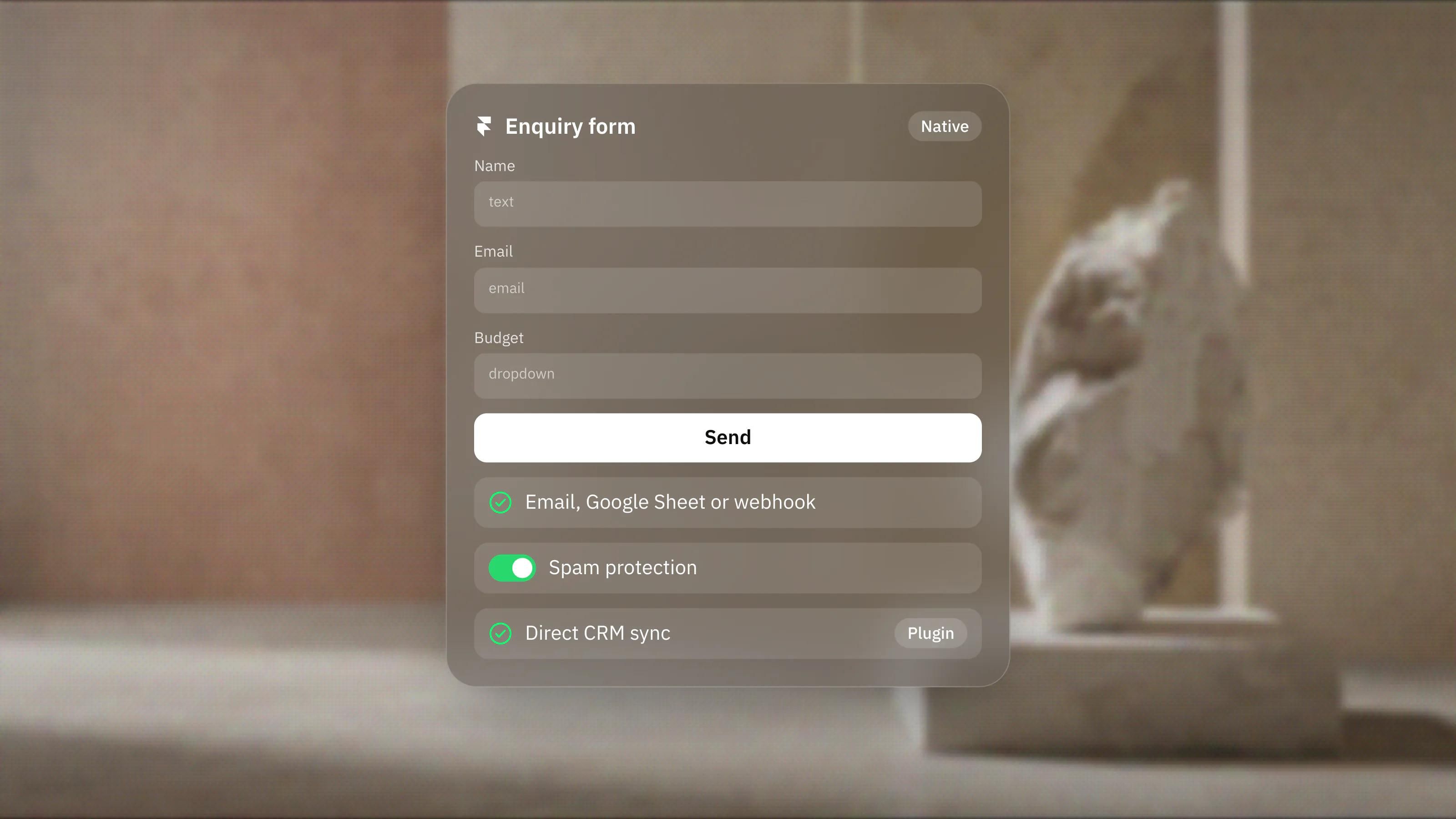
Forms that post to a CRM, booking tools and analytics setups each need a check that data arrives where it should. List every integration at kickoff so none of them surprises the schedule.
What happens in the last few days?
Launch is a short step in Framer, but plan it. Connect the custom domain early: Framer's staging guide says staging is only available once a custom domain is connected, and the pricing page lists the staging environment on Pro.
Use that staging step to check the site on real devices, test forms, confirm redirects and review metadata. Framer saves a version on every publish and lets you roll back, which takes the pressure off launch day, but it is no substitute for a checklist.
Frequently asked questions
Can a Framer website be built in a week?
Yes, when the design is approved, the content is ready and the scope is fixed. Our own Framer service page states one to two weeks for most marketing sites from an approved design, and a focused sprint can ship in 7 days.
Does using a Framer template make it faster?
Usually, because the layouts already exist. The time then goes into replacing content, adjusting the design to your brand and checking each breakpoint, so a template is quickest when it already fits your structure.
Does importing from Figma save time?
It saves rebuilding layouts by hand. Framer notes that complex Figma structures may need cleanup and that responsive behaviour still has to be checked, so allow time for that.
What slows a Framer migration down most?
Mapping old URLs to new ones and moving content into the CMS. Entering redirects is quick once the map exists, so start the map while design is still under way.