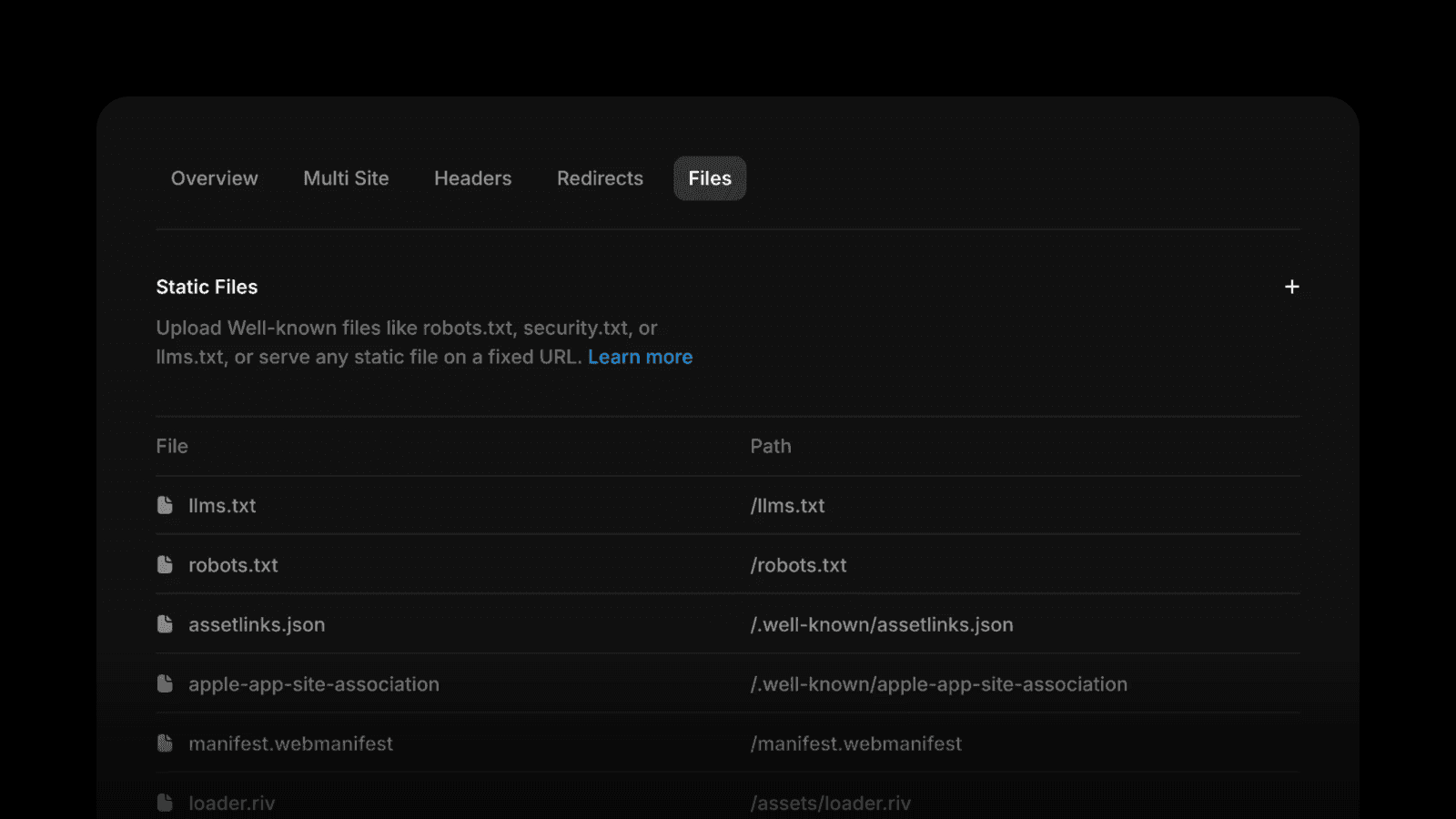
Static Files give you a new way to serve files directly from your Framer domain, at any path you choose. Upload a file, set its path, and it is available on your own domain instead of a third-party link. It sounds small, but it removes a recurring headache for marketing sites that need specific files at specific URLs.
What Static Files do
You upload a file and assign the exact path where it should live, so it is served straight from your domain. That covers everything from verification files that tools and platforms expect at a set location, to well-known files, to downloadable assets like a PDF brochure or a media kit. The file lives on your domain, which keeps ownership and control with you rather than an external host.
Why it matters for SEO and setup
Plenty of important tasks depend on serving a file from a precise URL on your own domain. Search and marketing tools often ask you to place a verification file at a specific path. Some integrations look for a file in a set location before they will connect. Ad platforms and analytics services can require the same. Static Files let you satisfy those requirements without leaving Framer or reaching for a separate server, which keeps your setup clean and your domain authoritative.
Who it helps
Teams verifying a domain with a search, ads, or analytics platform.
Sites that need to host downloadable resources under branded URLs.
Anyone connecting an integration that requires a file at a known path.
How to use it
Upload the file, choose the path it should live at, and publish. From that point the file is served from your domain at the URL you set, ready for whatever platform or visitor needs it. No workaround, no external hosting, no broken third-party link to maintain.
We handle the technical groundwork that keeps a Framer site healthy, from verification and structured data to performance and clean URLs. If you want your site set up right for search and integrations from day one, Book a discovery call and we will take care of the details.