




Casa Verde
Framer template design and development
Resources
The brief
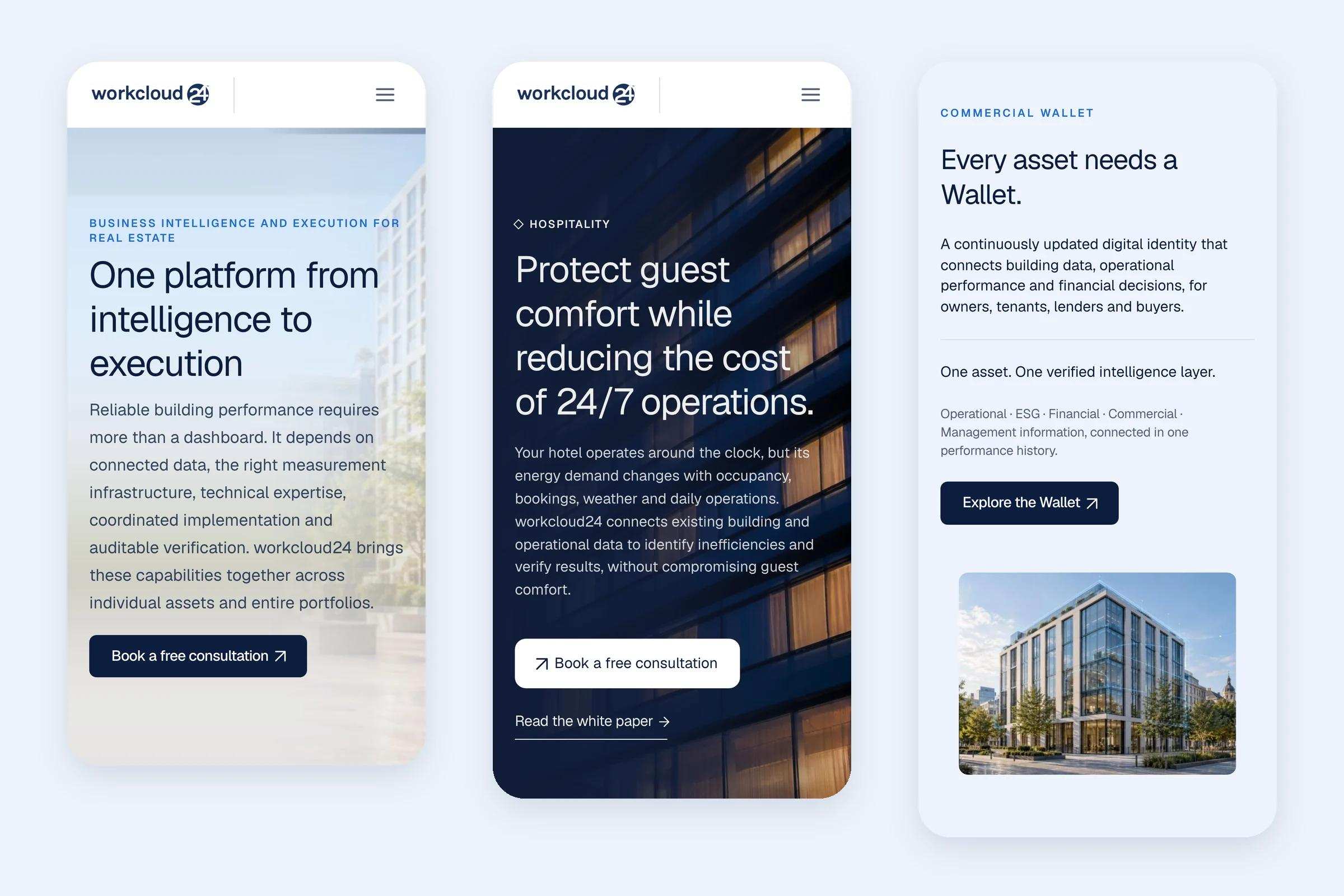
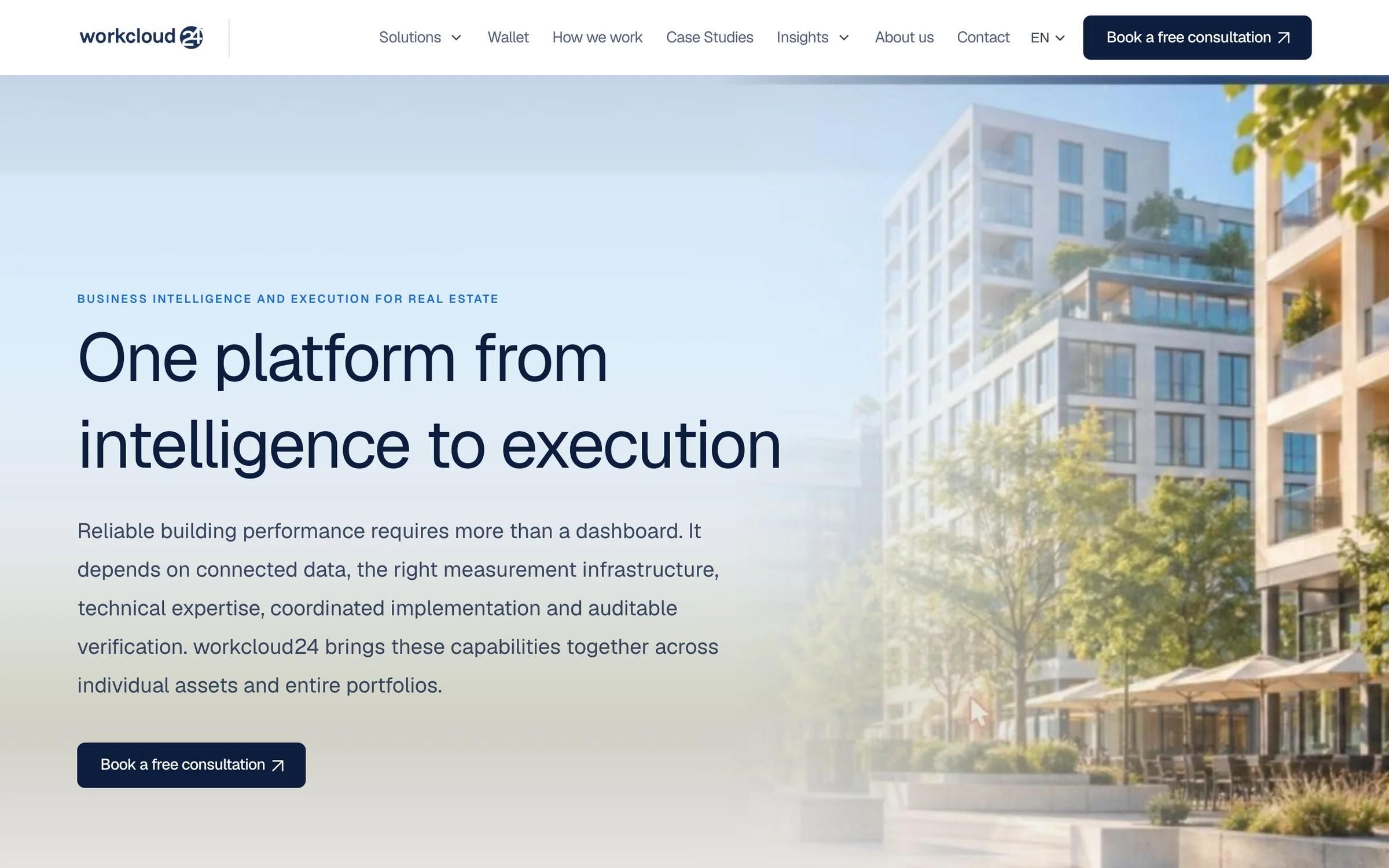
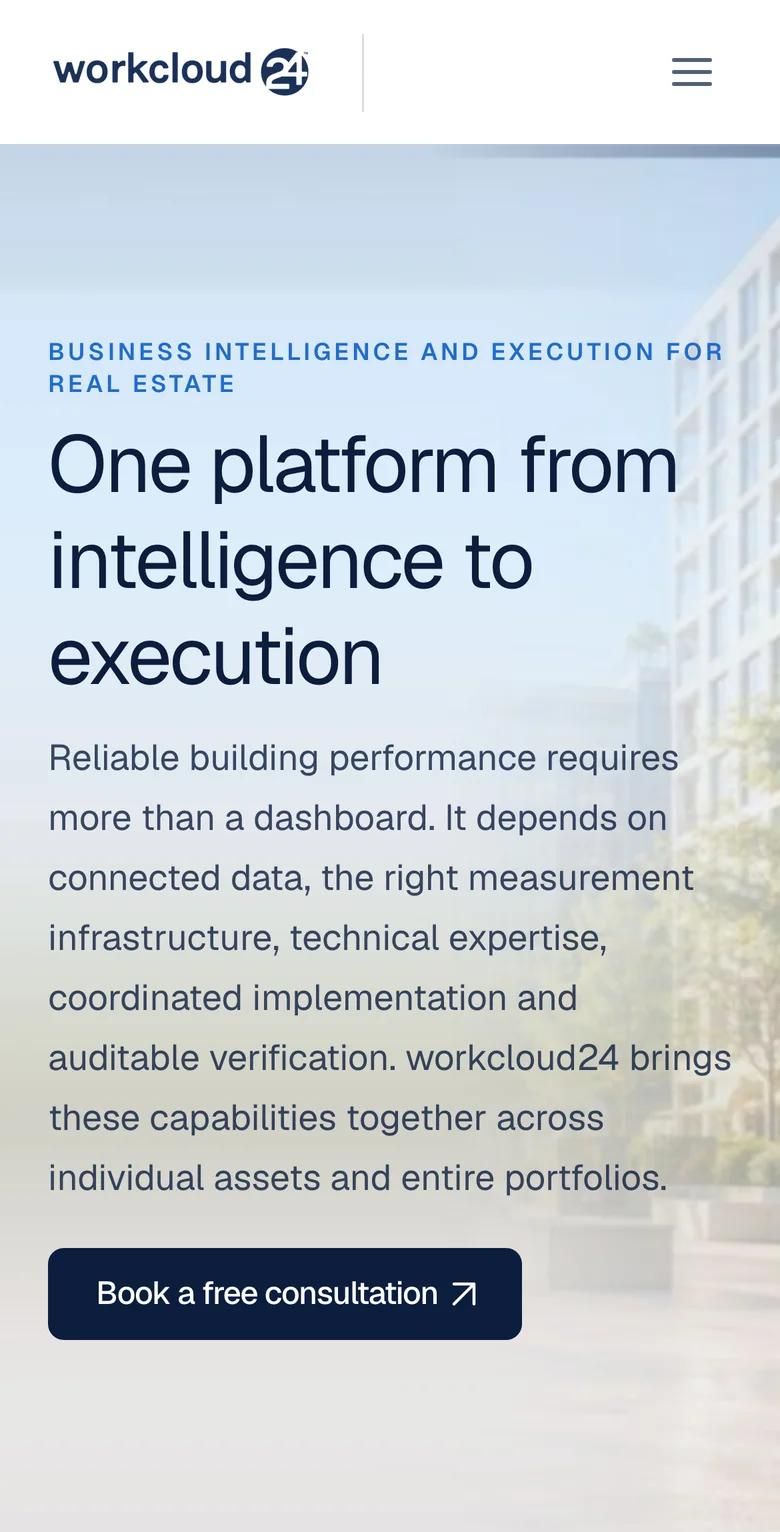
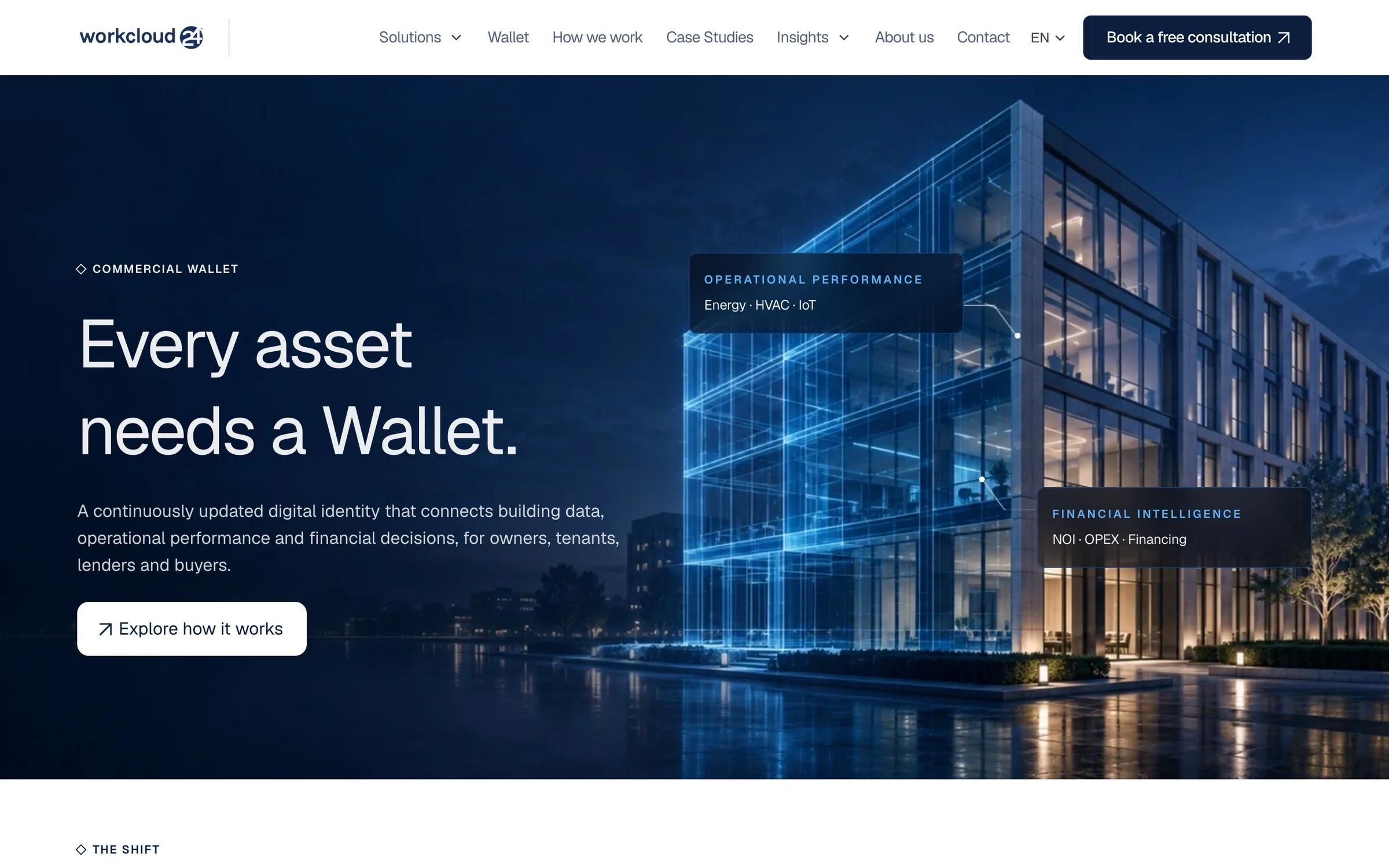
A redesign of workcloud24.com, built in Framer from the Figma designs. workcloud24 AG, based in Düsseldorf, connects building data, smart metering and AI with real-world execution for real estate. The new site runs on its own design system, turns every repeated element into a component, explains the offer through interactive explorers and gives each asset type a page of its own.
At a glance
01
workcloud24 AG is a German company headquartered in Düsseldorf. In its own words it connects building data, smart metering and AI with real-world execution, to deliver verified savings, stronger assets and financing-ready evidence. From its German base it works across nine European markets, with hotels, offices, residential buildings, logistics, retail and public buildings.
That is a technical offer with several audiences: owners, operators, tenants, lenders and buyers. The website had to make it clear which problem workcloud24 solves for each kind of building, and what the next step is.
We designed and built the new site, and the engagement is ongoing.
02
The redesign was designed in Figma, page by page, and reviewed with the client's team in the file before each page went into Framer. In Framer we built a new design system next to the old site, so the live pages stayed untouched while the new ones were in progress.
The home page explains the offer through components a visitor can use rather than read.
03
The home page explains the offer through components a visitor can use rather than read.
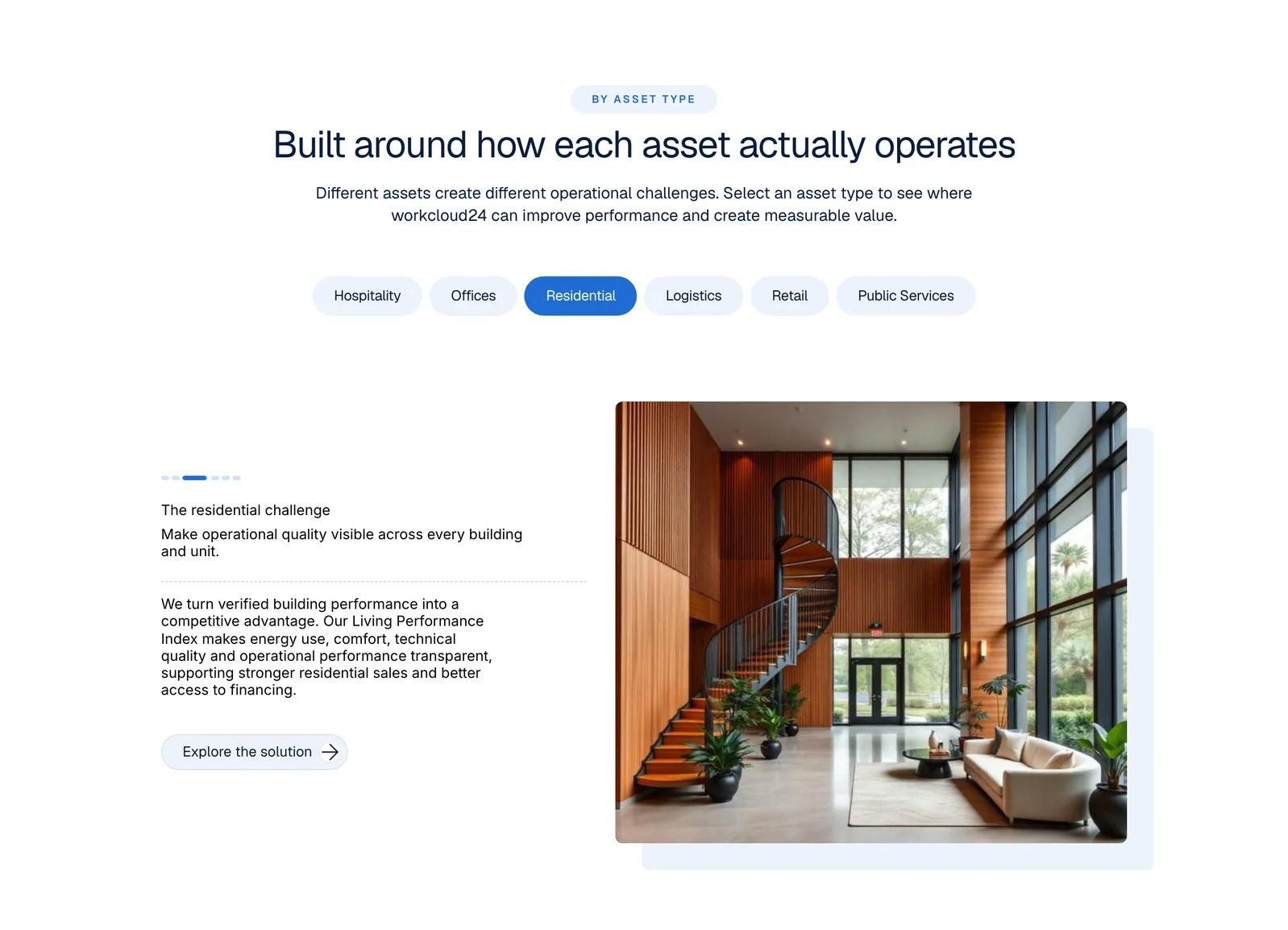
Six asset types as tabs. A segmented progress bar fills over five seconds and moves on to the next asset, and a click jumps straight to the one you need.
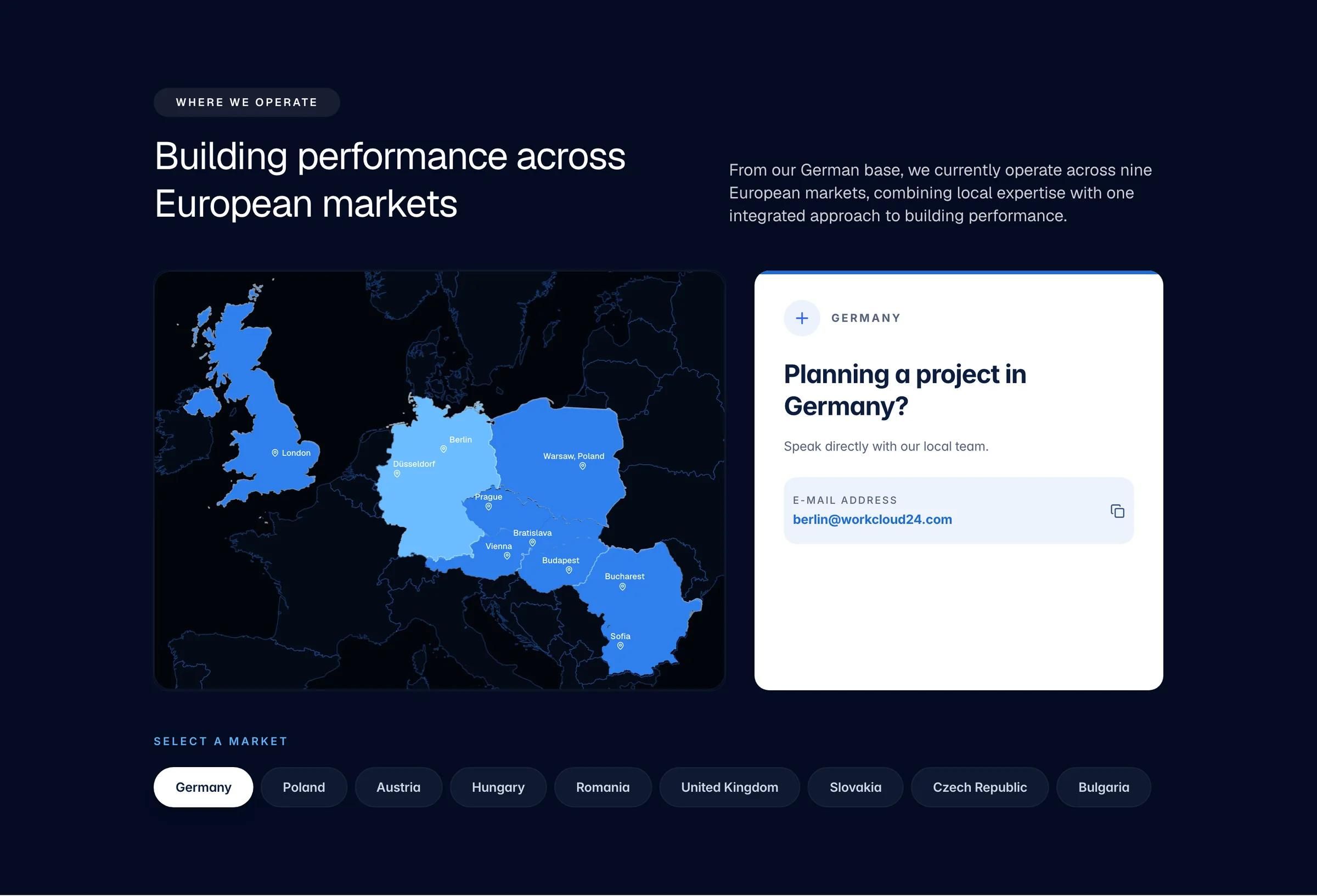
Nine markets as tabs, each with its own contact card, and an interactive map of Europe. The map is a custom code component: the country outlines are traced from the Figma design itself, so they line up with it exactly, and the highlighted countries can be clicked.
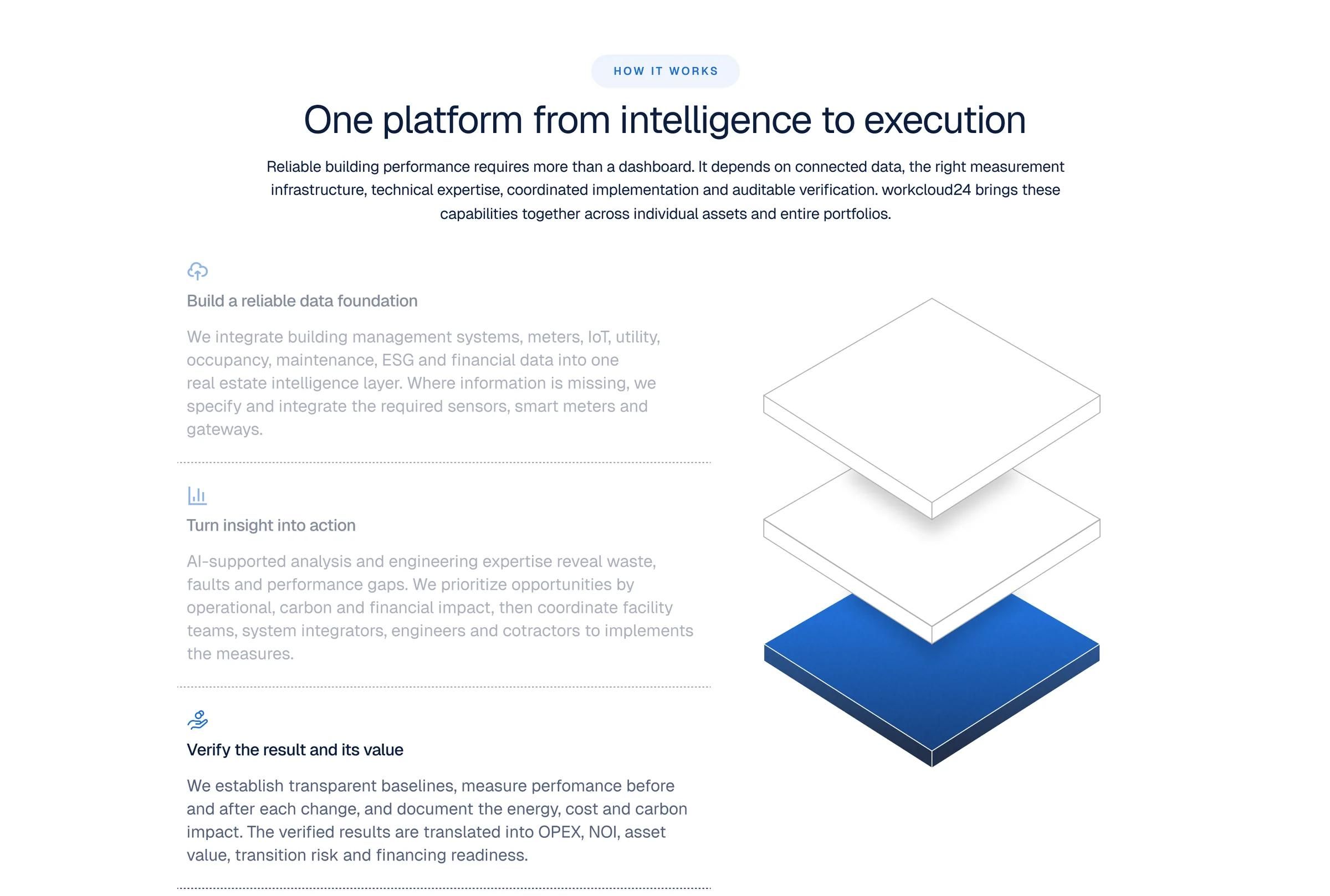
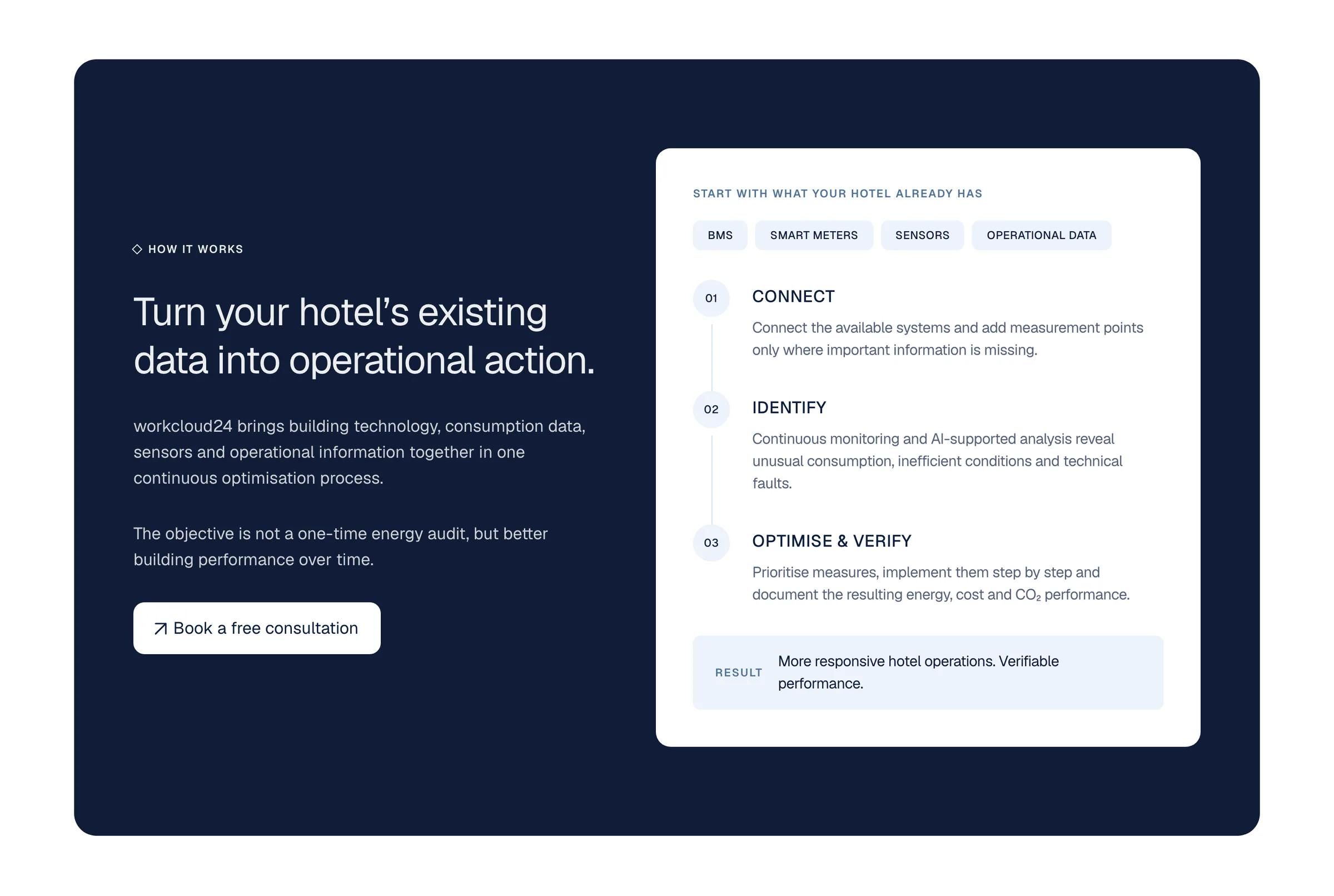
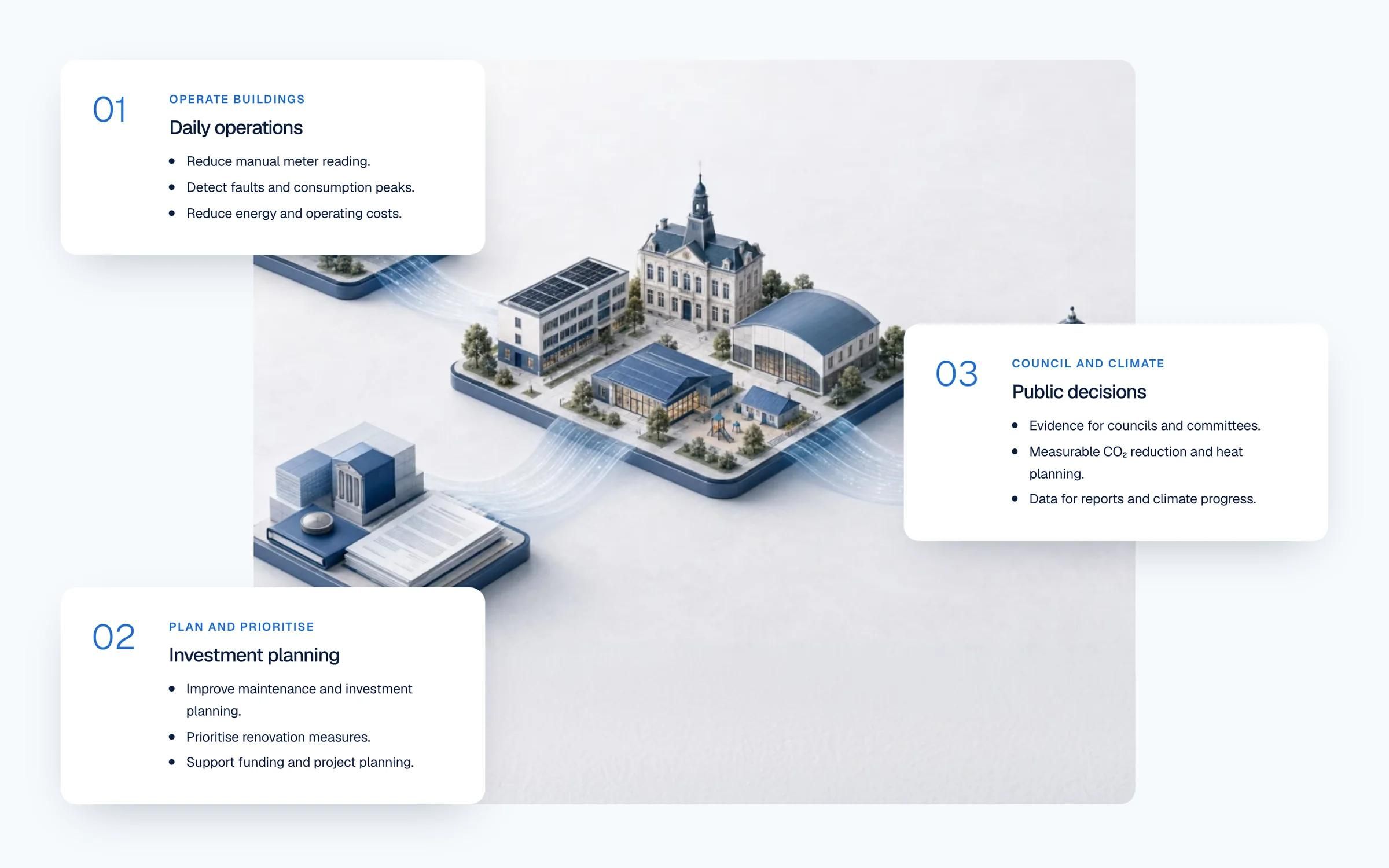
Built for the home page's How it works section: three steps in a sticky stage that advance as you scroll and reverse on the way back up. When the home page was later shortened, the section was hidden rather than deleted. The same scroll-driven pattern runs the decision cards on the Public Services page, which appear one after another while the illustration stays pinned.
04
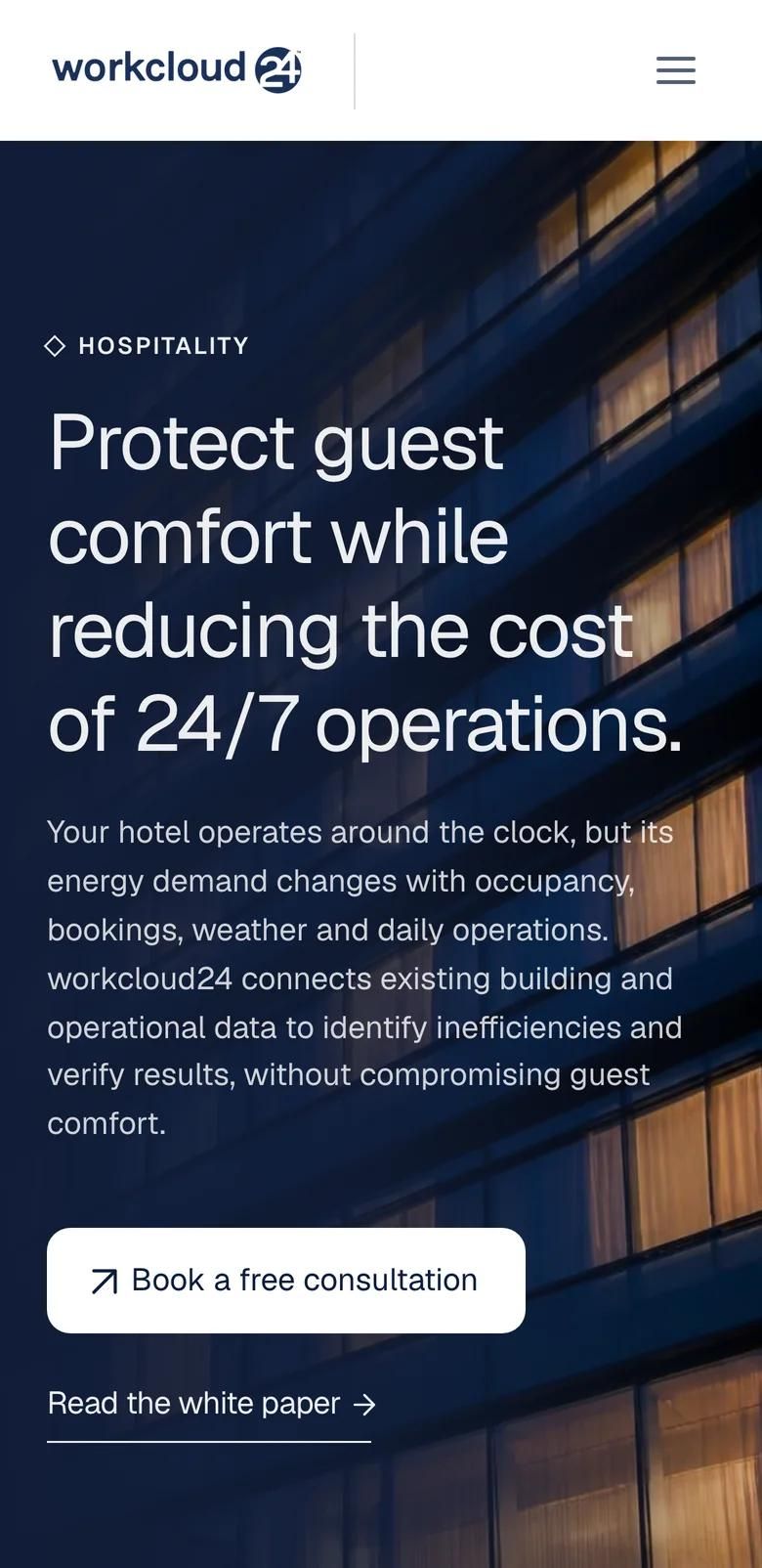
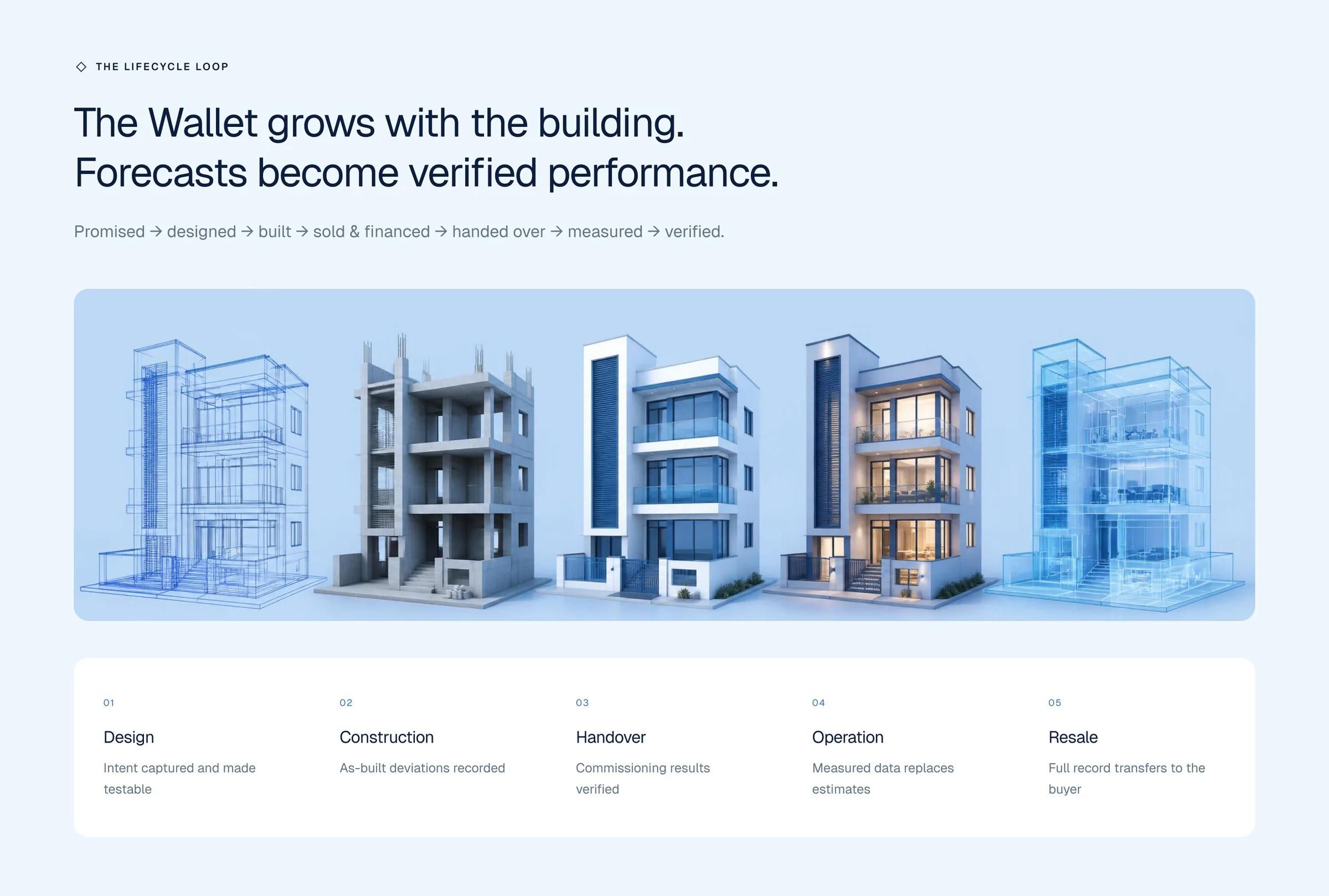
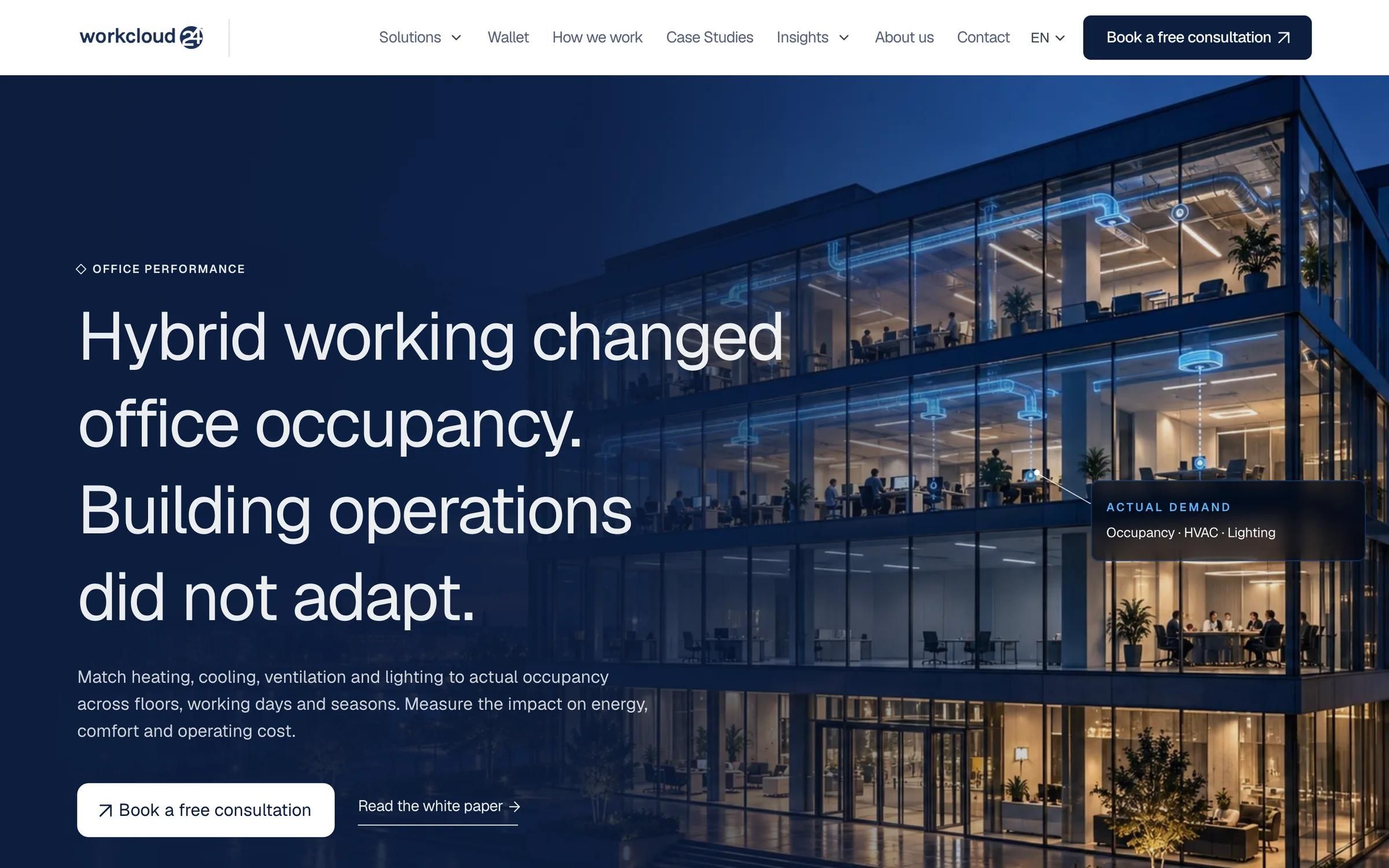
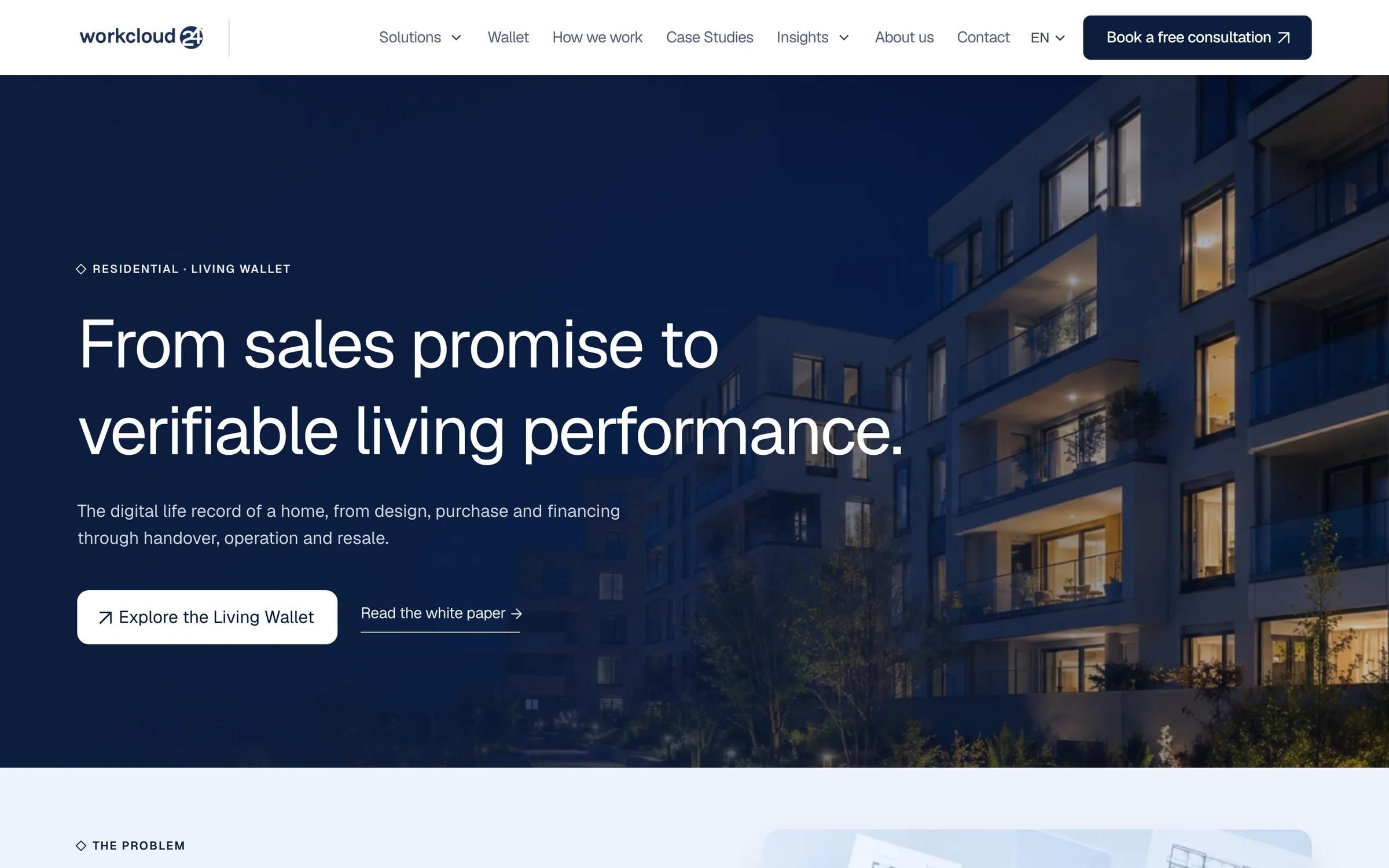
Each asset type got its own page, built from the same components: Hospitality, Office, Public Services, Residential and the Commercial Wallet, followed later by Logistics and Retail. Every page explains the operational challenge of that kind of building, how workcloud24 works with the data already there, and links to the matching white paper.
The navigation lists them in a Solutions dropdown on desktop and a drawer on tablet and phone, and the Commercial Wallet has its own place in the main menu.
Process
Page designs for the home page and each asset type, reviewed with the client's team in the Figma file.
Tokens, text styles and components first, then the pages, across four breakpoints.
The Asset, Market and Process explorers, the Europe map code component and a page for every asset type.
Services used
Tools
Keep reading
Framer template design and development
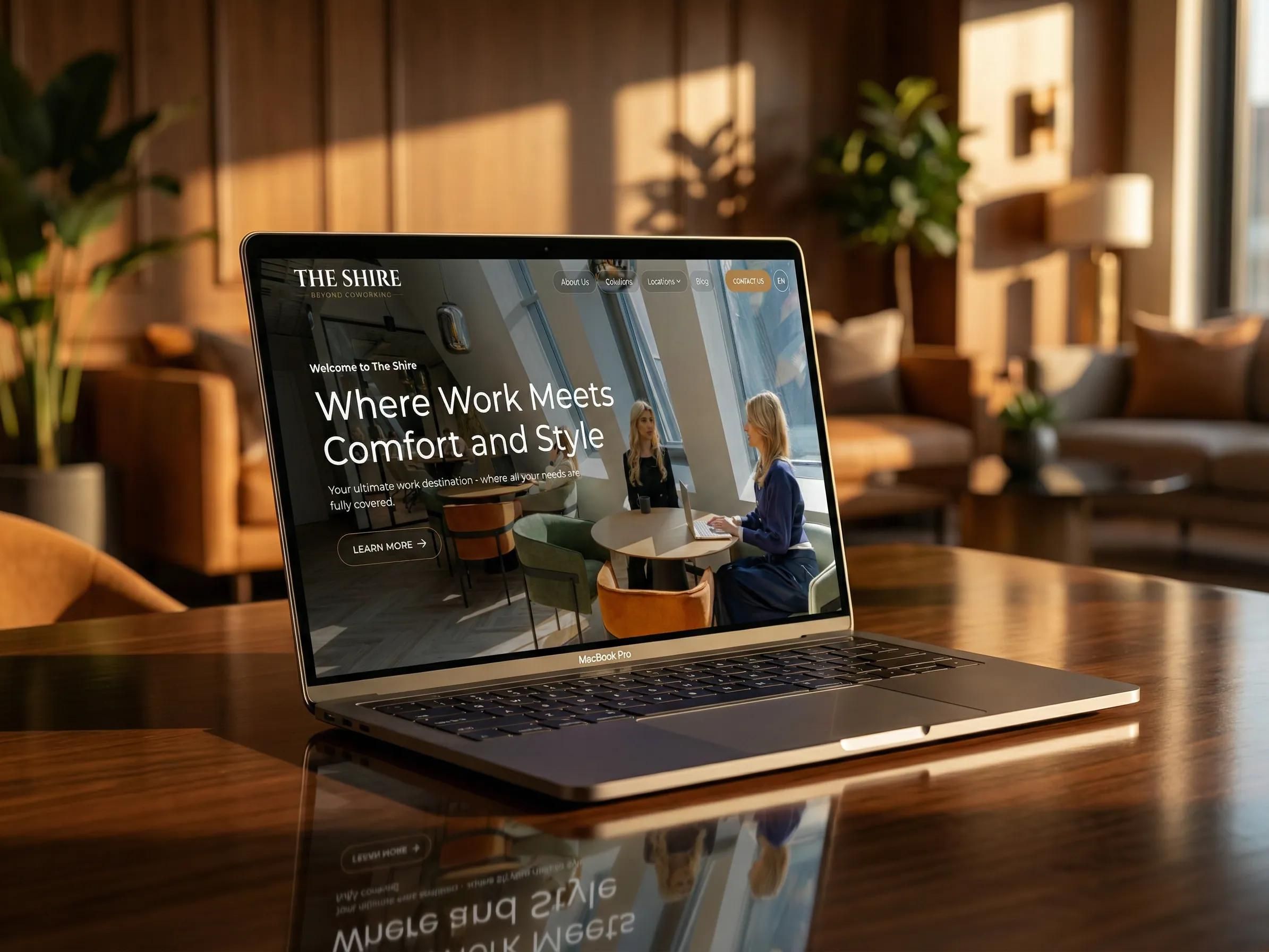
Brand, website design, Framer build
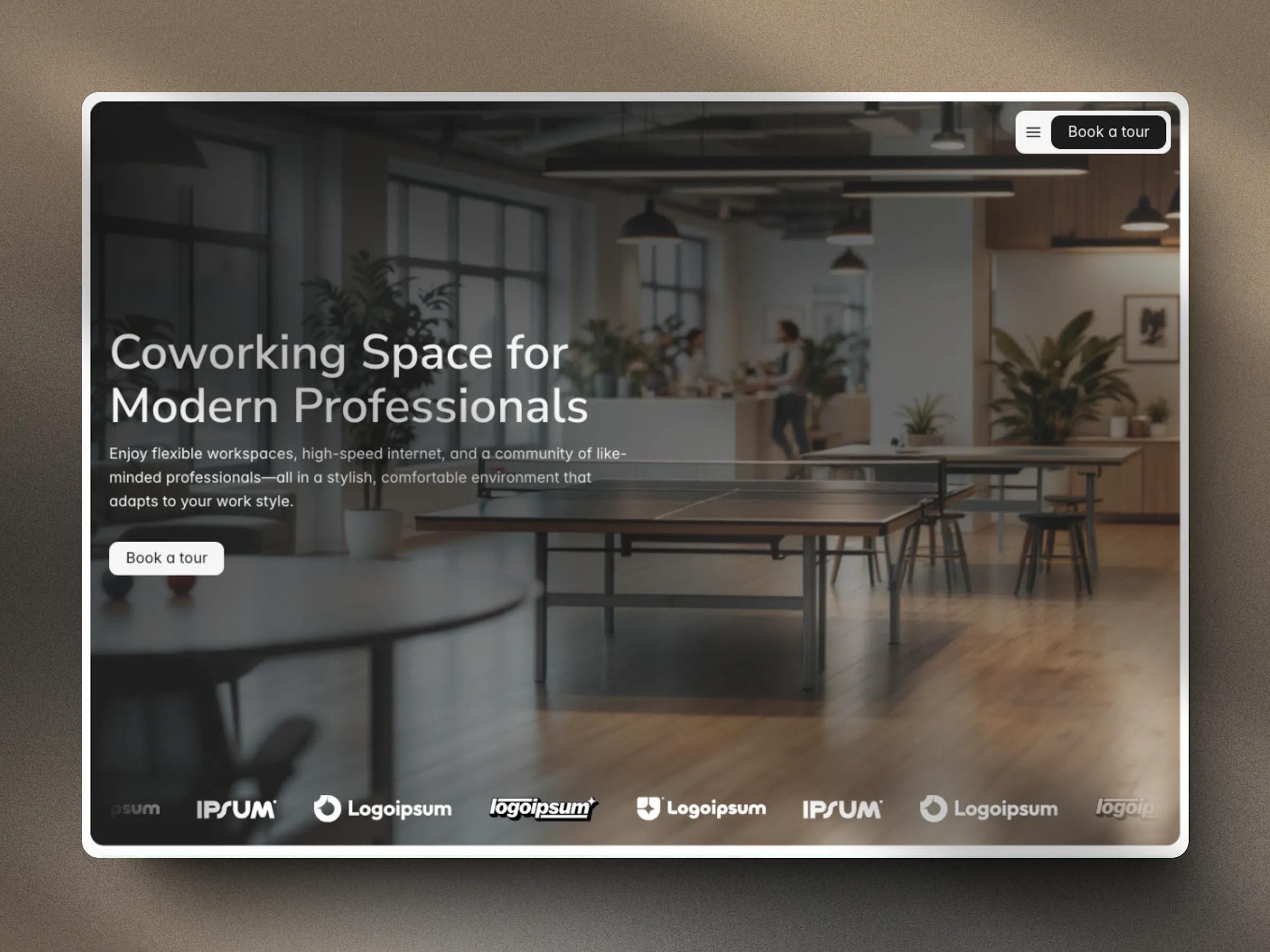
Framer website template

A 30-minute call. We will look at where you are, what is not working, and what we would do about it. No deck, no pitch.
Cookies
We use analytics cookies to see which pages and links bring people to a call. Nothing is stored until you agree. Privacy policy
Hi, I'm Seru, Urest's assistant. Ask me about our services, process or work.
Try asking