






Adding Custom Code to Framer: When You Actually Need It
Framer supports custom code four ways, from HTML embeds to React components. Here is what each is for and when you genuinely need to write code at all.
 Written byMatt Gemi, Founder, Urest
Most Framer sites never need a line of custom code, and that is the point of the tool. But Framer does open the door to code when you need it, and knowing the four ways in, plus when each is actually warranted, keeps you from either hitting a wall or over-engineering something the visual editor already handles. Here is the practical breakdown.
What are the ways to add custom code to Framer?
Framer supports custom code in four distinct forms. HTML embeds drop in third-party scripts and ready-made widgets. Code overrides attach small pieces of behaviour to existing layers. Code components are full custom React components written in Framer's code editor, for interactive UI the built-in elements cannot produce. And custom code in your site or page settings adds scripts or CSS to the whole site or to specific pages. Each exists for a different job, and using the wrong one is where projects get messy.
When should you use an HTML embed?
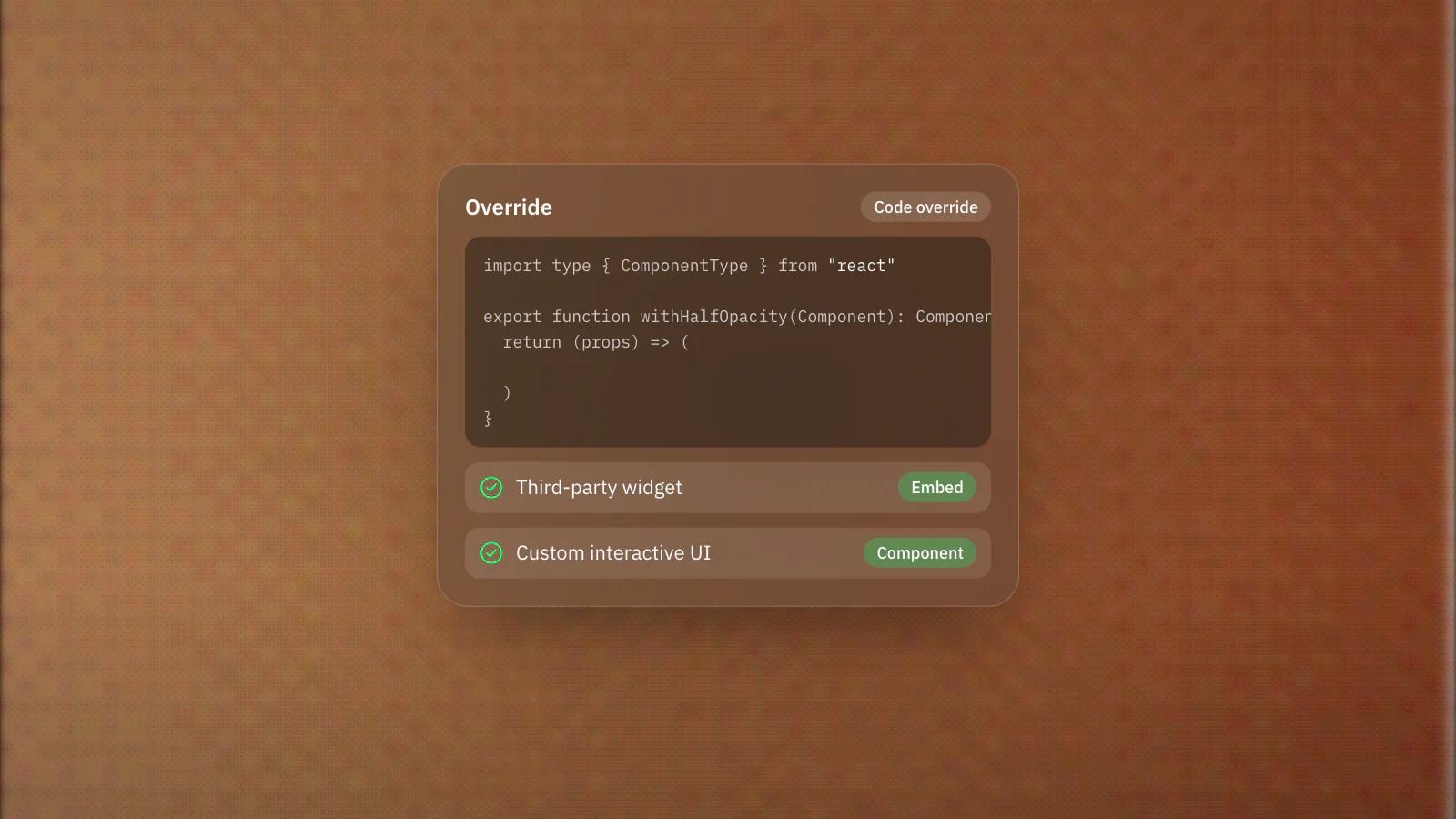
Reach for an embed when a service gives you a snippet to paste, such as a chat widget, a booking tool or an analytics script. Embeds are ideal for one-off additions that do not need to interact with Framer's design system. They are the lightest option and usually the right first instinct when you are integrating an external tool rather than building something custom.
What is a code override in Framer?
A code override is a function that modifies the props of an element you already designed on the canvas. It is the lightweight way to add interactivity or a quick behavioural tweak without building a whole component. Overrides shine for small enhancements to existing layers, especially in prototyping, when you want custom behaviour but not custom UI. If you only need an element to do something slightly different, an override is often all it takes.
When do you need a code component?
Code components are custom React components you build right inside Framer, for when the standard elements genuinely cannot do the job. Use them for reusable interactive pieces that appear across multiple pages, elements whose settings should be editable through property controls, or logic more complex than a simple script. They are the most powerful and the most involved option, so they earn their place when something is both custom and reused, not for a single quick tweak.
When do you actually need custom code in Framer?
You genuinely need custom code when you are integrating a specific external service, building interactive UI that does not exist natively, or adding behaviour and logic the editor cannot express. Be honest about necessity. Framer's visual tools, native components and CMS cover the large majority of real websites, including animation, responsive layout and dynamic content. If you find yourself writing code to do something Framer already offers visually, that is usually a signal to step back rather than push forward.
The trade-off with code is maintenance. Every embed, override and component is something a future editor has to understand and keep working. Good Framer builds use code deliberately, at the few points where it adds real capability, and lean on the visual tools everywhere else.
Our team builds in Framer by default and drops into custom React and Next.js when a project genuinely calls for it, so we can tell you honestly whether your requirement needs code or already exists in the editor. Have a feature you are not sure Framer can handle? Book a discovery call and we will scope the cleanest path.
Frequently asked questions
Do most Framer sites need custom code?
No. Framer's visual tools, native components and CMS cover the large majority of real websites, including animation, responsive layout and dynamic content.
What is the difference between a code override and a code component?
An override modifies the props of an element you already designed on the canvas, for small behavioural tweaks. A code component is a full custom React component for interactive UI the built-in elements cannot produce.
How do I add a chat widget or booking tool to a Framer site?
Use an HTML embed. When a service gives you a snippet to paste, an embed is the lightest option and usually the right first instinct.
What is the downside of adding custom code?
Maintenance. Every embed, override and component is something a future editor has to understand and keep working, so good builds use code only where it adds real capability.