
5 Reasons to Choose Framer for Your Website
Five practical reasons to build your website on Framer, checked against Framer's own pages, plus the cases where Framer is not the right fit and what to check before you commit.
 Written byMatt Gemi, Founder, Urest
On this page
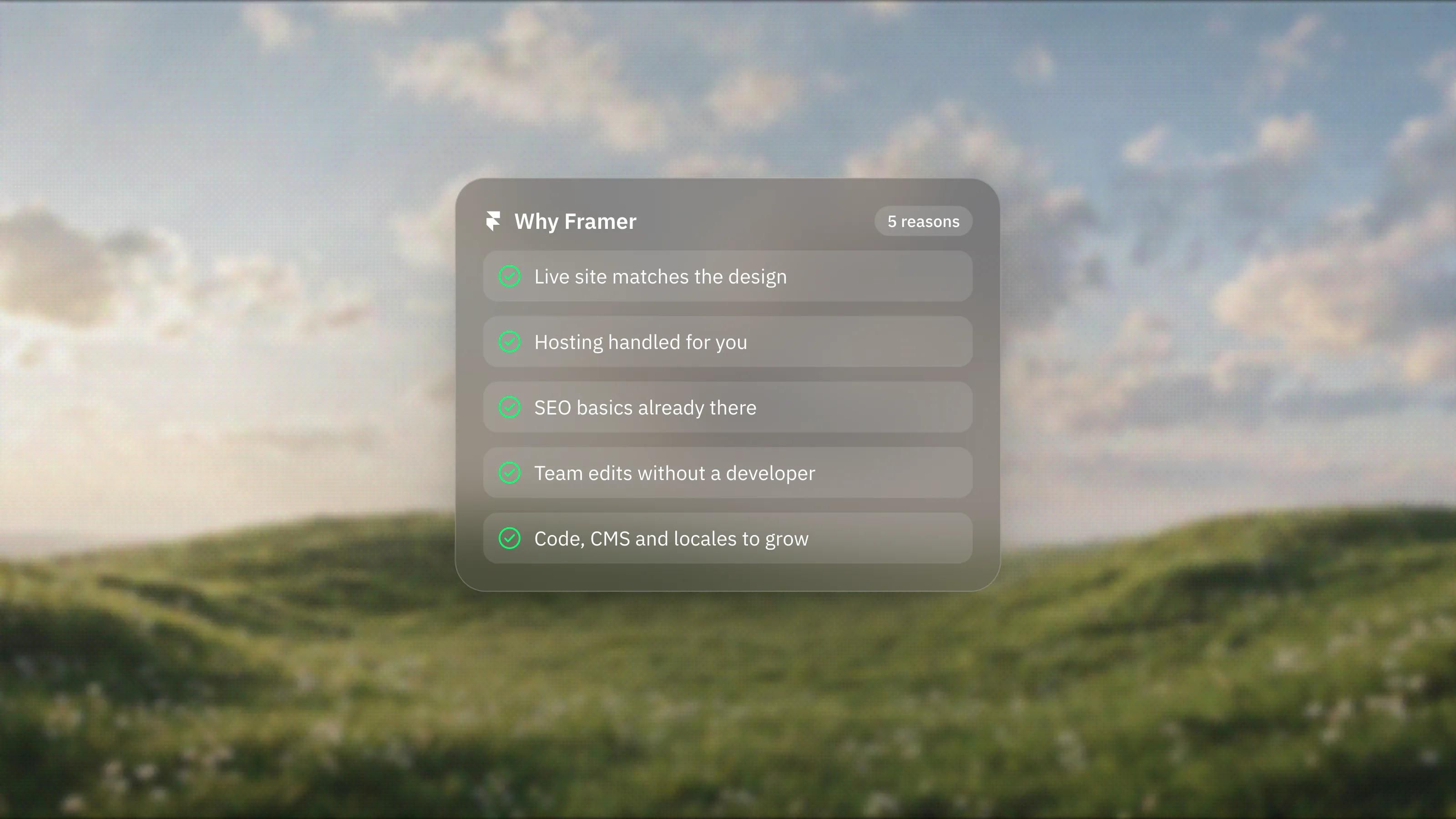
If you are deciding where your next website should live, these are the five reasons we most often give for choosing Framer, each checked against Framer's own pages on 3 November 2026. We also say plainly who Framer does not suit, because a listicle that only sells is not much use when you are about to commit a budget.
For the longer story of how we arrived at Framer as our default, read why we build client websites on Framer. This post is the short version: five reasons, then the honest exceptions.
1. Will the live site actually look like the design?
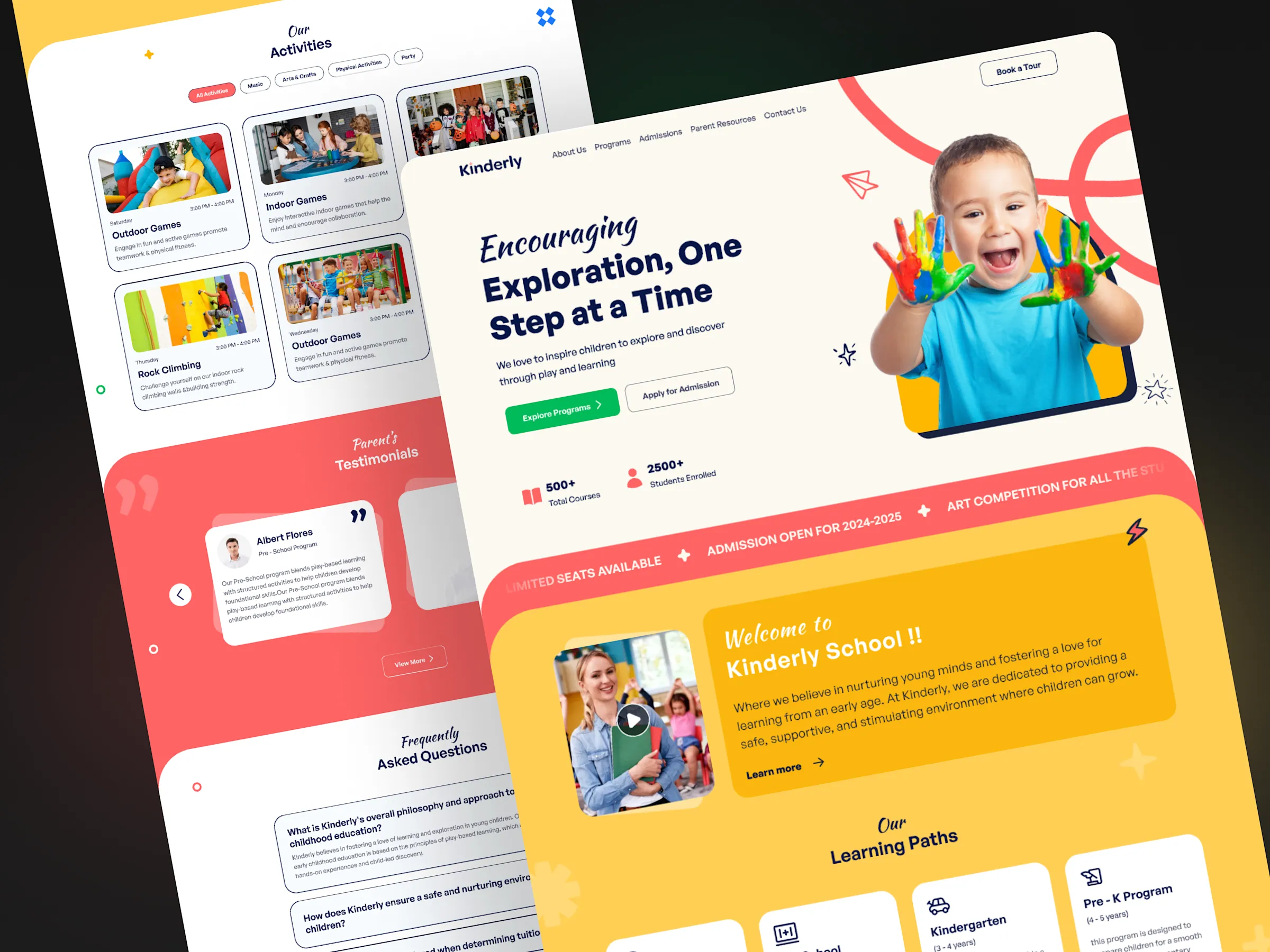
Yes, because in Framer the design and the published site are the same thing. You design on the canvas and publish from it, so there is no separate rebuild step where detail gets lost between a design file and code.
If your design starts in Figma, Framer's Figma to HTML plugin lets you copy frames and layers from Figma and paste them into Framer. Framer itself notes that some complex Figma structures may need cleanup for the web, and that responsive behaviour still needs checking across screen sizes. In our experience that is the right expectation: import gets you most of the way, and a person who understands breakpoints finishes the job.
Framer's AI Agents add another starting point. Framer's guide to building a site with Agents says the pages they create are ordinary, editable Framer pages, and it advises reviewing content, images, links and responsive behaviour before you publish. Useful for a first draft, never a substitute for review.
2. Do you have to manage hosting yourself?
No. Framer hosts the site for you, so there is no server to set up, patch or monitor.
On its hosting page, Framer says popular pages are cached globally while quieter pages render on demand, that it resizes images and serves WebP and AVIF at the edge, and that SSL certificates are provisioned and renewed automatically, free on every plan. Framer also advertises 99.99% uptime and says you can revert to an earlier version from the deployment history. Those are Framer's claims rather than our measurements, but they describe the jobs you would otherwise pay someone to own.
One thing hosting does not do is stop you from making the site heavy. Large videos, many custom fonts and long scroll animations are still choices, and they still cost speed.
3. Are the SEO basics already there?
Yes. The essentials are built in, so you are not fighting the platform to get a sitemap or a meta description right.
Framer's SEO page lists auto-generated sitemaps, metadata that can be unique per CMS entry, JSON-LD structured data and semantic HTML tags. The pricing page lists site redirects on the Pro plan, which matters if you are moving an existing site and need old URLs to point somewhere sensible. Built-in features are a floor, not a strategy. Content, internal linking and page structure still decide how well you rank.
4. Can your team update the site without a developer?
Yes. Framer is built so that non-designers can change content safely, and the roles are designed around that.
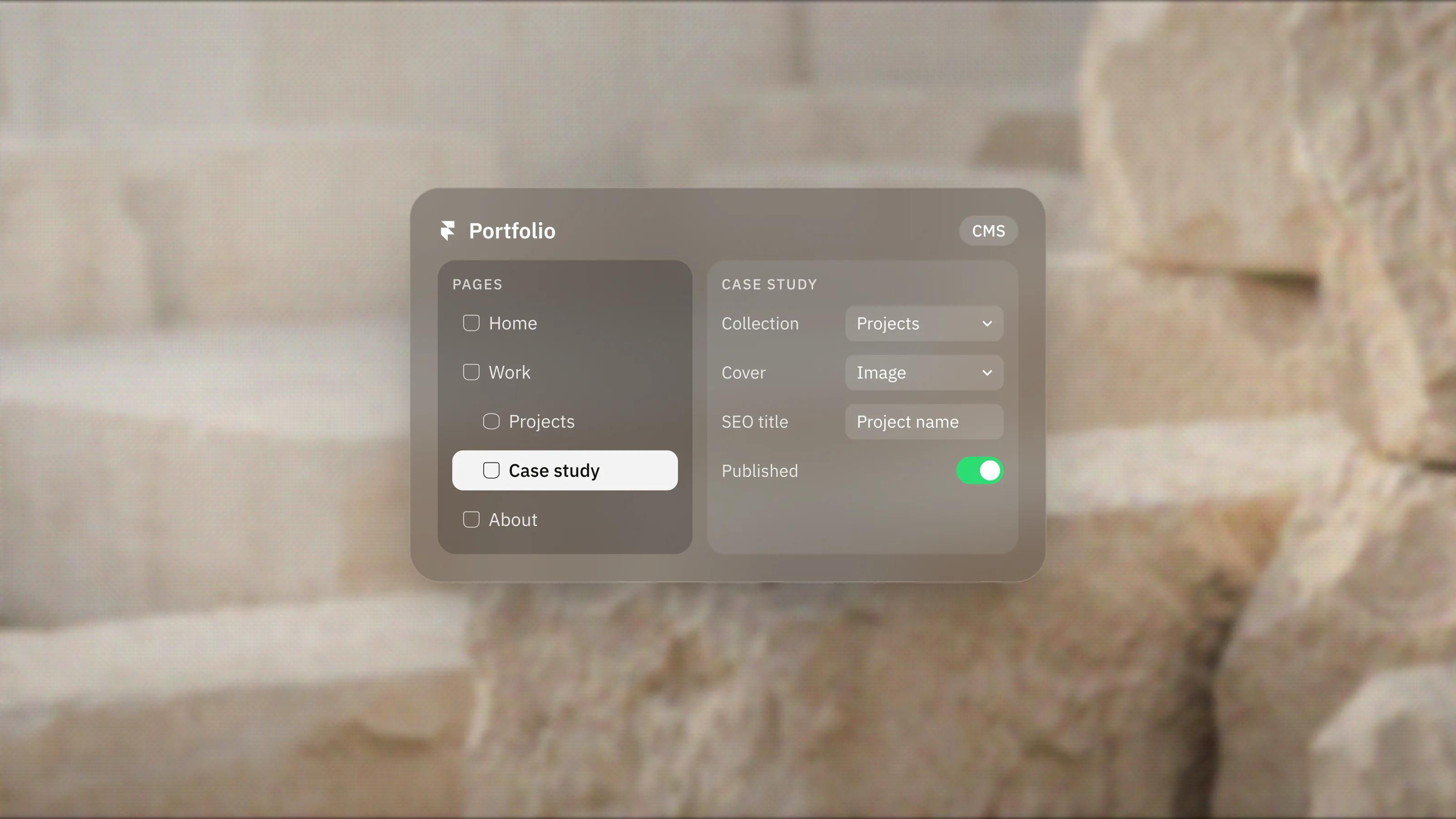
Framer's on-page editing lets people with content permissions edit text, images, rich text and CMS content directly on the live site, and changes have to be published by someone with publishing rights before visitors see them. The pricing page lists a Content editor seat for updating the CMS, localisation and on-page editing at a lower price than a full editor seat. If your content repeats, such as posts, case studies or job listings, a well-planned CMS is what makes this work; we cover the structure in Framer CMS explained.
5. Will you outgrow it as the business grows?
For most marketing sites, not quickly. Framer has room to extend in code and to scale its limits on the higher plans.
- Custom code. Framer's code components are React components that render on the canvas, in preview and on the published site, with property controls so non-developers can adjust them visually.
- Bigger content. The pricing page lists the Pro plan at 150 pages, 10 CMS collections and 2,500 CMS items, with paid add-ons up to 700 pages, 40 collections and 40,000 items. Enterprise has custom limits.
- More languages. Translation locales are listed as an add-on on Basic and Pro, up to 20 locales.
- Safer team changes. Pro lists branching with previews and a staging environment, so larger edits can be reviewed before they reach the live site.
Limits and prices change, so treat these numbers as a snapshot from 3 November 2026 and check the pricing page before you plan around them.
Who is Framer not for?
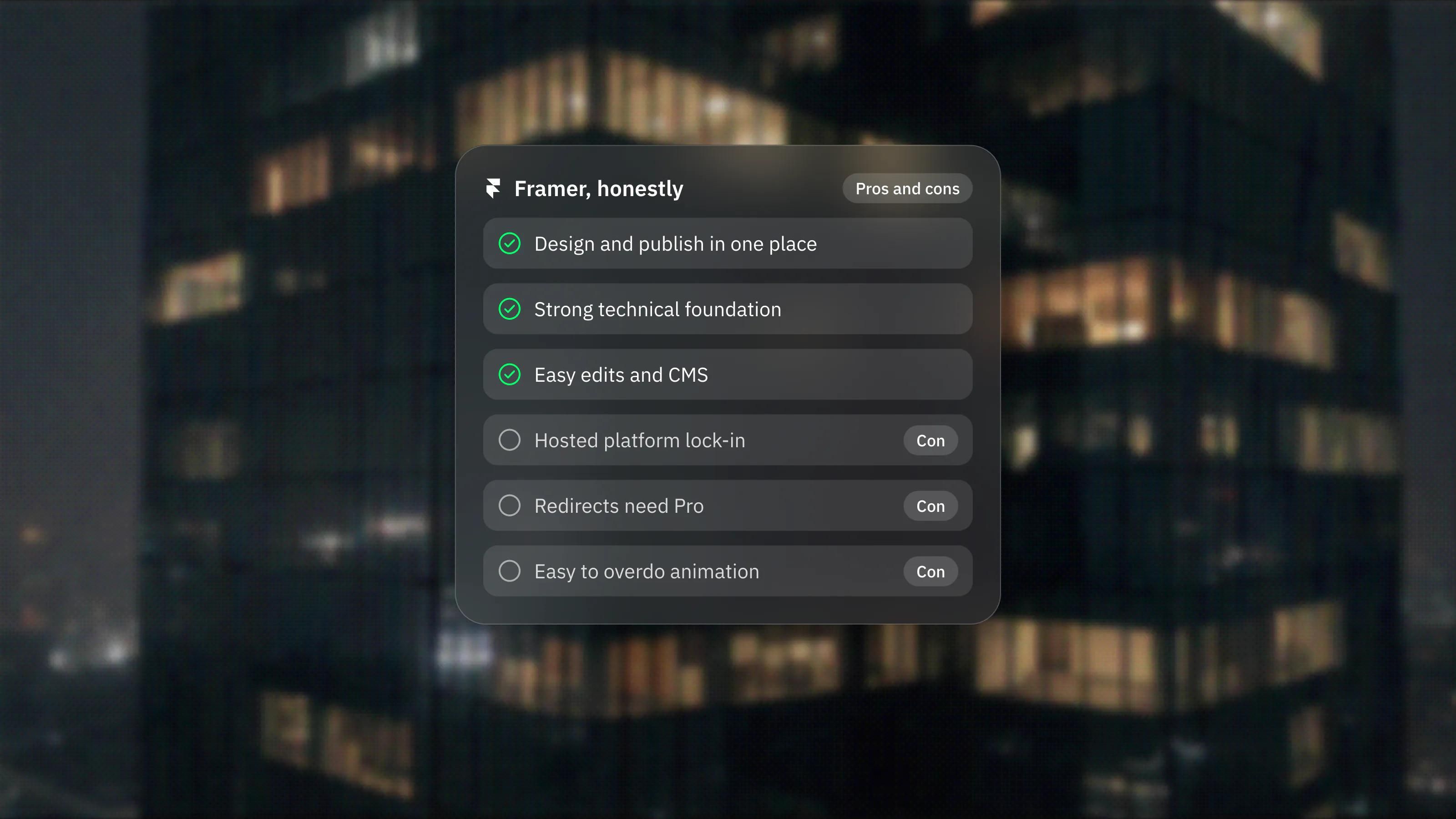
Framer is not the right fit if your project is really an application, or if you must own and self-host the code.
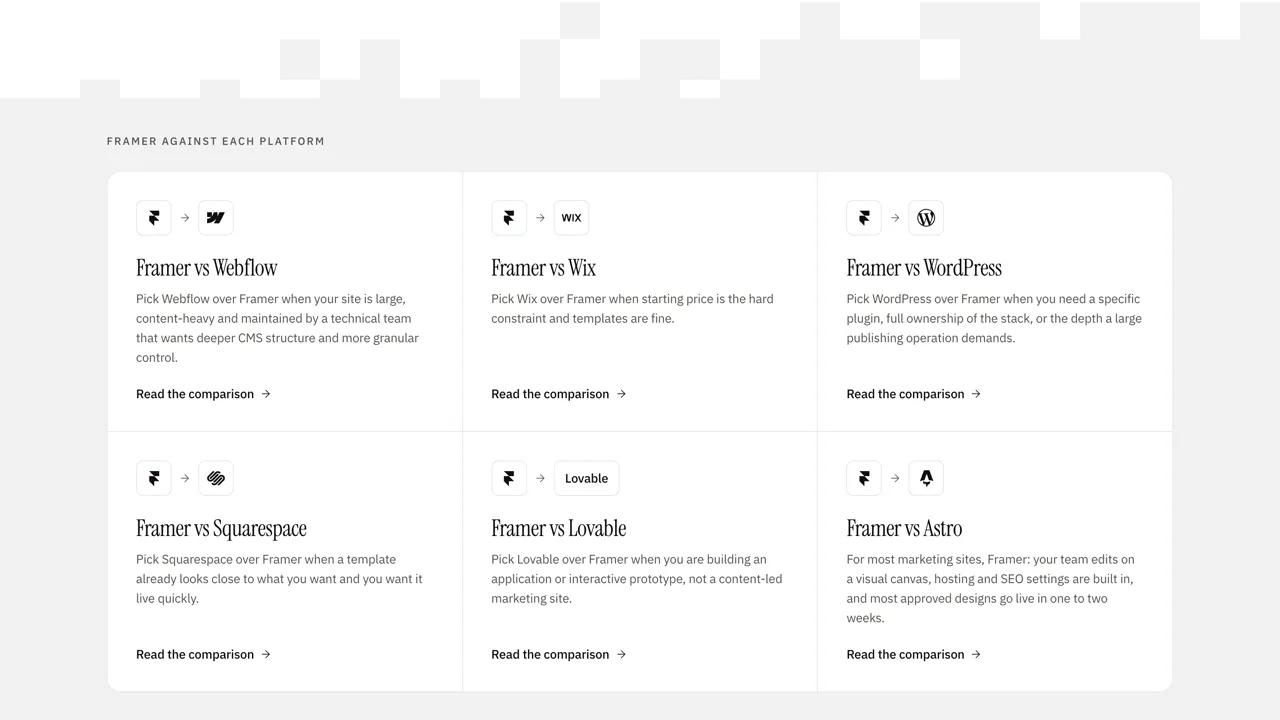
Framer's help centre states that it does not offer HTML export for self-hosting, because published sites depend on its hosting services. If you need user accounts and dashboards at the core of the product, complex backend logic, or full control of your infrastructure, a code-based stack is usually the better call. Very large, deeply relational content models are another case to examine before committing. We compare the realistic options in our honest rundown of Framer alternatives.
What would we do before choosing?
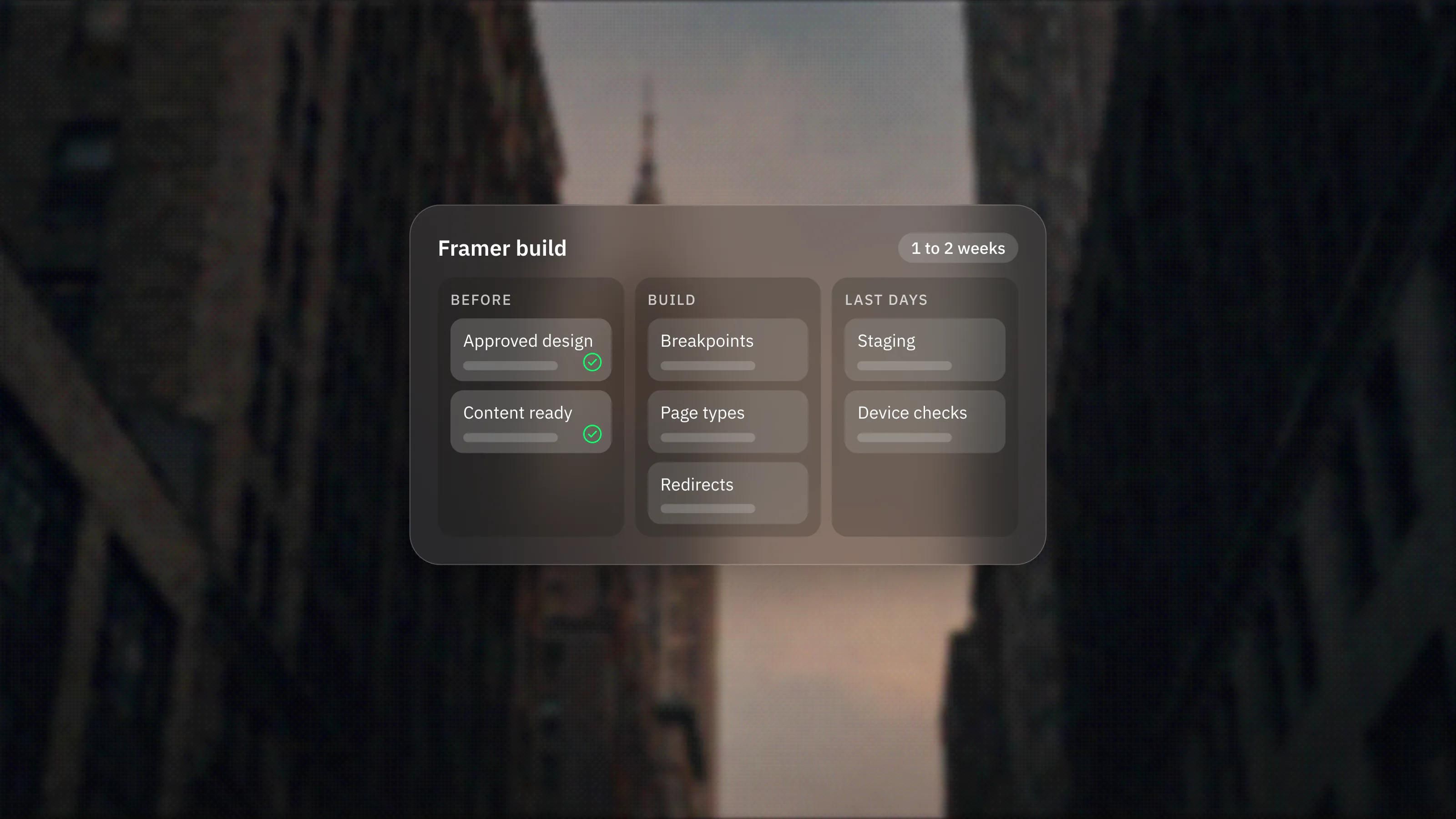
- List the pages, the content types that repeat and the number of people who will edit. That tells you which plan and which seats you need.
- Check the plan limits against your content today and in a year, not just at launch.
- Decide whether anything on your roadmap is an application feature rather than a website feature.
- If the answers point to Framer, plan the CMS and roles before design starts, so editing works on day one.
If you would rather hand the build to a team, see our Framer development service.
Frequently asked questions
Is Framer only for designers?
No. Designers build the layout, but content editors can update text, images and CMS items directly on the live site, and someone with publishing rights then publishes the changes. That split is what lets a marketing team run the site day to day.
Is Framer good for a large company website?
It can be, within its limits. The Pro plan can be extended with add-ons for pages, CMS collections, items and bandwidth, and Enterprise offers custom limits, single sign-on and an uptime guarantee. Check your content volume against the current pricing page first.
Can I move my site off Framer later?
Not as a code export. Framer says it does not offer HTML export for self-hosting, so leaving means rebuilding on another platform. Treat Framer as a platform you intend to stay on.
Does Framer handle multiple languages?
Yes, through translation locales, which Framer lists as a paid add-on on the Basic and Pro plans, up to 20 locales. The free plan includes one locale to try.