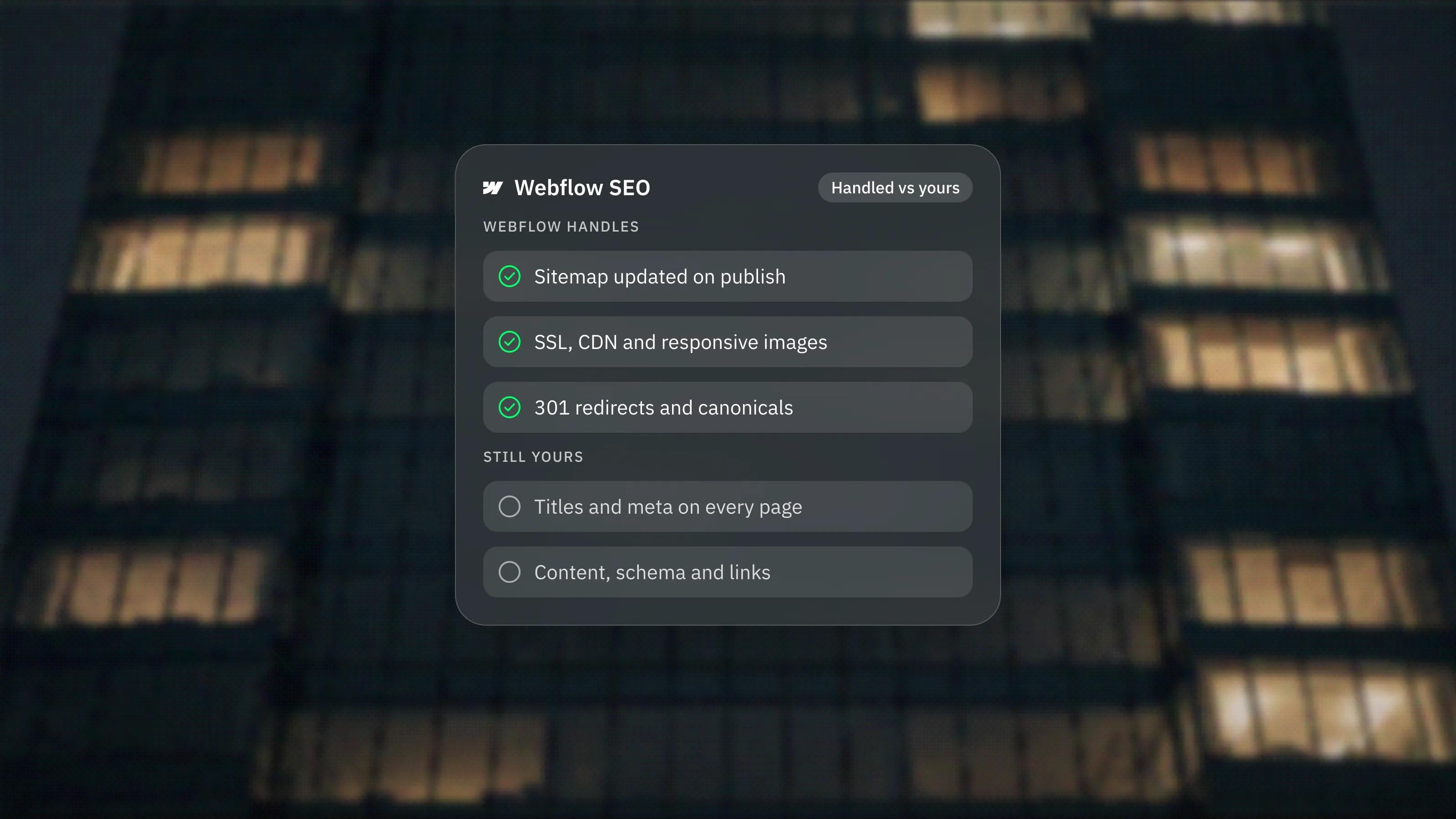
Webflow
Webflow is a visual website builder with a structured CMS, interactions, localisation and enterprise features, used by marketing teams that want developer-level control without writing code. We build on it when its CMS or ecosystem fits the project better. These guides cover what it does well, where it falls short and how it compares.

Posts
8 posts
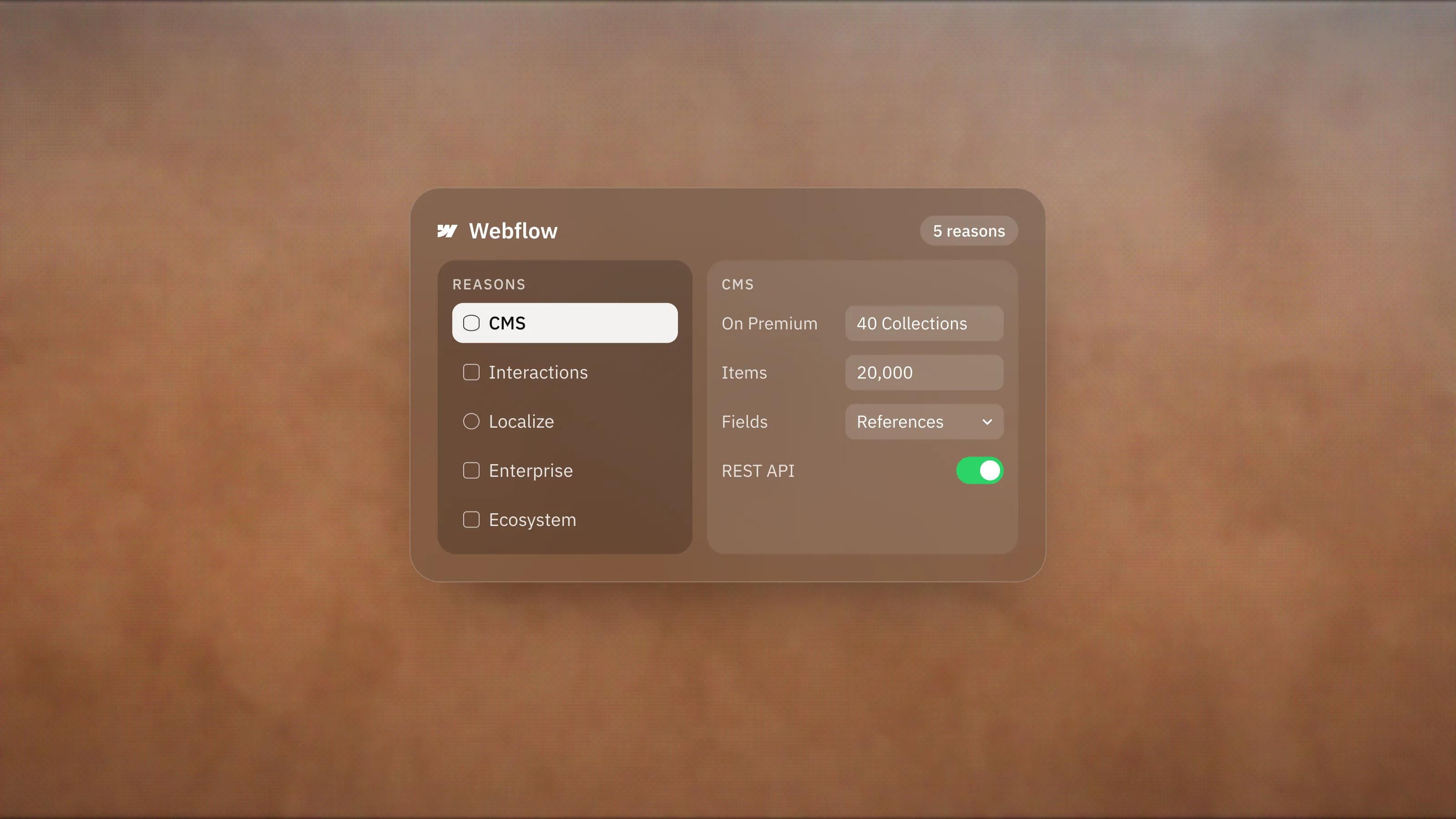
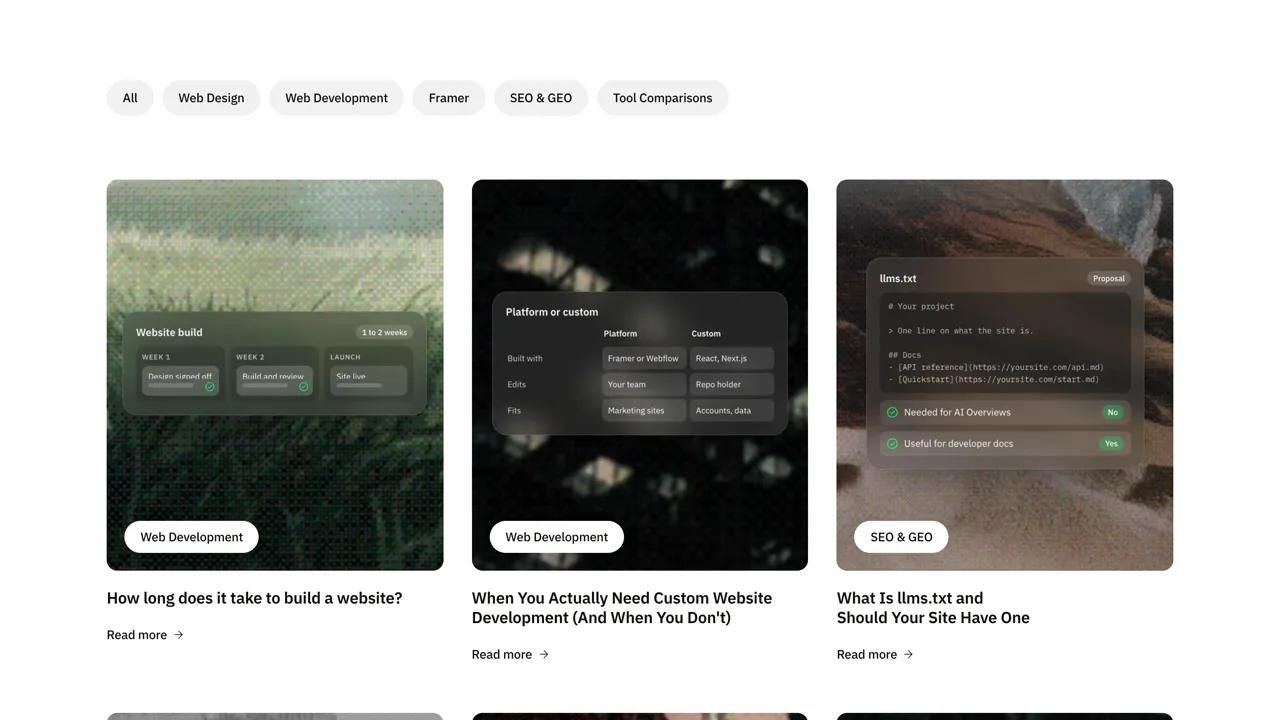
5 Reasons to Choose Webflow, and Who Each One Is For
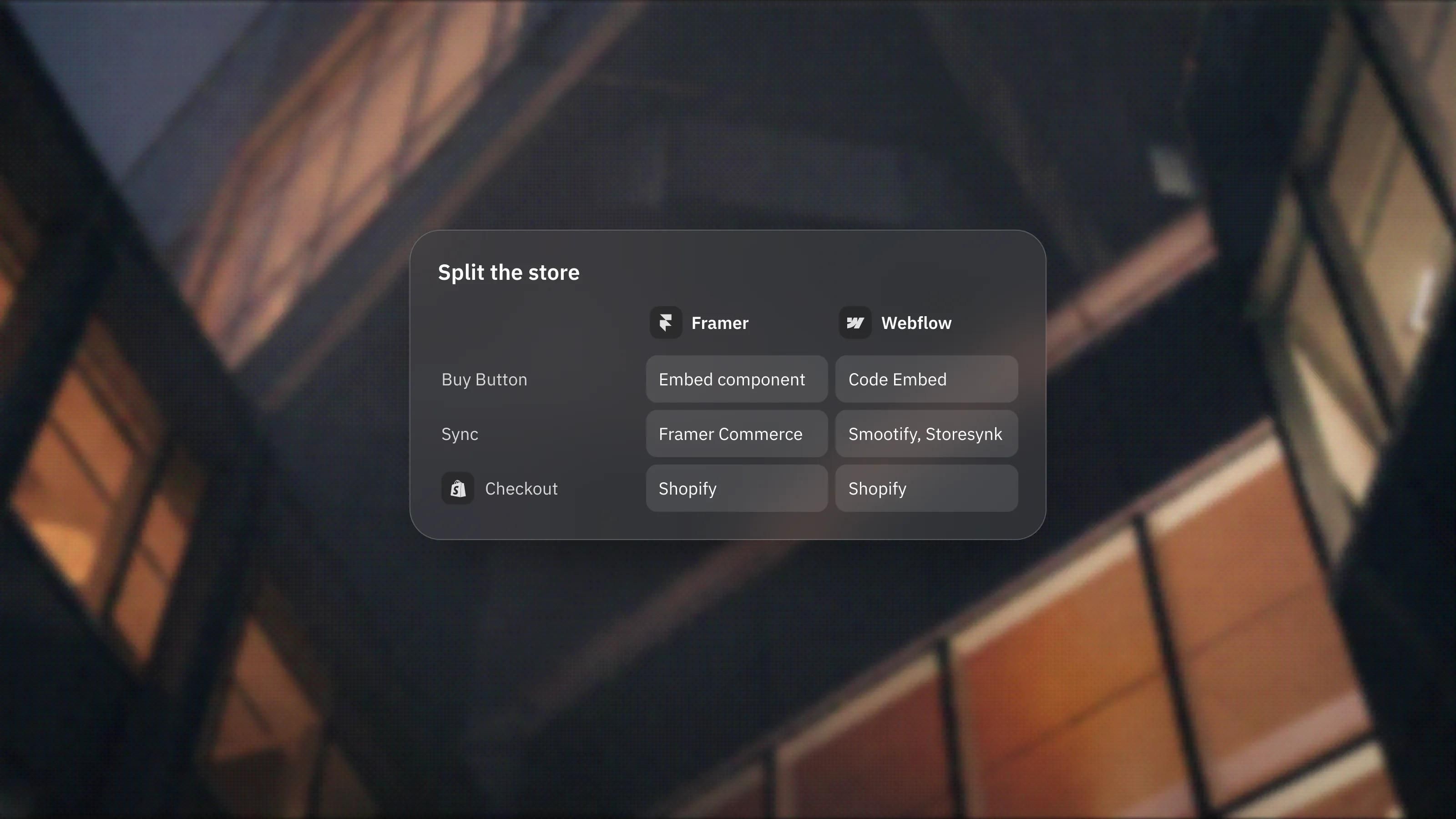
Shopify With a Framer or Webflow Brand Site: When to Split the Store From the Website
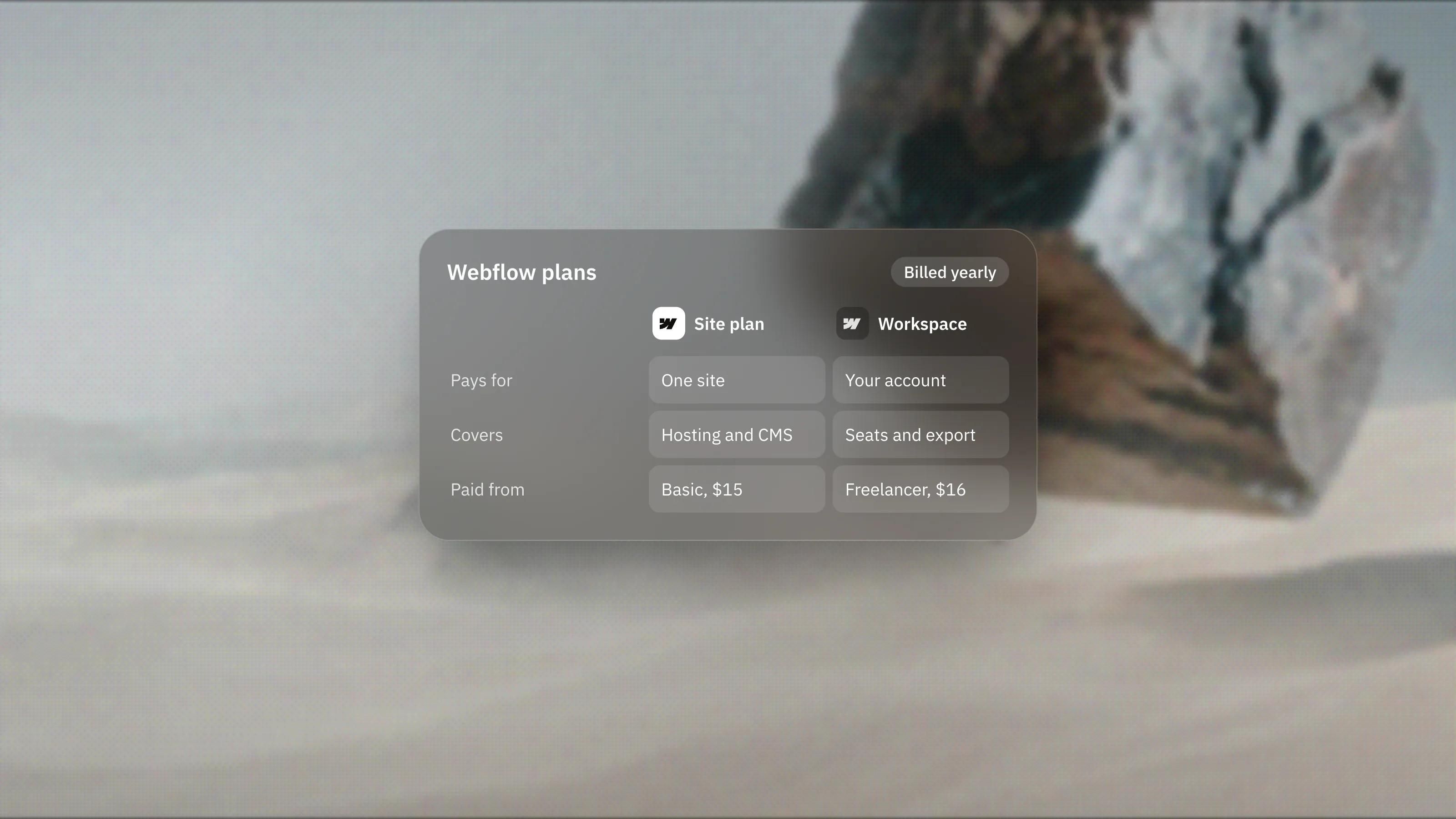
Webflow Pricing Explained: Site Plans vs Workspace Plans
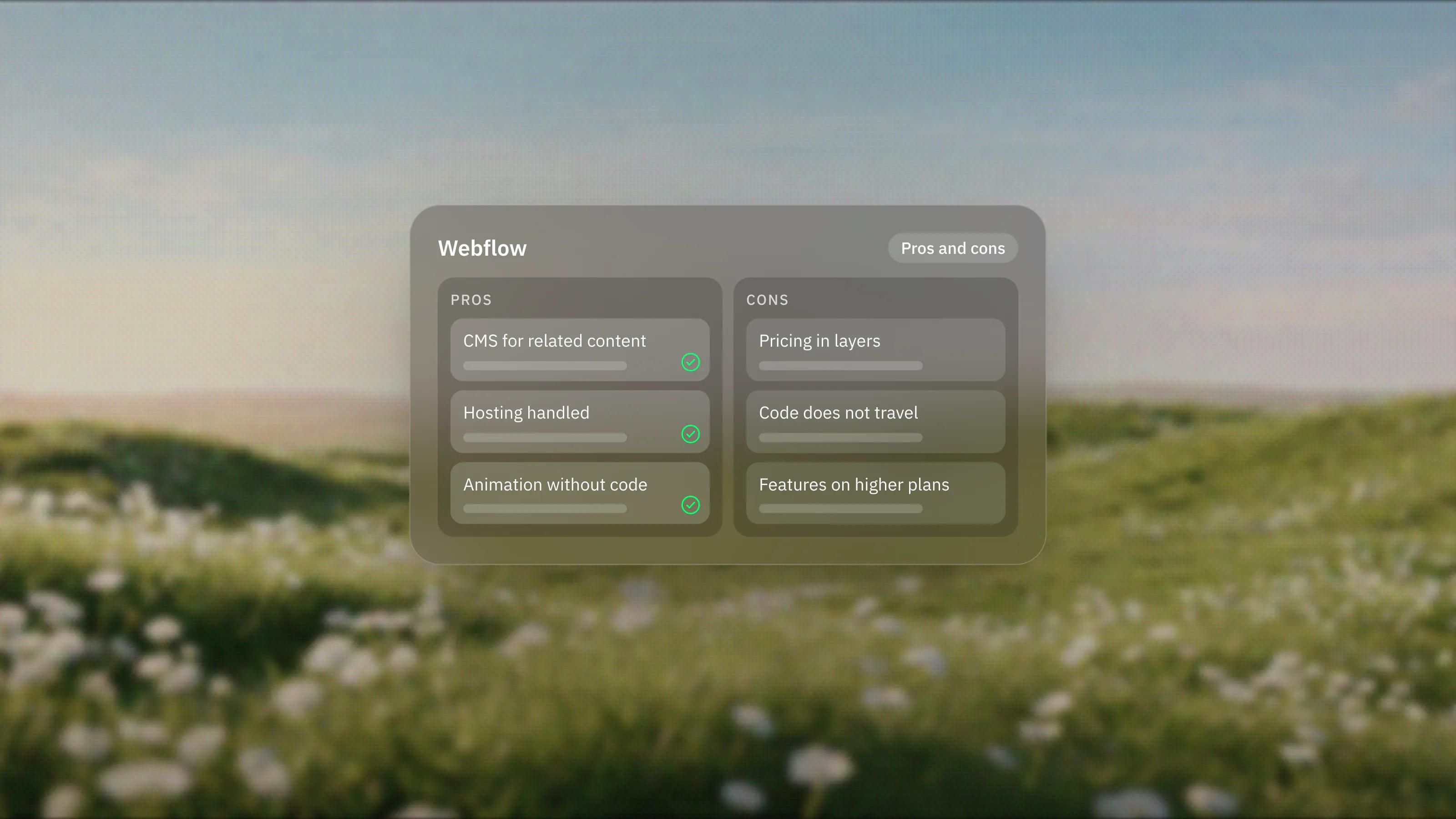
Webflow Pros and Cons: An Honest Look
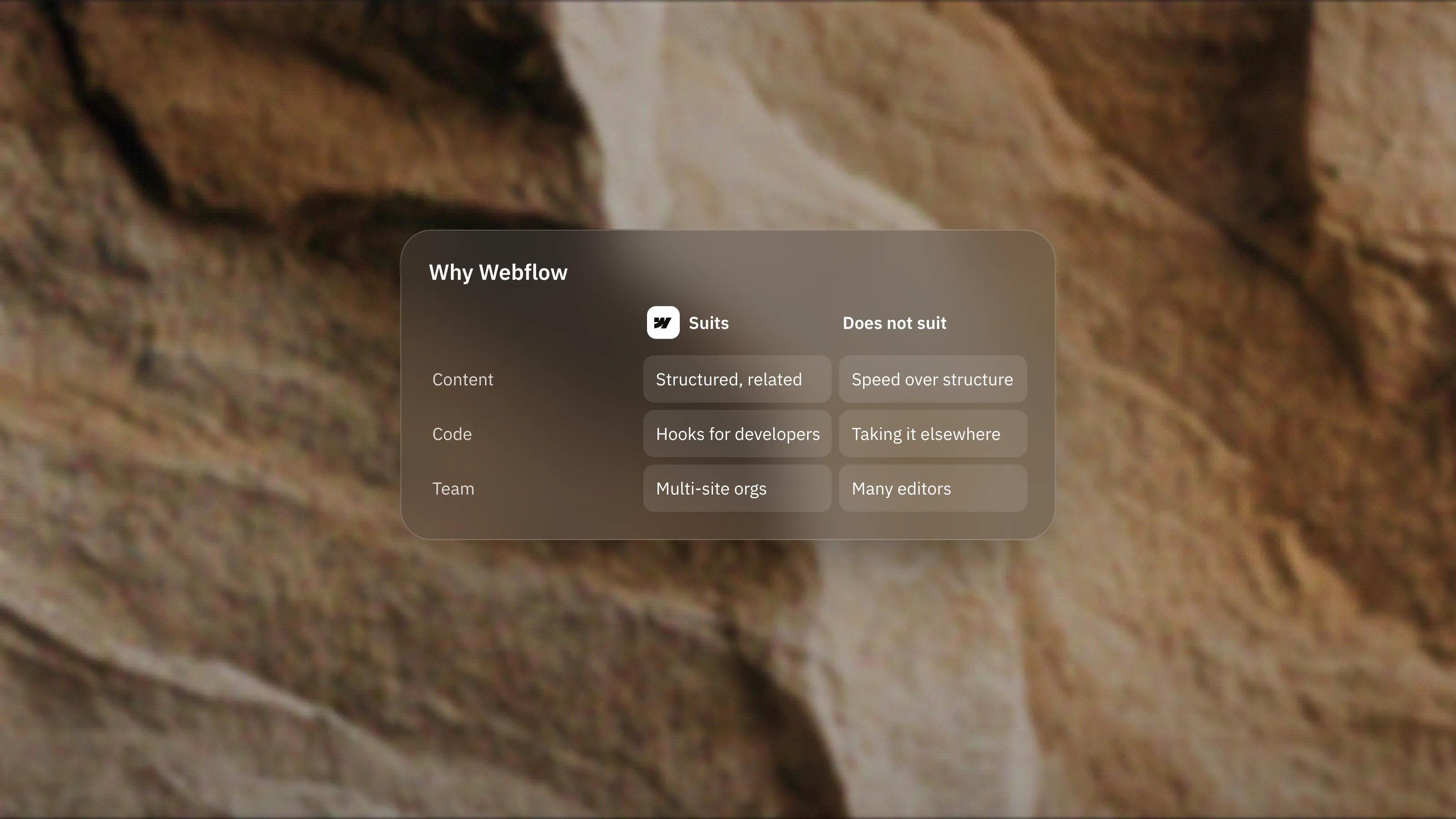
Why Choose Webflow? Who It Suits and Who It Does Not
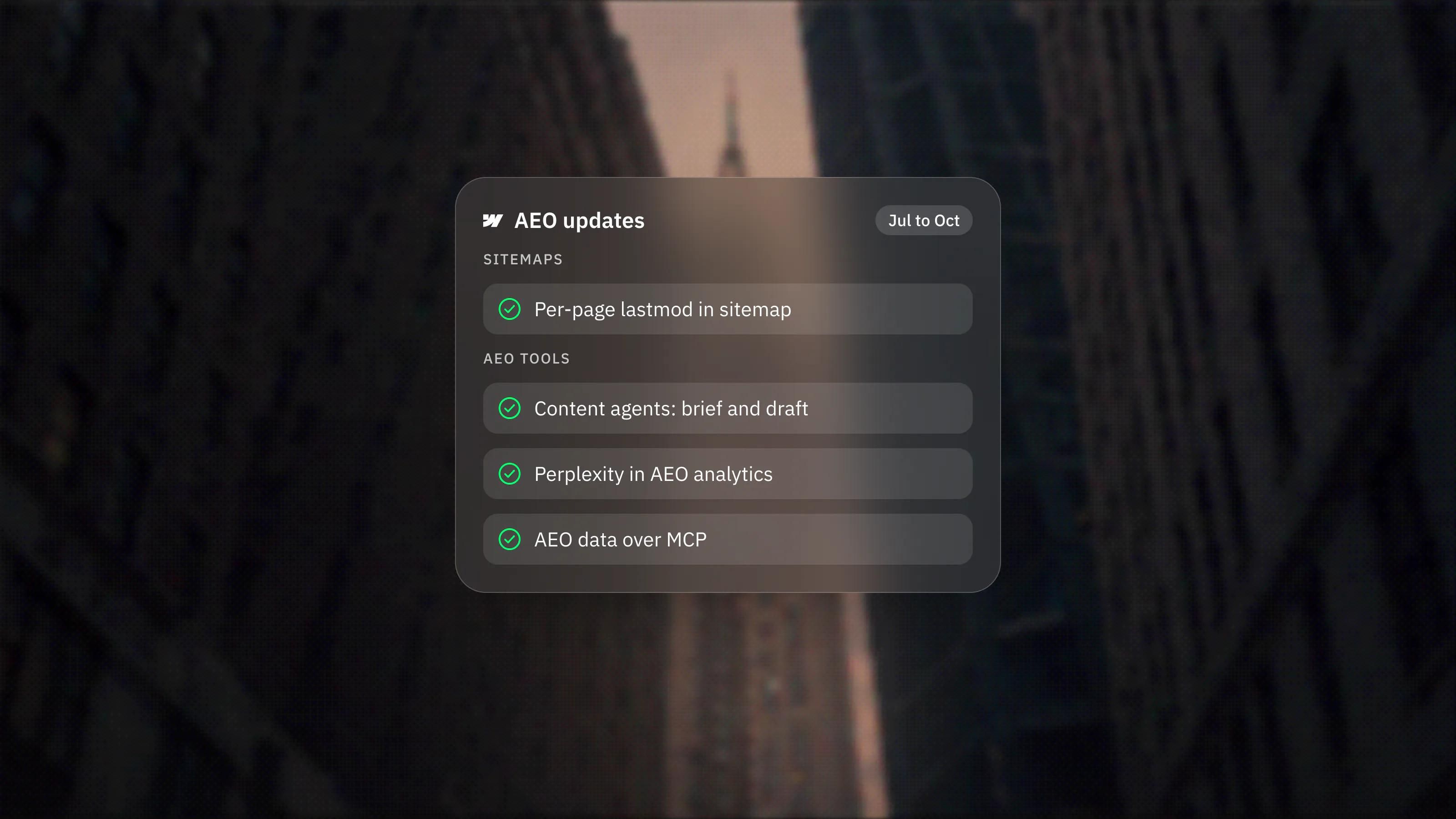
Webflow's AEO Updates: Sitemap Timestamps, Content Agents and AI Visibility Data
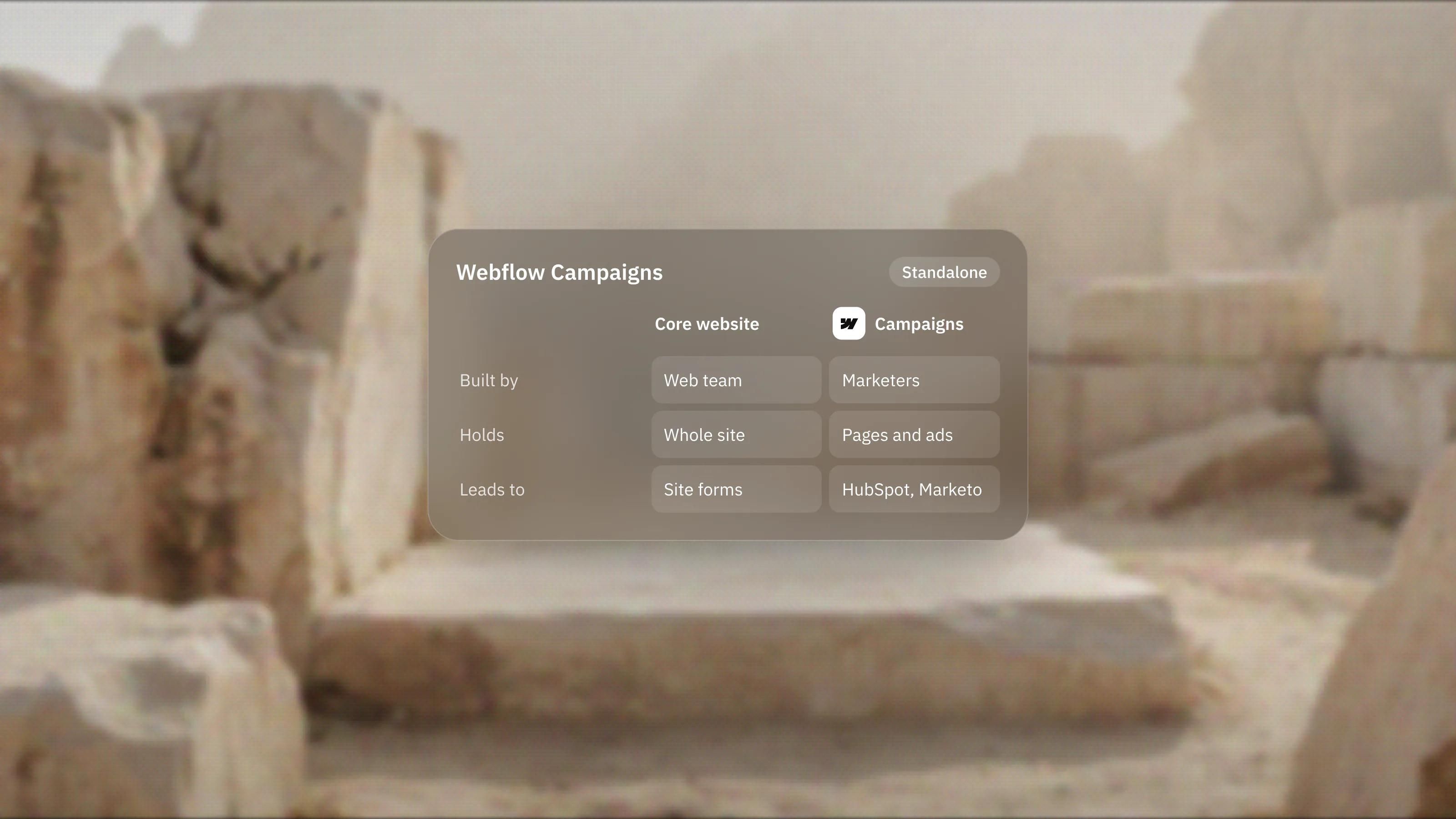
Webflow Campaigns, Explained: Landing Pages and Ads Outside the Main Site
No posts match that search. Try a shorter word, another category, or ask Seru.
Comparisons and guides
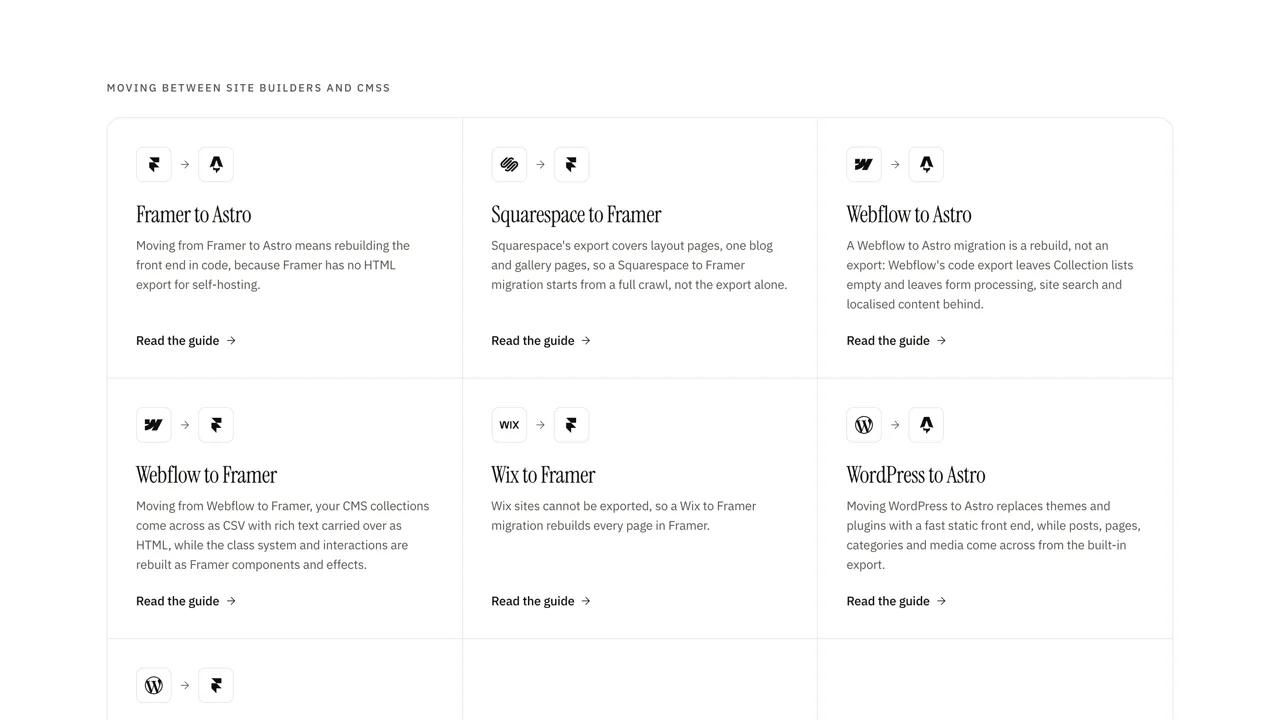
- Comparisons and guides:Webflow to Astro migration guideA Webflow to Astro migration is a rebuild, not an export: Webflow's code export leaves Collection lists empty and leaves form processing, site search and localised content behind. We export every collection to CSV, rehost your assets, rebuild templates as Astro routes and keep item URLs identical so rankings carry over.
- Comparisons and guides:Webflow to Framer migration guideMoving from Webflow to Framer, your CMS collections come across as CSV with rich text carried over as HTML, while the class system and interactions are rebuilt as Framer components and effects. Item URLs can keep the same pattern, wildcard rules are translated, and a typical marketing site moves in about one to two weeks.
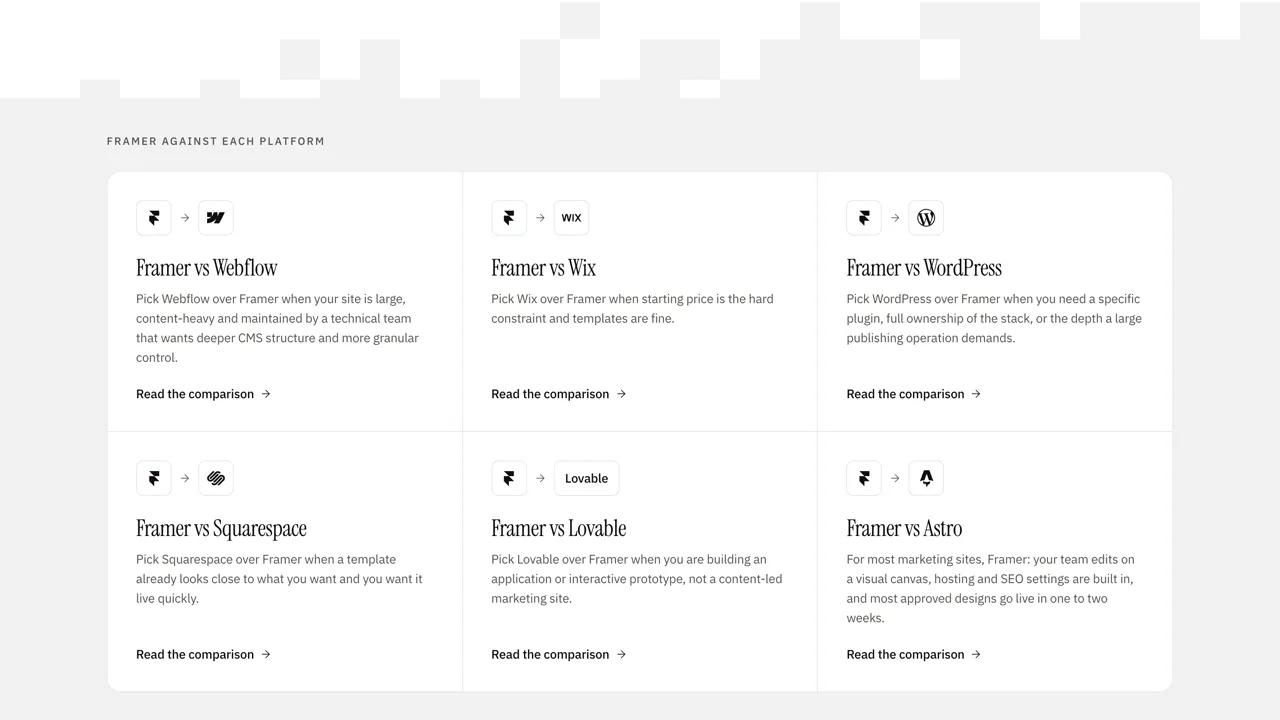
- Comparisons and guides:Framer vs WebflowFor most marketing websites, Framer is the faster, simpler choice, and it is the one we recommend for most sites. Webflow is the stronger pick when you need a deep, mature CMS, granular design control, clean code export, or you already live inside the Webflow ecosystem. Both are excellent tools. The right answer depends on what your site actually has to do, and we build in both, so this comparison costs us nothing either way.
Glossary

Get in touch
A 30-minute call. We will look at where you are, what is not working, and what we would do about it. No deck, no pitch.