

Is Webflow Good for SEO? What It Handles and What You Still Do
Yes, Webflow is good for SEO: automatic sitemaps, canonical tags, schema fields and 301 redirects. Here is what it handles, what needs a paid plan, the documented limits and what you still have to do yourself.
 Written byMatt Gemi, Founder, Urest
On this page
Yes, Webflow is good for SEO. It handles the technical basics for you, gives you control over the settings that matter, and stays out of the way. What it does not do is write useful content, match search intent or earn links. Here is what Webflow handles, what you still configure, and the limits worth knowing before you migrate.
What technical SEO does Webflow handle for you?
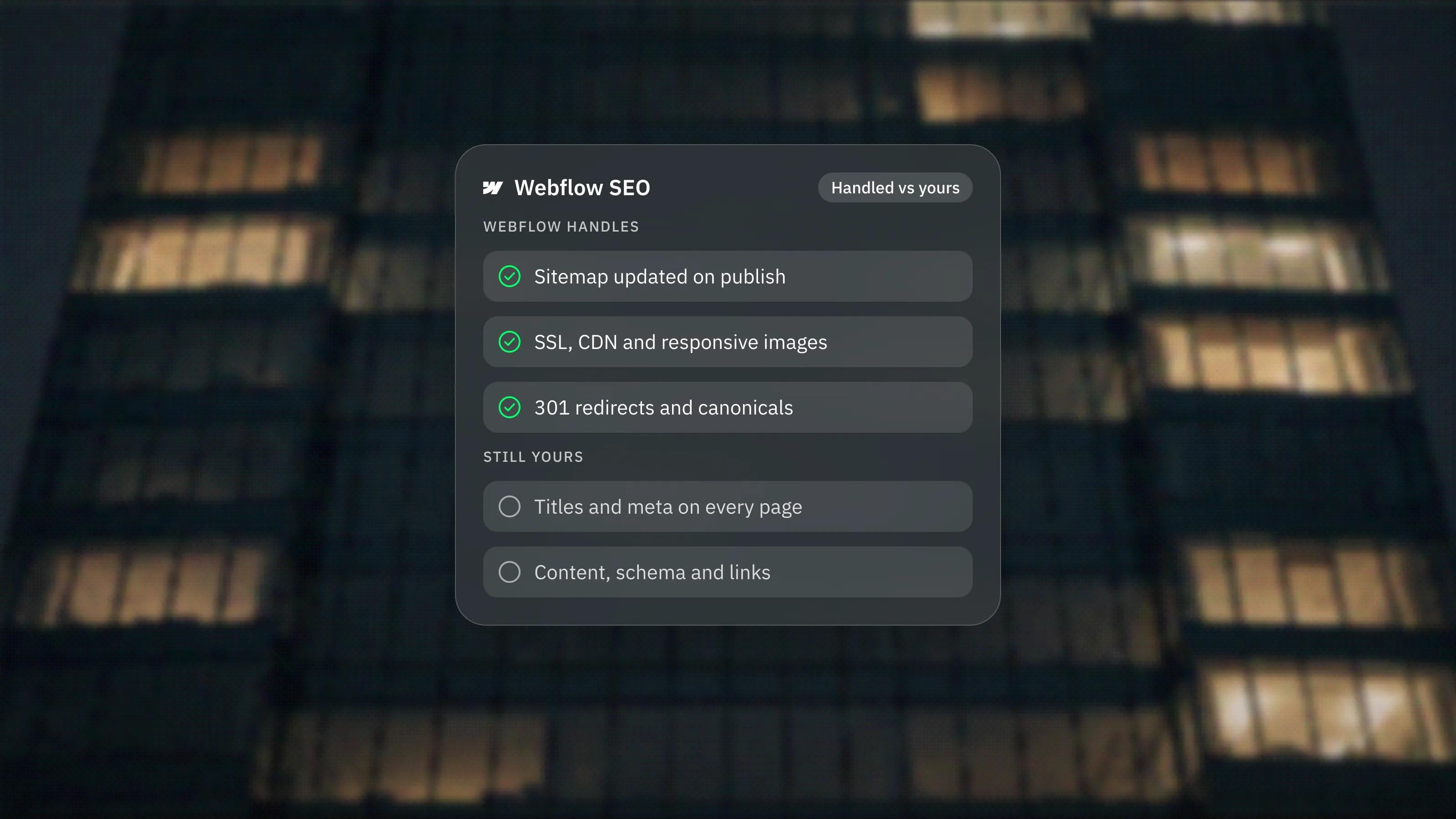
Webflow generates and updates your XML sitemap, adds it to robots.txt, serves pages over SSL from a CDN and creates responsive images. Most of the technical checklist is covered before you touch a setting.
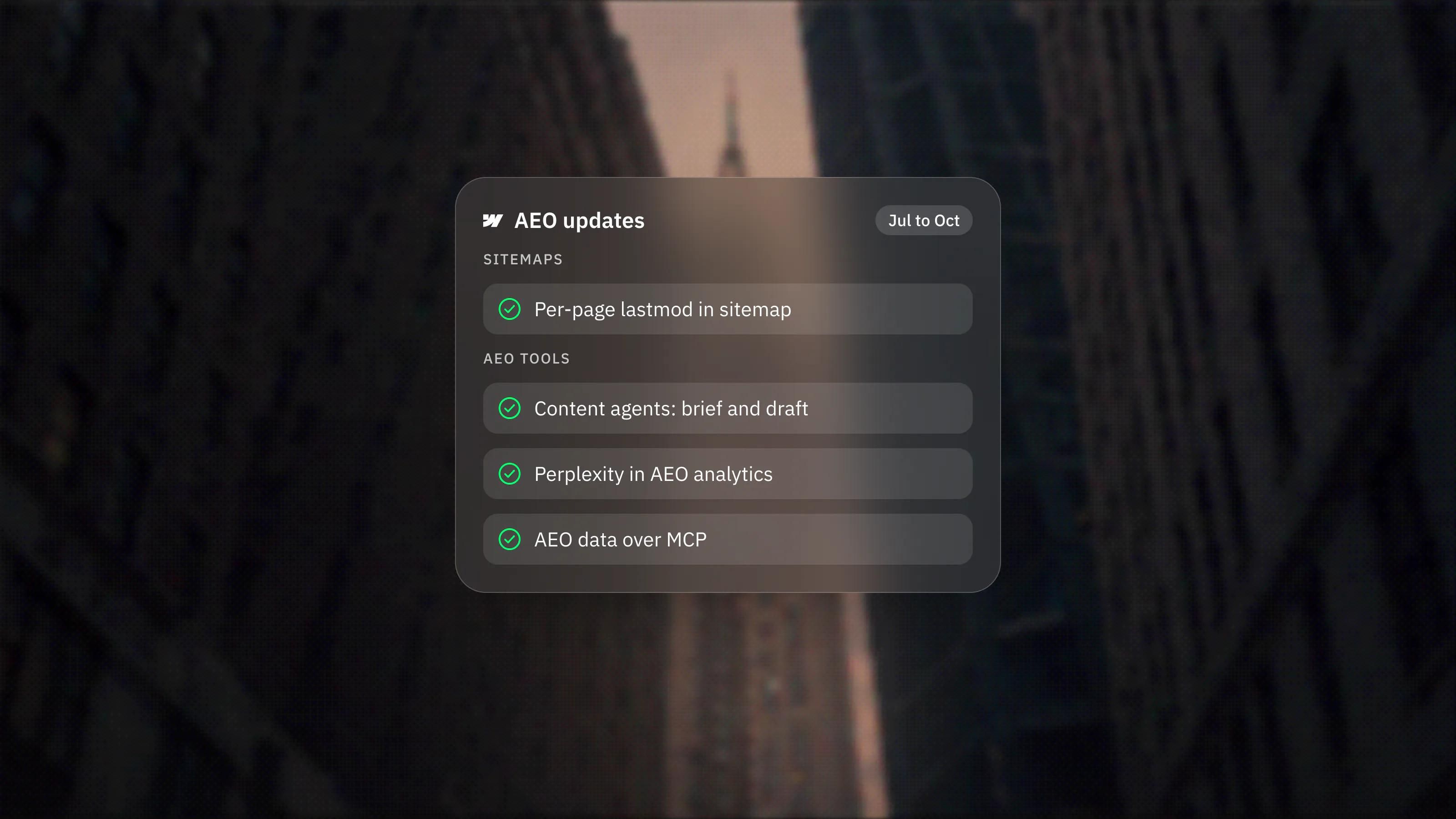
Webflow's sitemap guide says the auto-generated sitemap updates every time you publish, includes a lastmod date for each URL and is added to robots.txt automatically. On sites with Localize, it also includes hreflang tags for static and CMS pages. We covered the lastmod change and what Webflow claims for AI search in Webflow's AEO updates.
The hosting page says every Site plan includes SSL, responsive images and optional WebP and AVIF conversion, delivered through a global CDN. Webflow also says it generates clean, semantic HTML. That is Webflow's claim; in practice, the markup is only as semantic as the elements and heading levels the builder chooses.
Which SEO settings can you control in Webflow?
You control titles, meta descriptions, canonical tags, indexing, robots.txt, schema markup, alt text, Open Graph and 301 redirects, all without code.
- Titles and meta descriptions. Set per page in Page settings. Webflow's meta guide says CMS templates can use a pattern, such as each post's title field, so every item gets its own tags.
- Canonical tags. Webflow's canonical guide describes a global canonical URL that is combined with each slug, plus a per-page override for static pages.
- Indexing and robots.txt. Webflow's robots.txt guide covers writing your own rules in Site settings, including a Content-Signal line for AI usage preferences. A per-page toggle adds a noindex tag, and the pricing page lists indexing control for individual CMS items.
- Schema markup. Each page, including Collection templates, has a schema field. Webflow's schema guide says you can write it yourself or generate it with Webflow AI, and bind CMS fields so each item gets unique data.
- 301 redirects. Webflow's redirects guide covers single redirects, folder redirects with capture groups and bulk import by CSV. Changing a slug can create the redirect for you.
- llms.txt. You can upload an llms.txt file in Site settings. Webflow's own llms.txt guide calls the format experimental and says its effect on AI search is unclear.
Which SEO features need a paid plan?
Most of them. The free Starter plan publishes only to a webflow.io subdomain, so serious SEO starts on a paid Site plan.
Webflow's guides say 301 redirects, editing metadata and adding schema markup need a paid Site plan or a paid Workspace plan. The redirects guide states this directly, and the meta and schema guides say the same for adding those fields. Removing the default sitemap line from robots.txt also needs a paid Site plan.
On 3 November 2026 the pricing page also listed AI-assisted SEO and AEO audits, which need a paid Workspace plan on a free Starter site, and AEO agents on the Team and Enterprise plans. Plans change, so check the pricing page for your case.
What are the SEO limits and gotchas in Webflow?
None of these are deal-breakers, but each one has caught a migration out at some point. Webflow documents all of them.
- No global meta settings. The meta guide says SEO settings apply only to the page you set them on, so every static page needs its own title and description.
- Redirects ignore locales. The redirects guide says 301 rules are relative to the root domain and do not apply to localised subdirectories, so /old-url and /es/old-url need separate rules.
- Locale routing uses 302s. Webflow's localised SEO guide says automatic locale routing uses 302 redirects, with no native way to change that.
- Redirect count. There is no hard limit, but Webflow recommends 1,000 at most because every rule adds to a file browsers download. Use folder redirects where you can.
- Duplicate canonicals. If you inject canonicals through a tag manager, the canonical guide says not to set one in Webflow as well, or pages end up with two.
- Schema and reference fields. The schema guide says reference, multi-reference and multi-image fields are not supported in the schema field, so related data has to be written another way.
- robots.txt is not a noindex. Webflow's indexing guide says a page blocked in robots.txt stays in the auto-generated sitemap, and that previously indexed pages should be removed with the Sitemap indexing toggle instead.
What does Webflow not do for your SEO?
Webflow does not decide what to publish, how to structure it or who links to it. Those are still the work that moves rankings.
The platform also cannot stop a build from slowing itself down. Heavy interactions, large videos and stacks of third-party scripts cost speed on any platform. Webflow's own interactions guide says running the Classic and GSAP interaction engines on one site loads extra resources and hurts performance, so pick one.
For the platform-neutral side, our technical SEO checklist covers what to check on any site, Webflow included.
What would we do on a Webflow site?
- Set the global canonical URL with the right protocol and www prefix, and no trailing slash.
- Write dynamic title and meta patterns for every Collection template, then write static page tags by hand.
- Add schema to the templates that earn rich results, such as articles, products and FAQs, and validate it.
- Before a migration, export every old URL and import the 301 map by CSV, using folder rules where the structure allows.
- After launch, open the sitemap and check that only pages you want indexed are in it.
That setup is part of our Webflow development work, and the content side sits in our SEO and AEO service.
Frequently asked questions
Does Webflow create a sitemap automatically?
Yes. When auto-generation is on, Webflow builds sitemap.xml, updates it each time you publish, adds a lastmod date for every URL and lists the sitemap in robots.txt. You can switch it off and paste a custom sitemap instead.
Can I add structured data to Webflow pages?
Yes. Each page and Collection template has a schema markup field where you can paste JSON-LD or generate it with Webflow AI. Reference, multi-reference and multi-image fields cannot be bound inside it.
Does Webflow support 301 redirects?
Yes, on a paid Site plan or a paid Workspace plan. You can add single rules, redirect whole folders with capture groups and import or export rules by CSV.
Is Webflow better for SEO than WordPress or Framer?
The platform rarely decides rankings. Webflow, WordPress and Framer can all produce crawlable, fast pages with proper metadata. Content, structure and links matter far more than the builder you choose.