


Astro vs Next.js for a Marketing Site: Which One Fits?
Astro starts from static HTML and adds JavaScript only where needed. Next.js is a React framework built for applications that also handles content. Here is how they compare on JavaScript, SEO tooling, images, hosting and CMS preview for a marketing site.
 Written byMatt Gemi, Founder, Urest
On this page
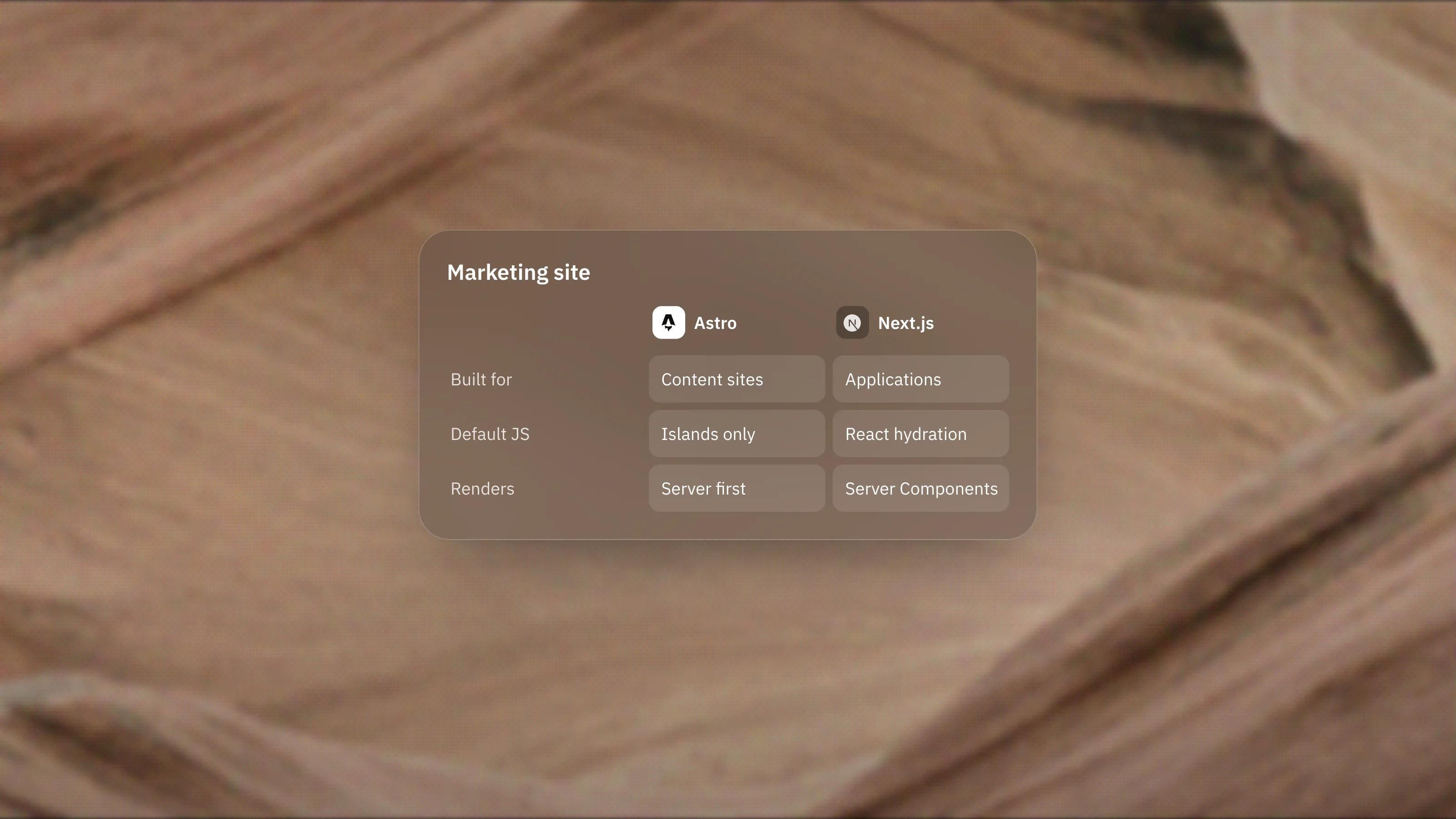
For a marketing site that is mostly content, Astro is usually the simpler fit, because it starts from static HTML and adds JavaScript only where needed. Next.js is the stronger fit when the marketing site sits inside, or next to, a React application. Here is how the two compare on the things a marketing site actually needs.
What is the core difference between Astro and Next.js?
Astro is built for content-driven websites. Next.js is a React framework built for applications that also handles content well.
Astro describes itself as content-driven and server-first, and contrasts itself with frameworks that excel at "application-like experiences in the browser". Next.js renders layouts and pages as React Server Components by default and uses Client Components when you need state, event handlers or browser APIs, according to its server and client components guide. Both render on the server. The difference is what they assume the rest of the site will be.
Which one sends less JavaScript to the browser?
Astro, by default. Astro strips client-side JavaScript from components automatically, and only the islands you mark with a client directive load any.
Next.js also reduces JavaScript with Server Components, and its docs advise adding 'use client' only to the files that define interactive components. But on the first load, Next.js uses JavaScript to hydrate Client Components, and React uses a Server Component payload on the client to reconcile the page and handle later navigations. For a page that is mostly text and images, Astro's starting point is lighter. For a page full of interactive UI, the gap narrows.
How do they compare on SEO features?
Next.js has more SEO tooling built in. Astro leaves more to your templates and integrations.
Next.js offers a Metadata API with a static metadata object and a generateMetadata function, plus file conventions for sitemap.xml, robots.txt, favicons and Open Graph images, which can all be generated with code. It can also render dynamic Open Graph images from JSX.
Astro handles head tags through layouts and adds a sitemap through the official @astrojs/sitemap integration. Both approaches end in the same kind of HTML. Next.js gives you more conventions out of the box. Astro gives you fewer moving parts and leaves the wiring to you.
How do they handle images?
Both have an image component that prevents layout shift and lazy loads images. Next.js's Image component serves correctly sized images in modern formats such as WebP and can resize remote images on demand, according to its image docs. Astro's Image and Picture components resize and convert images at build time for static pages, or on request for pages rendered on demand, and can output AVIF and WebP with a fallback.
One difference matters for hosting. Next.js's default image loader needs a server. On a static export, you configure a custom loader that points to an external image service.
Where can each one be hosted?
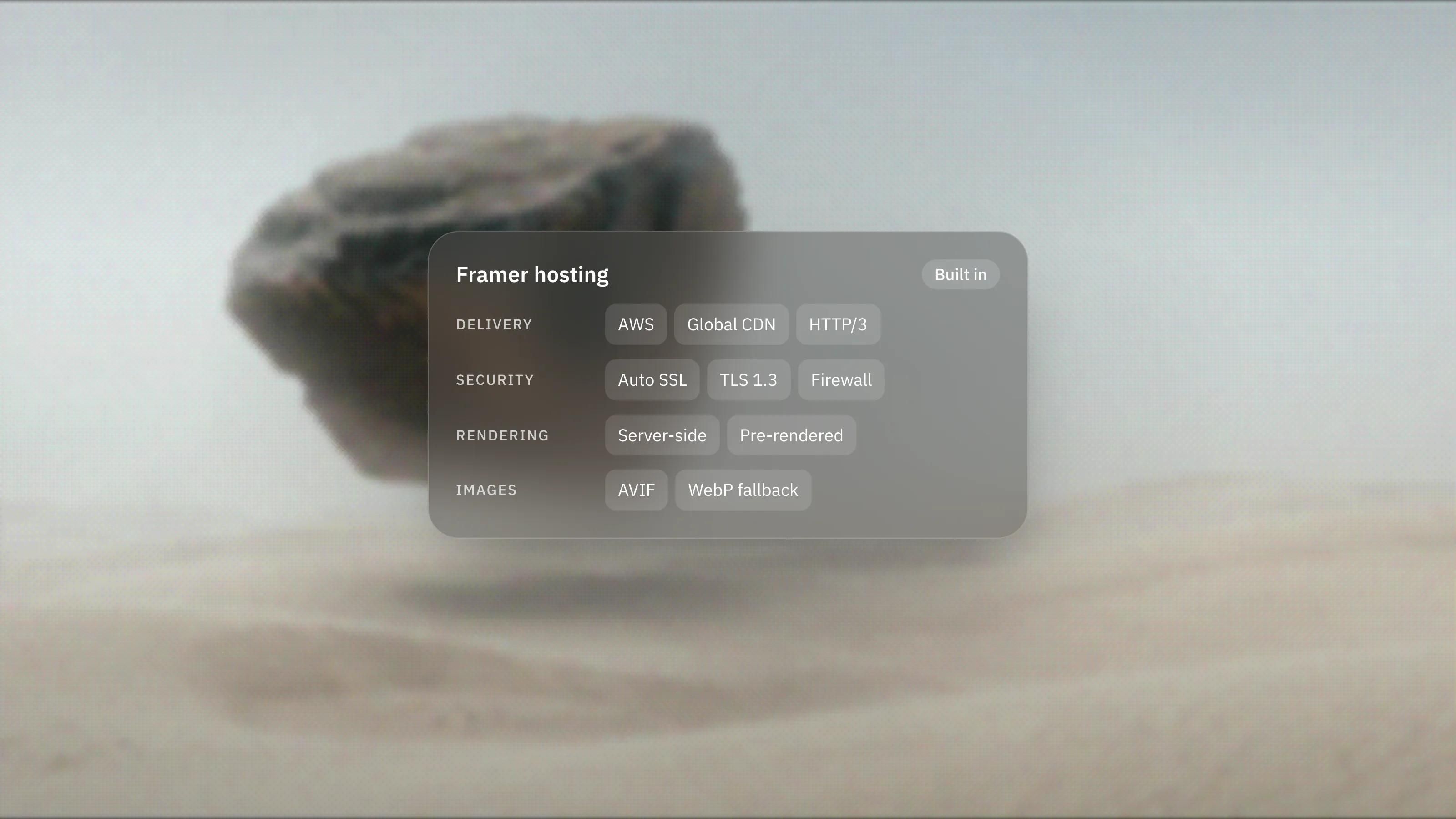
Both can be hosted widely, but their defaults differ. A static Astro site runs on any static host, and Astro maintains official adapters for Node.js, Netlify, Vercel and Cloudflare when you need server rendering.
Next.js lists four deployment routes: a Node.js server or a Docker container, which support all features, a static export with limited features, and platform adapters, where support varies. Its verified adapters are Vercel and Bun, while Cloudflare and Netlify offer their own integrations. A Next.js static export drops features that need a server, including redirects, headers, rewrites, Incremental Static Regeneration, Draft Mode and Server Actions.
In practice, Astro is easier to run as a plain static site. Next.js gets the most out of a host that supports its server features.
Which is better with a headless CMS?
Both work well. Sanity's Visual Editing documentation, for example, lists Next.js (App Router and Pages Router) and Astro among its supported frameworks.
The difference shows up in editor preview. In Next.js, draft previews fit naturally into a server-rendered app. In Astro, Sanity's integration states that Visual Editing only works on server-rendered pages, so a mostly static Astro site needs a server-rendered preview setup for editors.
So which should you choose for a marketing site?
Choose Astro when:
- The site is mainly content: pages, posts, case studies and documentation.
- You want the lightest pages by default and simple static hosting.
- Your team may use components from more than one UI framework.
Choose Next.js when:
- The marketing site shares a codebase, components or logins with a React product.
- Large parts of the site are interactive or personalised.
- Your developers already work in Next.js every day and will maintain the site.
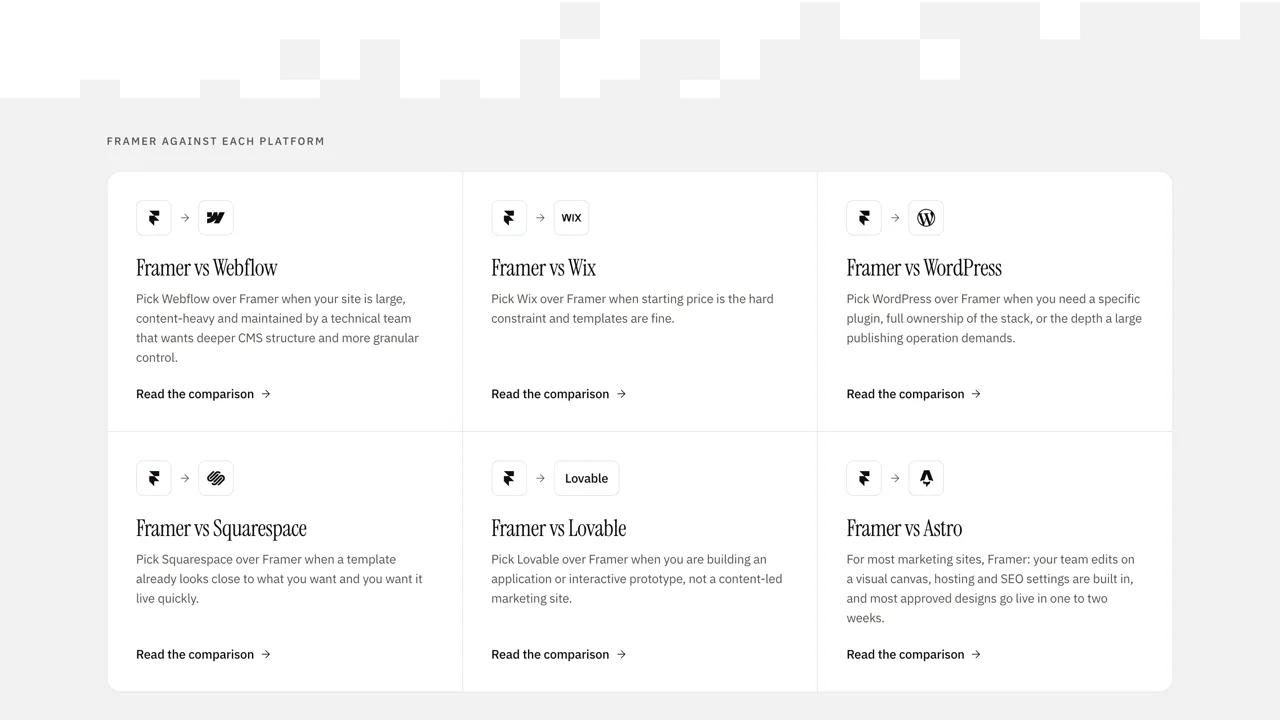
Choose neither when your marketing team wants to change layouts without code. That is where Framer, our lead platform, fits better, and our Framer vs Astro comparison sets out that trade. We build on both frameworks, and our Astro and Next.js development pages explain how.
Frequently asked questions
Is Astro faster than Next.js?
For content pages, Astro usually ships less JavaScript by default, which helps load speed. A well-built Next.js site can also be fast. How each site is built matters more than the framework name.
Can I use React components in Astro?
Yes. Astro supports React components and renders them to HTML by default. They only load JavaScript in the browser when you mark them as interactive islands.
Do I need Vercel to run Next.js?
No. Next.js runs on any Node.js server or Docker host with all features, and can be exported as a static site with fewer features. Vercel is one of its verified adapter platforms, not a requirement.
Can I move from Next.js to Astro later?
Yes, though it means rebuilding the templates rather than flipping a switch. React components can often be reused as islands, and content in a headless CMS stays where it is.