


Is Astro Good for SEO? What It Does and What It Leaves to You
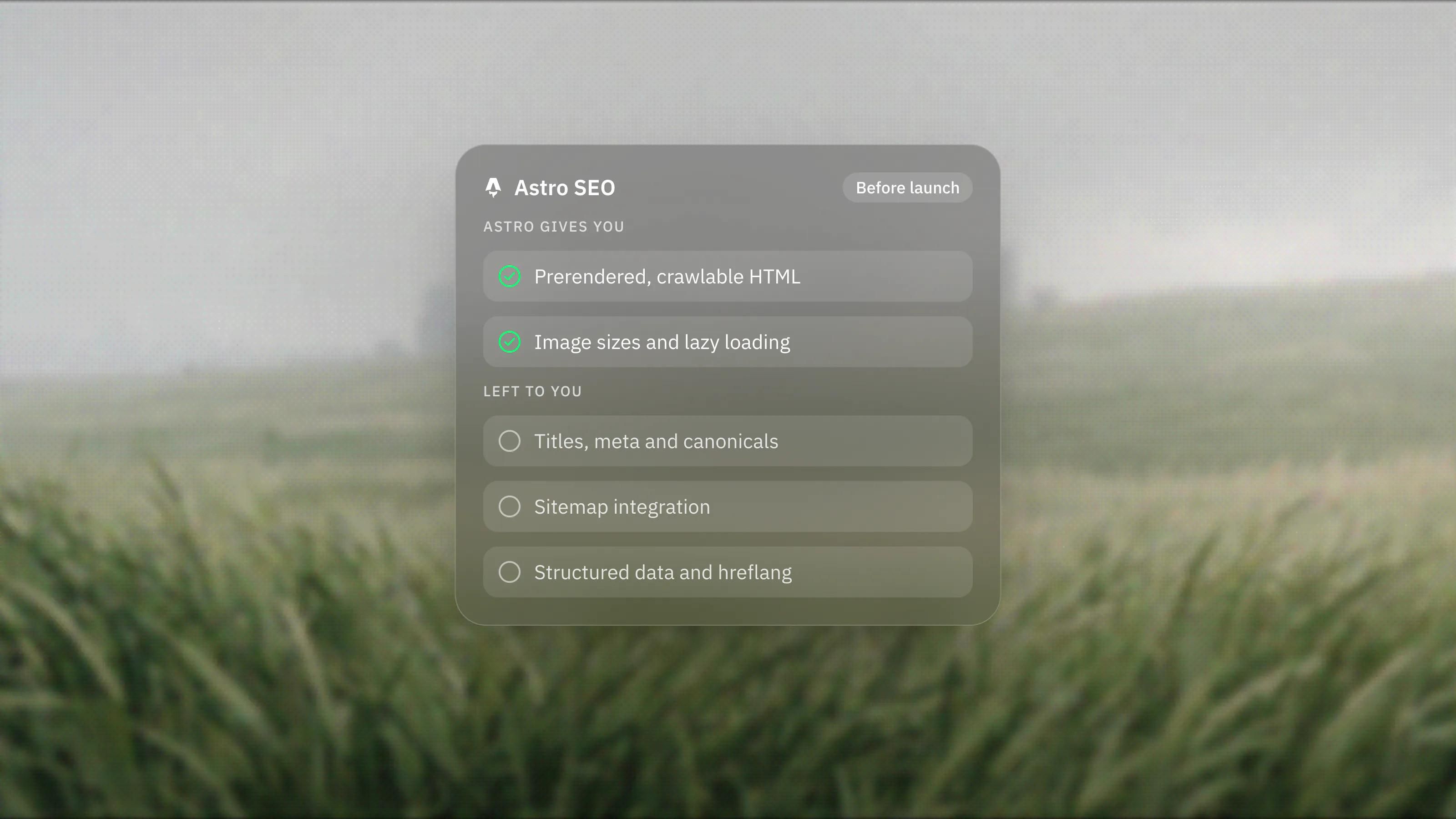
Astro gives search engines fast, crawlable HTML by default, which is a strong starting point. It does not write your meta tags, sitemap rules or structured data. Here is what Astro handles, what it leaves to you, and what we check before launch.
 Written byMatt Gemi, Founder, Urest
On this page
Yes, Astro is a good foundation for SEO, because it serves fast, crawlable HTML by default. But Astro is a framework, not an SEO tool. It gives you the right output and leaves titles, sitemaps, structured data and content to you. Here is the split.
Does Astro help pages get crawled and indexed?
Yes. Astro prerenders pages to static HTML at build time by default, so search engines and AI crawlers receive the full content in the first response, without running JavaScript.
Astro's rendering docs confirm that pages, routes and endpoints are prerendered as static pages unless you opt out. Pages you choose to render on demand are produced on the server, so they arrive as HTML too. Content that only appears after client-side JavaScript runs, a common SEO problem, is something you have to go out of your way to create in Astro.
Is Astro fast enough to pass Core Web Vitals?
Astro's defaults help, but they do not guarantee a pass. Astro ships no client-side JavaScript unless you add it, and its Image component infers image dimensions to avoid layout shift and adds lazy loading.
Astro's homepage shows a chart of the percentage of real-world sites with good Core Web Vitals for each framework, based on HTTP Archive and Chrome UX Report data, with Astro at 71% and the other frameworks it lists lower. That is Astro's own presentation of the data. A heavy hero video, third-party scripts or unoptimised fonts will still hurt an Astro site. Speed is a default you can keep or lose.
What SEO work does Astro leave to you?
Most of it. Astro has no SEO settings panel. Titles, descriptions, canonical tags and social images live in your page templates, written by a developer.
The usual pattern, shown in Astro's layouts guide, is a site-wide layout that handles navigation, footers and SEO meta tags, with each page passing in its own title and description. That works well, but only if someone builds it properly and the CMS gives editors fields for it.
Here is what to plan for on an Astro build:
- Meta tags and canonicals. Built into the layout, fed by CMS fields with sensible fallbacks.
- A sitemap. Not included by default. The official @astrojs/sitemap integration generates one at build time, but it needs your site URL set and, according to its documentation, cannot generate entries for dynamic routes rendered on demand.
- Robots rules. A robots.txt file you add yourself.
- Structured data. JSON-LD written into your templates. Astro does not generate schema markup for you.
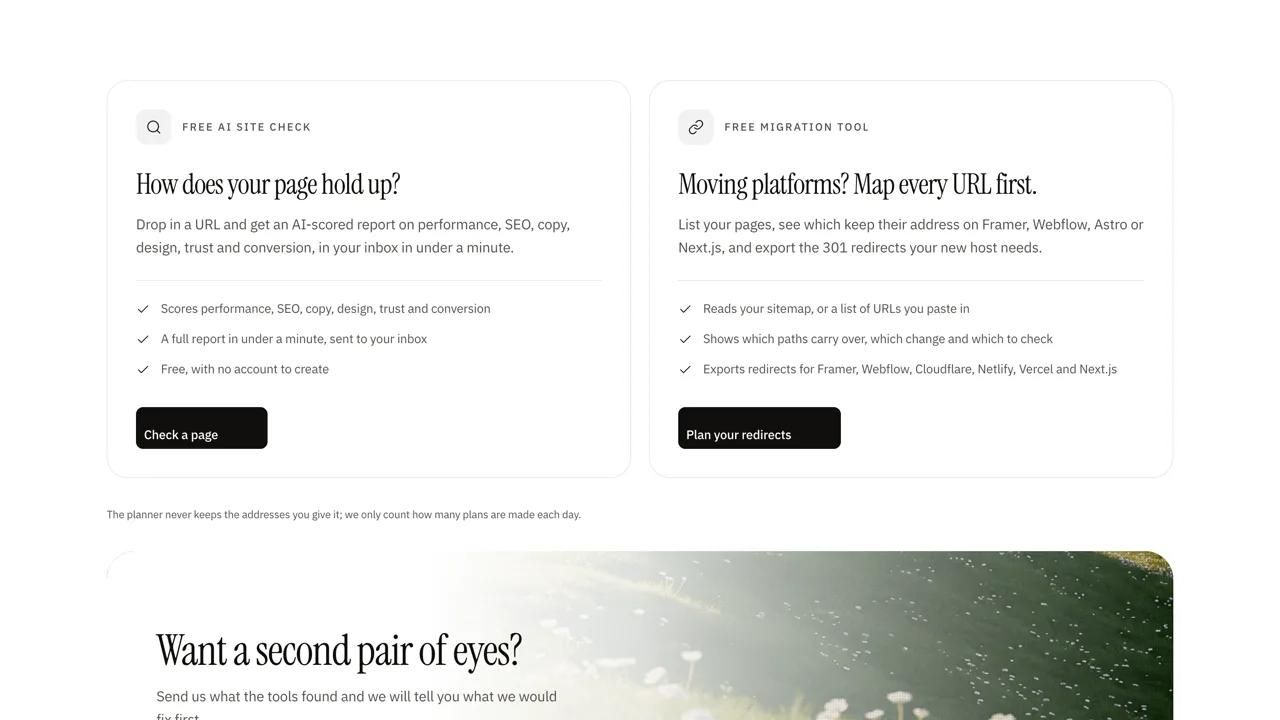
- Redirects. Astro has built-in support for redirects in its config, which matters during a migration. Map them before launch.
- Hreflang on multilingual sites. Astro's i18n routing helps you generate and verify localised URLs, but the guide does not say it outputs hreflang tags, so plan to add them in the layout.
- Feeds. The official @astrojs/rss package generates RSS feeds if you want one for a blog.
Is Astro better for SEO than Framer or Webflow?
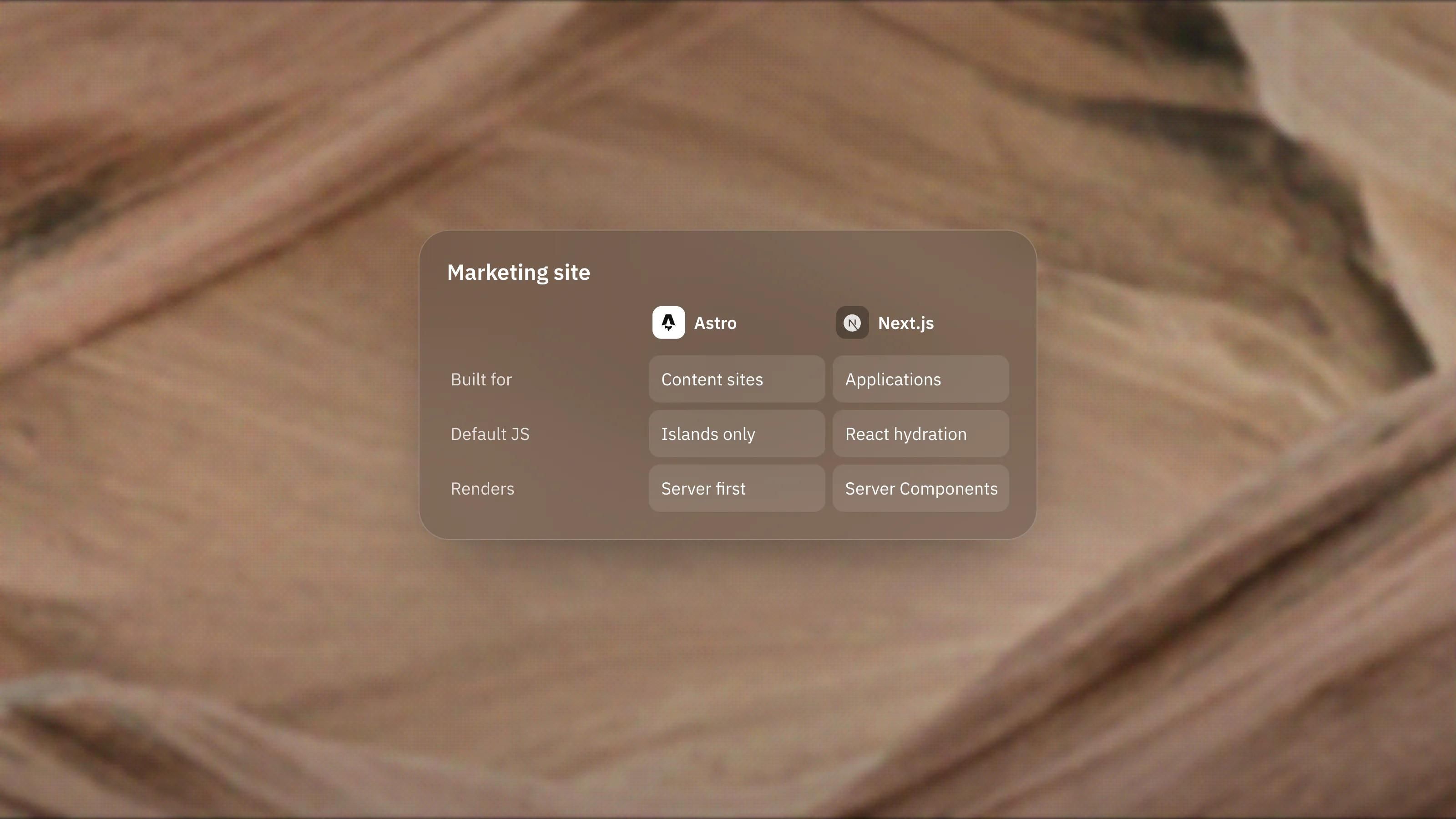
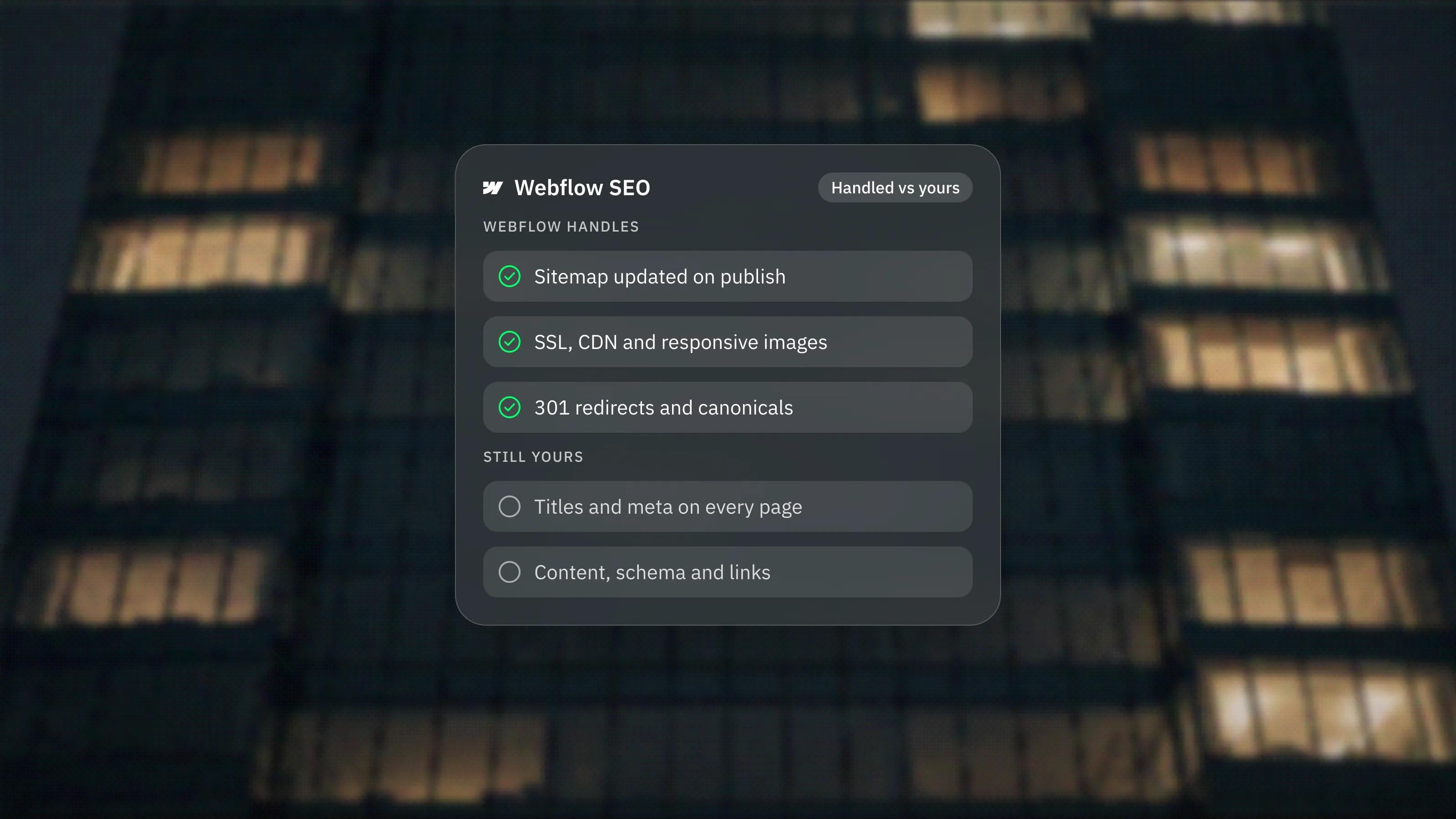
Not automatically. Framer and Webflow handle sitemaps, meta fields and hosting for you, with settings an editor can change. Astro gives you more control over the output, at the cost of building those controls yourself.
Rankings come from content, structure and links far more than from the framework. We answer the same question for our lead platform in Is Framer good for SEO?, and the honest answer is similar for both: the platform sets the floor, the work sets the ceiling.
Where does Astro give you an SEO advantage?
It helps most on large, structured sites. Content collections validate every entry against a schema, so a missing description or a malformed date is reported as an error instead of going live. Templates can then output consistent titles, headings and structured data across hundreds of pages.
Full code control also helps with technical requirements a platform may not expose, such as custom JSON-LD for each content type, a generated llms.txt file, or precise control over which scripts load on which pages.
What would we check on an Astro site before launch?
We run the same checks we would on any stack, plus a few that are specific to Astro:
- Every template outputs a unique title, a description and a canonical URL.
- The sitemap includes every indexable page, including any routes rendered on demand that the integration skips.
- Interactive islands use the lightest directive that works, such as client:visible for components below the fold.
- Images go through Astro's Image or Picture components rather than the public folder, which Astro does not optimise.
- Structured data validates and matches what is visible on the page.
- Redirects from the old site are live and tested.
Our technical SEO checklist covers the rest, and our Astro development page explains how we set up metadata and redirects on our builds.
Frequently asked questions
Does Astro generate a sitemap automatically?
No. You add the official sitemap integration, set your site URL, and it generates a sitemap at build time. It cannot list dynamic routes rendered on demand, so those need handling separately.
Can Google read an Astro site?
Yes. Astro sends pages as HTML, prerendered at build time by default or rendered on the server on request, so crawlers get the full content without running JavaScript.
Does Astro add meta tags for me?
No. Meta tags, canonicals and structured data go into your layouts and templates. A developer builds them once, and editors fill in the values through the CMS.
Is Astro good for AI search and answer engines?
It gives AI crawlers the same clean HTML it gives search engines, which helps. Whether your pages get cited still depends on clear structure, direct answers and accurate content.