Astro With Sanity: How the Headless CMS Setup Works
Sanity holds the content and gives editors a place to write it. Astro turns that content into fast HTML pages. How the setup works for editors and developers, how a publish reaches the live site, what Sanity costs, and why we pair the two.
 Written byMatt Gemi, Founder, Urest
Astro and Sanity split a website into two parts. Sanity holds the content and gives editors a place to write it. Astro turns that content into fast HTML pages. Here is how the setup works from both sides, what it costs, and why we reach for Sanity when a project calls for a headless CMS.
What does headless mean for an Astro and Sanity site?
It means the CMS and the website are separate. Sanity stores the content and serves it through an API. Astro fetches that content and renders the pages.
Sanity calls its datastore the Content Lake, which "stores your content as structured data" in JSON documents. Because content is not tied to a page layout, the same entries can feed the website, an app or another channel. Our glossary entry on headless CMS covers the idea in more depth.
What do editors see day to day?
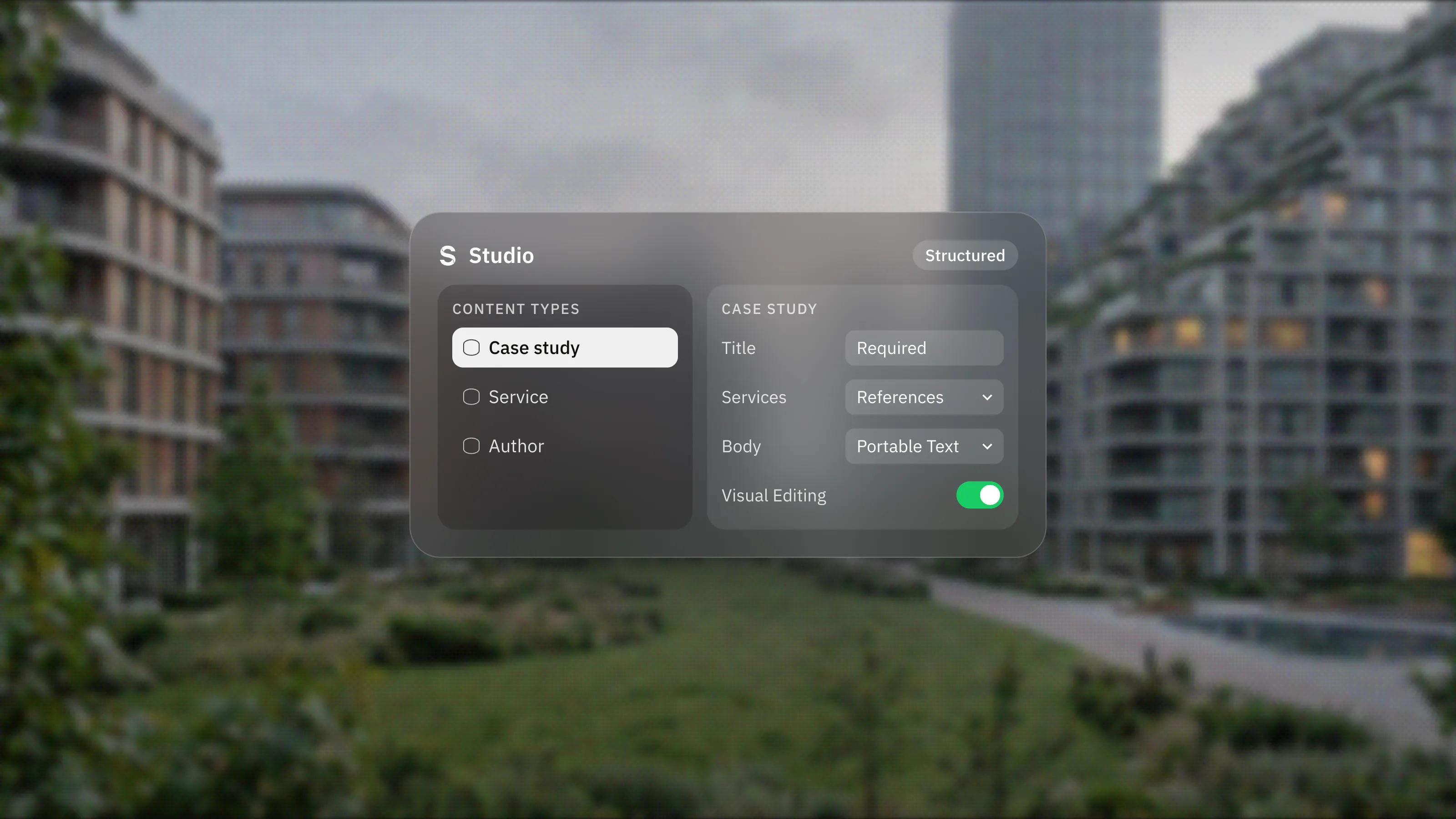
Editors work in Sanity Studio, a web-based editing app. They see forms built for each type of content, such as a case study, a blog post or a team member, rather than a page canvas.
Sanity describes Studio as an "open-source, real-time collaborative content workbench". Several people can work at once, and the Studio documentation lists Comments, Tasks and Content releases for coordinating work.
Rich text is stored as Portable Text, which Sanity's block content docs describe as a structured format that keeps "the content separate from its presentation". Editors still get headings, bold text and links, and can insert custom blocks such as images or video, but stray pasted styles do not end up in the design.
With Visual Editing set up, editors can also preview drafts on the real site and click elements on the page to edit them. More on that below, because it changes how the Astro side is built.
What does the developer side look like?
Developers define the content model in code and connect Astro to Sanity with the official integration. The pieces are:
- Schemas in code. Content types and fields are defined in the Studio config, with validation rules such as required fields and references between documents, as set out in Sanity's schema types documentation.
- The @sanity/astro integration. Sanity's official Astro integration configures the Sanity client in Astro and can embed Sanity Studio on a route of the site, such as /admin. Embedding Studio needs Astro's React integration.
- GROQ queries. Pages fetch exactly the fields they need with GROQ, Sanity's query language.
- Rendering helpers. Sanity's integration page recommends separate libraries for rendering Portable Text and building image URLs, so plan for those.
- Content collections, optionally. The integration offers an experimental loader that feeds GROQ results into Astro's content layer, so Sanity content can be typed like local content.
How does a published change reach the live site?
That depends on how the Astro site renders, and it is the most important decision in the setup.
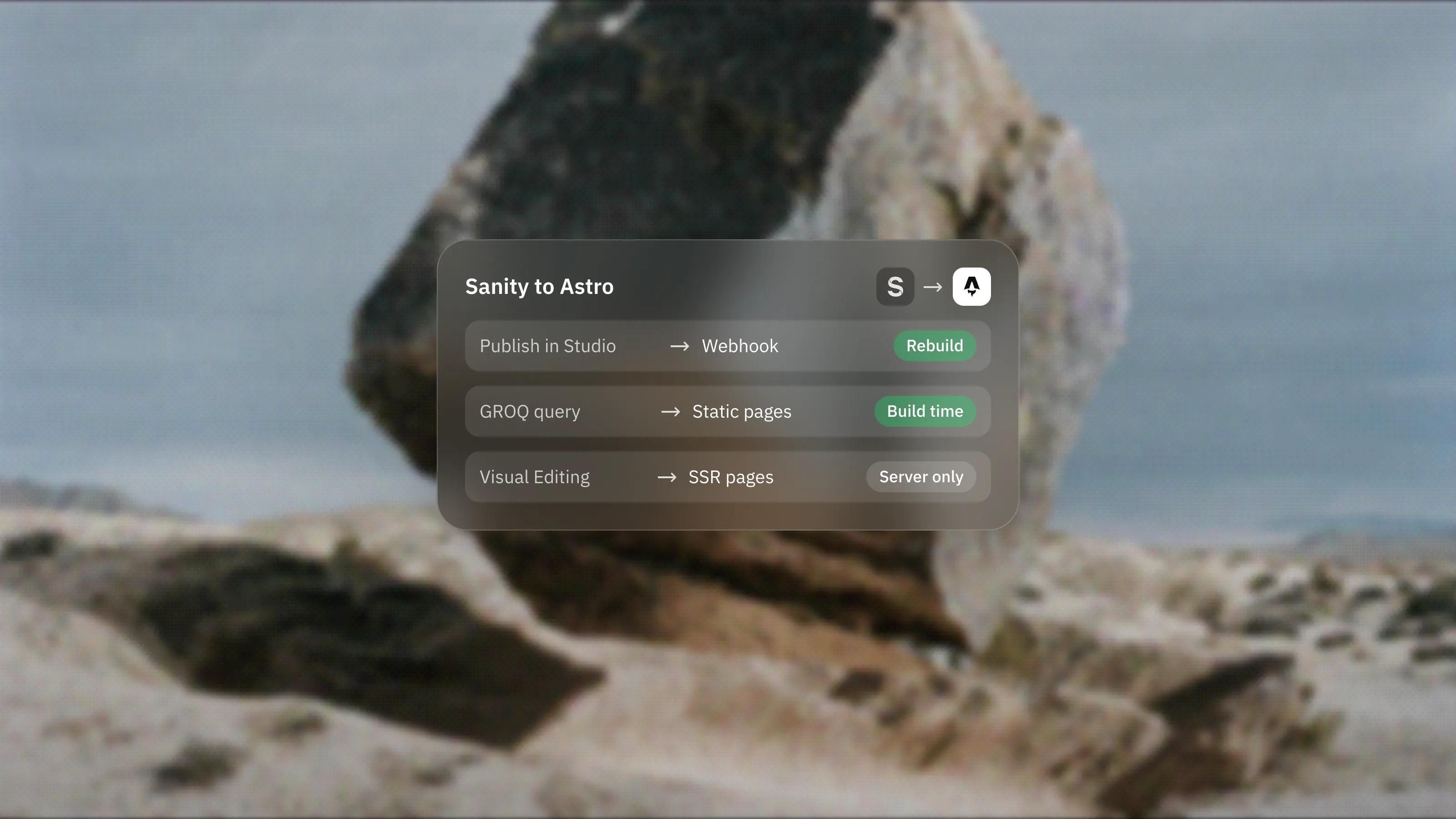
If the site is static, Astro fetches content at build time, so the site has to rebuild after a publish. Sanity's GROQ-powered webhooks handle this. They send an HTTP request when documents are created, updated or deleted, and Sanity's docs include a "Trigger site rebuild" example. By default they fire on published changes only, not drafts.
If pages render on demand, Astro fetches content per request and changes show up without a rebuild, at the cost of running server code and caching carefully.
Visual Editing pushes the decision further. Sanity's Astro integration states that "Visual Editing only works for server-side rendered pages", and it needs a read token and CORS settings in Sanity. One approach is a static public site with a separate server-rendered preview for editors. Either way, decide it before the templates are built.
Why choose Sanity as the CMS for an Astro site?
Because its model matches how Astro works. Both are code-first: Sanity's schemas live in code, Astro's templates live in code, and both can be type checked. Sanity maintains an official Astro integration, and its Visual Editing docs list Astro among the supported frameworks. The Studio can also be shaped to the content, so editors get forms that match what they publish rather than a generic page builder. Our own site runs on this stack.
It is not the only option. Astro's Sanity guide sits among guides for many other CMSs, and a small site with a handful of posts may be simpler with Markdown files in the repository.
What does Sanity cost?
Sanity has a free plan, and its paid plan is charged per seat. On 3 November 2026, Sanity's pricing page listed:
- Free: $0, with up to 20 user seats, two public datasets and 10,000 documents.
- Growth: $15 per seat per month, with up to 50 seats, private or public datasets, 25,000 documents and pay-as-you-go usage above the included quotas.
- Enterprise: custom pricing.
Sanity says users with the Viewer role do not take a paid seat. Prices and limits change, so check the pricing page before you set a budget. Hosting for the Astro site is a separate cost.
When does this setup make sense?
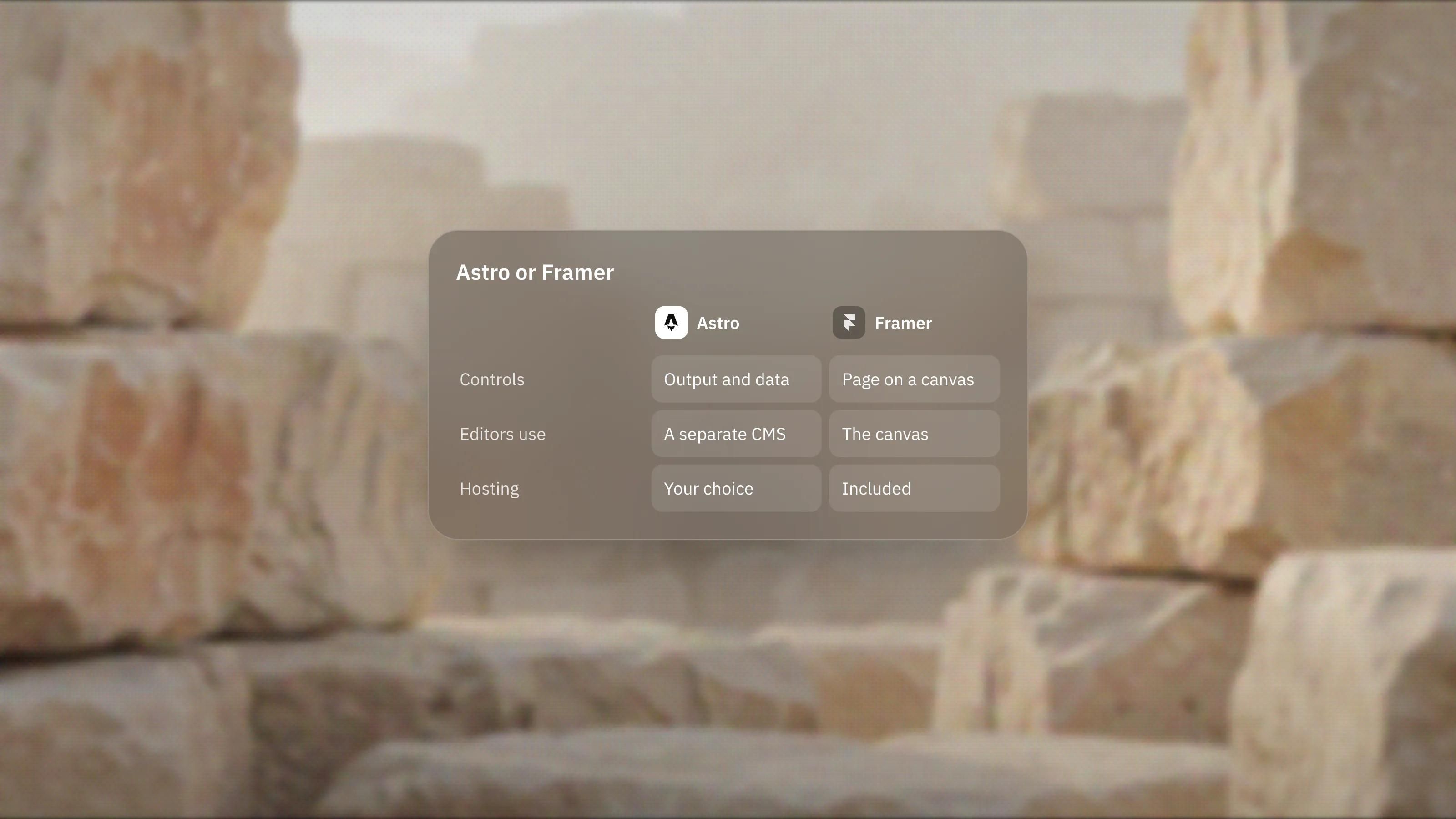
When content is shared across channels, the content model is detailed, or developers want full control of the front end while editors keep a proper writing tool. If your team mainly wants to design and publish pages without code, a visual builder such as Framer, our lead platform, will be faster. Our Sanity development and Astro development pages explain how we build this setup.
Frequently asked questions
Can editors use Sanity without knowing code?
Yes. Editors work in Sanity Studio through forms and a rich text editor. Developers write the schemas and templates once, and editors fill in the content.
Do I have to rebuild an Astro site every time content changes?
Only if the pages are static. A webhook can trigger the rebuild automatically when content is published. Pages rendered on demand fetch content per request and show changes without a rebuild.
Can Sanity Studio live on the same domain as the site?
Yes. Sanity's Astro integration can embed Studio on a route such as /admin. Sanity also offers a hosted option if you prefer to keep it separate.
Does live preview work on a static Astro site?
Not on the static pages themselves. Sanity's Astro integration says Visual Editing needs server-rendered pages, so you would add a server-rendered preview route or environment for editors.