5 Reasons to Choose Sanity as Your CMS
Structured content, a Studio you can shape to your content, real-time collaboration with visual editing, a flexible API and a free plan to start: five reasons to choose Sanity, with what its docs say and who it does not suit.
 Written byMatt Gemi, Founder, Urest
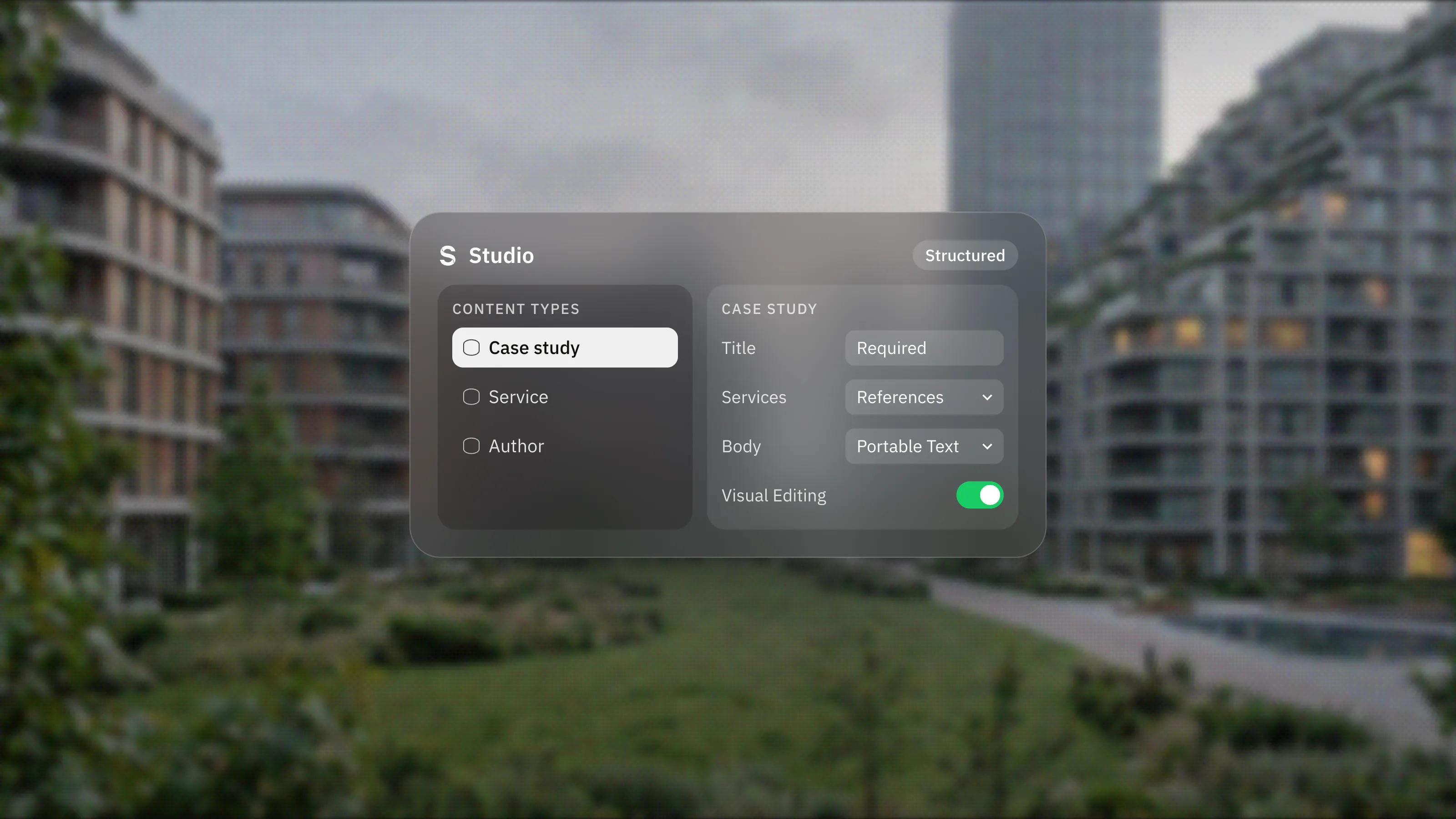
Sanity is a headless CMS built around structured content, and it suits teams that want their content to outlive any one website. Here are five reasons we recommend it, what Sanity's documentation says about each, and the cases where a simpler CMS makes more sense.
1. Why does structured content matter?
Because content stored as data can be reused anywhere, while content stored as pages is stuck in one layout. Sanity's Content Lake "stores your content as structured data", as JSON documents that stay queryable and reusable across channels.
In practice, a product description written once can appear on the website, in an app and in a help centre from the same entry. A case study can reference the services it covers, so related lists stay correct without manual updates.
The same applies to rich text. Sanity stores it as Portable Text, which its block content docs say keeps "the content separate from its presentation", with custom blocks for images, video or anything else you define. Your text does not carry one design's inline styles into the next redesign.
2. How customisable is the editing experience?
Very. Sanity Studio is open source, built on React and configured in JavaScript or TypeScript, according to the Studio documentation.
That means the CMS can match your content rather than forcing your content into a generic shape. Developers define content types and fields in code, with validation rules such as required fields and custom checks, and references between documents. Editors then see forms built for what they publish: a job listing looks like a job listing, not a blank page with a rich text box.
Because schemas live in code, changes to the content model can be versioned and reviewed like any other change.
3. Can editors collaborate and preview their work?
Yes. Sanity describes Studio as a "real-time collaborative content workbench", with Comments, Tasks and Content releases built in for coordinating work.
With Visual Editing, editors can see draft changes on the website in real time and click elements on the page to edit them, without hunting for the right field in a form. Sanity lists support for Next.js, React Router, Nuxt and Astro. Setting it up is developer work and the front end has to support it, but it narrows the gap between a headless CMS and a visual editor.
4. Is Sanity flexible for developers?
Yes, and this is a large part of why we use it. Content is queried with GROQ, which Sanity describes as a query language "designed to help you describe exactly what information your application needs". A page can fetch only the fields it uses in one request.
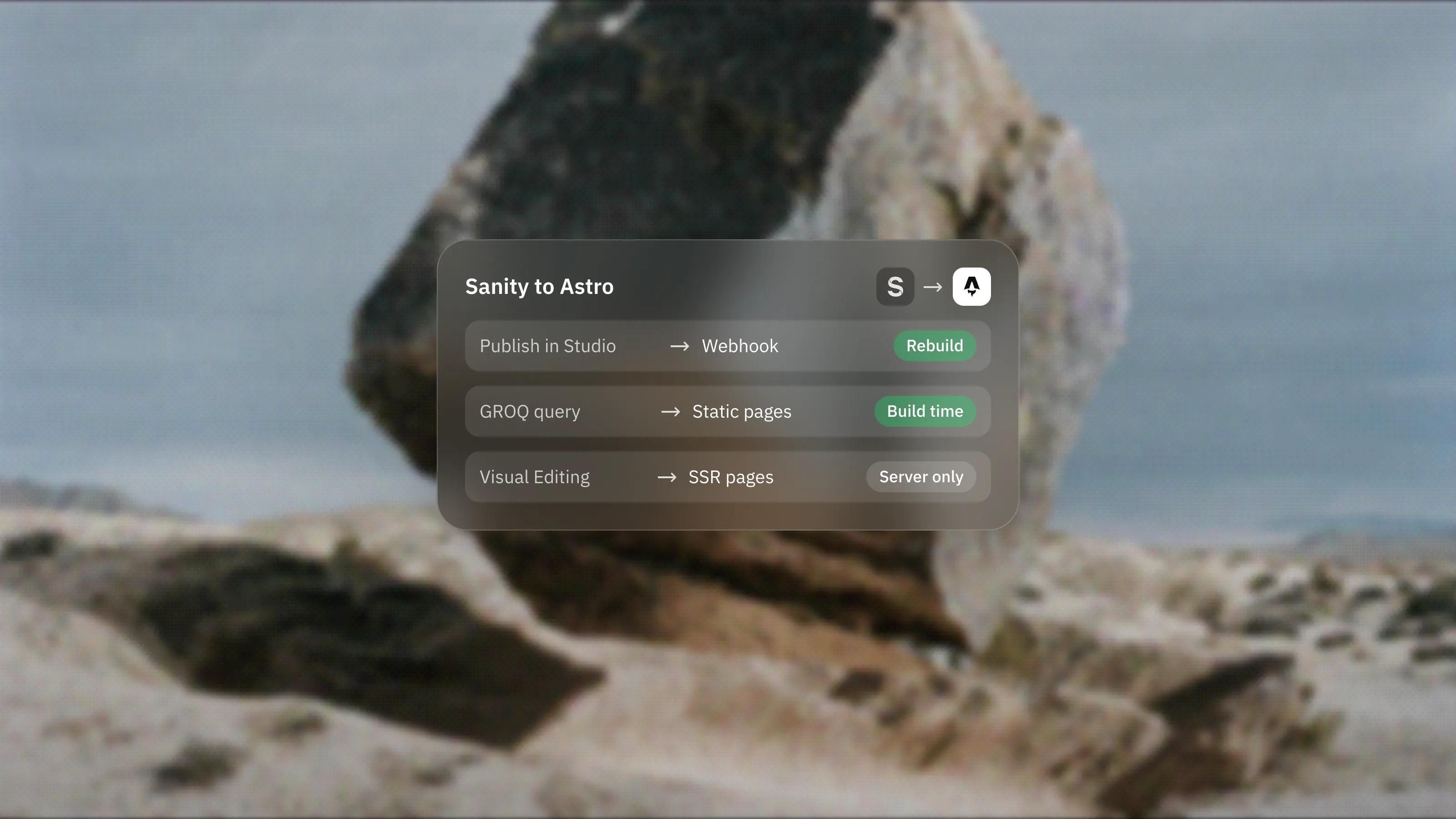
Sanity also offers a GraphQL API and client libraries, a cached API CDN for read traffic, and a Live Content API for real-time use cases such as news or commerce. GROQ-powered webhooks send HTTP requests when content changes, filtered with GROQ, which is how a static site rebuilds on publish or another system stays in sync.
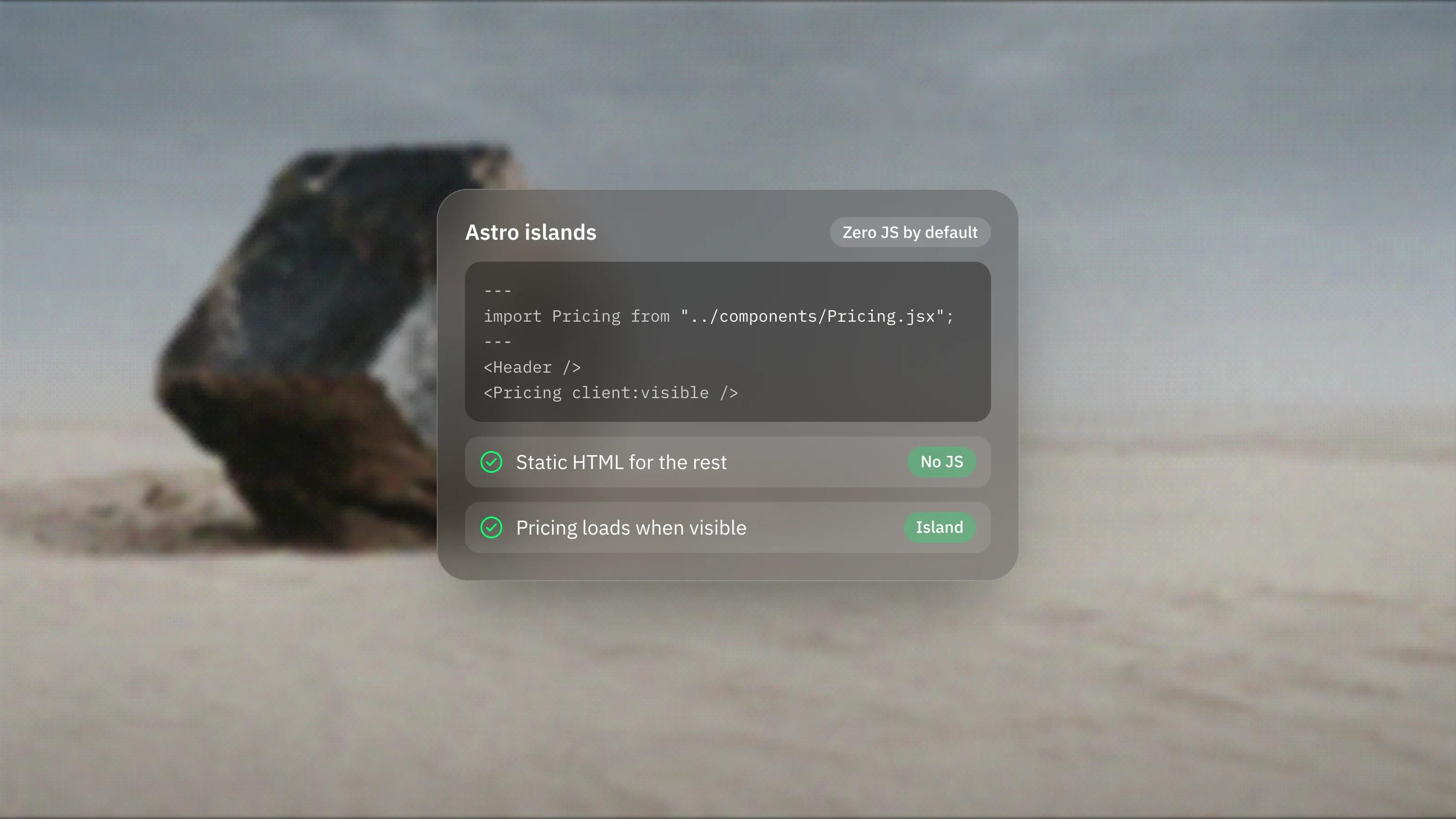
Because content is delivered through APIs, the front end is your choice. Sanity also maintains an official Astro integration, which is our usual pairing.
5. Does Sanity's pricing work for a small team?
It can. Sanity has a free plan, and its paid plan is charged per seat. On 3 November 2026, Sanity's pricing page showed:
- Free: $0, with up to 20 user seats, two public datasets, 10,000 documents, 250,000 API requests and 1 million API CDN requests a month, and 100GB of bandwidth a month.
- Growth: $15 per seat per month, with up to 50 seats, two private or public datasets, 25,000 documents, the same monthly request and bandwidth quotas, and pay-as-you-go usage above them.
- Enterprise: custom pricing.
Sanity says users with the Viewer role do not take a paid seat. Note that datasets on the free plan are public only, so check whether that suits your content. Prices and limits change, so check the pricing page before committing.
Who is Sanity not for?
Sanity is not for teams that want one tool to design, edit and host the site. It is a CMS. You still need a front end, hosting and a developer to build both.
It is also more than a small site needs. A marketing site with a few pages and an occasional blog post is usually simpler in a visual builder with its own CMS. Framer, our lead platform, covers that case well, as we explain in Framer CMS explained. And if no one will maintain the schemas and the front end after launch, the flexibility becomes a burden.
How do we decide whether to use Sanity?
We look at three things: whether content needs to appear in more than one place, how detailed the content model is, and whether developers will own the front end. If two of the three are true, Sanity is usually on the shortlist. Our Sanity development page explains how we set it up, typically alongside Astro.
Frequently asked questions
Is Sanity free?
Sanity has a free plan at $0, with limits on seats, documents, datasets and API usage. The Growth plan is charged per seat per month, and Enterprise is custom priced. Plans change, so check the current pricing page.
Is Sanity open source?
Sanity Studio, the editing app, is open source. The content itself is stored in Sanity's hosted Content Lake and accessed through its APIs.
Do editors need to learn code to use Sanity?
No. Editors work in Studio through forms, a rich text editor and, if it is set up, visual editing on the page. Code is only needed to change the content model or the front end.
Can I host Sanity Studio myself?
Yes. Sanity says you can deploy Studio yourself or use its hosted service. The content lives in Sanity's Content Lake either way.