5 Reasons to Choose Webflow, and Who Each One Is For
Five reasons to pick Webflow: CMS depth, GSAP-powered interactions, Localize, enterprise governance and its app and developer ecosystem. For each, who it suits and what it costs to unlock.
 Written byMatt Gemi, Founder, Urest
On this page
The five strongest reasons to choose Webflow are its CMS depth, its visual interactions engine, built-in localisation, enterprise governance and a wide ecosystem of apps and developer tools. Each one matters only if your project needs it, so under every reason we say who it is for and what it costs to unlock.
If you are still deciding whether Webflow fits at all, start with our Framer vs Webflow comparison. This list assumes Webflow is already on the shortlist.
1. Is the Webflow CMS deep enough for structured content?
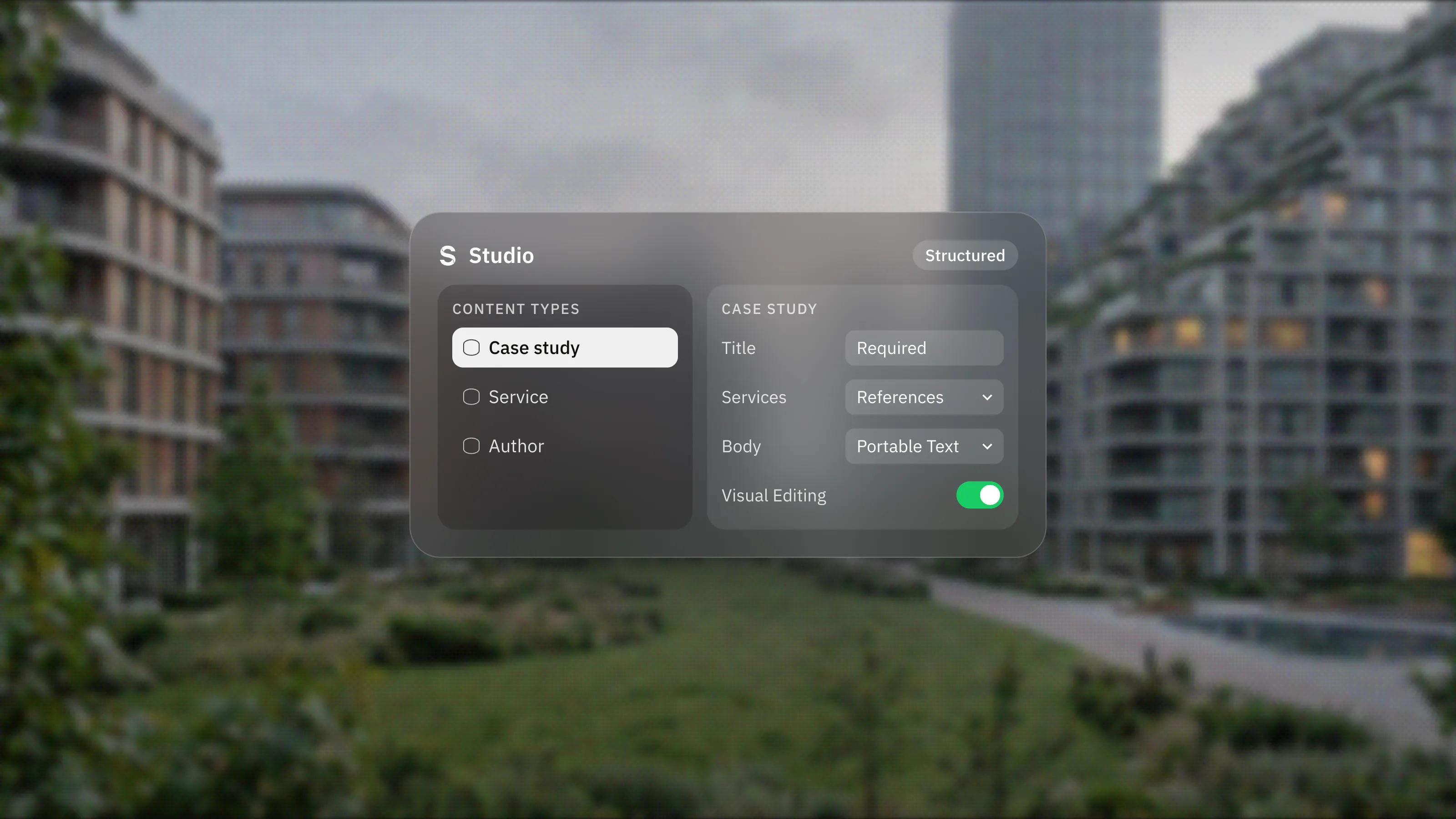
Yes, for most marketing and content sites. The CMS is built around Collections, each with its own fields and page template, and items can reference each other.
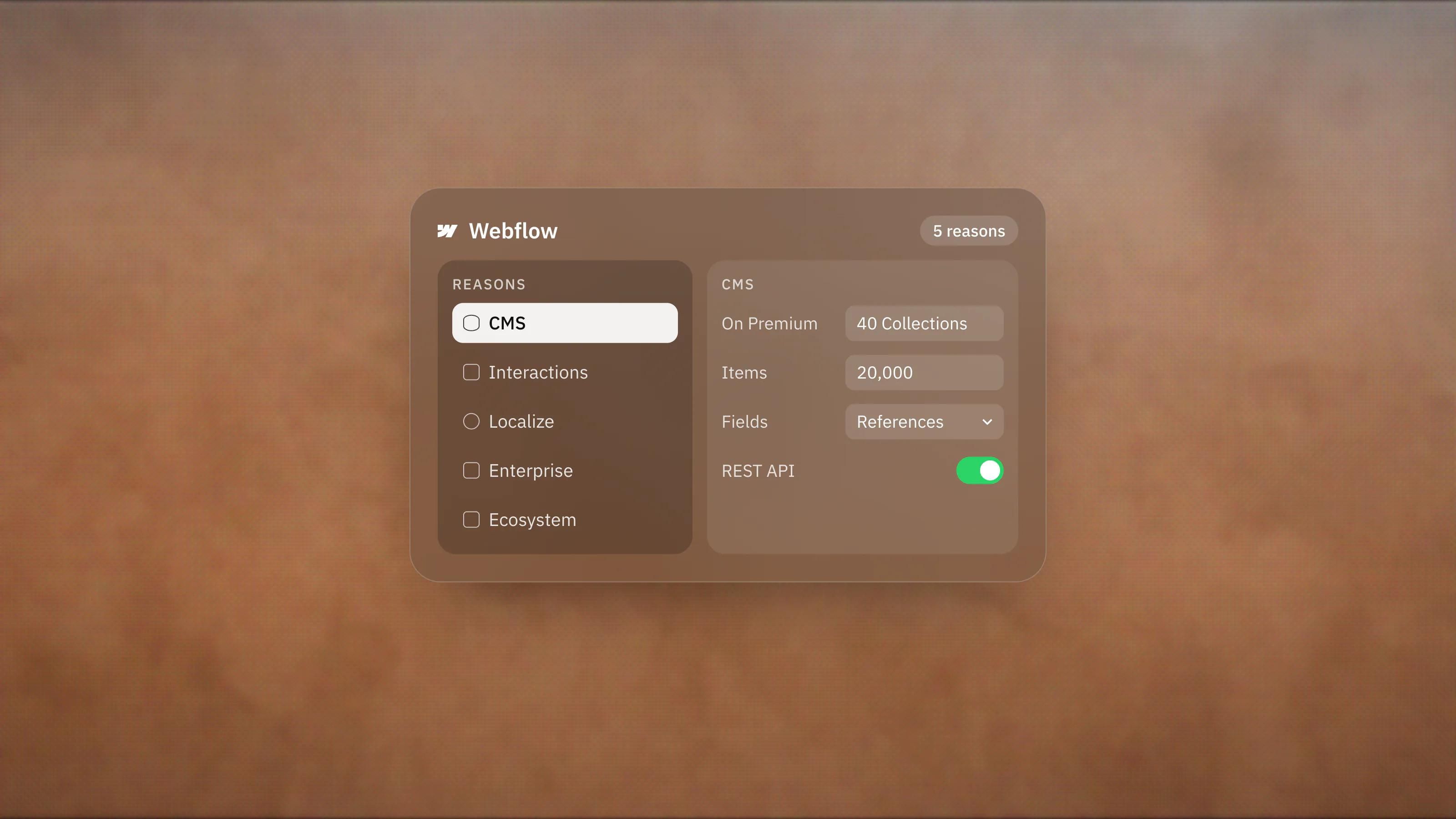
Webflow's Collections guide lists field types from plain and rich text to option, file, reference and multi-reference. That is what lets one article pull in its author, category and related products without copying data. On 3 November 2026 the pricing page listed 40 Collections and 20,000 items on the Premium Site plan, and REST APIs for managing content from outside Webflow.
Who it is for: resource hubs, directories, multi-author blogs and any site where content types link together.
2. Can you build serious animation without code?
Largely, yes. Webflow's current interactions editor is powered by the GSAP animation engine, and Webflow says it is now the default on all new sites.
According to Webflow's comparison of interaction versions, Interactions with GSAP adds a horizontal timeline, an advanced easing editor, SplitText, staggers, ScrollTrigger and prefers-reduced-motion settings. The interactions page adds custom triggers through code and per-breakpoint control.
One caveat Webflow states itself: the older Classic interactions still exist, a few features remain only there, and running both versions on one site loads extra resources and slows it down. On a new build we would use the GSAP version only.
Who it is for: brand and product sites where motion carries the story, built by designers who want timeline-level control.
3. Does Webflow handle multilingual sites well?
Webflow Localize covers translation, per-locale design and localised SEO in the same tool, which removes a lot of plugin work.
The Localize page describes localising static pages and CMS items, swapping images and alt text, hiding elements per locale and adjusting styles for longer headlines. Translation can be AI-driven, manual or through translation management apps. On the SEO side, Webflow says it serves locales in subdirectories such as /es/, translates metadata and adds hreflang tags to the sitemap.
It is an add-on on Site plans. On 3 November 2026, Localize Essential was listed from $9 per month per locale billed yearly, for up to 3 locales, and Localize Advanced from $29 per month per locale for up to 10. Advanced adds localised URLs and automatic visitor routing. Webflow's Localize overview also notes that Localize does not work with Ecommerce features.
Who it is for: companies selling services or software in several languages from one site.
4. Is Webflow ready for enterprise teams?
For marketing sites, yes. The higher plans add the governance, security and support larger organisations ask for.
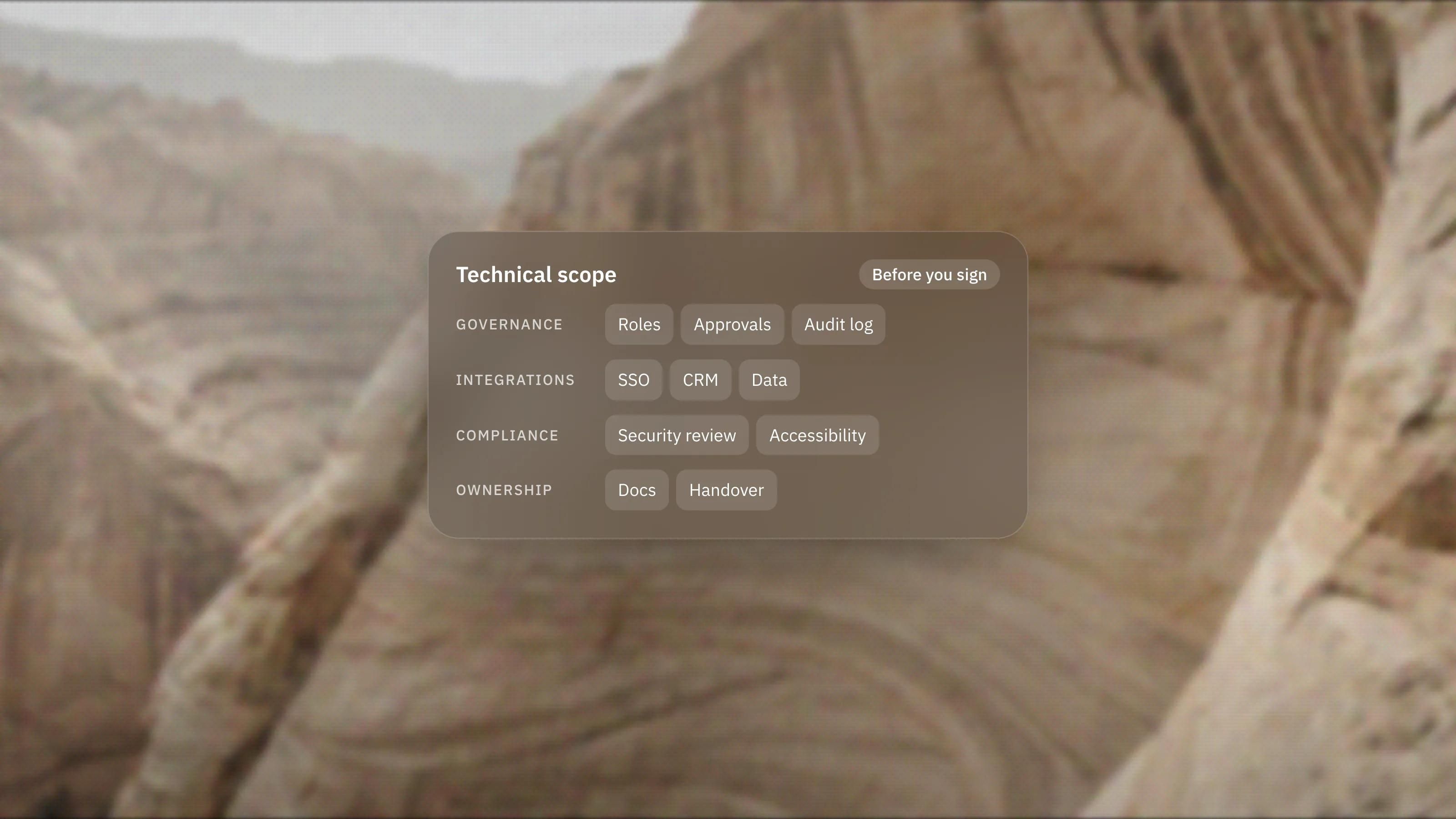
The pricing page groups these into Platform plans. Team, listed at $2,500 per month on an annual contract, bundles Localize, AEO agents, publishing workflows, single-page publishing and a site activity log. Enterprise, priced on request, adds custom roles, granular permissions down to pages and Collections, design approvals, SSO and SCIM, an audit logs API and a 99.99% hosting uptime SLA. The Enterprise page frames this as letting marketing ship without waiting on engineering, while keeping approvals in place.
Enterprise is also where Webflow's newest AI search tools live. We covered those in Webflow's AEO updates.
Who it is for: organisations with several teams publishing to one site, security reviews and a need for audit trails.
5. How big is the Webflow ecosystem?
Big enough that most common needs have an existing app or integration, and developers have several ways to extend the platform.
The Webflow Marketplace lists apps for forms, analytics, memberships, icons and automation, and Webflow's Apps overview says apps can extend forms, CMS Collections, User Accounts, Ecommerce and the Designer itself. For developers, DevLink syncs React components in both directions, and Webflow Cloud runs apps built with frameworks such as Next.js and Astro alongside the site.
A practical point from the Apps guide: if you authorise an app for a whole Workspace, it gets access to every current and future site in it, and you cannot remove it from just one. On client work we authorise apps per site.
Who it is for: teams that already run a stack of tools and want the website to plug into it.
What if none of these five apply to you?
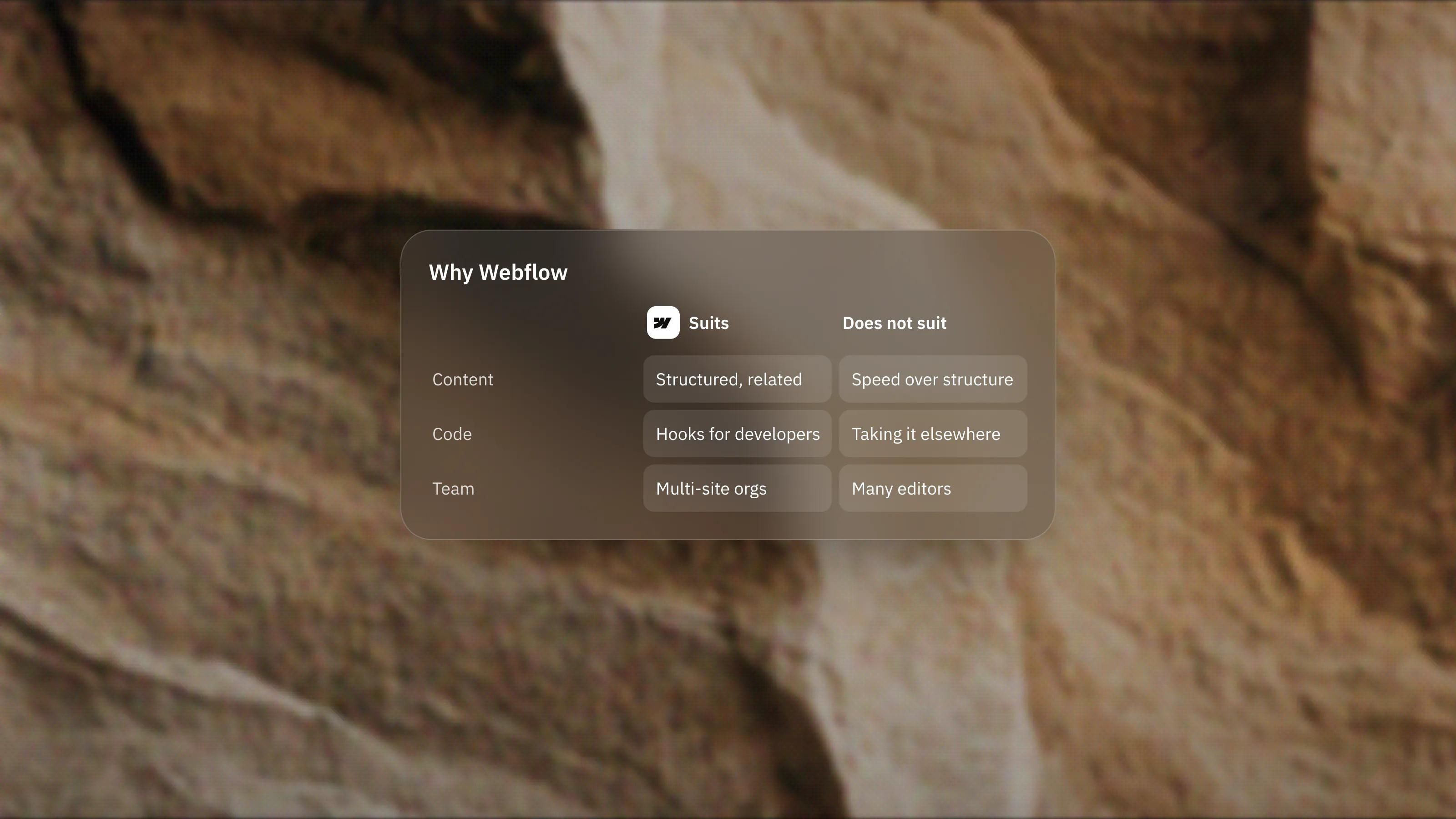
Then Webflow may be more platform than you need. A focused marketing site with a simple blog and one language gets little from deep relational content, localisation or enterprise governance. For that kind of site we usually recommend Framer, our lead platform, because it is quicker to build and easier for non-developers to edit.
When two or more of the reasons above do apply, Webflow earns its place. Our Webflow development work starts from those reasons: the content model first, then the class system, then the design.
Frequently asked questions
Which Webflow plan includes the CMS?
On 3 November 2026 the pricing page listed the CMS on the Premium Site plan, with 40 Collections and 20,000 items. The free Starter plan has a limited CMS and the Basic plan has none. Plans change, so check the pricing page before you buy.
Is Webflow Localize included in every plan?
No. It is a paid add-on on Site plans, with Essential and Advanced tiers priced per locale, and it is bundled into the Team and Enterprise Platform plans.
Do I need to know GSAP to use Webflow interactions?
No. Interactions with GSAP is a visual editor with a timeline and presets. Knowing GSAP helps if you want to extend animations with custom code.
Can developers use their own code with Webflow?
Yes. DevLink brings React components into Webflow and exports Webflow components as React, the CMS has REST APIs, and Webflow Cloud hosts apps built with frameworks such as Next.js and Astro next to the site.