Why Choose Webflow? Who It Suits and Who It Does Not
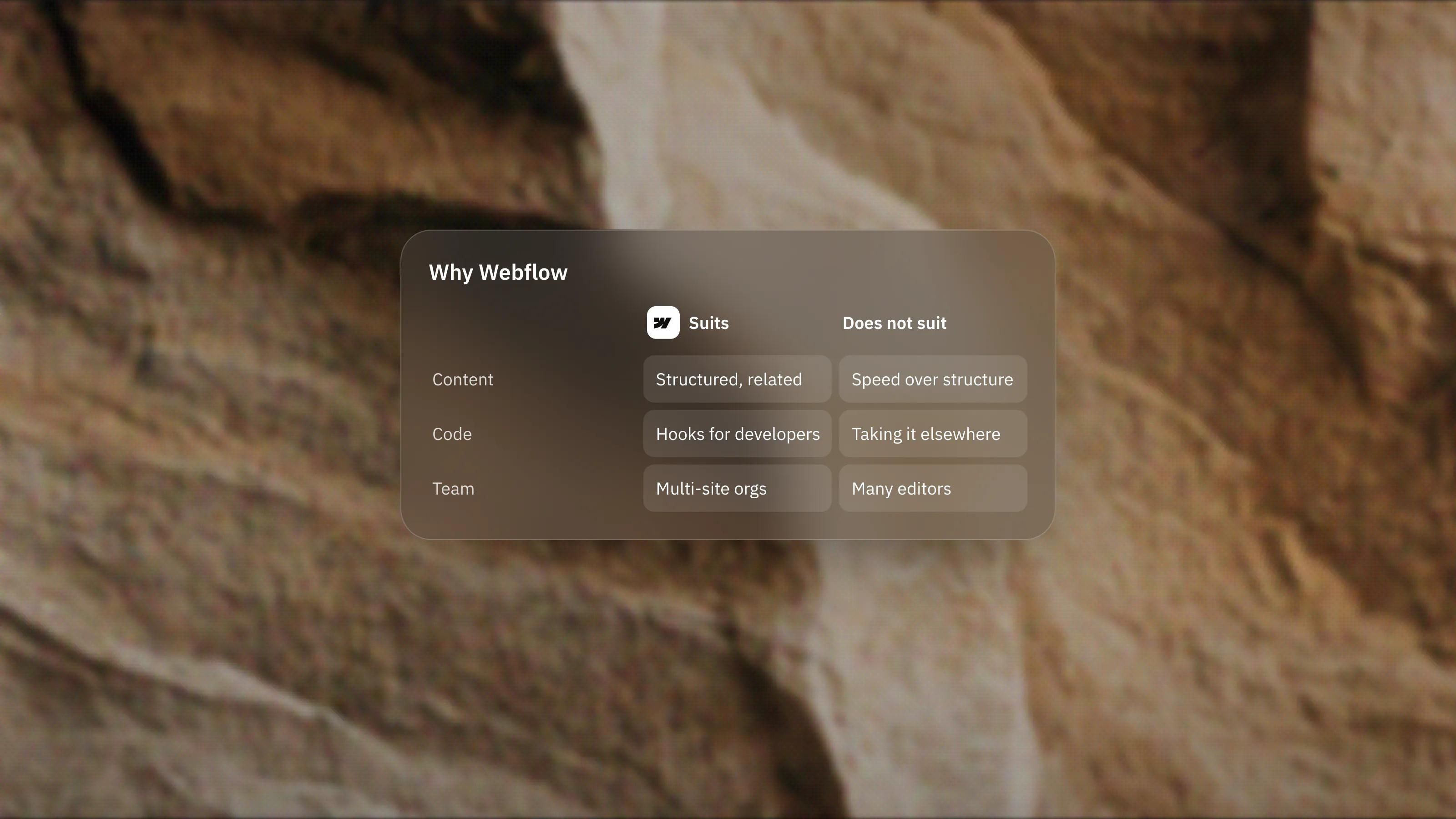
Webflow suits teams with structured content, a technical owner and a need for managed hosting. It is a weaker fit for small, fast marketing sites or anyone who wants to own their code. Here is how we decide.
 Written byMatt Gemi, Founder, Urest
On this page
Webflow is a good choice when your site runs on structured content, needs managed hosting and has someone who will own the build after launch. It is a weaker choice when you want the quickest route to a small marketing site, or full ownership of your code. Here is who it suits, who it does not, and how we decide, from a studio that builds on Framer first and on Webflow when the project calls for it.
What is Webflow, in plain terms?
Webflow is a visual website platform that combines a design canvas, a CMS and hosting in one product. You build pages visually, store content in CMS Collections and publish to Webflow's own hosting.
Around that core, Webflow now sells add-ons for localisation, analytics and testing, plus developer tools for teams that want to connect code. The pricing page splits all of this into Site plans, Workspace plans and add-ons, which matters for budgeting later.
Who is Webflow a good fit for?
Webflow suits teams whose site is really a content system: lots of entries, several content types, and pages that link them together. It also suits teams that want hosting, security and backups handled for them.
Teams with structured, related content
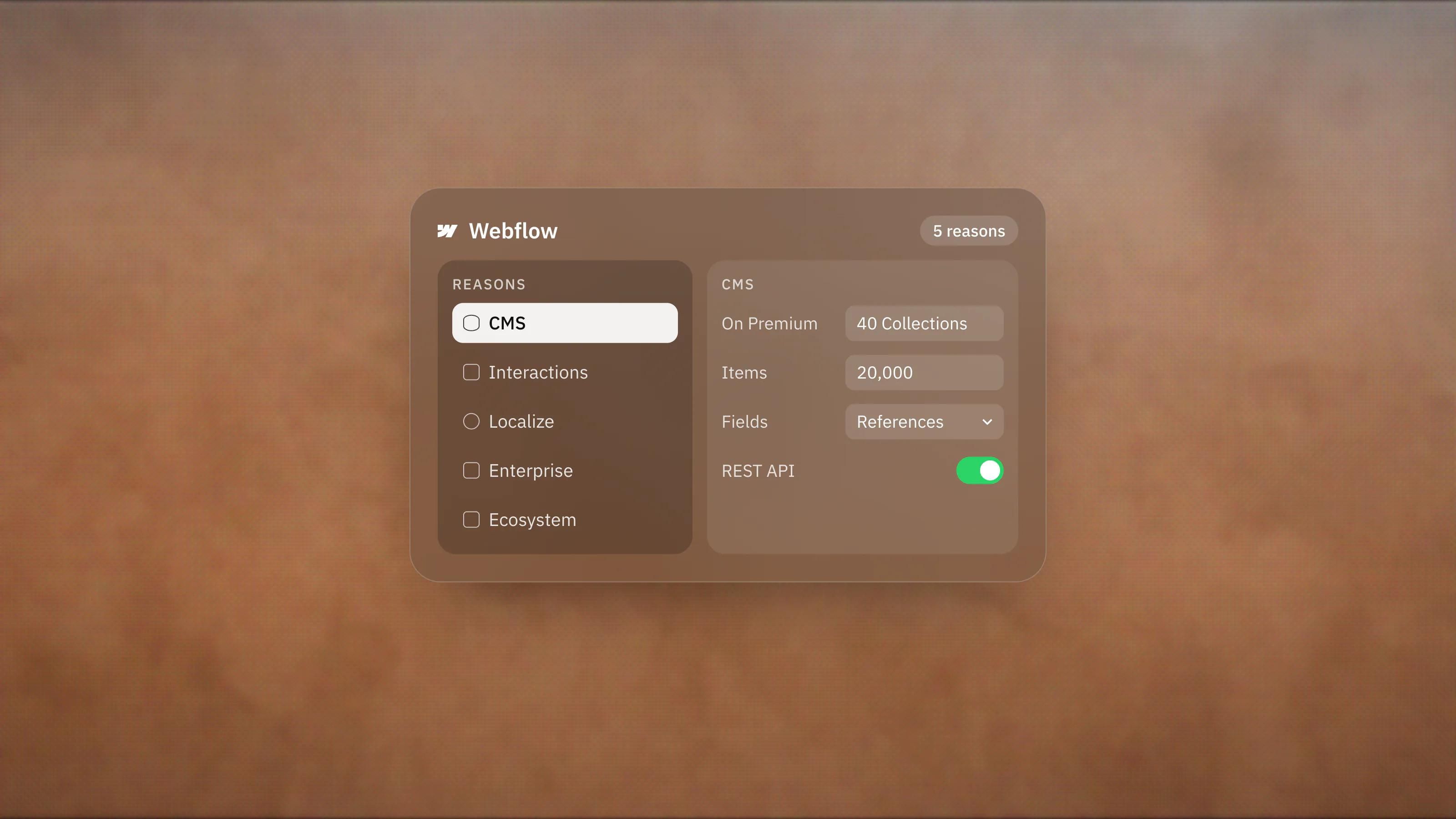
Webflow's CMS stores each content type in its own Collection with a shared page template. Its Collections guide lists field types including rich text, multi-image, date, option, file, reference and multi-reference. Reference fields are what let a case study link to a service, an author and an industry at once.
The pricing page lists 40 CMS Collections and 20,000 CMS items on the Premium Site plan. A resource library, a directory or a multi-author blog fits comfortably inside that.
Teams that want hosting handled
Webflow's hosting page says every Site plan includes SSL, DDoS and bot protection through its CDN provider, automatic form spam filtering and automatic backups you can restore. There are no servers to patch. Webflow also states it is SOC 2 Type II, CCPA and GDPR compliant, which helps when procurement asks.
Teams with developers who want hooks
Webflow is not a closed box. The CMS has REST APIs, and DevLink lets developers push React components into Webflow or export Webflow components as React. Webflow says its Cloud product can deploy apps built with Next.js or Astro alongside the site, on the same domain.
Larger organisations and multi-site teams
The pricing page lists Shared Libraries for components and variables across sites, and governance features such as custom roles, granular permissions, design approvals and SSO on the higher plans. If several teams publish to one site, that structure matters more than design speed.
Who is Webflow not a good fit for?
Webflow is usually not the best fit for a small marketing site that has to ship fast and be maintained by non-developers, or for anyone who needs to own and move their code freely.
Small teams that want speed over structure
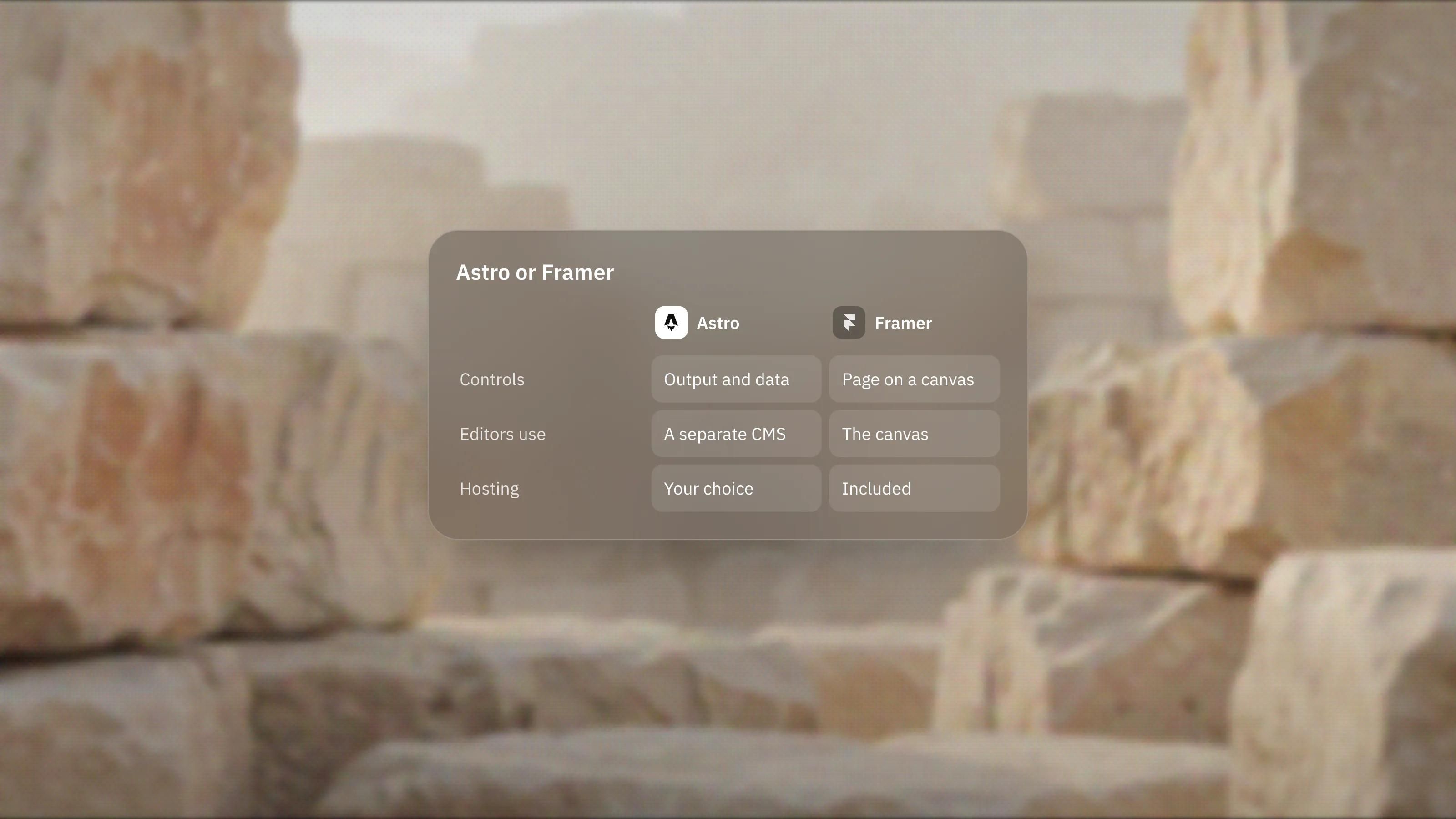
In our experience, Webflow rewards people who think in classes and layout structure. That pays off on big builds and slows down simple ones. For a lean marketing site, Framer is our lead platform because it gets a designed page live and editable faster. We say so even though we also build on Webflow.
Anyone who expects to take the code elsewhere
Code export exists, but it is narrower than it sounds. Webflow's code export guide says CMS content, ecommerce data, code components and localised content are not included, and forms and site search stop working on exported sites. The pricing FAQ adds that exported code cannot be imported back. Treat Webflow as a hosted platform, not a code generator.
Online shops that also need several languages
Webflow's Localize overview says Localize does not support Ecommerce Site plan features, so products and categories cannot be localised when both are on. A multilingual store should look at a commerce platform instead.
Teams with many editors on a tight budget
Seats are priced separately. On 3 November 2026 the pricing page listed full seats at $39 per month and limited seats at $15 per month, both billed yearly, with free seats for reviewers. A large editorial team adds up quickly, so count your editors before you compare platforms.
What does it take to get started on Webflow?
You can build for free on the Starter plan, but publishing to your own domain needs a paid Site plan. Webflow's plan guide explains that Site plans cover publishing and site features, while Workspace plans cover staging, collaboration and code export across all your sites.
Prices change, so check the pricing page on the day you budget. The useful early question is not the price, it is which plan unlocks the features your content model needs, such as the CMS, redirects or localisation.
How do we decide between Webflow and Framer?
We ask who updates the site after launch, how complex the content model really is and how often the site will change. Fast-moving marketing sites run by non-developers point to Framer. Content-heavy sites with a technical owner, or teams already trained on Webflow, point to Webflow.
The full trade-offs are in our Framer vs Webflow comparison, and our platform picker walks through the same questions in a few clicks. If the answers point to Webflow, our Webflow development work starts with the CMS and class system, so the site stays maintainable after handover.
What would we check before committing to Webflow?
- Map the content model first. List every content type, its fields and how they link. If you need reference fields across several Collections, that is a point for Webflow.
- Count the editors. Decide who needs a full seat, who needs a limited seat and who only reviews.
- Check the plan for each must-have. Localisation, analytics and testing are add-ons, and some governance features sit on Team or Enterprise plans.
- Name the owner. Someone has to keep class names and Collections tidy a year from now. If nobody will, choose a simpler platform.
Frequently asked questions
Is Webflow good for beginners?
You can start for free and learn as you go, but Webflow exposes more of the underlying layout and styling than simpler builders. Beginners who only need a small site may get there faster on a more design-led tool, while people who want to learn web structure often find the effort pays off.
Can I host a Webflow site somewhere else?
Only partly. Paid Workspace plans can export HTML, CSS, JavaScript and assets, but CMS content, ecommerce data, code components and localised content are not included, and forms and site search stop working on exported code.
Is Webflow good for large content sites?
It can be. The Premium Site plan lists 40 CMS Collections and 20,000 items, the CMS supports reference and multi-reference fields, and higher plans add publishing workflows and permissions for bigger teams.
Do I need a developer to use Webflow?
Not to build or edit a site, since the canvas and CMS are visual. A developer becomes useful when you want code components, API integrations or apps that run alongside the site.