



Why Choose Astro for a Marketing Website, and When Not To
Astro is built for content-driven sites, which makes it a strong fit for marketing sites that need code-level control, a headless CMS and fast HTML. Here is who it suits, who it does not, and how we decide.
 Written byMatt Gemi, Founder, Urest
On this page
Astro is a web framework built for content-driven websites, and a marketing site is exactly that kind of site. It suits teams that want code-level control, a headless CMS and fast HTML pages. It does not suit teams who want to design and publish pages without a developer. Here is how we decide.
What is Astro, in plain terms?
Astro is an open-source JavaScript framework that renders your pages to HTML on the server and sends very little JavaScript to the browser. Its homepage calls it "the web framework for content-driven websites", and it is released under the MIT licence.
In Astro's own explanation of why it exists, it lists the sites it was designed for: marketing, publishing, documentation, blogs, portfolios, landing pages, community sites and ecommerce. A company marketing site sits squarely in that list.
Why would a marketing team pick Astro?
Because most of a marketing site is content that rarely needs JavaScript, and Astro is built around that fact. Pages are prerendered to static HTML by default, and you add interactivity only where a component needs it.
That matters in practice for three reasons:
- Speed is the default, not a project. Astro describes itself as server-first and says it ships less client-side JavaScript. A pricing page, a case study or a blog post arrives as HTML the browser can show straight away.
- Content stays structured. Astro's content collections validate content against a schema, so a missing field shows up as an error before the page goes live, not after.
- The site is code you own. You can host it where you like, connect the CMS your organisation already uses and add custom integrations without waiting for a platform to support them.
What kind of marketing site fits Astro best?
Astro fits best when the site needs something a visual builder cannot give you comfortably. In our experience, that usually means one or more of these:
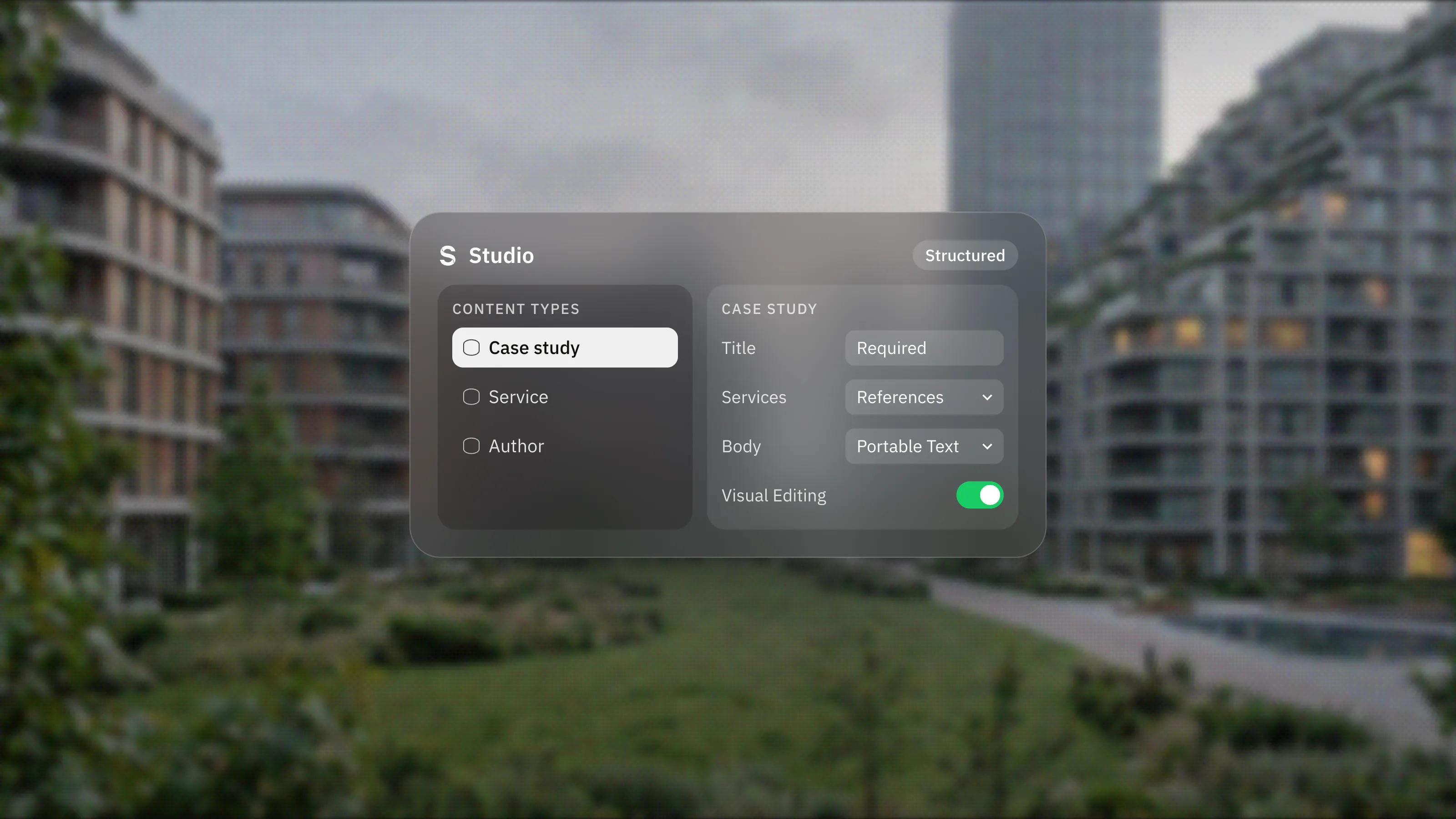
- A headless CMS such as Sanity that also feeds other channels, such as an app or a help centre.
- Custom integrations with your product, pricing data or internal tools.
- Your own hosting or infrastructure rules, for example a specific cloud provider.
- Strict performance targets that you want enforced in code review, not just checked after launch.
- A large content library, such as documentation, a resource hub or hundreds of landing pages, where templates and validation keep things consistent.
Who is Astro not for?
Astro is not a good fit if your marketing team wants to move sections around, build new pages and publish without a developer. Every layout change in Astro is a code change. Editors work in the CMS, but new page types and new section designs need someone who writes code.
It is also not the obvious choice for an application. Astro's docs contrast it with frameworks that "excel at building more complex, application-like experiences in the browser", and give admin dashboards and social networks as examples. Astro says it can scale up to dynamic web applications, but if your product is mostly logged-in, highly interactive screens, a framework built for apps is usually the simpler path.
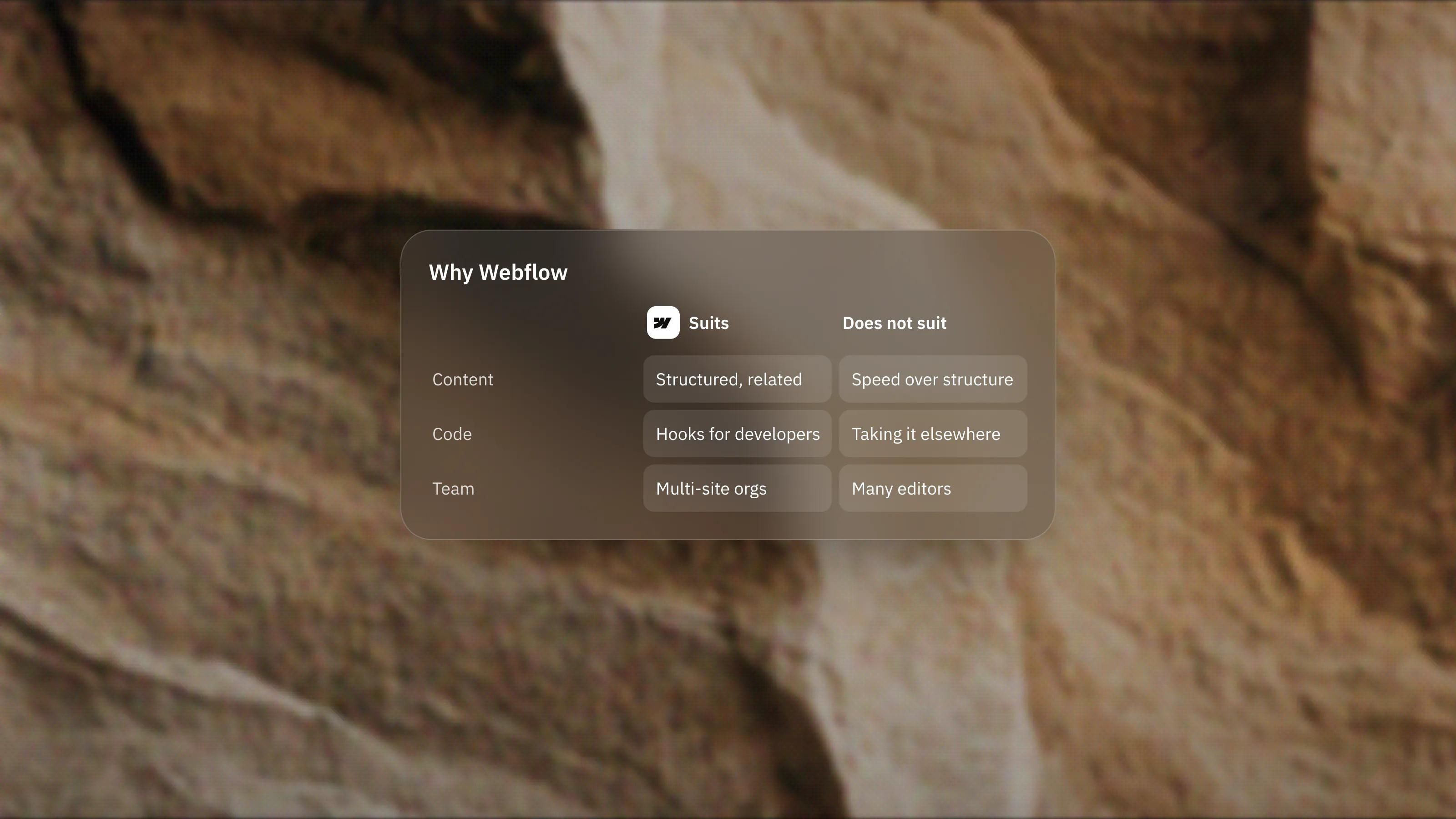
Finally, it is not for teams with no developer access after launch. A Framer or Webflow site can be maintained by a marketer. An Astro site needs someone who can update dependencies, review changes and deploy.
How does Astro compare with a visual builder like Framer?
Framer is our lead platform for marketing sites, and for most teams it is the faster route to a live, editable site. Astro is the route when code-level control matters more than visual editing of layouts.
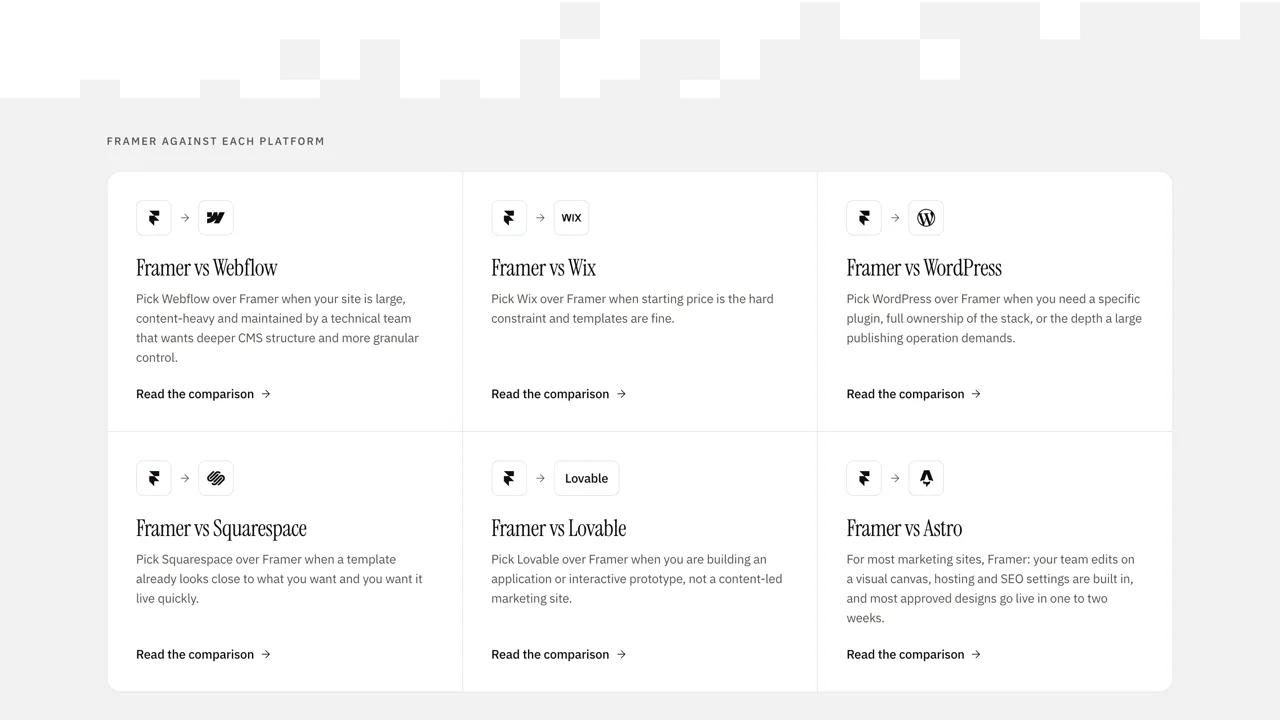
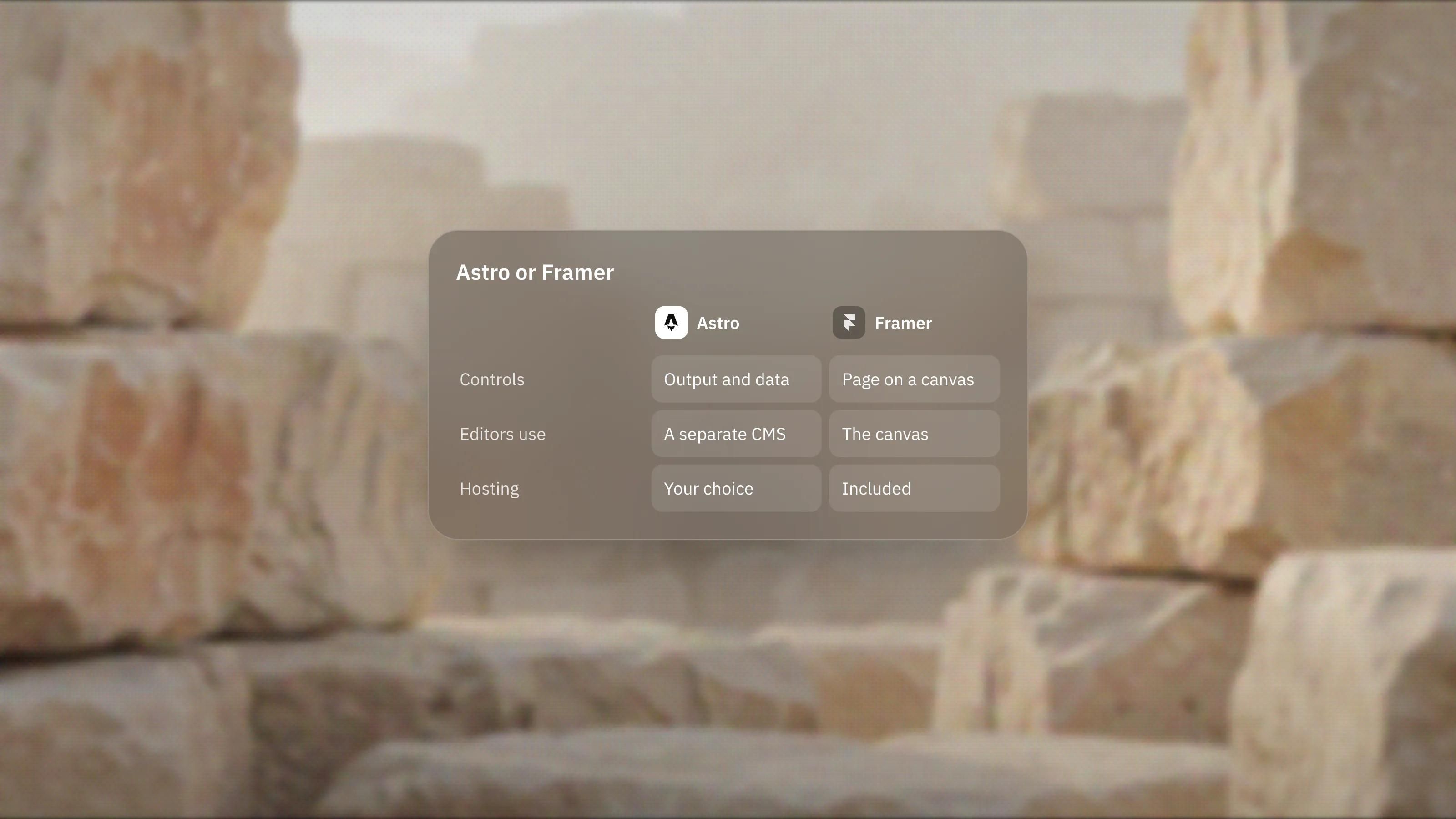
The trade is simple. Framer gives designers and marketers direct control of the page on a canvas, with hosting included. Astro gives developers direct control of the output, the data and the hosting, while editors work in a separate CMS. We set out the detail in our Framer vs Astro comparison.
What does running an Astro site involve after launch?
It involves the normal work of owning a codebase. Someone has to keep Astro and its integrations up to date, look after the hosting and handle deploys.
Hosting itself is flexible. A static Astro site can be served from any static host, and Astro maintains official adapters for Node.js, Netlify, Vercel and Cloudflare when you need pages rendered on demand. Vercel, for example, says a static Astro app deploys with zero configuration.
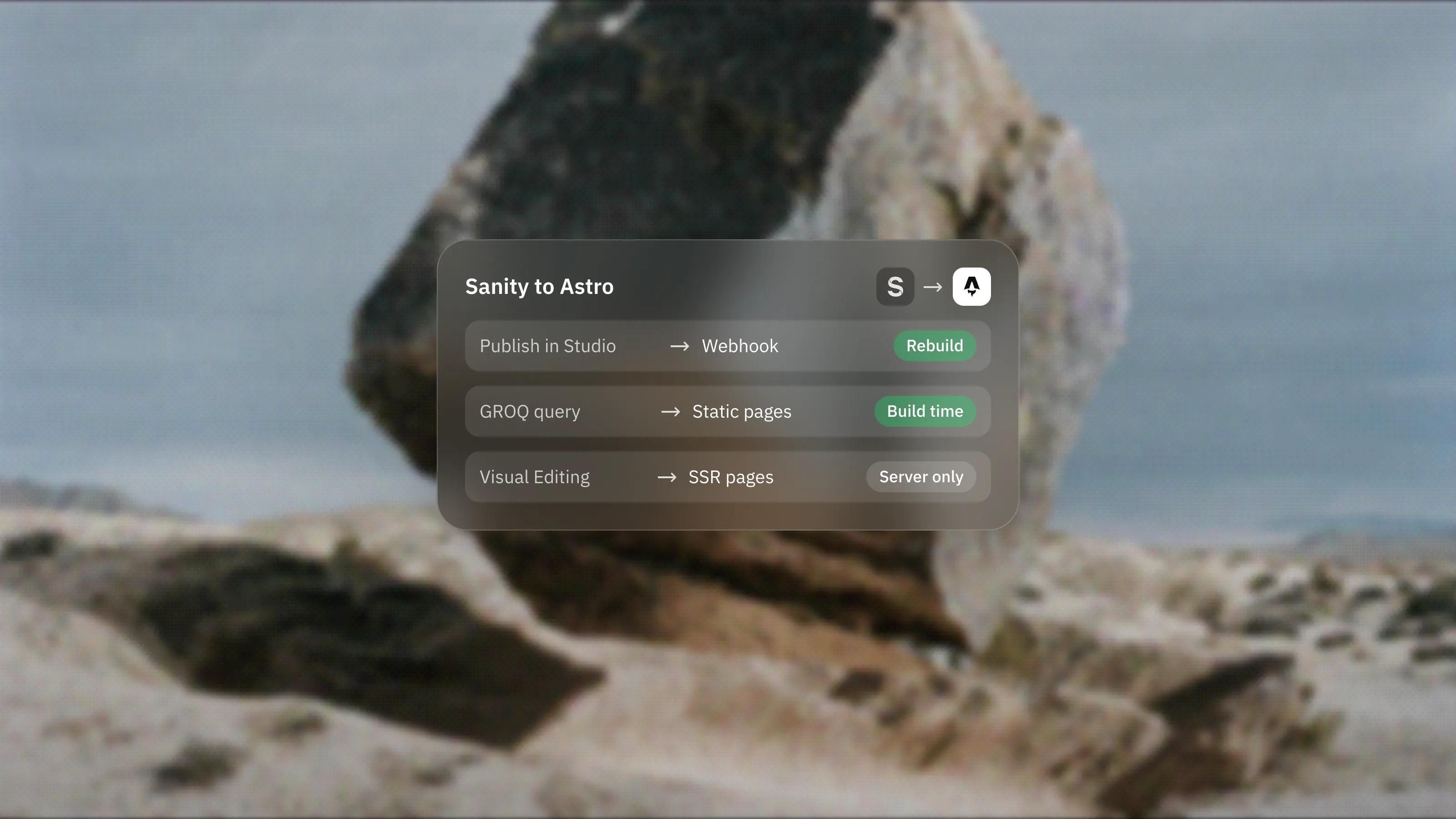
Content updates are where the CMS choice matters. With a headless CMS, editors publish in the CMS and the site either rebuilds or renders the change on request. That needs to be designed on day one, not added later.
How do we decide whether a project should be on Astro?
We ask who will change the site after launch and what they will change. If the answer is marketers changing layouts, we recommend Framer. If it is editors changing content inside agreed templates, with developers on hand for new page types, Astro is a strong candidate.
Then we check for the requirements that code solves well: a shared headless CMS, custom data, hosting rules, or a content library large enough to need validation. Two or more of those usually points to Astro. If you are unsure, our platform picker walks through the same questions, and our Astro development service sets out how we build when Astro is the answer.
Frequently asked questions
Is Astro free to use?
Yes. Astro is free, open-source software released under the MIT licence. You still pay for hosting and for any CMS or services you connect to it.
Do I need a developer to run an Astro marketing site?
For content edits in a connected CMS, no. For new page types, layout changes, dependency updates and hosting, yes. Plan for developer access for as long as the site is live.
Can Astro use React components?
Yes. Astro supports React, Preact, Svelte, Vue and SolidJS components, and different interactive parts of one page can use different frameworks. Components render to HTML unless you mark them as interactive.
Is Astro only for static sites?
No. Pages are prerendered by default, but with an adapter you can render some or all pages on demand. A marketing site can stay mostly static and render only the few routes that need fresh data.