Webflow's AEO Updates: Sitemap Timestamps, Content Agents and AI Visibility Data
Webflow added per-page lastmod dates to sitemaps, AEO content agents, Perplexity tracking and AEO data in its MCP server. Here is what each does, which plans get it and what we would do.
 Written byMatt Gemi, Founder, Urest
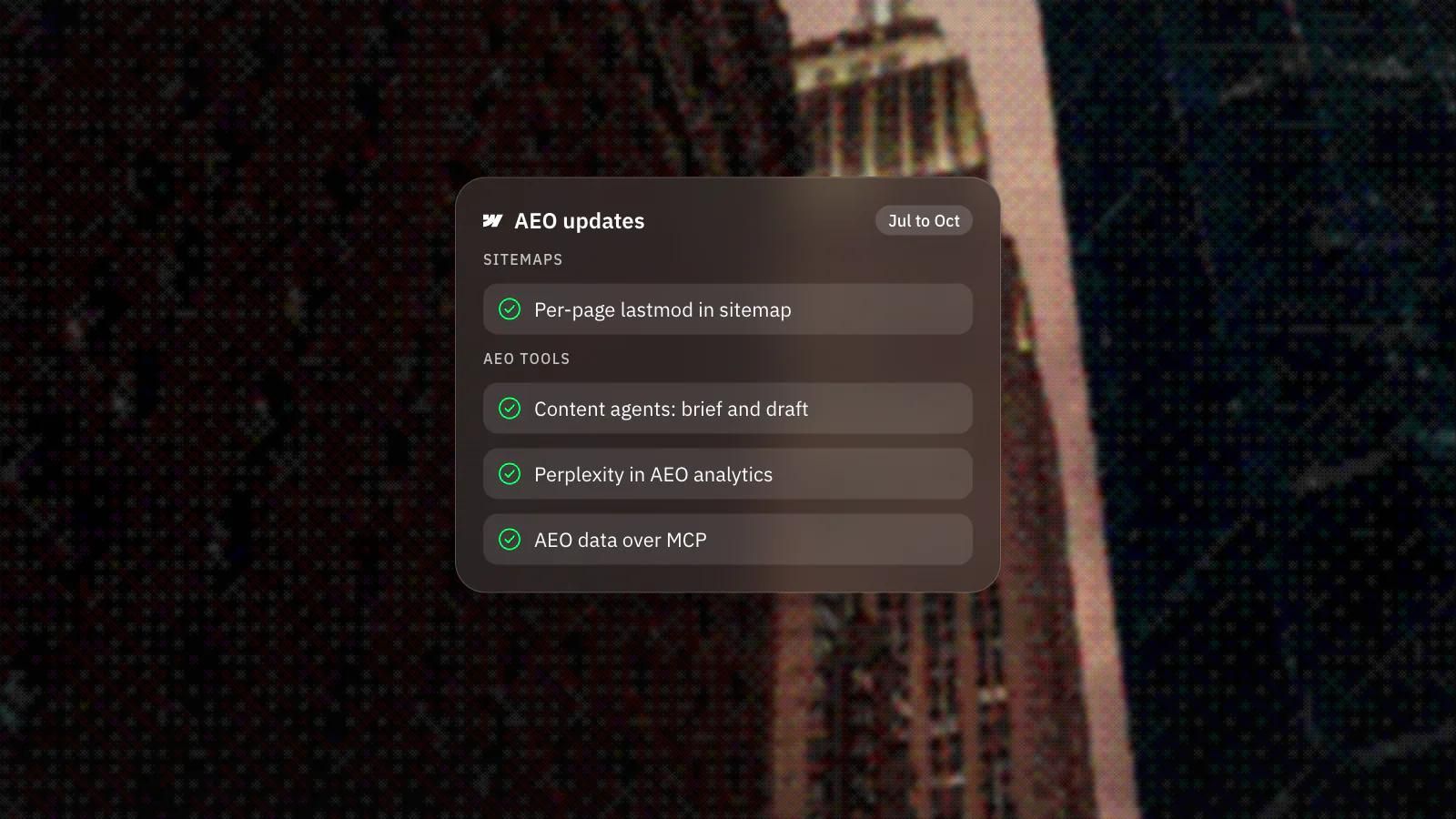
Between late July and mid October 2026, Webflow shipped four updates aimed at AI search: per-page lastmod dates in sitemaps, AEO content agents, Perplexity in AEO analytics and AEO data in its MCP server. The sitemap change comes with no plan restriction in Webflow's announcement; the agents and analytics are Enterprise features.
What changed in Webflow's sitemaps?
Webflow's automatic sitemap now includes a lastmod timestamp for every page, showing when each one was last updated. The sitemap update from 20 August also lets you use your canonical URL as the sitemap domain, which helps sites behind a reverse proxy.
Sitemaps now also update when you publish a single page, so you no longer need a full-site publish to keep them in sync. Because the timestamp is tracked per page, crawlers can focus on the URLs that actually changed.
Does lastmod help with AI search?
Webflow says it does. Its announcement states that answer engines such as Google AI Overviews, Perplexity and ChatGPT search use lastmod to decide which sources to cite, and that Google can prioritise re-crawling a changed URL.
We would read that as Webflow's claim, not a guarantee. A timestamp says a page is fresh, not that it is good, and it only helps if the date reflects a real change. Our GEO vs SEO guide covers what the search engines themselves say about AI features.
What do Webflow's AEO content agents do?
They suggest content, write briefs and draft articles meant to get your site cited by answer engines. The content agents announcement from 28 July describes three steps: recommendations from your AEO analytics, including gaps where competitors are cited and you are not; a structured brief; and a full draft saved as a new CMS item for review.
They are available to Enterprise customers with the Analyze add-on. Before recommendations appear, you set up prompt tracking for the topics you want to be cited for and add competitor and organisation details in Settings.
What is new in AEO analytics?
AEO analytics now runs your tracked prompts through Perplexity as well as ChatGPT, Gemini and Claude, so you can compare where your brand appears by model. Webflow notes that AEO analytics is included with Analyze for Enterprise.
On 15 October, Webflow's MCP server gained read access to Analyze traffic and goal data, Optimize experiments and AEO analytics, including the pages LLM crawlers request most and how answer engines responded to tracked prompts. Google Gemini joined Claude and ChatGPT as a connector, with Gemini support for Enterprise plans still in development.
Why does this matter for buyers?
It moves AI visibility from a manual spreadsheet into the platform, at least for Enterprise teams. For everyone else on Webflow, the sitemap change is the part that applies.
Measurement is still the hard part, as we said in AEO vs SEO. Tracked prompts are a sample of the questions buyers ask, so we would read the results as direction rather than a ranking.
What would we do?
We would start with the basics and add the tools once the basics hold.
- On any Webflow site, open the sitemap after the next publish and check that the lastmod dates match real edits.
- Update pages when the content genuinely changes. A new date on an unchanged page tells crawlers nothing useful.
- On Enterprise with Analyze, set up prompt tracking for the questions your buyers actually ask before turning on the content agents.
- Treat agent drafts as a first pass. Check every fact and edit for your own voice before anything goes live.
Whatever the platform, our SEO and AEO work starts from the same place: clear answers, clean structure and a sitemap that tells the truth.
Frequently asked questions
Do I need Enterprise to get lastmod dates in my Webflow sitemap?
Webflow's announcement does not mention a plan restriction; it describes a change to Webflow's automatic sitemap. Check your own sitemap after publishing to confirm.
Which answer engines does Webflow AEO analytics track?
ChatGPT, Gemini, Claude and, since 30 July 2026, Perplexity. You can filter the AI Discovery dashboard by model to compare them.
Will Webflow's AEO agents publish content on their own?
The workflow Webflow describes has you review each recommendation, then edit, accept and publish it. Drafts arrive as new CMS items ready for review.
Can I use Webflow's AEO data in my own AI tools?
Yes, through Webflow's MCP server, which since 15 October can read AEO analytics alongside Analyze and Optimize data. Claude, ChatGPT and Gemini are the named connectors.