




5 Technical Reasons to Choose Astro
Zero JavaScript by default, islands, content collections, adapters and built-in image handling: the five concrete reasons to build on Astro, what Astro's docs say about each, and the catch that comes with every one.
 Written byMatt Gemi, Founder, Urest
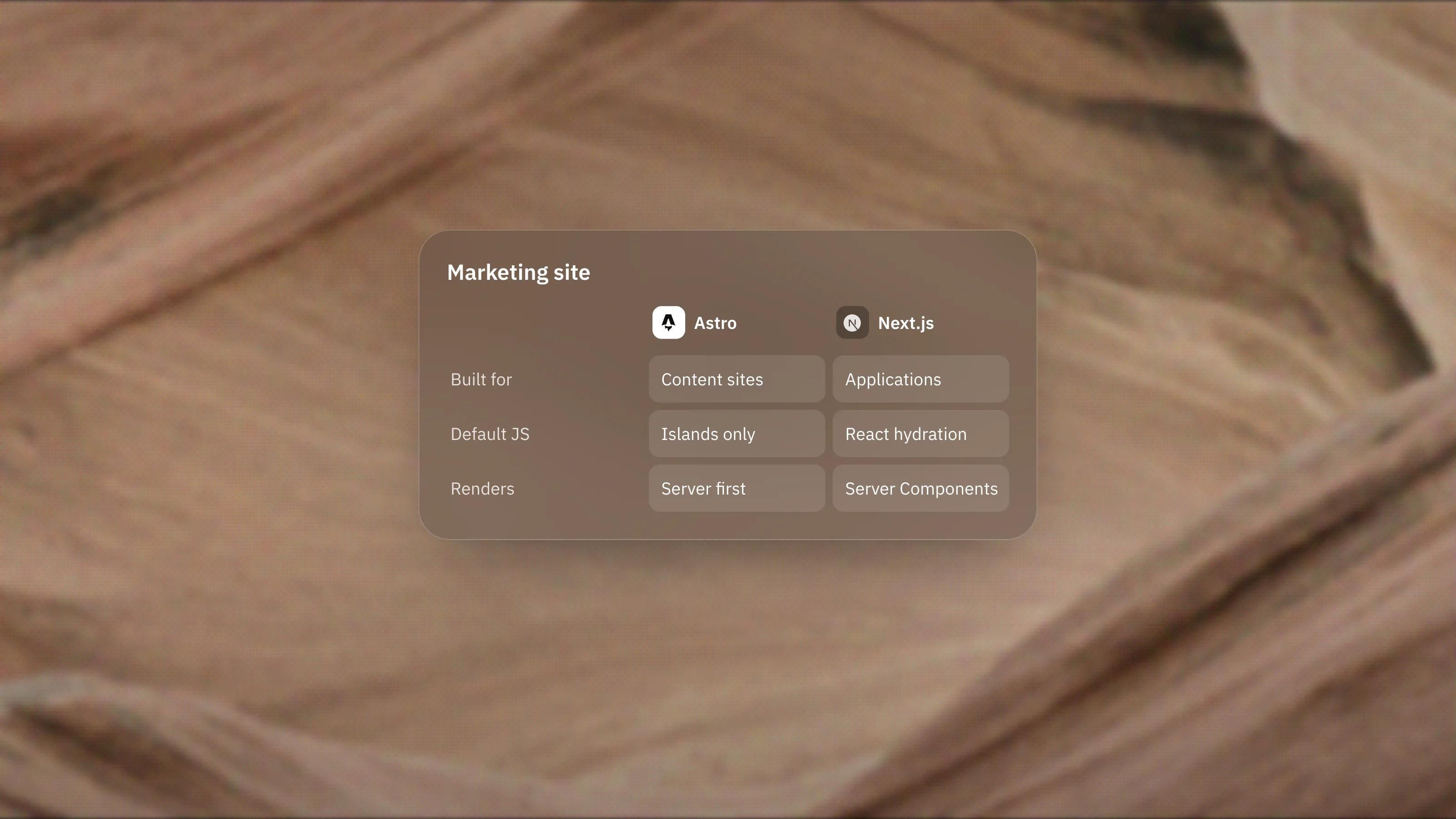
Astro's case rests on a handful of concrete design decisions rather than a vague promise of speed. Here are the five technical reasons we would give a developer or a technical marketing lead, what Astro's documentation actually says about each, and the catch that comes with it.
1. Why does zero JavaScript by default matter?
It means a page only ships the JavaScript you deliberately add. Astro renders UI components to HTML and CSS and, in the words of its islands documentation, strips "out all client-side JavaScript automatically".
Many frameworks start from the other direction: the page is an app, and you work to remove what it does not need. Astro starts from a plain document. A component written in React still renders, but as HTML, unless you opt it into running in the browser. JavaScript has to be added on purpose, which makes it easy to spot in review.
The catch: anything interactive needs a decision. A tab component that simply works in a React app needs a directive in Astro, or it renders as static markup.
2. What are Astro islands and why are they useful?
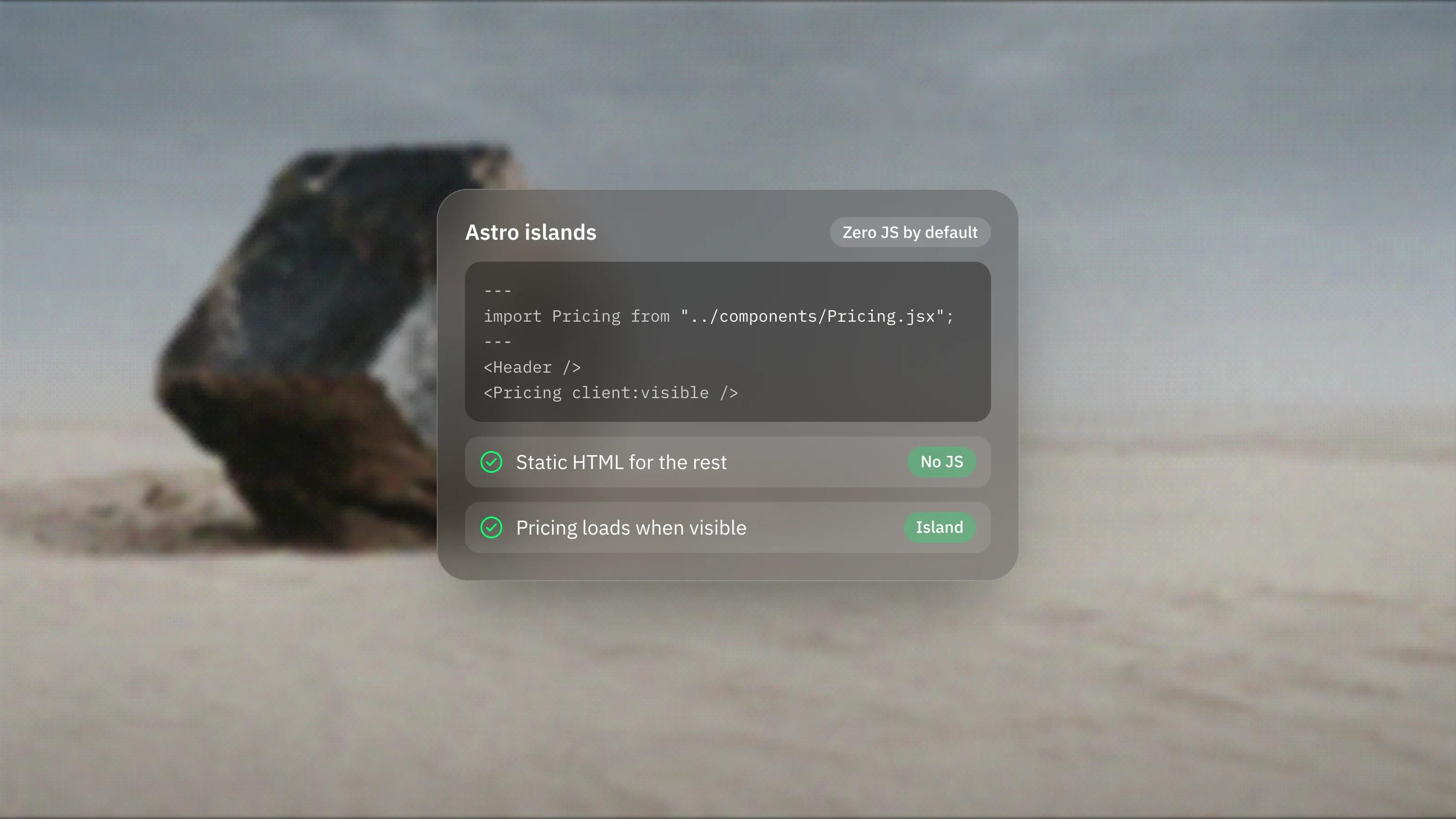
An island is an interactive component on an otherwise static page. Astro describes it as "an enhanced UI component on an otherwise static page of HTML", and each island loads on its own.
You choose when each island loads with a client directive:
- client:load makes the component interactive straight away, for things like a navigation menu.
- client:idle waits until the browser is idle, which suits lower priority widgets.
- client:visible loads the component only when it enters the viewport, which suits a carousel or calculator further down the page.
Because islands hydrate independently, Astro notes that a heavier component lower on the page does not block a high priority one at the top. There are also server islands, marked with server:defer, which let a page render straight away with fallback content and fill in a dynamic part, such as a personalised element, once it is ready.
Astro supports React, Preact, Svelte, Vue and SolidJS for islands, so a team can bring existing components rather than rewrite them.
The catch: shared state between islands is possible, but it takes more thought than in a single app where everything lives in one component tree.
3. How do content collections help on a large site?
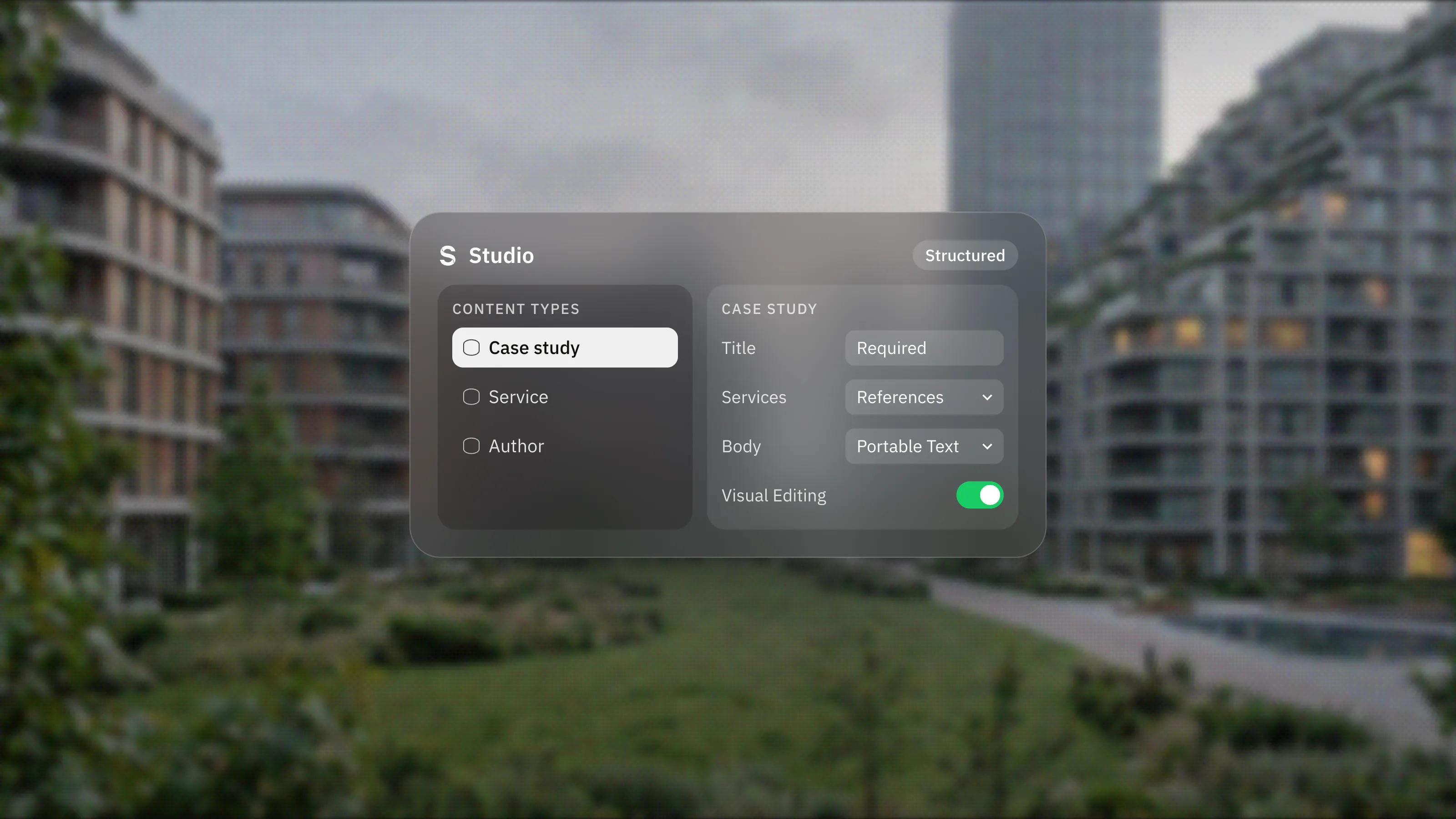
They give your content a schema and type safety. Content collections are Astro's way to organise structured content such as blog posts or product data, and each entry can be validated against a Zod schema.
If a post is missing a required field, or a date is in the wrong format, Astro reports an error instead of quietly publishing a broken page. The same schema generates TypeScript types, so your editor autocompletes fields and flags mistakes in templates. Schemas can also define references between collections, such as a post pointing to its author.
Collections are not limited to local files. The built-in loaders read Markdown, MDX, Markdoc, JSON, YAML and TOML, and custom or community loaders can pull content from a CMS, a database or an API at build time. Live collections fetch at request time for data that changes often, such as stock or prices.
The catch: Astro notes that live collections need an adapter and do not support MDX or image optimisation, and that collection order is not guaranteed, so you sort results yourself.
4. Why do adapters and per-page rendering matter?
They let one project mix static and server-rendered pages on the host you choose. By default, Astro prerenders pages to static HTML at build time. Add an adapter and you can render chosen routes on demand.
Astro maintains official adapters for Node.js, Netlify, Vercel and Cloudflare, with community adapters for other platforms. A marketing site can stay static almost everywhere and render only the few routes that need fresh data, such as a form handler or a preview route for editors. You opt a single page out with one line, export const prerender = false, and the rest of the site stays static.
Astro's own advice is to start in the default static mode until you are sure most pages need rendering on demand. We agree. Static pages are simpler to host and harder to break.
The catch: once you add server-rendered routes, you are running server code, with the hosting, caching and monitoring that comes with it.
5. What does Astro do for images out of the box?
It handles the image work that often gets missed. Astro's Image and Picture components resize and convert images, infer dimensions to avoid layout shift, and output lazy loading attributes.
The Picture component can produce several formats, such as AVIF and WebP, with a fallback. With a layout property set, Astro generates the srcset and sizes attributes for responsive images. The alt attribute is mandatory on both components, which is a small but useful guard for accessibility.
The catch: images placed in the public folder are not optimised. They need to go through the components to get the benefit.
What do these five reasons not cover?
None of them makes Astro a visual tool. Layouts are code, new page types need a developer, and the CMS is a separate product you choose and connect.
Astro also presents its own performance data. Its homepage shows a chart of the percentage of real-world sites with good Core Web Vitals for each framework, based on HTTP Archive and Chrome UX Report data, with Astro at 71%. That is Astro's own presentation, and results depend on how each site is built. We read it as a sign that the defaults help, not as a guarantee. Our guide to improving Core Web Vitals covers what still needs attention on any stack.
When do these reasons add up to choosing Astro?
When the site is content heavy, a developer owns it, and you want speed and structure enforced by the framework rather than by discipline alone. If that describes your project, our Astro development page explains how we work with it. If your team needs to edit layouts without code, a visual builder such as Framer, our lead platform, will serve you better.
Frequently asked questions
Does Astro work with React?
Yes. React is one of the supported UI frameworks, along with Preact, Svelte, Vue and SolidJS. React components render to HTML by default and become interactive only when you add a client directive.
What is the difference between client islands and server islands?
Client islands are components that load JavaScript in the browser to become interactive. Server islands are rendered on the server separately from the main page, so the page can show fallback content first and fill in the dynamic part afterwards.
Do content collections need a CMS?
No. They work with local Markdown, MDX, JSON and YAML files out of the box. Custom or community loaders let you pull content from a CMS or an API when you need one.
Which hosts does Astro support?
Static Astro sites can be hosted on any static host. For pages rendered on demand, Astro maintains official adapters for Node.js, Netlify, Vercel and Cloudflare, and community adapters cover other platforms.