Webflow Pricing Explained: Site Plans vs Workspace Plans
Webflow charges per site and per Workspace, with seats and add-ons on top. Here is what each plan cost on webflow.com/pricing on 3 November 2026, which ones you need and what to check before paying.
 Written byMatt Gemi, Founder, Urest
On this page
Webflow charges in two layers: a Site plan for each site you publish, and a Workspace plan for the place where you and your team build. Add-ons, extra seats and Platform plans sit on top. Every price below is what Webflow's pricing page showed on 3 November 2026, in US dollars before tax. Prices change, so check the page before you budget.
What is the difference between a Site plan and a Workspace plan?
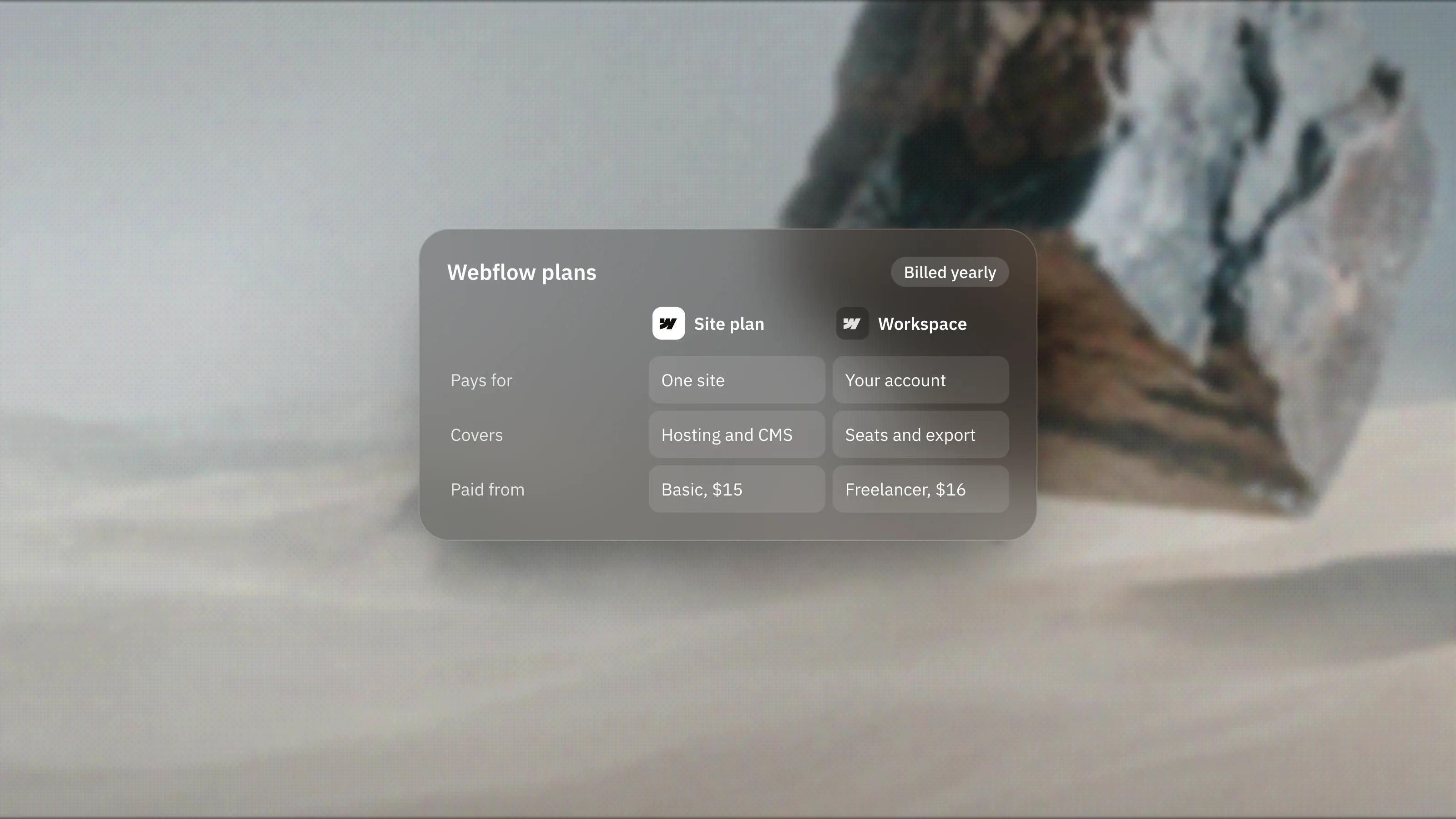
A Site plan pays for one site: publishing to your own domain, hosting and site features such as the CMS. A Workspace plan pays for the account you build in: staging sites, collaboration tools, code export and AI credits across every site in it.
Webflow's plan guide puts it simply. If you want a site on your own domain, you need a Site plan for that site. If you want more free staging sites, team features or code export, you upgrade the Workspace. Many teams need one of each.
The pricing FAQ adds two details. Any Workspace tier can hold unlimited paid Site plans, and each customer gets one free Workspace.
What do Webflow Site plans cost?
There are three general Site plans: Starter is free, Basic starts at $15 per month and Premium starts at $25 per month, both billed yearly. Monthly billing costs more, at $25 and $39.
- Starter, free. A webflow.io address, 2 static pages, a limited CMS, 1 GB of bandwidth and 50 form submissions. Good for learning, not for launching.
- Basic, $15 per month yearly or $25 monthly. Custom domain, 300 static pages, 10 GB of bandwidth, unlimited form submissions and password protection. No CMS, so no blog.
- Premium, from $25 per month yearly or $39 monthly. Everything in Basic plus the CMS, listed with 40 Collections and 20,000 items, and 50 GB of bandwidth. It also adds code components, site search, form file uploads and well-known files.
Premium is the plan that scales with traffic. The base price covers 50 GB, and extra bandwidth is sold as add-ons up to 2.5 TB in total. The largest add-on, 2.45 TB on top of the base, was listed at $974 per month billed yearly. The FAQ notes that going over the limit two months in a row triggers an automatic plan upgrade, so watch traffic on busy sites.
Online shops use separate Ecommerce plans: Standard at $29 per month yearly with a 2% transaction fee and 500 items, Plus at $74 with no transaction fee and 5,000 items, and Advanced at $212 with 15,000 items.
What do Webflow Workspace plans cost?
Workspace plans come in two sets: one for in-house teams and one for freelancers and agencies. Both start with a free Starter tier.
Workspace plans for teams
- Starter, free. Unlimited paid hosted sites, 2 staging sites, 1 full seat and 200 AI credits.
- Core, $19 per month yearly or $28 monthly. 10 staging sites, custom code on staging sites, code export and Shared Libraries.
- Growth, $49 per month yearly or $60 monthly. Unlimited staging sites, site-specific access, site-level roles, publishing permissions, password protection and 301 redirects on staging sites.
Workspace plans for freelancers and agencies
- Starter, free. 2 staging sites, 1 full seat and 1 free client seat per paid site.
- Freelancer, $16 per month yearly or $24 monthly. 10 staging sites, guest access to client Workspaces, full CMS access on staging sites and client payments.
- Agency, $35 per month yearly or $42 monthly. Unlimited staging sites, 3 free client seats per site, unlimited Shared Libraries, site-level roles and publishing permissions.
Seats and AI credits
Each Workspace includes one full seat for the owner. Extra full seats, for people who design sites or manage settings, cost $39 per month yearly or $45 monthly. Limited seats, for people who edit content or build pages from components, cost $15 per month yearly or $19 monthly. Reviewers who only comment are free. Extra AI credits were listed at $20 per month yearly for 2,000 credits a month.
What are Webflow Platform plans?
Platform plans bundle a site, a Workspace and add-ons into one contract for larger organisations. There are two: Team and Enterprise.
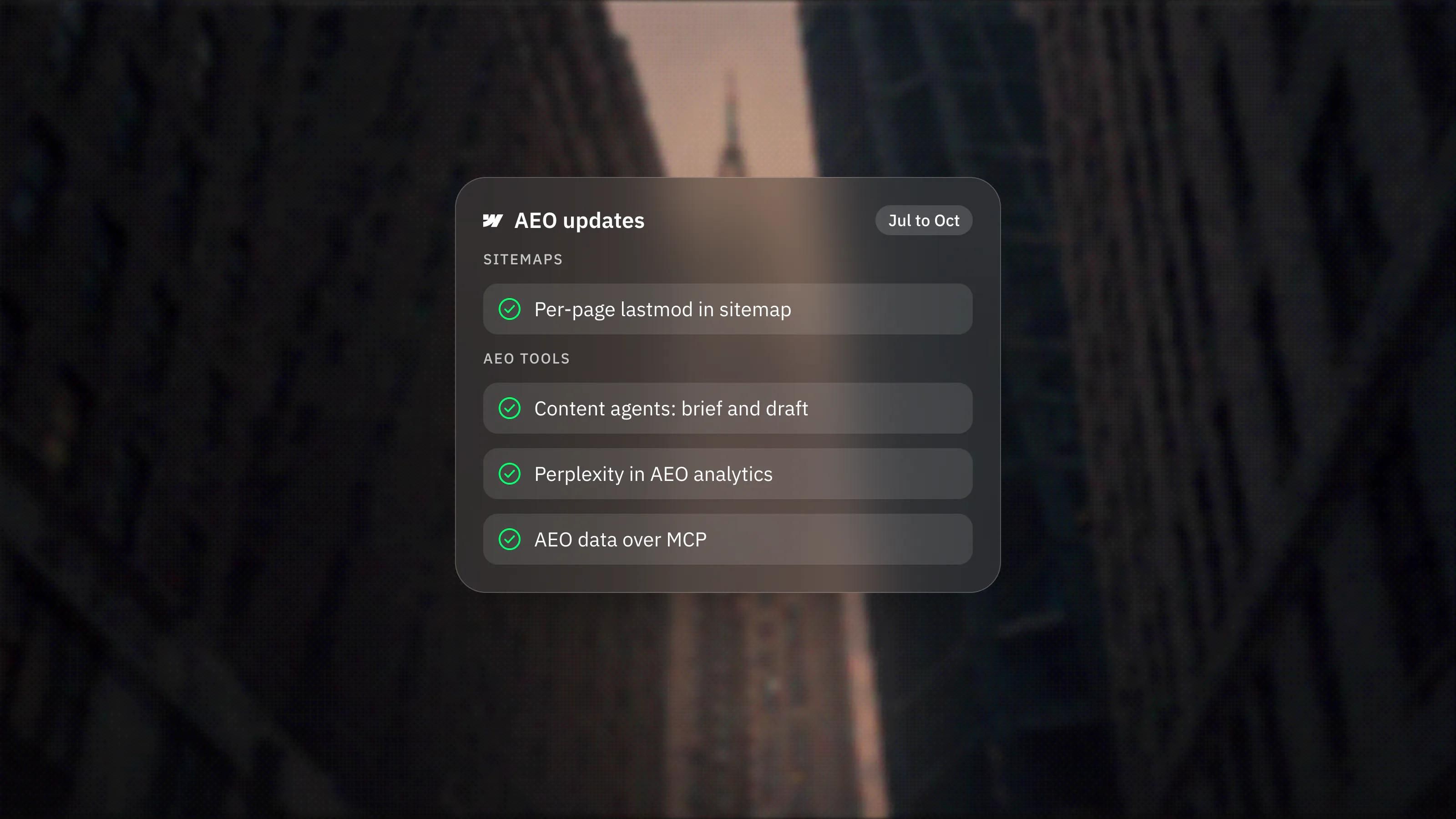
Team is listed at $2,500 per month on an annual contract. It includes Localize with 2 locales, AEO agents, publishing workflows, single-page publishing, 5 full and 5 limited seats, 100,000 AI credits a year and priority support. Enterprise is priced on request and adds custom roles, granular permissions, SSO, SCIM and a higher hosting uptime SLA.
Which add-ons cost extra?
Localisation, analytics and testing are paid add-ons on Site plans, and each is priced by usage.
- Localize Essential. From $9 per month per locale yearly, up to 3 locales and 10,000 AI-translated words per locale each month.
- Localize Advanced. From $29 per month per locale yearly, up to 10 locales and 50,000 words, plus localised URLs and automatic visitor routing.
- Analyze. From $9 per month yearly for 2,000 sessions, rising with traffic.
- Optimize. From $299 per month yearly for 25,000 page views, for A/B tests and personalisation.
Webflow Campaigns, the standalone landing page and ads product, is listed as starting at $2k per month. Our Campaigns explainer covers what it does.
Which plans do common setups need?
Most small and mid-sized sites need one paid Site plan and can stay on the free Workspace. These examples use the yearly prices listed on 3 November 2026.
- A brochure site with no blog. Basic at $15 per month, on the free Workspace.
- A marketing site with a blog or case studies. Premium from $25 per month. Add limited seats for each editor beyond the owner.
- The same site in three languages. Premium plus Localize Essential for each added locale.
- An agency building client sites. An Agency Workspace at $35 per month for staging and client seats, with each client site on its own Site plan.
What should you watch for before you pay?
- Cancellation terms. The FAQ says you can cancel any time but still pay the rest of the term, so a yearly plan is a yearly commitment.
- Yearly versus monthly. The page says yearly billing saves up to 40%.
- Code export sits on the Workspace. Webflow's code export guide says export is only on paid Workspace plans, and it leaves out CMS content, ecommerce data and localised content.
- Prices are per site. Ten sites means ten Site plans, whatever Workspace you are on.
If you want help choosing the right mix before a build, our Webflow development work starts with that plan check. And if cost is part of a wider platform decision, our Framer vs Webflow comparison sets out the trade-offs.
Frequently asked questions
Do I need both a Site plan and a Workspace plan?
Not always. To publish one site on your own domain you only need a Site plan, and the free Workspace is enough. You need a paid Workspace plan for more staging sites, team permissions or code export.
What is the cheapest way to put a Webflow site on my own domain?
On 3 November 2026 that was the Basic Site plan at $15 per month billed yearly, or $25 billed monthly. Basic has no CMS, so a site with a blog needs Premium.
Does Webflow charge per editor?
Yes, beyond the one full seat each Workspace includes. Full seats and limited seats are priced per month, and reviewer seats for commenting are free.
Are Webflow prices shown with tax?
No. The pricing page lists prices in US dollars and says applicable taxes are added at checkout.