Webflow Pros and Cons: An Honest Look
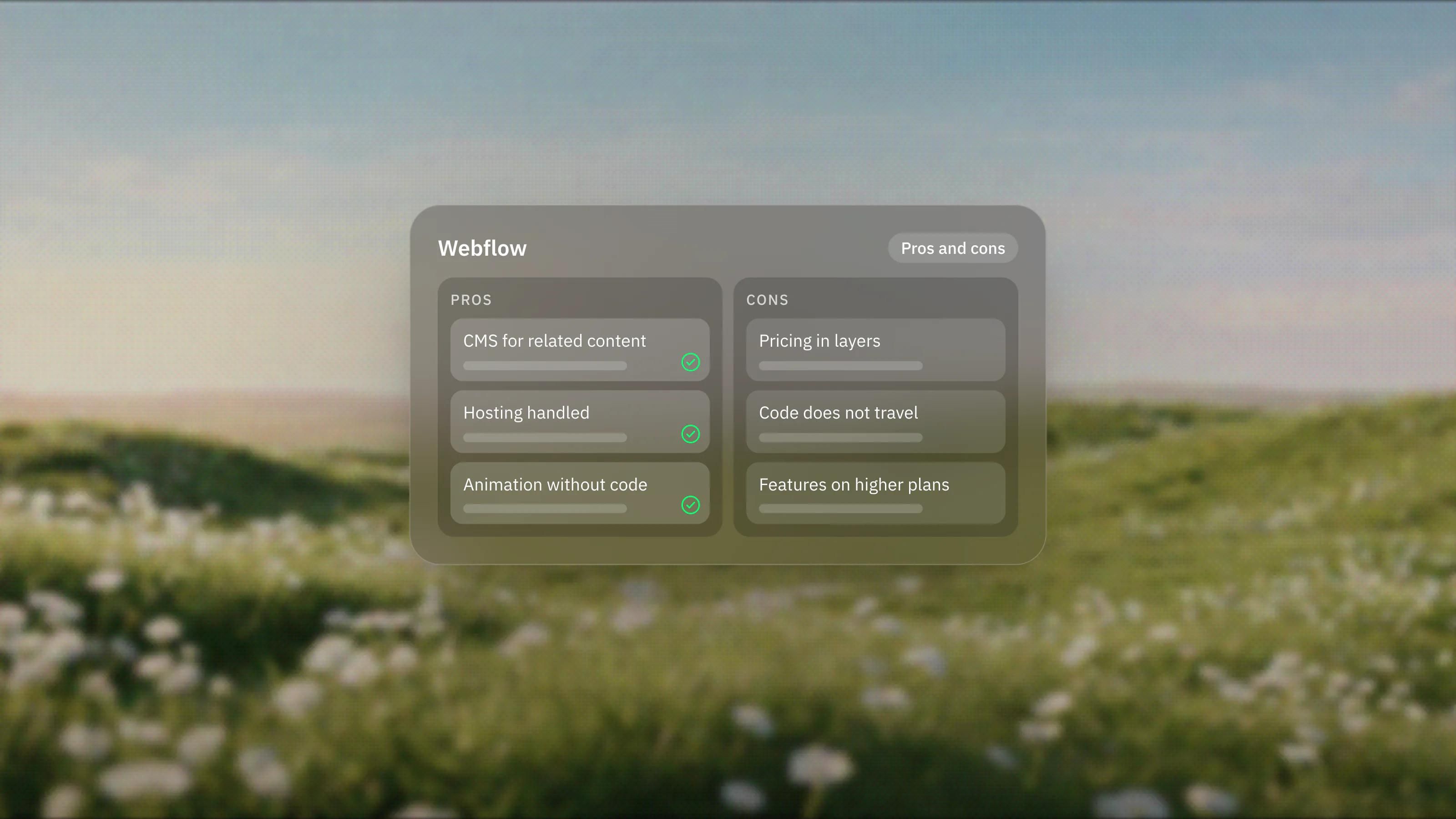
Webflow pros: a deep CMS, visual control, managed hosting, GSAP interactions and room to extend. Cons: layered pricing, limited code portability, features on higher plans and localisation gaps. Here is each side with sources.
 Written byMatt Gemi, Founder, Urest
On this page
Webflow's main strengths are a deep CMS, visual control over real layout and styling, managed hosting and a wide set of tools for developers. Its main weaknesses are layered pricing, limited code portability, features held back for higher plans and a learning curve that suits builders more than casual editors. Here is each side, with the sources, so you can weigh them against your own project.
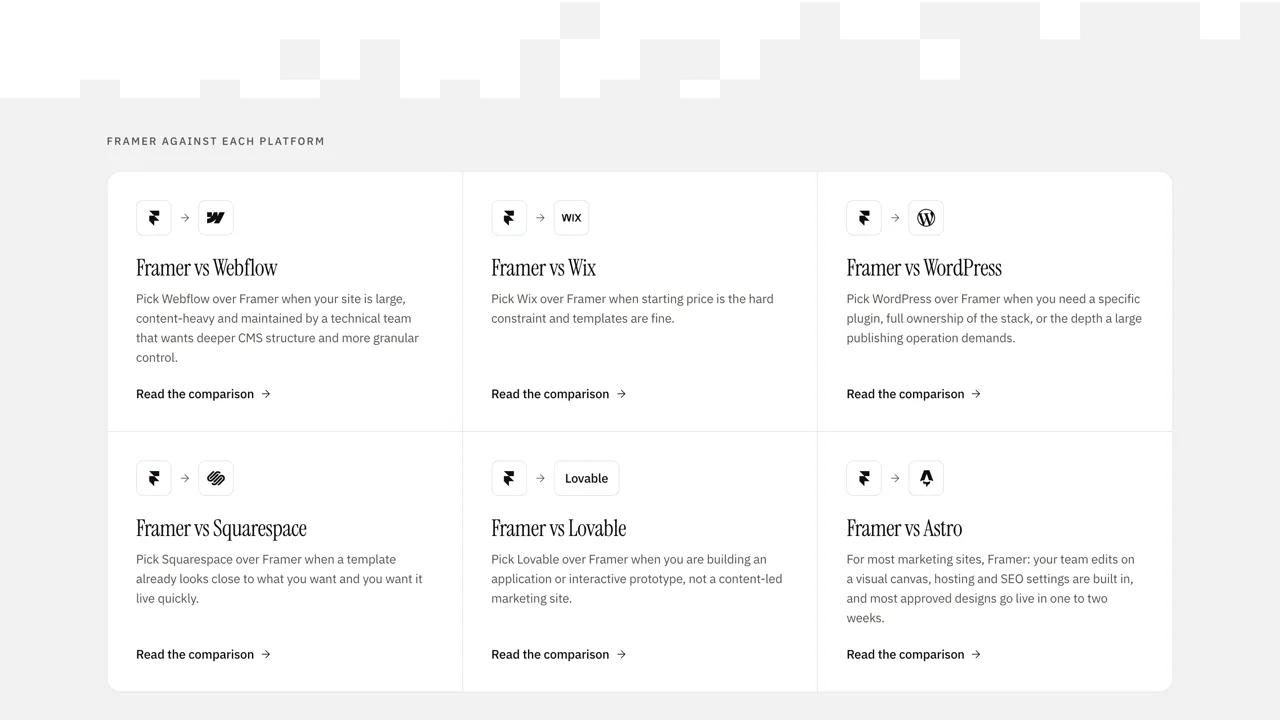
We build on Framer first and on Webflow when a project needs it, so this is a view from someone with no reason to oversell either. For the head-to-head, see our Framer vs Webflow comparison.
What are the pros of Webflow?
Pro: a CMS built for related content
Webflow's CMS stores each content type in a Collection with its own template, and its Collections guide lists reference and multi-reference fields alongside the usual text, image and date fields. On 3 November 2026 the pricing page listed 40 Collections and 20,000 items on the Premium Site plan. For directories, resource hubs and multi-author blogs, that structure is the main reason to pick Webflow.
Pro: visual control without hiding the web
Webflow lets you style elements visually while working with the same concepts the browser uses: boxes, classes and breakpoints. In our experience, that suits designers who want precise control and developers who want predictable output. Webflow itself says it generates clean, semantic code.
Pro: hosting and security handled
The hosting page says every Site plan includes SSL, DDoS and bot protection through its CDN provider, form spam filtering and automatic backups. Webflow states it is SOC 2 Type II, CCPA and GDPR compliant. There is nothing to patch or update.
Pro: serious animation without code
Webflow's Interactions with GSAP is the default on new sites and adds a timeline, SplitText, staggers, ScrollTrigger and reduced-motion settings. Motion-heavy sites that once needed custom JavaScript can often be built visually.
Pro: room to extend
The CMS has REST APIs, the Marketplace has apps for forms, analytics and memberships, and DevLink moves React components between a codebase and Webflow. If the site needs to plug into an existing stack, there is usually a route.
What are the cons of Webflow?
Con: pricing comes in layers
A Webflow bill can include a Site plan per site, a Workspace plan, extra seats and usage-based add-ons. On 3 November 2026 the pricing page listed full seats at $39 per month and limited seats at $15 per month, both billed yearly, with Localize, Analyze and Optimize priced separately. None of this is hidden, but it takes a spreadsheet to compare like for like.
Con: your code does not travel well
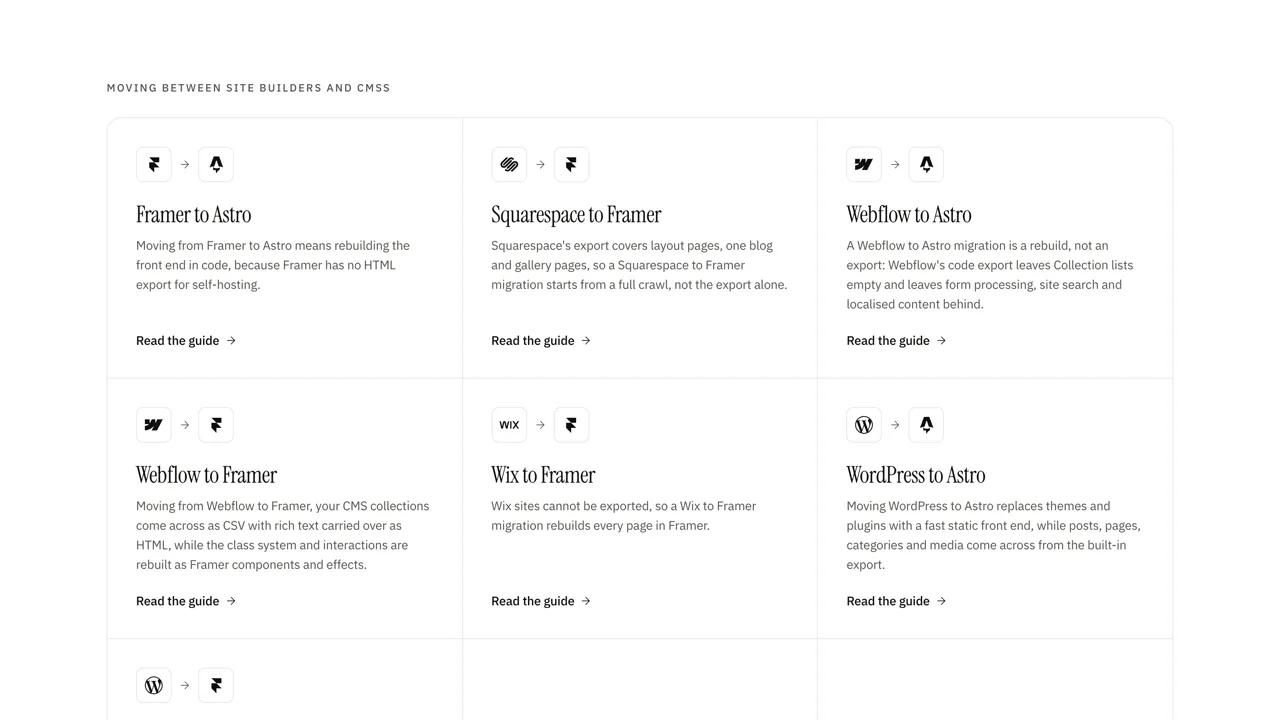
Code export is only on paid Workspace plans, and Webflow's code export guide says CMS content, ecommerce data, code components and localised content are left out, while forms and site search stop working. The pricing FAQ adds that exported code cannot be imported back. In practice, leaving Webflow means a rebuild, not a download.
Con: useful features sit on higher plans
The pricing page lists publishing workflows, single-page publishing and AEO agents on the Team Platform plan, at $2,500 per month on an annual contract. Custom roles, granular permissions and SSO are on Enterprise. Smaller teams can work without them, but they are what larger teams tend to need first.
Con: localisation has gaps
Localize is capable, but Webflow's Localize overview says it does not support Ecommerce features. Its localised SEO guide says 301 redirects do not apply to localised subdirectories and that automatic locale routing uses 302 redirects, with no native way to change that. Plan your URL map with that in mind.
Con: a learning curve for builders
In our experience, the class system that gives Webflow its precision is also what slows new builders down and what drifts on sites nobody owns. Content editors are well served, since limited seats let them edit without touching design. The risk sits with whoever maintains the build a year later.
Con: two interaction engines, for now
Webflow's own comparison says a few features still exist only in Classic interactions, and that running both engines on one site loads extra resources and slows it down. Older sites may need a clean-up before they get the benefit of the new engine.
Who comes out ahead with Webflow?
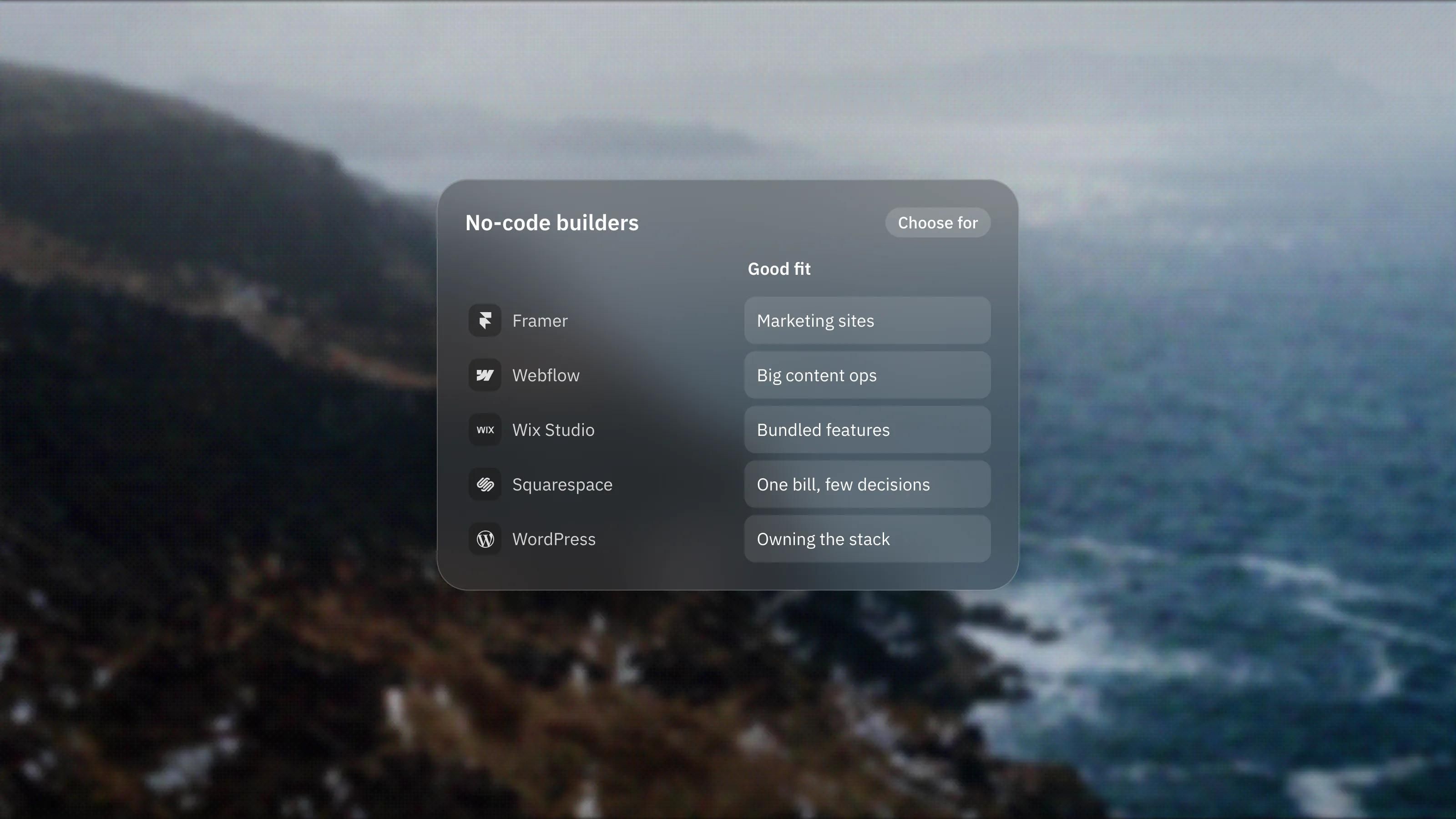
Teams with complex content, a named technical owner and a budget that allows for seats and add-ons usually come out ahead. Small teams that need a fast marketing site and change it weekly usually do better on a lighter, design-led platform, which is why Framer is our default for that kind of build.
We wrote the same honest list for our own lead platform in the pros and cons of Framer, if you want to compare like for like.
What would we do before deciding?
- Write down the content model. If reference fields and many Collections appear, Webflow's main pro applies to you.
- Price the full stack. Add up Site plan, Workspace plan, seats and add-ons for year one and year two.
- Check the exit. Assume a future move means rebuilding pages and moving CMS content out through the API.
- Name the owner. Someone needs to keep classes and Collections tidy after launch.
If Webflow comes out ahead, our Webflow development work is built around the content model and a maintainable class system.
Frequently asked questions
What is the biggest advantage of Webflow?
For most projects it is the CMS. Collections with reference and multi-reference fields let you model related content, such as articles, authors and categories, without duplicating data, and editors can manage it visually.
What is the biggest disadvantage of Webflow?
Portability. Exported code leaves out CMS content, ecommerce data and localised content, forms stop working, and exported code cannot be imported back, so moving away usually means a rebuild.
Is Webflow expensive?
It depends on the setup. A single site with a blog starts on one Site plan, but seats, add-ons such as Localize and Analyze, and Platform plans for larger teams can raise the total quickly. Price the full stack before you decide.
Is Webflow easy for content editors?
Yes, for editing. Limited seats let people edit content and build pages from approved components without changing the design. Building and maintaining the site itself takes more skill.