




Why Your Website Is Slow, and How to Fix It
Slow site? Here are the real causes, from heavy images to hosting, plus practical fixes to improve Core Web Vitals and speed up your website.
 Written byMatt Gemi, Founder, Urest
On this page
If your website feels slow, it is usually a handful of predictable culprits: oversized images, too much JavaScript, slow hosting, and layout that shifts around while the page loads. The good news is that each one is measurable and fixable. Below is how to find what is dragging your site down and what to do about it.
Measure before you guess
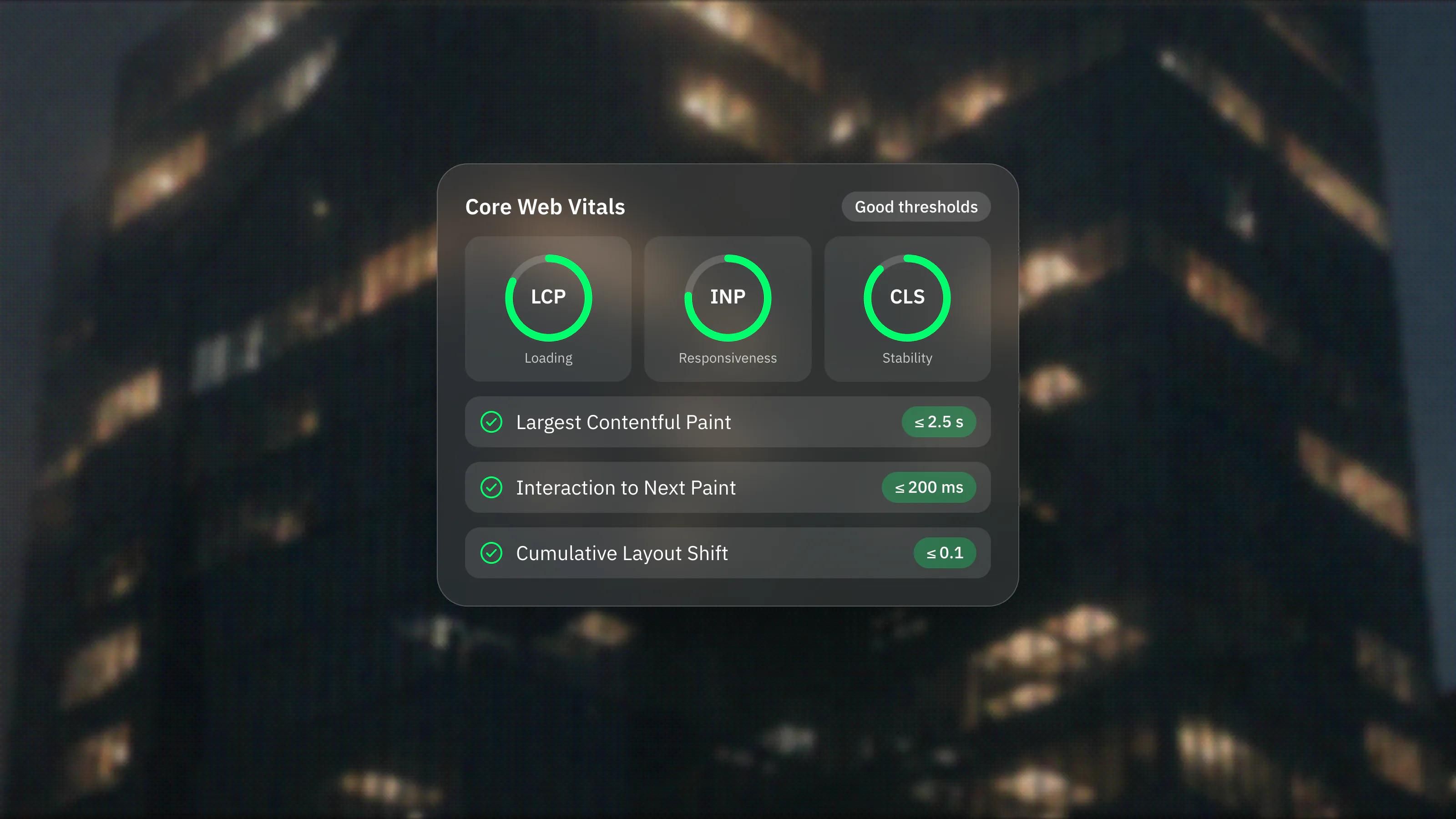
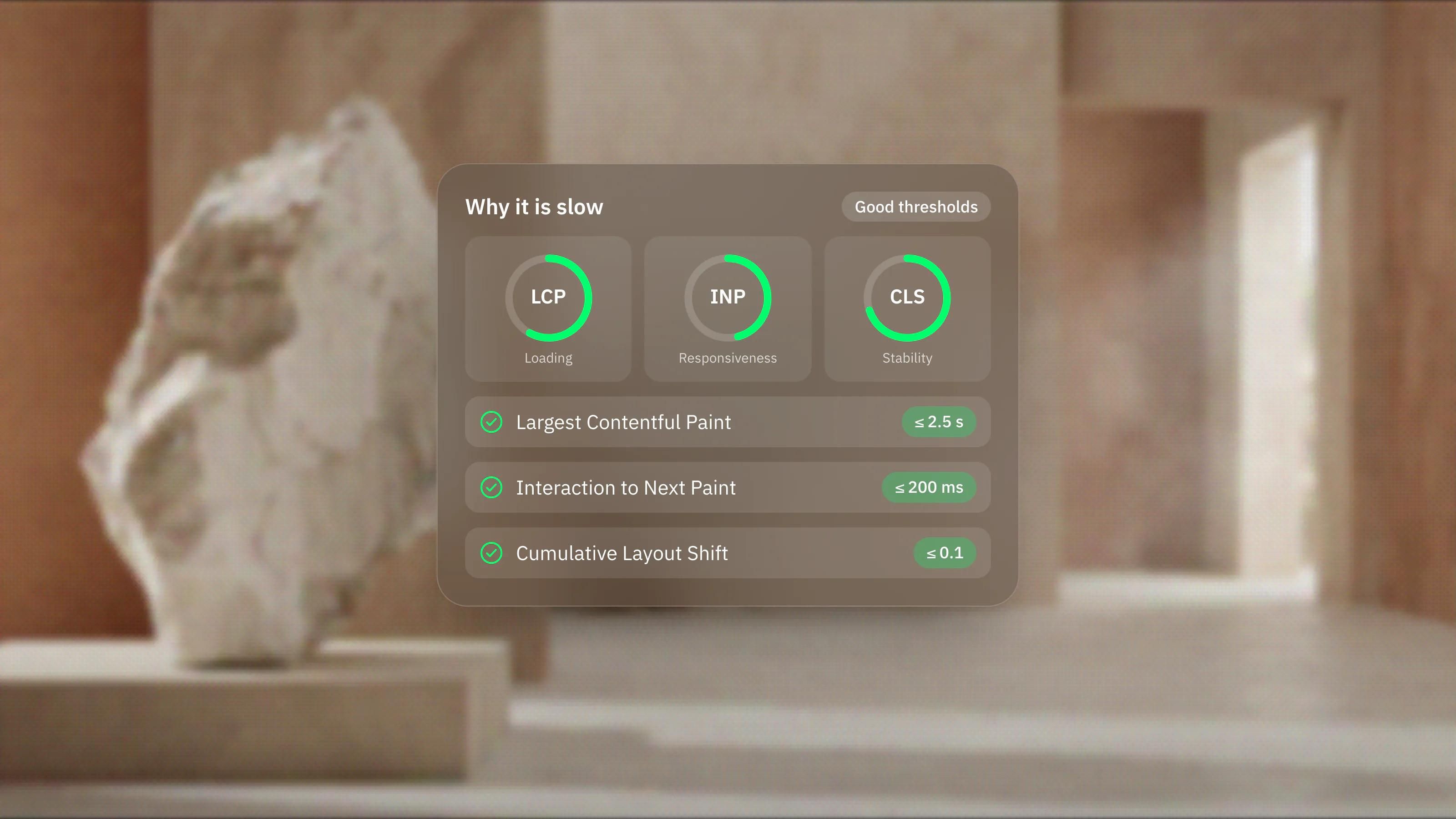
Start with real numbers instead of a hunch. Google measures loading experience through Core Web Vitals, and the current thresholds for a good score are Largest Contentful Paint (LCP) of 2.5 seconds or less, Interaction to Next Paint (INP) of 200 milliseconds or less, and Cumulative Layout Shift (CLS) of 0.1 or less. A page is judged good only when at least 75 percent of real visits meet all three. INP replaced First Input Delay as a Core Web Vital in March 2024, so if you are working from older advice, update it. Run your URL through a tool like PageSpeed Insights to see where you stand.
Heavy images and media
Images are the single most common reason pages feel sluggish. A photo exported straight from a camera or a design tool can be several megabytes when it only needs to be a fraction of that. Fixes that consistently help: serve modern formats such as WebP or AVIF, resize images to the size they actually display at, compress them, and lazy load anything below the fold so it only loads when a visitor scrolls to it. Autoplaying video and large background loops are worth questioning too.
Too much script
Every analytics tag, chat widget, A/B testing tool, and embedded feed adds weight and can block the browser from responding quickly. Heavy or poorly written JavaScript is a frequent cause of a weak INP score, because the browser is busy running code when a visitor tries to click. Audit your third party scripts, remove the ones you do not use, and load non essential ones after the page is interactive.
Slow hosting and no CDN
If your server is far from your visitors or under resourced, everything starts slow no matter how well the page is built. A content delivery network, or CDN, caches your site across many locations so it loads from a server near each visitor. Good compression, such as Brotli or Gzip, and modern protocols like HTTP/3 also shave real time off the connection.
Layout that jumps around
A page can load quickly and still feel broken if content shifts while it loads, which is what CLS captures. The usual causes are images without set dimensions and web fonts that swap in late and reflow the text. Reserve space for images and media, and load fonts efficiently so text stays stable.
Where Framer fits, honestly
Many of the sites we build run on Framer, and part of the reason is that a lot of this is handled for you. According to Framer's hosting guide, it serves sites through a worldwide CDN, automatically optimises images into modern formats with lazy loading, compresses fonts to WOFF2, and uses Brotli or Gzip compression. That removes a whole class of performance problems by default. It is not magic, though. You can still make a Framer site slow with huge unoptimised images, too many embeds, or overloaded pages, so the fundamentals above still apply on any platform.
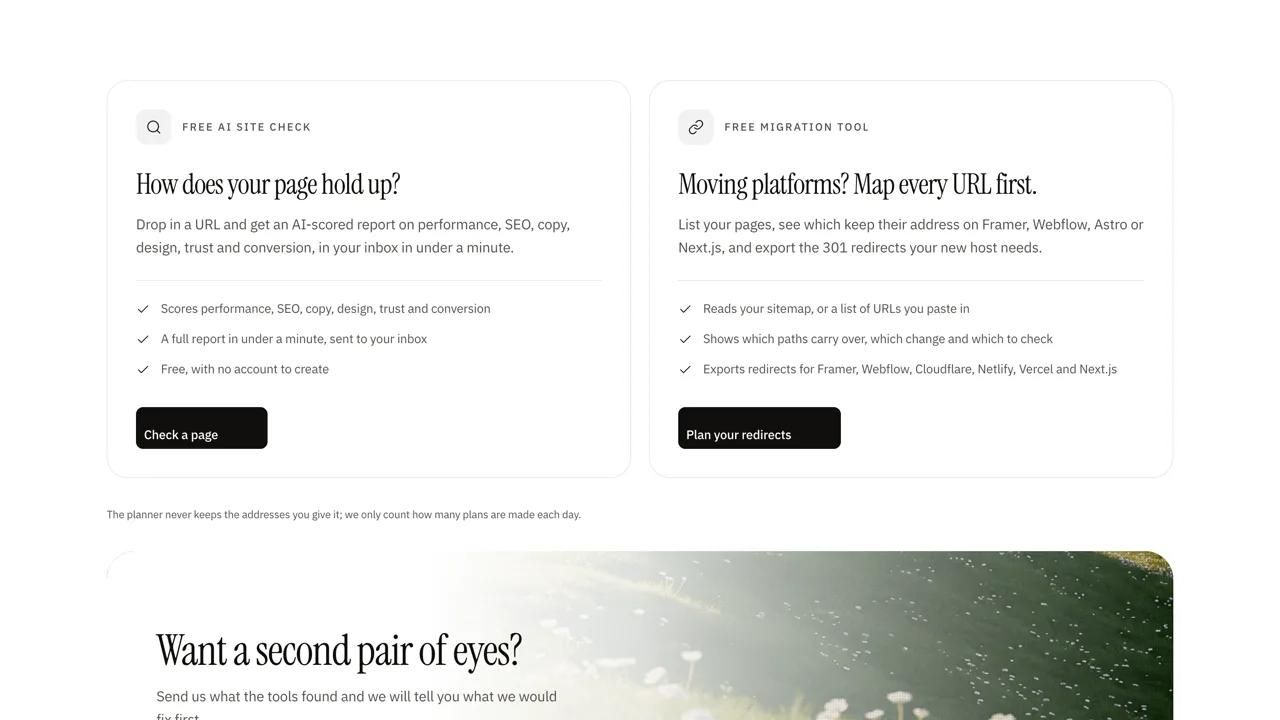
If your site is slow and you would rather have someone diagnose it properly and fix the root cause, we do that as part of our design, development and growth work. Book a discovery call and we will take a look at what is slowing you down.