
Healthcare and Clinic Websites That Build Trust
What a healthcare website needs to earn patient trust: clear services, easy booking, honest credentials, accessible design, and privacy handled properly.
 Written byMatt Gemi, Founder, Urest
On this page
Good healthcare website design has one job before any other: it helps a worried person find the care they need and feel safe choosing you. Everything else, the colours, the animations, the clever copy, sits underneath that. If a visitor cannot quickly understand what you treat, who will treat them, and how to book, the design has failed no matter how polished it looks.
What does a clinic website actually need to do?
Your homepage should answer, in plain language, what conditions or services you cover, where you are, and how to get an appointment. Patients arrive with a question and a small amount of patience. Put the essentials near the top: services, location, hours, and a booking or contact action that is visible without scrolling on both phone and desktop.
Depth matters too. A dedicated page for each core service, written for patients rather than clinicians, tends to help people find you through search and understand whether you are the right fit. Real photos of your building, team, and reception reassure more than stock imagery ever will, because they tell people what to expect when they walk in.
How does a healthcare website build trust?
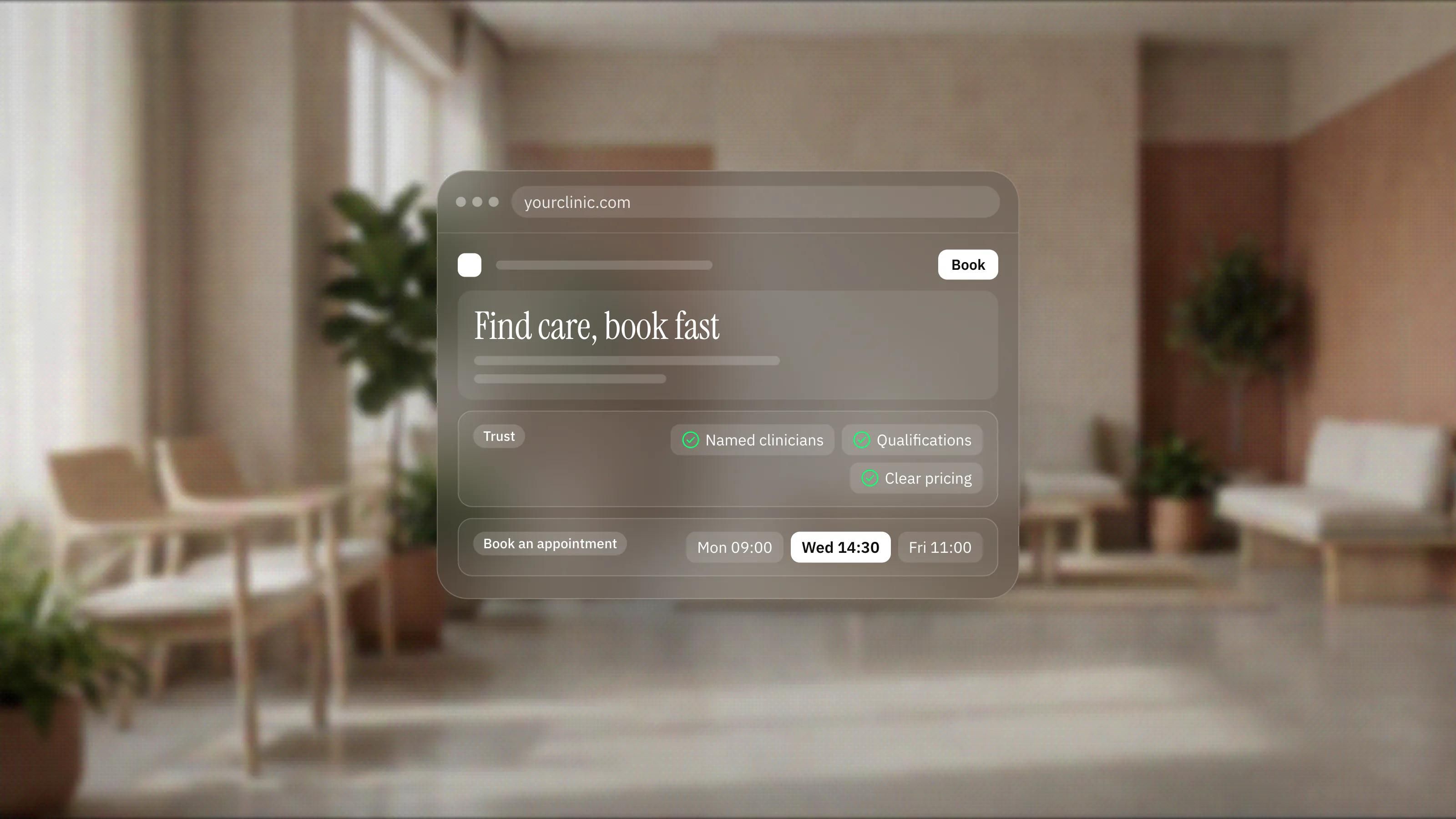
Trust in healthcare is earned with specifics. Name your clinicians, show their qualifications and registrations, and let visitors see the faces they will meet. Be accurate about what you offer and avoid promising outcomes. This is not only good ethics, it is good practice: overstated claims erode confidence the moment a patient senses them.
Practical trust signals help as well: clear pricing or funding information where you can give it, straightforward answers to common questions, and an obvious way to reach a human. If you take bookings online, tell people what happens next so the process feels predictable.
Why do accessibility and privacy matter so much?
Accessible design widens the group of people who can actually book with you, and any patient information your site collects has to be handled responsibly under the rules that apply to you.
A meaningful share of your patients have a visual, motor, or cognitive difference that affects how they use the web. Designing to the Web Content Accessibility Guidelines (WCAG) 2.2 from the W3C, with readable contrast, proper heading structure, keyboard navigation, and descriptive labels, widens the group of people who can actually book with you.
Privacy deserves the same care. If your site collects any patient information, handle it responsibly and understand the rules that apply to you. In the United States that often means the standards described in the HIPAA Privacy Rule from the U.S. Department of Health and Human Services. We are a design and development studio, not a legal or compliance advisor, so confirm your specific obligations with a qualified professional and build the site to respect them.
What mistakes cost clinics patients?
Most of them add friction: hidden contact details, slow pages, clinical jargon, forms that ask too much too soon, and stock photos that make a real practice feel generic.
- Hiding the phone number or booking link, or burying hours in a footer.
- Slow pages heavy with autoplay video, so a patient on mobile data leaves before it loads.
- Clinical jargon that describes procedures the way a specialist would, not the way a patient searches.
- Forms that ask for too much before a person has any reason to trust you.
- Stock photos of models that make a real practice feel generic.
What makes patients book?
People book when the path is short, the information is honest, and the next step is obvious. Conversion in healthcare is quiet and rational. A fast page, a clear service description, visible credentials, and a booking action that works on the first tap will outperform any amount of decoration.
This is where a Framer-first build helps. Framer lets us ship a fast, responsive, accessible site quickly, keep it easy for your team to update, and refine it as you learn what patients ask for. When a project needs something Framer cannot do, we reach for Webflow or a custom React and Next.js build, and we are honest about which tool fits. As a Certified Framer studio with more than seven years of work and a senior team who design, develop, and grow sites without handoffs, we keep the same people accountable from first sketch to launch.
If you want a clinic site that reads as calm, credible, and easy to use, book a discovery call and we will talk through what your patients actually need.
Frequently asked questions
What should be on the homepage of a clinic website?
What you treat, where you are, your hours, and a booking or contact action that is visible without scrolling on phone and desktop.
Should a clinic website use stock photos?
Real photos of your building, team and reception reassure more than stock imagery, because they tell patients what to expect when they walk in. Stock photos of models make a real practice feel generic.
Does a healthcare website need to be accessible?
It should be. Designing to WCAG 2.2, with readable contrast, proper heading structure, keyboard navigation and descriptive labels, widens the group of people who can actually book with you.
Do clinic websites have to follow HIPAA?
If your site collects patient information, you need to understand the rules that apply to you, which in the United States often means the HIPAA Privacy Rule. Confirm your specific obligations with a qualified professional.